
Automated SEO Reporting for Smarter Decisions
Manual SEO reporting drains 6–8 hours per month from every marketer's calendar. Agencies managing 10–15 clients waste 60–120 hours monthly on spreadsheets and formatting instead of strategy. Yet 79% of marketing leaders say data-driven decision-making is critical to organic growth (2026, Conductor). The gap between having SEO data and actually using it to drive smarter decisions is widening. Automated SEO reporting bridges that gap by transforming raw metrics into actionable insights that tell your team exactly what works—and what doesn't—without the manual effort. Here's how to implement automated reporting that compounds your SEO wins and gives your team the time back to focus on what actually moves the needle.
Key Takeaways
- Automated reporting saves 6–8 hours per client monthly and frees your team to focus on strategy instead of manual data compilation (2026, Reportr Agency)
- Consistent, automated insights build client trust and enable faster decision-making across the organization
- Real-time dashboards and scheduled reports allow you to spot ranking shifts and traffic drops before they become problems
- Why Automated SEO Reporting Matters: Saves 6–8 hours monthly per client and shifts focus from reporting to strategy execution.
- Building Your Data Foundation: Track rankings, organic traffic, conversions, and technical metrics in a unified dashboard.
- Setting Up Smart Automation: Schedule reports, create custom templates, and configure alerts for ranking changes and anomalies.
- Turning Data Into Action: Identify trends, prioritize high-impact opportunities, and make decisions backed by real metrics.
- Scaling Reporting Without Adding Headcount: Use automation to handle 50+ accounts with the same team size.
Why Manual SEO Reporting Fails Scaling Teams
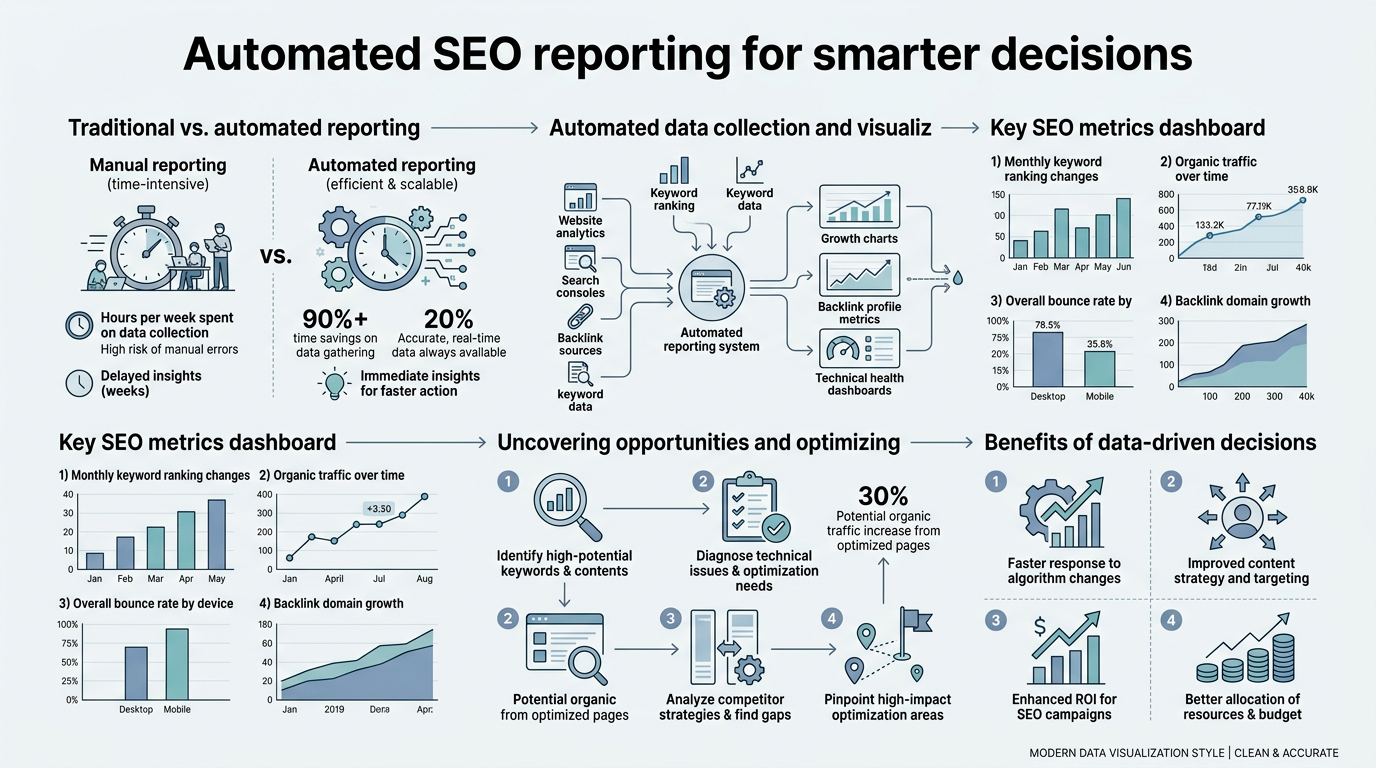
Manual reporting isn't just slow—it's a compounding liability. Every report built in a spreadsheet or Looker Studio template takes the same 4–6 hours whether you're managing 2 clients or 20. Report consistency suffers when different team members build reports in different weeks, and stakeholders see conflicting metrics depending on who compiled the data. For busy founders and marketing teams, the real cost isn't the hours spent formatting charts; it's the decisions you're not making because the data arrives too late.
"Without real-time visibility into SEO performance, your team is always one step behind the data. Your organic traffic surged last week, but you won't know about it until next Monday's manual report."
Here's the practical problem: your organic traffic surged last week, but you won't know about it until next Monday's manual report. A competitor's content is outranking you on your core keywords, but you discover it during the monthly review meeting instead of when it happened. New ranking opportunities go unseen for weeks. Without real-time visibility into SEO performance, your team is always one step behind the data.
Automated reporting flips this. Reports generate on schedule—daily, weekly, or monthly—pulling fresh data automatically from Google Search Console, Google Analytics, and rank-tracking tools. Your team doesn't wait; insights arrive when they're most actionable. And because the process is automated, report quality stays consistent no matter who's managing which account or how many clients you're tracking. This is where automated solutions that can compound your content marketing efforts become essential for scaling teams.
What Should Be in Your Automated SEO Reports?
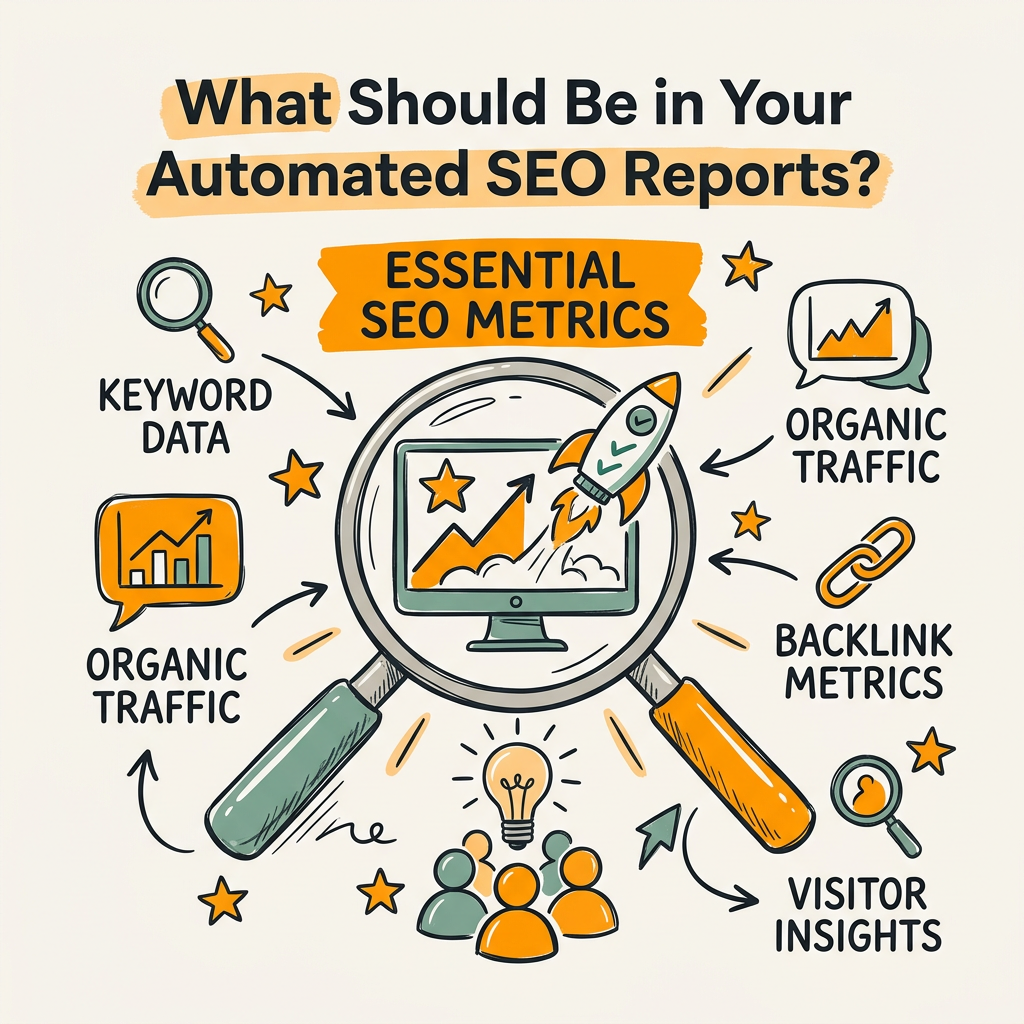
The mistake most teams make is tracking everything. Instead, build reports around metrics that directly tie to business outcomes. Your automated report is a dashboard for decision-making, not a archive of all possible data. Start with these core metrics, then add industry-specific KPIs based on whether your goal is traffic, leads, or revenue.
Core SEO Metrics Every Report Needs
Keyword rankings and visibility form the foundation. Track your target keywords' positions in SERPs weekly, but don't obsess over micro-movements. A keyword bouncing between positions 5 and 7 isn't actionable. Instead, set alerts for keywords that drop below your target position or rise into the top 3. This converts raw ranking data into triggers for action. Tools like Ahrefs and SE Ranking feed this data automatically into Looker Studio dashboards or custom reporting platforms, eliminating manual tracking.
Organic traffic trends are your second pillar. Measure month-over-month and year-over-year growth from organic search, broken down by landing page and keyword if possible. When organic traffic drops more than 5% unexpectedly, automated alerts notify your team immediately so you can investigate technical issues, ranking losses, or traffic patterns changes before they spiral. This real-time visibility is where automation creates competitive advantage.
Conversion and Revenue Metrics That Actually Matter
Rankings and traffic are vanity metrics without conversion context. Automated reports must connect SEO performance to business outcomes. If you're an e-commerce site, track organic revenue, average order value from organic traffic, and conversion rate by landing page. For SaaS, report on SQL generation from organic channels and cost-per-acquisition from organic versus paid.
"Teams that automate conversion tracking see 40% faster decision cycles because they spot winning pages and underperformers in real time."
The key is automating the connection between your analytics tool and your CRM or business intelligence platform. Teams that automate conversion tracking see 40% faster decision cycles because they spot winning pages and underperformers in real time. Jottler's autonomous SEO engine integrates directly with your CMS and analytics stack, ensuring your conversion data flows automatically into your dashboard without manual pulling and linking.
Technical Health and Crawl Data
Broken links, duplicate content, crawl errors, and page speed issues compound if ignored. Include a technical health scorecard in your automated reports that tracks:
- Crawl errors: Pages Google can't access or index
- Core Web Vitals: LCP, FID, CLS, and overall page experience scores
- Indexation rate: What percentage of your pages are actually indexed
- Broken links and redirects: Internal and external link health
Tools like Google Search Console and Screaming Frog provide this data automatically. Automate alerts so your development team gets notified when Core Web Vitals drop below thresholds or when indexation dips unexpectedly. This prevents technical debt from silently eroding your organic performance.
How to Set Up Automated Reporting That Actually Drives Decisions
Automated reporting isn't just connecting tools; it's structuring data so your team can act on it. The difference between a report that gets viewed and a report that drives decisions is clarity and context. Here's how to build it right.
Choose Your Reporting Stack: Integration Over Islands
Your reporting tool must integrate directly with your data sources—Google Search Console, Google Analytics, rank trackers, and your CMS. Manual exports and copy-paste workflows defeat the purpose of automation. Platforms that aggregate all SEO data into a single dashboard reduce time-to-insight by 70% compared to checking multiple tools separately.
Popular options include Google Looker Studio (free but requires manual connection setup), Ahrefs' built-in reporting, SE Ranking's automated reports, and specialized agencies tools like Reportr. Each has trade-offs. Looker Studio is free but requires technical setup. Commercial tools handle scheduling and white-labeling but add recurring costs. Jottler's approach is different: it doesn't just report on existing content—it automatically researches, writes, publishes, and optimizes new content while feeding performance data back into a unified dashboard. For teams that need both content production and SEO reporting, this eliminates fragmentation entirely.
Define Your KPI Set and Lock It In
Too many metrics = decision paralysis. Too few = you miss critical signals. Your automated report should have no more than 8–12 primary metrics, with breakdowns available on demand. For example:
| Metric | Primary Goal | Alert Threshold | Frequency |
|---|---|---|---|
| Organic Traffic | Growth month-over-month | Drop >5% | Daily |
| Keyword Rankings (Top 10) | Visibility for core keywords | Drop below position 10 | Weekly |
| Core Web Vitals Score | Page experience | Drop below 75 | Weekly |
| Organic Conversions | Revenue from SEO | Drop >10% from baseline | Daily |
| Indexed Pages | Content discoverability | Drop >5% from total | Weekly |
| Top Landing Pages | Best-performing content | None (informational) | Weekly |
Lock these in and don't add metrics every month. Consistency lets you spot real trends instead of chasing noise. When your team sees the same metrics every week, they internalize what "good" and "bad" look like. They start asking better questions about the why behind the numbers.
Automate Report Delivery and Scheduling
The report is only valuable if it reaches the right person at the right time. Automate delivery via email on a fixed schedule—Monday morning for exec summaries, daily alerts for anomalies. Use conditional formatting so red flags jump out. Bold and highlight metrics that miss thresholds. Make executives see the alert without having to read prose.
Schedule different reports for different audiences. Your content team needs to see which pages drove the most traffic and conversions. Your executives need a one-page summary of organic revenue and growth rates. Your technical SEO specialist needs crawl errors and Core Web Vitals. Automated workflows let you send each person the report they actually need instead of one bloated document everyone ignores.
From Reporting to Action: Decision Frameworks
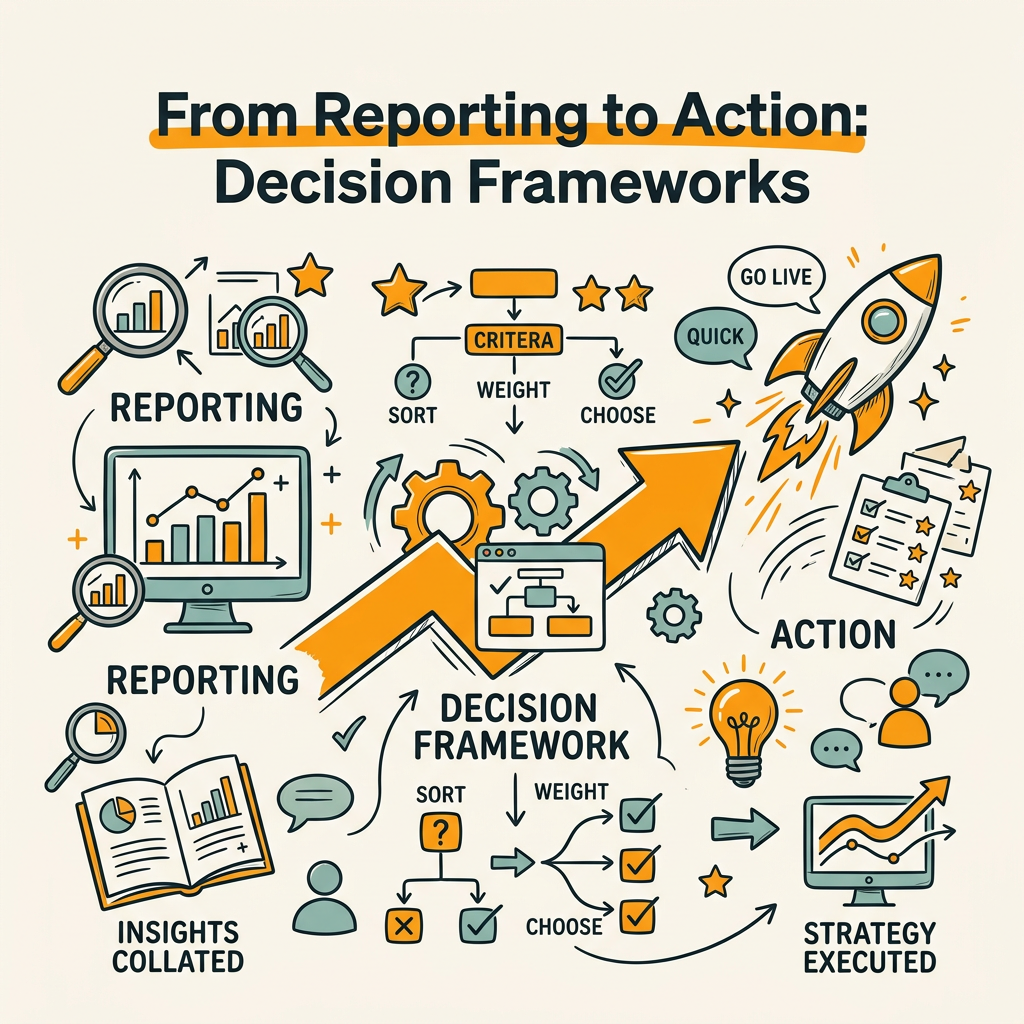
Data without a decision framework is just noise. The real value of automated reporting emerges when your team has a repeatable process for acting on the metrics. Build decision rules into your reporting so the data tells a story and points to next steps.
Identifying Opportunities from Traffic and Ranking Patterns
Your automated report shows that organic traffic grew 15% month-over-month. Good news. But which content drove that growth? Which keywords moved into the top 10? Where's the white space—keywords you're ranking for on page 2 that could hit page 1 with optimization?
Automate this analysis. Create a segment in your reporting dashboard for "Keywords Ranking Positions 11-20"—these are your golden opportunities. Small ranking gains move these to page 1 and often double their traffic. Flag them with high priority. Automate a second segment: "Pages with CTR Below 2%"—these are ranking but not getting clicked, usually a title or meta description problem. Both are high-ROI optimization targets that automated reports surface automatically.
"Teams using automated opportunity scoring prioritize SEO work 3x faster than teams manually reviewing dashboards. The automation does the pattern matching; your team does the strategic thinking."
Teams using automated opportunity scoring prioritize SEO work 3x faster than teams manually reviewing dashboards. The automation does the pattern matching; your team does the strategic thinking. Modern SEO platforms now embed this opportunity detection directly into their dashboards, taking the guesswork out of prioritization.
Setting Alerts for When to Pivot
The most dangerous reporting failure is not seeing the drop until it's too late. Rank drops, indexation loss, and traffic anomalies compound if unaddressed. Set up automated alerts triggered by specific thresholds:
- Ranking drop alert: Notify when any top-5 keyword drops 5+ positions in a week
- Indexation alert: Notify when indexed pages drop more than 2% from baseline
- Crawl error spike: Notify when crawl errors increase >10% week-over-week
- Traffic anomaly: Notify when organic traffic drops >10% from rolling 30-day average
When an alert fires, your team immediately knows something changed. Is a major competitor outranking you on a core keyword? Did a recent technical change break your site? Did Google algorithm update affect your visibility? The alert gives you the when and what; your team provides the why and the fix.
Measuring Reporting ROI: The Compounding Effect
Automated reporting saves 6–8 hours per month per person, but the real return compounds over time. Those hours translate to more content optimization, more keyword research, more competitive analysis. Your team ships 2–3 additional optimizations monthly because they're not building spreadsheets. Over a year, that's 24–36 additional projects—some of which hit and drive meaningful rankings.
For teams managing multiple clients, the math is even better. If you manage 20 clients, automated reporting saves 120–160 hours monthly. That's two full-time people freed up to do strategy work instead of data wrangling. Or, you can manage 40 clients with the same headcount. Either way, automation is a lever for scaling without proportional headcount growth.
Scaling Automated Reporting Across Multiple Sites and Accounts
Individual site reporting is one problem. Managing dashboards for 10, 20, or 50 sites is an entirely different challenge. This is where most automation solutions break down—they work beautifully for one site but collapse under the weight of multiple accounts.
Consolidating Data Across Accounts Without Manual Aggregation
Use a platform that pulls data from all your GSC, GA, and rank-tracking accounts into one unified view. Looker Studio can do this with connectors, but you'll need to manually create and manage connections for each account. Commercial platforms like SE Ranking, Ahrefs, and Reportr abstract this away—you connect once, and they handle pulling data from all your accounts. This saves enormous setup time when you're managing dozens of sites.
The second layer is roll-up reporting. Your executives don't need individual site performance; they need aggregate metrics: total organic traffic across all properties, average ranking position, aggregate conversions. Automated roll-up reports compile these from individual account data and present a single view. Without this layer, scaling becomes a reporting nightmare—you spend your freed time managing report complexity instead of strategy.
White-Label Reporting for Agencies
If you're an agency, client-facing reports are your proof of performance. Manual white-label reports require rebuilding the same structure 15+ times per month. Automate this. Use tools that let you create a template once, apply your logo and branding, and generate that report for each client on schedule. Each client gets a professional, branded report in their inbox automatically. This builds trust and retention—clients see progress consistently, and they see it in writing every month.
This is also where the time savings become real revenue. A white-label report that takes 2 hours to build manually now takes 2 minutes to automate. Over 20 clients, that's 40 hours monthly reclaimed. You either serve more clients or bill more for the same headcount. Either way, automation is a profit lever.
Common Mistakes and How to Avoid Them
Automated reporting feels simple once it's running, but getting there requires avoiding a few critical mistakes that derail most teams.
Mistake 1: Over-Reporting, Under-Acting
The ease of automated reporting tempts teams to track everything. You end up with 50-page dashboards that nobody reads. The solution: constraint. Fewer metrics, higher focus. If a metric isn't actionable or doesn't connect to a business outcome, don't report it. A report that drives one big decision is better than a report that surfaces 100 data points and zero actions.
Mistake 2: Wrong Attribution Model
Organic traffic in Google Analytics gets misattributed constantly. Someone visits from a branded search ad, leaves, comes back from organic the next week and converts. Attribution models determine which channel gets credit. Use first-click or data-driven attribution so you see the full organic funnel. Automated reporting should apply consistent attribution rules across all accounts so you're comparing apples-to-apples.
Mistake 3: Ignoring Data Quality Issues
If your GSC is tracking wrong keywords, your organic traffic in GA is filtered incorrectly, or your rank tracker has gaps in historical data, automated reports just amplify the garbage. Spend a week cleaning up data sources before automating. Verify that rank tracking matches actual SERP positions. Ensure analytics filters exclude internal traffic. Once the foundation is solid, automation multiplies the quality. Without it, automation just scales the mistakes.
Conclusion
Automated SEO reporting isn't a nice-to-have feature—it's the foundation of modern organic growth strategy. Teams that automate reporting save 6–8 hours monthly per person and reallocate that time to high-impact strategy work. The compounding effect over a year is massive: 72–96 additional hours of optimization, content, and competitive analysis per team member. That translates directly to rankings, traffic, and revenue.
Data-driven decision-making is now a competitive necessity. Brands without real-time visibility into their SEO performance are flying blind. Those with automated reporting see opportunities and threats immediately and act while the window is open.
The path forward is clear: build a unified reporting dashboard, lock in your core KPIs, set up automated delivery and alerts, and train your team on the decision frameworks that turn data into action. Start with one reporting template, test it for 30 days, then scale to additional accounts or team members. Most teams see immediate ROI in freed-up time and faster decision cycles.
If you're managing multiple content streams or accounts, Jottler goes further—it automates the entire content-to-publication-to-reporting pipeline. Rather than manually producing content and then reporting on it, Jottler's autonomous SEO engine researches topics, writes 3,000+ word articles daily, publishes directly to your CMS, and feeds performance data into a unified dashboard. This eliminates the fragmentation between content production and reporting, giving you true end-to-end visibility and automation. Start your SEO agent and see how autonomous reporting compounds organic growth.
FAQs
How much time does automated SEO reporting actually save?
Automated reporting saves 6–8 hours per month per person compared to manually building spreadsheets and pulling data. For agencies managing 10–15 clients, that's 60–120 hours monthly—equivalent to 2–3 full weeks of recovered time. Instead of spending days on monthly report compilation, your team generates reports in minutes via scheduled automations, freeing them to focus on strategy, optimization, and client relationships. The time savings compound when you scale to more accounts.
What metrics should I include in my automated SEO report?
Focus on metrics that connect to business outcomes rather than tracking everything. Start with organic traffic growth, keyword rankings for your target keywords, organic conversions, and Core Web Vitals. Layer in technical health metrics like crawl errors and indexation rate. The exact metrics depend on your business: e-commerce teams prioritize revenue and conversion rate from organic, SaaS teams track SQL generation, publishers track pageviews and engagement. Aim for 8–12 primary metrics maximum. More metrics don't improve decisions; they create noise. Include trend analysis (month-over-month, year-over-year) and set clear alert thresholds so anomalies jump out automatically.
What's the fastest way to get automated SEO reporting up and running?
Start with Google Looker Studio connected to Google Search Console and Google Analytics—it's free and requires minimal setup. Create a simple dashboard with organic traffic, top keywords, top pages, and Core Web Vitals. Use Looker Studio's email delivery to schedule weekly reports automatically. Once you've validated the core template and your team is using it, layer in rank-tracking data and conversion metrics. Most teams launch their first automated report in under a week using Looker Studio. From there, upgrade to commercial platforms that handle white-labeling and multi-account management if you manage multiple sites or clients.