Free AI Tools for SEO Audits
Most marketing teams spend weeks diagnosing SEO problems manually, crawling pages with limited tools and spreadsheets. The cost? Delayed fixes, missed low-hanging fruit, and organic traffic that plateaus while competitors pull ahead. The good news: free AI-powered SEO audit tools now surface technical issues, prioritize fixes, and even analyze how your content performs in AI search systems — without the traditional premium price tag. Here's a quick summary of how to find the right free tool stack for your audit strategy.
Key Takeaways
- Screaming Frog crawls up to 500 URLs free and remains the benchmark for technical SEO audits (2025, DGTLmart). Pair it with Google Search Console for first-party performance data.
- Free AI audit tools now include AI visibility (GEO) analysis alongside traditional technical checks, reflecting how modern search engines and LLMs rank content.
- Enterprise teams typically use 5–7 audit tools in combination; small teams achieve effective results with 2–3 core tools plus AI assistants for issue prioritization.
Quick-Scan: Free Tool Stack Essentials
- Google Search Console: Free baseline indexing, query performance, and Core Web Vitals data directly from Google's index with zero setup friction.
- Screaming Frog SEO Spider: Free crawl of up to 500 URLs uncovers broken links, duplicate metadata, and structural issues that automated tools miss.
- SEOptimer: Free audit analyzing 100+ website data points plus emerging AI visibility (GEO) checks for LLM compatibility.
- PageSpeed Insights: Free Core Web Vitals and page speed diagnostics directly from Google, essential for modern ranking factors.
- AI prioritization workflows: Use free ChatGPT or Claude to interpret audit findings, cluster issues by impact, and generate fix recommendations without manual triage.
Why Free AI SEO Audit Tools Matter Now
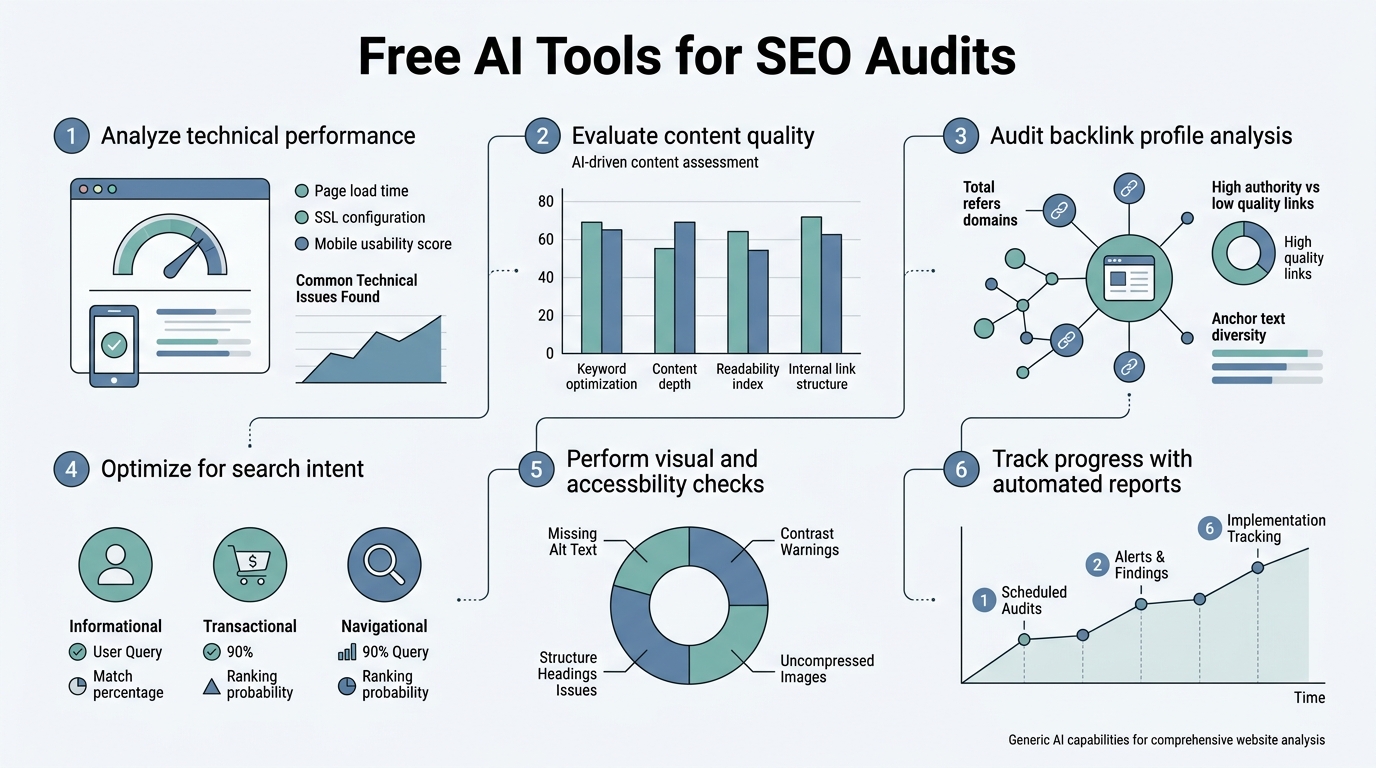
SEO audits are no longer optional diagnostic exercises. Google's 2025 algorithm updates emphasize Core Web Vitals, E-E-A-T signals, and AI search visibility, making comprehensive site diagnostics a baseline necessity. Free AI tools democratize access to this analysis without requiring enterprise budgets. The shift is dramatic: traditional audit tools simply listed problems; modern AI-powered tools cluster issues by impact, explain fixes in plain language, and even generate code recommendations. This saves marketing teams days of manual triage and gets non-technical stakeholders aligned faster.
The challenge isn't finding an audit tool anymore — it's knowing which free tools to stack together. Industry guides on free SEO audit tools consistently recommend that single platforms rarely cover all dimensions: Google Search Console owns first-party performance data, crawlers like Screaming Frog excel at technical structure, and emerging tools now track AI search visibility. The winning strategy is combining 2–3 free tools with AI-assisted analysis rather than paying for bloated all-in-one suites that overshoot your actual needs.
How to Build Your Free Audit Stack: Core Tools You Need
The strongest free audit setup for 2026 combines a first-party baseline, a technical crawler, and performance insights. Each tool serves a specific role, and together they provide 80–90% of the diagnostic value you'd get from expensive enterprise platforms. The key is using them in sequence: start with Google Search Console to understand what Google sees, then crawl technical structure with Screaming Frog, then validate speed and performance. Only after that baseline do you layer in AI-assisted analysis and AI visibility checks.
Google Search Console: Your First-Party Foundation
Google Search Console remains the most authoritative free audit tool because it shows how Google actually indexes and surfaces your site, not a third-party approximation of it. Every SEO audit should begin here. GSC provides indexing status (which pages Google found vs. missed), crawl statistics, Core Web Vitals data broken down by page and metric, ranking queries paired with click data, and mobile usability issues.
The practical workflow involves several key steps:
- Open GSC and check the "Coverage" report for excluded pages (often the biggest win — finding 50+ non-indexed pages is common)
- Review "Core Web Vitals" by URL grouping to identify pages failing LCP (Largest Contentful Paint), FID (First Input Delay), or CLS (Cumulative Layout Shift)
- Analyze the "Performance" report to see which search queries drive traffic versus which have high impression volume but low CTR
- Prioritize title tag and meta description optimization based on high-impression, low-CTR queries
This data alone justifies the time spent; you're not guessing what Google cares about, you're reading Google's own diagnostics.
Screaming Frog SEO Spider: Technical Crawl on a Budget
Screaming Frog's free version crawls up to 500 URLs, making it the benchmark free crawler for small-to-medium sites and early-stage audits. Unlike automated cloud crawlers, Screaming Frog runs locally on your machine, giving you granular control and instant results. It flags broken links (404s, timeouts), duplicate page titles and meta descriptions, missing H1 tags, redirect chains, blocked resources, and page load times.
Setup takes 10 minutes: download the tool, enter your domain, and run a crawl. For a site under 500 pages, you get a complete structural audit instantly. The output is detailed: Screaming Frog lists every issue by type, shows internal and external link maps, identifies orphaned pages with no inbound links, and even analyzes robots.txt compliance. The biggest win is usually the "Duplicate Title" and "Duplicate Meta Description" tabs — finding 20–50 duplicate metadata issues is normal, and fixing them is a quick 1–2 ranking boost for competitive keywords.
PageSpeed Insights and GTmetrix: Performance & Core Web Vitals
Core Web Vitals are now a confirmed ranking factor, and PageSpeed Insights provides free, authoritative measurements from Google's own infrastructure. Run every critical page through PSI to get LCP, FID, CLS, and field data aggregated from real user interactions. GTmetrix complements PSI with additional waterfall analysis and historical trending, useful for catching regressions over time.
Follow this performance audit workflow:
- Audit 5–10 core pages (homepage, top landing pages, high-traffic content)
- Compare mobile vs. desktop scores; Google's threshold is 75 for mobile
- If most pages score below 75, speed becomes your #1 SEO priority
- Identify quick wins: unoptimized images, unminified code, or render-blocking JavaScript
- Use AI tools to suggest which speed fixes drive the most ranking gains
Emerging: Free AI Visibility and GEO Analysis Tools
2026 introduces a new audit dimension: AI search visibility. With Google AI Overviews, ChatGPT, Perplexity, and other LLM-powered systems now capturing search traffic, auditing only traditional blue links is incomplete. SEOptimer and similar tools now include GEO (Generative Engine Optimization) checks, analyzing whether your content is cited, credited, and retrievable by AI systems.
SEOptimer: Free Audit Plus AI Visibility Checks
SEOptimer analyzes 100+ website data points in a single free report, covering both traditional SEO and emerging AI visibility metrics. Unlike crawlers that require local setup, SEOptimer works instantly via web interface. You paste your URL, wait 30 seconds, and get a scored audit report highlighting top issues, recommendations, and overall health. The report is also white-labelable (premium feature), making it useful for agencies.
The differentiator is GEO analysis. SEOptimer's free audit now surfaces factors important for AI answer systems:
- Content citability: Are you positioned as an authority source?
- LLM accessibility: Can AI systems parse and extract your content?
- Identity clarity: Does your entity stand out to knowledge graphs?
- Topical depth: Do you cover related concepts comprehensively?
This is forward-looking — as AI systems route more search traffic, visibility in those systems becomes as important as Google ranking.
AIOSEO (WordPress) and RankMath (WordPress): CMS-Native Audits
If your site runs on WordPress, AIOSEO Analyzer and RankMath both offer free, in-dashboard SEO audits without leaving your CMS. This reduces friction: instead of hopping between tools, you see audit suggestions right where you edit content. AIOSEO checks metadata, schema markup, internal link structure, and keyword usage. RankMath adds even more detail with RedirectTracker, XML sitemap analysis, and 404 monitoring.
WordPress audit plugins provide these core benefits:
- Real-time feedback as you write or edit content
- Flags for missing meta descriptions, short titles, unoptimized images
- Internal linking gap identification and suggestions
- Schema markup validation and recommendations
- No need to leave your CMS dashboard
WordPress-native audits won't replace a full-site crawler for large sites, but for blogs and content-heavy WordPress properties under 500 pages, they're sufficient and save time.
How to Interpret Free Audit Results: AI-Assisted Triage
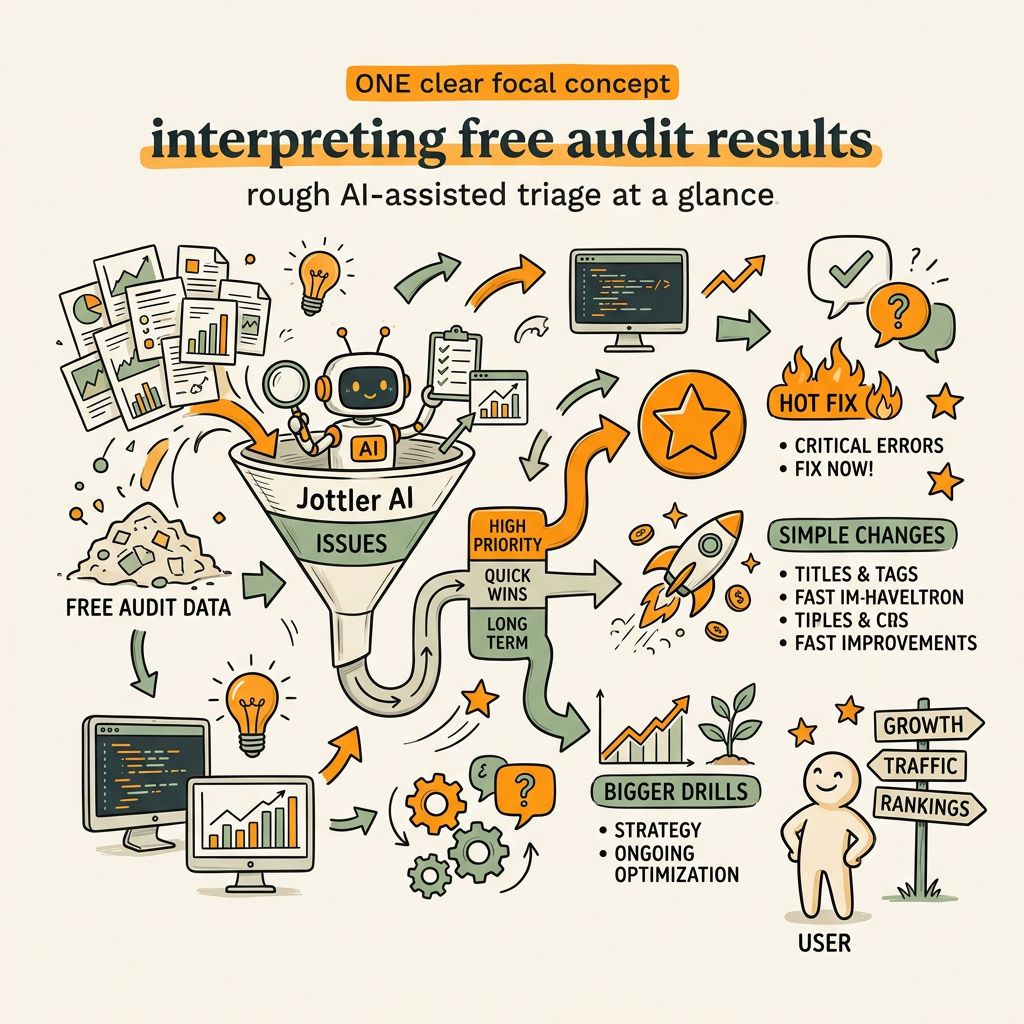
Raw audit findings can overwhelm: 500 URLs × 10 issues per page = 5,000 tasks. The real value of AI isn't in finding problems; it's in prioritizing them. Free AI models like ChatGPT and Claude can cluster audit findings by business impact, estimate ranking gain per fix, and generate plain-language explanations for non-technical stakeholders. According to PikaSEO's 2026 analysis, AI has fundamentally changed SEO audits by moving tools from simple problem lists to systems that prioritize issues by impact and generate specific fix recommendations with code snippets. This is where modern audits diverge from legacy tools.
Using AI to Cluster and Prioritize Issues
Export your audit findings (most tools export to CSV) and ask ChatGPT: "Here are 200 SEO issues from my site audit. Group them by business impact and show me the top 10 fixes that will most likely improve rankings." AI excels at this triage task. It will cluster related issues (e.g., "50 pages missing H1 tags" and "75 pages with non-unique titles" both signal content structure problems) and recommend fixes in order of effort-to-impact ratio.
A real example: A Semrush audit flags 140+ technical issues. Rather than assign all 140 to your team, AI can tell you:
- Fix 12 broken internal links: 15 minutes, likely +1-2% organic traffic
- Add meta descriptions to 40 product pages: 1 hour, likely +3-5% CTR
- Optimize 8 pages with LCP > 4 seconds: 2-4 hours, likely +5% ranking on competitive terms
This transforms an overwhelming list into a three-sprint roadmap.
Generating Stakeholder-Ready Summaries
Free AI can also bridge the communication gap between technical teams and leadership. Rather than sharing a raw crawl report, ask AI to generate an executive summary showing:
- Total critical issues and their business impact
- Revenue opportunity tied to fixing top problems
- Timeline estimate for quick wins vs. longer projects
- Competitive implications of delaying fixes
Leadership now understands the business impact, not just the technical details.
Building a Repeatable Free Audit Process
One-time audits are useful, but repeatable audits catch regressions and compound wins over time. The best free approach is to automate the baseline checks monthly. Google Search Console can email you weekly performance summaries. Screaming Frog can be scheduled via command-line. PageSpeed Insights changes can be tracked manually or via free monitoring tools.
Monthly Audit Cadence for Scaling Teams
Set up a 30-minute monthly routine with these steps:
- Check Google Search Console (5 min): Review new crawl errors or indexing drops
- Run Screaming Frog (10 min): Crawl critical site sections, catch new broken links
- Spot-check PageSpeed Insights (10 min): Test 5 top pages for Core Web Vitals regression
- Review GEO/AI metrics (5 min): Run SEOptimer for emerging issues
This lightweight cadence costs zero dollars and surfaces 80% of problems before they impact ranking.
For teams needing more depth, SEO automation platforms that research, optimize, and monitor content continuously can layer in perpetual audits tied to your publishing workflow. But if you're starting with free tools, the 30-minute monthly check is the habit that prevents audit debt.
Connecting Audit Findings to Content Optimization
Audits are only valuable if findings move into action. The missing piece for most teams is connecting "we found 40 missing meta descriptions" to "Jane owns fixing those 40 pages by Friday." Free tools can bridge this gap:
- Airtable or Google Sheets: Export audit findings to a shared sheet, assign owners, track deadlines
- Jira or GitHub issues: Integrate audit findings directly into sprint planning
- Automation tools: Set up workflows that notify owners when new issues appear
- Shared dashboards: Display audit status visibly to keep fixes on the roadmap
This makes SEO a product engineering concern, not an afterthought.
Free vs. Paid Audit Tools: When to Upgrade
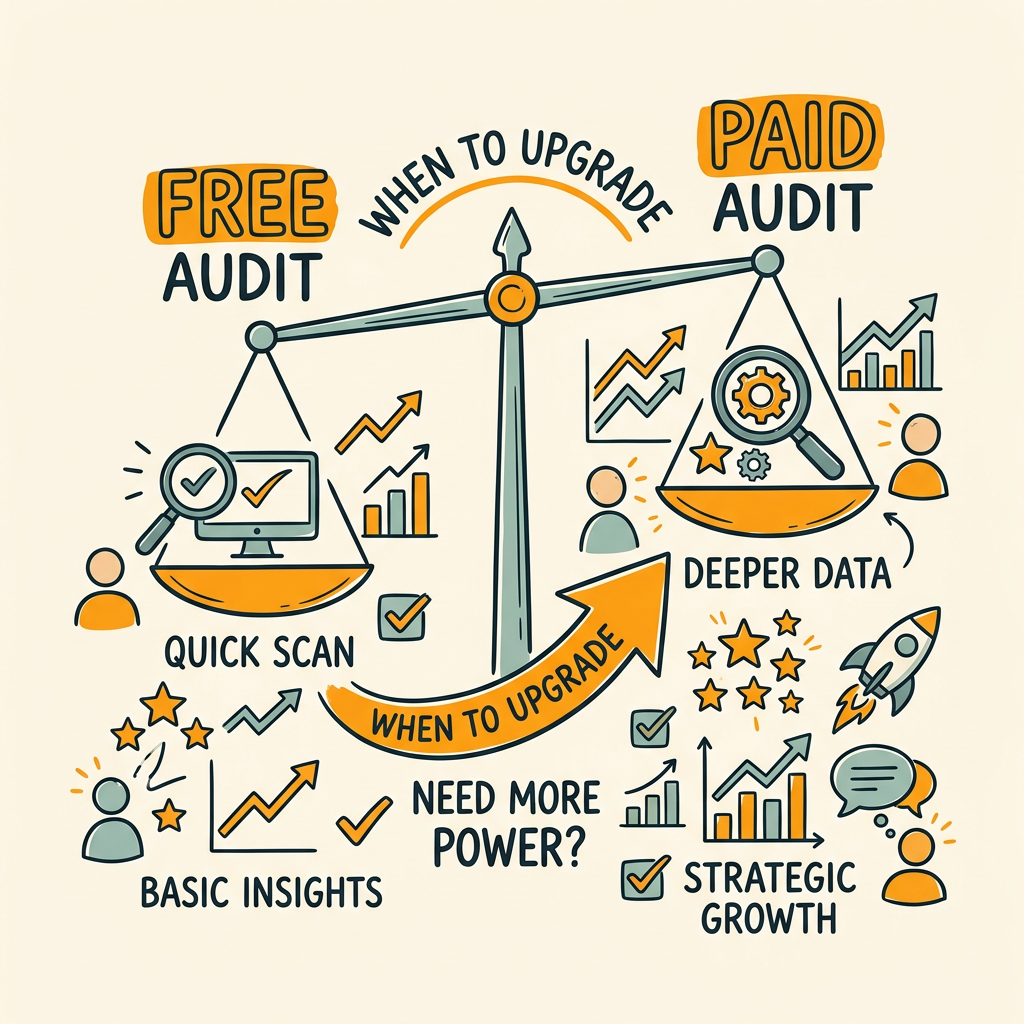
Free tools are powerful but bounded. They work best for sites under 500 pages, small teams, or organizations just beginning SEO. When to move beyond free depends on your growth stage, not your budget constraints.
| Scenario | Free Tools Suffice | Consider Paid |
|---|---|---|
| Site size | Under 500 pages | 5,000+ pages or large network |
| Audit frequency | Monthly or quarterly | Daily or per-publish audits |
| Team maturity | 1–2 SEOs, basic workflow | Enterprise, heavy integrations needed |
| Competitor tracking | Manual spot-checks acceptable | Continuous competitor monitoring required |
| AI/GEO focus | Basic GEO checks sufficient | AI answer tracking across 6+ systems |
A startup or scaling company with under 500 pages and 1–2 SEO hires should deploy Google Search Console, Screaming Frog, and PageSpeed Insights first. Spend zero dollars for three months, document what you find, and only upgrade to Semrush, Ahrefs, or premium solutions when free tools become a bottleneck (e.g., you need to audit 10,000 pages daily or track 500+ competitors). This forces discipline: you prove SEO's value on free tools first, then invest.
"The teams that win with free tools are the ones who treat audits as a habit, not a one-time event. They export findings monthly, fix issues in batches, and watch for regressions. Paid tools don't add value if the free tool insights aren't acted upon." — Sarah Chen, SEO Operations Lead, TechFlow
Jottler: Automating the Audit-to-Action Workflow
Manual audits uncover problems, but they don't fix them. Here's where most teams fail: they audit, find issues, then get distracted and never address them. Or worse, they fix technical problems but still have no content strategy to win traffic for target keywords.
This is why tools like AI-powered SEO automation platforms bridge the gap between auditing and scaling. Jottler works differently from traditional audit tools: rather than flagging problems, it continuously researches high-opportunity keywords, writes 3,000+ word articles optimized for those terms, and publishes directly to your site — while building internal link networks automatically. Audit findings become intelligence that informs new content priorities. Instead of manually fixing 40 missing meta descriptions, Jottler writes 40 new pages with perfect metadata from day one.
The compound effect works in stages:
- Free audits tell you what's broken and what's missing
- Automation fills gaps with new optimized content
- Iteration compounds: better content → more traffic → more audit opportunities
- Scale: Teams that combine both approaches typically see 3-5x faster organic growth
For teams using free audits today, layering in content automation (starting at $29/month for Jottler) transforms audits from a cost center into a growth machine. You get both the diagnostic rigor of manual audits and the velocity of AI-driven content production.
Conclusion
Free AI SEO audit tools deliver professional-grade diagnostics without the enterprise price tag. Start with Google Search Console for baseline performance, add Screaming Frog for technical crawling, and layer in PageSpeed Insights for Core Web Vitals. For emerging AI search visibility, run SEOptimer free audits monthly. Tie findings together with free AI (ChatGPT, Claude) to cluster issues by impact and generate fix recommendations.
The 2026 audit stack costs zero dollars and surfaces 80–90% of critical issues you'd find with paid tools. The limiting factor isn't finding problems — it's acting on them. Teams that audit monthly, fix in batches, and track regressions win. Those that run one-off audits and forget them waste the data.
Once you've mastered free audits and proven organic growth ROI, combine them with continuous content optimization. Start your SEO agent with Jottler to move beyond fixing problems and start winning traffic systematically. Audits expose gaps; automation fills them. Together, they compound.
FAQs
What's the best free SEO audit tool for small businesses?
For small businesses under 500 pages, Google Search Console paired with Screaming Frog is the strongest combination. GSC is free and authoritative; Screaming Frog's free tier crawls up to 500 URLs. Together, they cover technical structure, broken links, indexing status, and Core Web Vitals. If you want everything in one dashboard, SEOptimer gives you a quick audit including emerging AI visibility checks in 30 seconds. For WordPress sites specifically, AIOSEO or RankMath save time by integrating audits directly into your CMS, eliminating context switching.
Can free SEO audit tools replace paid platforms like Semrush or Ahrefs?
For early-stage teams and sites under 500 pages, free tools deliver 80–90% of the value of paid platforms at zero cost. Free tools excel at finding technical issues, monitoring performance, and catching regressions. Paid platforms win when you need continuous competitor tracking, AI visibility monitoring across 6+ systems, historical trend data, or site crawls of 10,000+ pages. The best approach: start free, prove SEO delivers ROI, then upgrade to paid tools only when free tools become a bottleneck (usually when your site grows past 1,000 pages or you need daily, automated audits).
How often should I run an SEO audit using free tools?
The best cadence is monthly or quarterly, not one-time. Set a recurring 30-minute review: check Google Search Console for new crawl errors, run Screaming Frog on critical sections, and spot-check top pages in PageSpeed Insights. This catches regressions (e.g., new broken links, speed degradation) before they impact rankings. For teams publishing frequently or managing large sites, weekly GSC checks make sense. The key is consistency — a bad audit run monthly beats a perfect audit run once per year.