Google Business Profile Optimization for Service Areas
76% of people who search for something nearby on their smartphone visit a business within 24 hours, yet most service businesses don't optimize their Google Business Profile (GBP) for the markets they actually serve. The result? Lost visibility, missed leads, and competitors capturing territory you should own. Businesses with complete GBP profiles are 2.7x more likely to be seen as reputable, but completeness means nothing without strategic service area configuration. Here's how to define and optimize your service areas so Google ranks you where you're actually performing work.
Key Takeaways
- 76% of local searchers visit within 24 hours — service area optimization is your fastest path to qualified leads (Google/Ipsos, 2025)
- Complete GBP profiles earn 2.7x higher consumer trust; service area precision unlocks that trust in your actual markets
- Service businesses should hide physical addresses if customers don't visit; define service areas by ZIP code, city, or radius instead for accuracy and ranking power
- Define Your Service Area Realistically: Stop claiming service territory you don't actively cover; Google rewards specificity with higher local pack visibility.
- Match Service Areas to Website Content: Align GBP service zones with location/service pages on your website to signal topical authority and relevance.
- Use Service-Area-Specific Categories: The primary category is the highest-ranking lever; choose the most specific option for your niche.
- Hide Your Address for Service Businesses: If customers visit your office, show it; if not, keep it hidden to avoid confusing Google's local ranking algorithm.
- Activate Photos, Services, and Posts Regularly: Service-area GBPs rank higher when you publish fresh visual and text content tied to the markets you serve.
What Are Service Areas and Why They Matter for Local Rankings
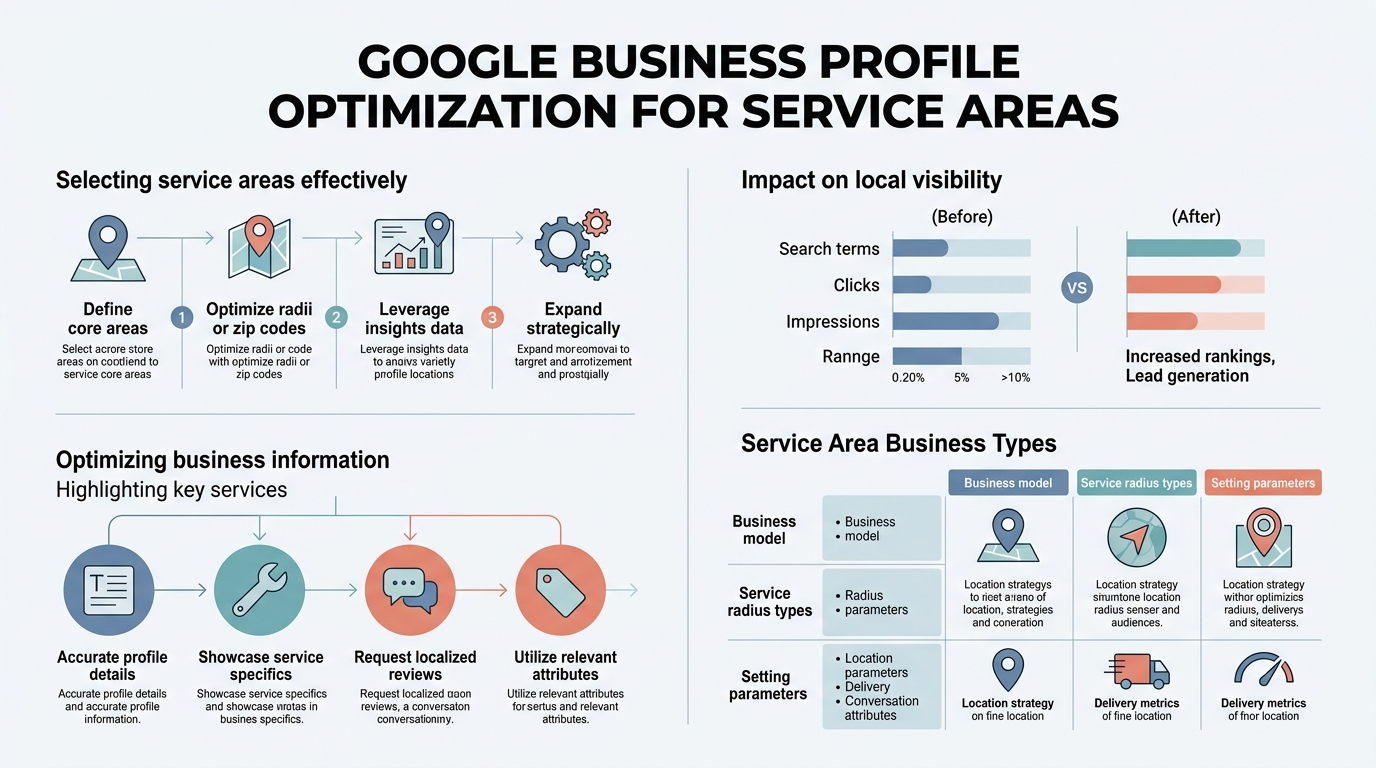
Service areas tell Google where you operate and where your business should appear in local search results. Unlike a storefront with a physical location customers visit, service businesses serve customers at their locations. A plumber, HVAC technician, landscaper, or consultant rarely receives clients at their office. That's why service area configuration is the cornerstone of their GBP strategy. Over 90% of consumers use Google to find local businesses, but if your service areas are incorrectly defined, you'll be invisible to the right customers in the markets where you actually work.
"Service areas directly influence how Google assesses relevance and distance for your business. When you claim service territory accurately, Google learns which searches should trigger your profile."
Google's local ranking algorithm prioritizes three factors: relevance, distance, and prominence. Service areas directly influence how Google assesses relevance and distance for your business. When you claim service territory accurately, Google learns which searches should trigger your profile. Conversely, vague or overextended service areas confuse the algorithm and dilute your visibility. The fix is surgical precision.
The Business Case: Service Areas Drive Revenue for Non-Storefront Businesses
For businesses without a physical customer location, service areas are the primary SEO lever. 28% of people who visit a local business within 24 hours make a purchase. That means every poorly configured service area costs you real revenue. A home repair company that claims service in five counties but only operates in two is competing against itself, diluting prominence in the markets where it actually has capacity to work. Meanwhile, competitors who sharpen their service boundaries own higher rankings in those high-value zones.
"Better rankings in your actual service areas mean lower customer acquisition costs, higher booking rates, and the ability to focus marketing spend where you can actually fulfill demand."
The economics are straightforward: better rankings in your actual service areas mean lower customer acquisition costs, higher booking rates, and the ability to focus marketing spend where you can actually fulfill demand. Service area optimization is one of the fastest ROI levers in local SEO because it requires almost no budget—just strategic configuration of a Google tool you already have.
Service Areas vs. Storefront Locations: The Structural Difference
Google treats storefronts and service-area businesses differently. A retail store shows a physical address because customers visit. Google maps that address, measures distance from the searcher, and ranks you accordingly. A service business should either hide its address (if the office is not a customer destination) or show it with service areas defined—never both without clarity. The confusion happens when service businesses show an address but claim service in 10 counties with no specificity. Google assumes the address is the center of your service area and penalizes you for inconsistency.
The best-performing service businesses either:
- Hide the address entirely and define service areas by ZIP code or city list
- Show the address AND add service-area radius, but realistically (not overselling territory)
How to Define Your Service Area Boundaries in Google Business Profile
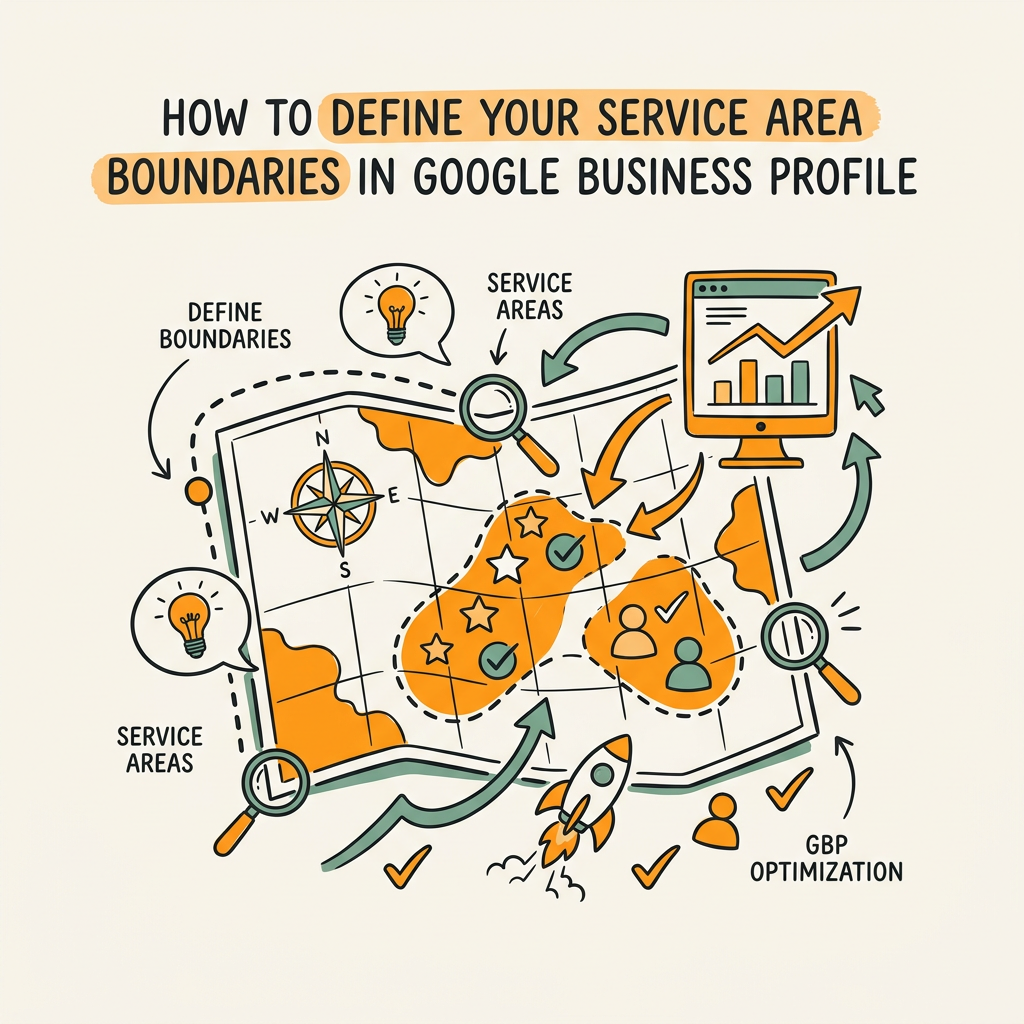
Defining service areas is not complex, but it demands honesty. You must know where you actually service customers and reflect that in GBP. This section walks through the mechanics and the strategic framing. Google offers three methods: a list of served cities, a radius around your address, or a combination of both. Each has trade-offs.
Method 1: Service Area by City or ZIP Code List
This is the most precise method for service businesses. You manually add the cities, towns, or ZIP codes where you service customers. Google then restricts your profile visibility to searches from those areas. The advantage: total control. The disadvantage: requires you to maintain the list as your service territory changes. For a plumbing company serving 12 suburbs, this method is ideal. You add each suburb name, and Google learns your precise market.
Best practice: start conservative. Include only areas where you've completed 5+ jobs in the last 90 days or where you have genuine capacity to serve new customers. Overstating your service area will hurt your rankings in those zones because Google will see a mismatch between your claimed territory and your actual prominence signals (reviews, posts, service history) in that area.
Method 2: Radius-Based Service Areas
You set a radius in miles around your business address. Google shows your profile to any customer searching within that radius. This method is useful if your service area is truly geographic—say, a contractor working anywhere within 25 miles of their office. But it's dangerous if misused. Many service businesses set a 50-mile radius "just to be safe" and end up competing in markets where they have no traction. Google's algorithm detects this: if you claim 50 miles but have no reviews or service activity in distant areas, your prominence score tanks, and you lose rankings everywhere.
Method 3: Combination (Address + Specific Service Areas)
Some businesses benefit from showing a physical address (e.g., a corporate office clients sometimes visit) while also serving customers at other locations. In this case, you can display the address and add a service-area radius or city list. This works when the address is a real place where customers meet with you. Avoid this if your address is a mail drop or storage facility.
The Hidden Address Option for Service Businesses
Here's the most underused GBP feature: you can hide your address entirely. If your customers never visit your office, hiding the address is a better ranking move than displaying one. Why? Because it eliminates distance confusion. A customer in Portland searching for a plumber will see a plumber with a hidden address and defined Portland service area as more relevant than a plumber showing a distant office address. Google doesn't know whether that address matters; it assumes the worst and penalizes the ranking. Hiding the address + specifying service areas = cleaner signals to Google's algorithm.
Aligning Service Areas with Your Website Content Strategy
GBP alone doesn't drive rankings. Google's algorithm cross-references your profile against your website. If your GBP claims service in Phoenix and Scottsdale but your website has no Phoenix or Scottsdale content, the signals are misaligned and you lose ranking power. The most effective service-area GBP strategies integrate deeply with your website's topical structure.
Build Location-Specific Landing Pages for Each Service Area
For each major city or region in your service areas, create a dedicated landing page on your website. This page should include the city name, local keywords, and service-specific information relevant to that market. A plumbing company might create an "Emergency Plumbing in Phoenix" page and an "Emergency Plumbing in Scottsdale" page, each with local language and examples. These pages signal to Google that you're not just claiming service; you're producing content for those markets. That consistency is a major ranking factor.
The most efficient way to manage this at scale is through programmatic page generation. Tools can auto-create location + service pages from templates, populated with service area data from your GBP. This approach has been proven to rank service businesses faster than manual content creation alone. But it requires infrastructure. For growing companies without dedicated SEO staff, automating this workflow is where you gain competitive advantage.
Create Service-Area-Specific Content That Serves Both Organic and Local Search
Beyond landing pages, publish blog content tied to your service areas. A roofing company might write "Best Roof Materials for Arizona Heat" or "Storm Damage Repair: What to Do in Tornado Season (Colorado)." This content ranks in organic search, drives traffic, and tells Google you're an active authority in those regions. The posts should reference specific neighborhoods, local contractors, and regional challenges.
Link these blog posts from your service-area landing pages and mention your GBP profile or service area boundaries in the content. This web of topical and geographic signals compounds your authority. Tools that automate long-form content creation can generate 10+ location-service posts per week at scale. Instead of a single writer juggling dozens of location pages, an autonomous system can research, write, and publish SEO-optimized content for your service areas daily.
Use Schema Markup to Define Service Area Data for Search Engines
Add structured data (schema) to your website that declares your service areas and services. Use LocalBusiness, Service, and ServiceArea schema types. This tells search engines—and AI-powered search systems—exactly what you offer and where. Schema markup is invisible to visitors but reads clearly to Google. It's a critical signal that GBP alone cannot provide.
Completing Your GBP Service Area Profile for Maximum Visibility

Once you've defined your service areas, completeness compounds the effect. A GBP profile with service areas but no photos, no services listed, and no recent posts performs worse than one with all fields populated. Here's what maximizes visibility.
Add Services and Service Descriptions with Area-Specific Language
Google's "Services" feature lets you list specific offerings (e.g., "Furnace Repair," "Ductwork Installation," "Emergency HVAC Service"). For each service, add a description that mentions your service areas. For example: "We install new HVAC systems for homes and businesses across Phoenix, Scottsdale, and Tempe." This signals relevance to area-specific searches. Customers often search "[Service] in [City]," and this description helps Google connect your profile to those queries.
Publish Location and Service-Specific Posts Regularly
Google's "Posts" feature lets you publish short-form content directly to your GBP. Use it to highlight service area news, seasonal tips, or special offers tied to specific regions. A roofing company might post "Spring Roof Inspections Available Now in Austin" or "Hail Damage? We're Here in San Antonio." Posting consistently (2-4 times per month minimum) signals active management and gives Google fresh content to index and rank. Each post is another opportunity for service-area keywords to appear in a trusted source (your verified GBP).
Upload Photos Tied to Service Areas
Photos are a visibility ranking factor. Instead of generic "before and after" images, tag or label photos with location information or service-area context. A plumber's photo gallery should include shots from different neighborhoods they serve. A landscaper's portfolio should showcase work across different service areas. This visual evidence of service area activity strengthens Google's confidence in your claimed territory.
| GBP Optimization Element | Impact on Service Area Rankings | Effort Level | Frequency |
|---|---|---|---|
| Service Area Definition (Cities/Radius) | Critical—determines which searches trigger your profile | One-time setup | Update quarterly |
| Address Display (Show/Hide) | Critical—affects distance algorithm and credibility | One-time decision | No updates needed |
| Services List with Descriptions | High—improves relevance and CTR from search results | 1-2 hours | Update semi-annually |
| Website Location Pages | Critical—signals topical authority to Google's ranking algorithm | Medium (5-10 pages) | Publish monthly updates |
| GBP Posts (2-4/month) | Medium—freshness signal and keyword opportunity | Low (30 min per post) | Bi-weekly |
| Photos & Visuals | Medium—trust and engagement signal | Low (2-3 per week) | Weekly |
| Reviews & Responses | High—prominence factor and customer trust | Low (5 min per review) | Daily monitoring |
Common Service Area Mistakes That Kill Your Rankings
Even with good intentions, service businesses make predictable errors in GBP configuration. Here are the most costly mistakes and how to avoid them.
Overselling Your Service Area (The "Reach Fantasy" Problem)
The biggest mistake: claiming service in areas where you have no presence. A contractor based in Denver claims service in Fort Collins, Boulder, and the Springs because they "could theoretically" work there. Google sees a profile with a Denver address and a 100-mile radius with zero reviews, posts, or activity in distant areas. The algorithm detects the disconnect and lowers your rankings everywhere. It's called prominence penalty. Be conservative. Only add service areas where you actively work or plan to expand with dedicated local presence.
Showing an Address When You Should Hide It
A virtual assistant service shows a co-working space address and claims service across three states. Customers see a random address and distrust the profile. Google sees a distance mismatch and tanks the ranking. The fix: hide the address. Virtual services, remote contractors, and corporate professionals almost always perform better with a hidden address and geographic service-area definition. The address just confuses the algorithm.
Inconsistent NAP Across Web Properties
Name, Address, Phone (NAP) must be identical everywhere: GBP, website, business directories, social media. Any variation—"LLC" vs "Inc," "Ave" vs "Avenue," phone formatting—creates doubt in Google's mind. One profile might rank; duplicates or inconsistencies suppress visibility. An audit and standardization effort pays dividends across all local SEO channels.
Static Service Areas (Never Updating as Territory Changes)
A company expands into a new city but forgets to update GBP. Conversely, they exit a market but keep claiming service. Google's algorithm measures your actual performance in claimed areas. If you claim service but can't deliver, or you deliver but don't claim service, you lose ranking advantage. Review and update service area boundaries quarterly.
Service Area Optimization Within Your Broader Content Marketing System

GBP service area optimization doesn't exist in isolation. It's one piece of a larger local SEO and content marketing machine. The most effective approach integrates GBP strategy with website content production, review management, and ongoing keyword research—all coordinated toward the same service-area goals.
For a scaling company, managing this manually is unsustainable. You need location landing pages, regular blog posts, fresh GBP posts, weekly photo uploads, and continuous content updates across service areas. When you're juggling multiple markets and service lines, the coordination breaks down. That's why many growing businesses rely on content automation to sustain this level of consistency.
At scale, autonomous SEO systems can handle the volume that a human team cannot. They research service areas automatically, generate location-specific content, optimize for local search intent, and publish across your website and GBP. This approach compounds your GBP optimization because every new piece of location-service content strengthens the signal to Google that you're a real authority in those markets.
Measuring Service Area Performance and Iteration
Define what success means for each service area. Typically, it's: (1) GBP visibility (how often your profile appears in search results for area-specific queries), (2) engagement (click-through rate from GBP), (3) conversion (calls, bookings, or visits from GBP). Google Business Profile Insights shows impressions, actions, and direction (calls, website clicks, navigation). Use this data to identify which service areas are performing and which need more content investment.
If Phoenix has strong visibility but low engagement, investigate: Are your services accurately described? Do you need more location-specific photos? Are recent reviews strong? If Scottsdale has low visibility overall, your service-area boundaries might be wrong, your website lacks Scottsdale content, or you have low prominence (few reviews) there.
The fastest way to improve underperforming service areas is to increase local content and review generation. Produce 2-3 new location-service posts for that market. Invite recent customers to leave reviews mentioning the area. Update your location landing page with new case studies or testimonials from that market. These actions boost prominence and relevance, directly improving rankings.
Conclusion
Google Business Profile optimization for service areas is the highest-leverage local SEO tactic for non-storefront businesses. 76% of local searchers visit within 24 hours, and your share of that traffic depends on whether Google ranks you in the right markets. Strategic service-area definition, combined with location-specific website content and regular GBP enrichment, creates a compounding visibility advantage. The companies winning in local search are those that treat service areas as a system—not a one-time configuration.
The operational challenge is maintaining consistency across multiple service areas, publishing regular content for each market, and monitoring performance. Start your SEO agent to automatically generate location-service content and keep your GBP and website in perfect alignment. Let the system handle the volume; focus your team on strategy and relationships.
FAQs
Should I hide my business address on Google Business Profile if I'm a service business?
Yes, if your customers don't visit your office location. Hiding the address removes distance confusion from Google's algorithm and lets you rely on service-area boundaries instead. Showing an address matters only if customers meet with you there. For virtual services, consultants, contractors who work on-site, and delivery-based businesses, hiding the address and defining precise service areas is the ranking-winning approach. Your GBP will be cleaner, more relevant to your actual service territory, and rank better in the markets you claim.
How many service areas can I add to my Google Business Profile?
Google doesn't impose a hard limit on the number of cities you can add, but more isn't better. The ranking advantage comes from precision, not size. Adding 50 cities you barely service dilutes your prominence in the markets where you're strongest. Best practice: include only areas where you've completed work in the last 90 days and have genuine capacity to take on new customers. A plumbing company with strong traction in 8 nearby suburbs will rank higher in those 8 markets than one claiming 30 suburbs it barely touches. Quality of service-area definition outweighs quantity.
How do I know if my Google Business Profile service areas are optimized correctly?
Check your GBP Insights data monthly. Look at impressions (how often your profile appears in search results) and actions (calls, clicks, navigation) by metric. If visibility is high but engagement is low, your services or photos may need updating. If visibility is low in a market where you want to win, consider adding location-specific website content and increasing review generation in that area. Also audit your website: do you have landing pages for each major service area? Do they rank? If your GBP claims service in Phoenix but your website has no Phoenix-specific content, Google sees the disconnect and suppresses your rankings. Alignment between GBP and website is the true signal of optimization success.