Local SEO Strategy for Multi-Location Businesses
46% of all Google searches now have local intent, yet 58% of multi-location businesses have no dedicated local SEO plan. For founders managing multiple locations, this gap represents massive revenue leakage. Each location search that doesn't find you is a customer finding your competitor instead. The challenge isn't understanding local SEO in theoryit's executing a consistent strategy across dozens or hundreds of locations without burning out your team. Here's how to build a scalable local SEO strategy that compounds organic traffic across all your locations.
Key Takeaways
- 46% of Google searches have local intent, and 78% of local searches result in offline conversions (2026, Rankmax). Multi-location businesses without dedicated local SEO strategies leave revenue on the table.
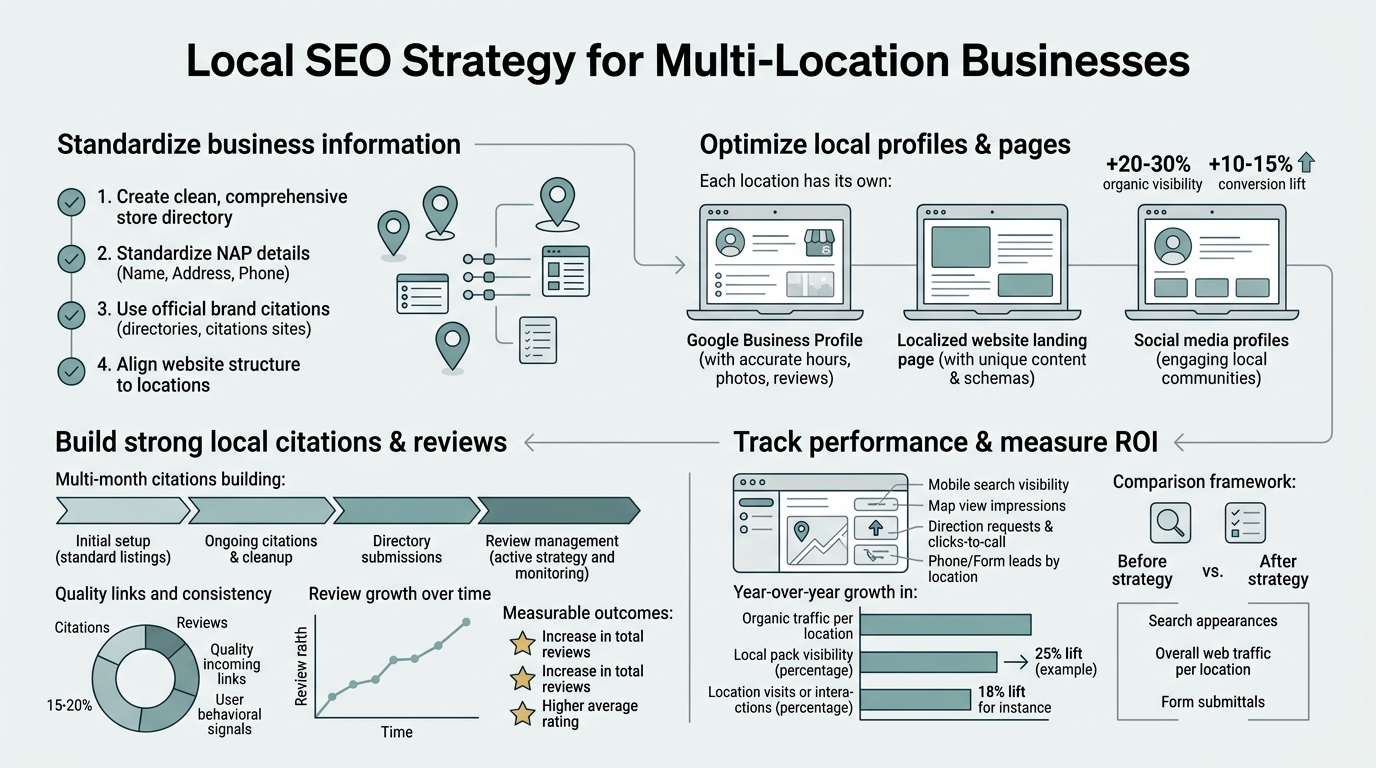
- Google My Business optimization, location-specific landing pages, and consistent NAP (Name, Address, Phone) across citations are the three pillars of multi-location local SEO.
- Automating local content creation scales your footprint 10x faster than manual approachescontent engines can generate location-specific pages in minutes, not weeks.
- Google My Business & Citation Management: Claiming, optimizing, and maintaining consistency across all location profiles directly impacts search visibility and customer discovery.
- Location-Specific Landing Pages: Each location needs unique, keyword-optimized content that ranks for local queries in that market.
- NAP Consistency Across the Web: Standardized Name, Address, and Phone information across directories, citations, and internal pages builds local authority.
- Location Page Keyword Strategy: Layering location keywords with service keywords creates pages that rank for both broad and hyper-local intent.
- Local Content Scale Automation: AI-powered content systems solve the core bottleneckproducing location-specific pages faster than manual teams can manage them.
How Does Google My Business Optimization Impact Local Search Rankings?
Google My Business (GMB) remains the single most important local SEO asset for multi-location businesses. Businesses that complete their GMB profile are 70% more likely to attract store visits. For multi-location operators, this means each location is a separate searchable entityand each needs active management. The ranking algorithm prioritizes profiles with complete information, recent posts, verified phone numbers, and consistent business categories.
Start by claiming every location. Use a single Google account to manage all profiles; this centralizes control and prevents duplicate listings. Each profile should contain:
- Accurate NAP (Name, Address, Phone): Match exactly what appears on your website and citations. Spelling inconsistencies tank local rankings.
- Business category: Choose the most specific primary category"plumber" beats "business services"and add 2-3 secondary categories.
- High-quality photos: Upload location-specific images (storefront, team, service examples). Photos appear in local pack results and build trust.
- Business hours: Update daily if hours vary by season or day. Missing or incorrect hours frustrate searchers and hurt rankings.
- Website URL: Link to the location-specific landing page on your website, not the homepage. This tells Google the relationship between each GMB profile and your content architecture.
Post to GMB at least twice per week per location. Posts with images and calls-to-action (book now, call, learn more) drive 30% more engagement than text-only posts. For multi-location businesses, this is where automation saves hourslocal content templates can populate location details, hours, and local offers automatically.
What Is the Optimal Structure for Location-Specific Landing Pages?
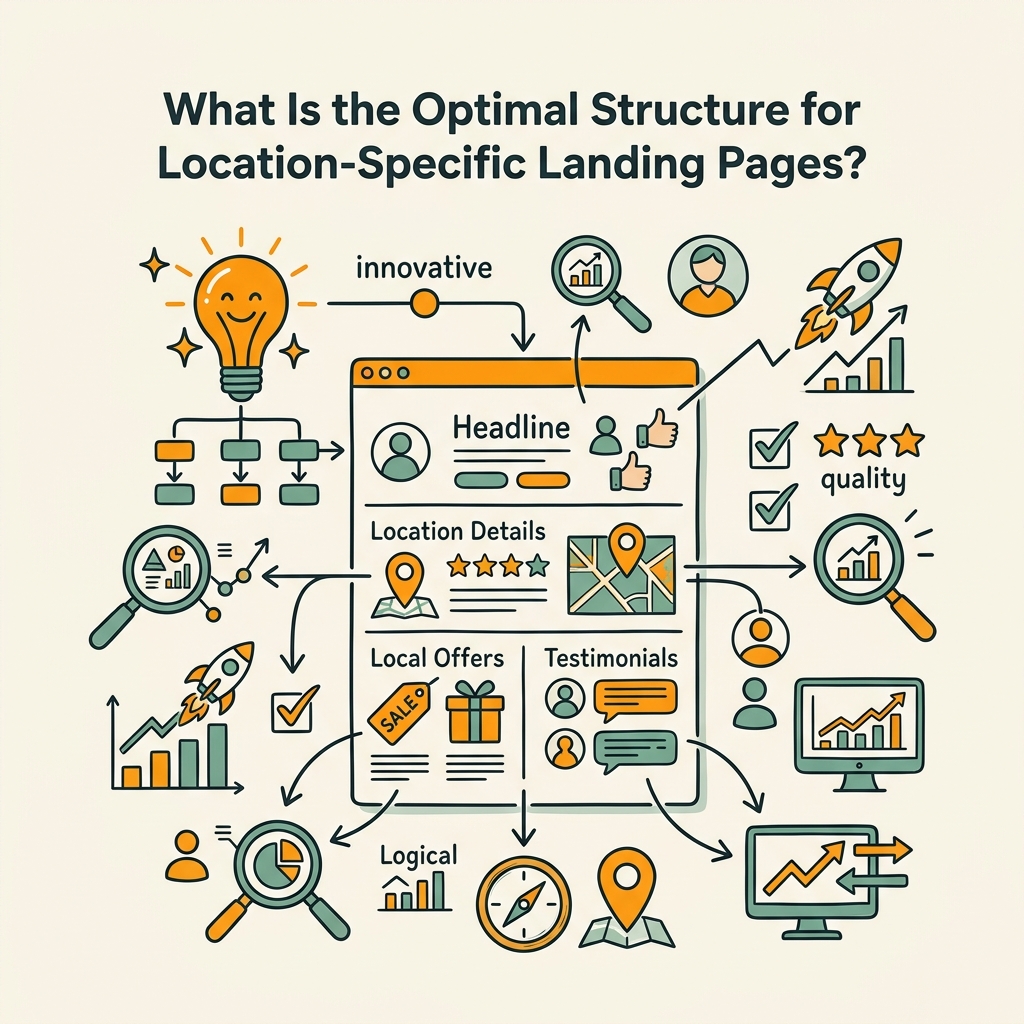
A single homepage cannot rank for hundreds of local queries. Multi-location businesses need dedicated landing pages for each location, each optimized for local intent and local keywords. The most effective structure follows a pillar-cluster model: a main location hub page (e.g., /locations) links to individual location pages (e.g., /locations/denver, /locations/austin), which in turn link back to service-specific pages with location modifiers.
Each location page should include:
- Location-specific H1 with primary keyword: "Dental Cleaning and Whitening in Denver, CO" ranks better than "Our Locations."
- NAP, hours, and contact button: These must appear in the top 100 pixels of the page. Searchers need to know immediately if you're open and how to reach you.
- 1,000–1,500 words of location-relevant content: Mention local landmarks, neighborhoods, service areas, and local pain points. "Serving downtown Denver and the tech corridor" is more credible than generic service descriptions.
- Service + location keyword combinations: "Emergency dental care in North Denver" and "cosmetic dentistry near Larimer Square" target both service intent and local discovery.
- Embedded Google Map: Shows searchers exactly where you are and builds local relevance.
- Local testimonials and reviews: Extract reviews mentioning the location name or neighborhood and feature them on the pagethis builds local proof and keyword relevance.
- Local structured data (Schema): Implement LocalBusiness schema with address, phone, hours, and ratings. This helps Google parse your location data and improves local pack eligibility.
The challenge for multi-location businesses: creating 50, 100, or 500 of these pages manually takes weeks. 88% of multi-location businesses already use AI in their workflows, and many are automating location page generation. Tools that research location-specific details, write SEO-optimized content, and publish directly to your CMS can reduce what takes a freelancer a week into a 10-minute process per location.
How Do NAP Consistency and Citations Affect Local Authority?
Search engines verify your business legitimacy by cross-referencing your name, address, and phone number across the web. If your NAP is "Smith's Plumbing" on your website, "Smiths Plumbing" on Yelp, and "Smith Plumbing LLC" on Google Maps, the algorithm gets confusedyou lose local authority. Consistent citations are a trust signal that tells Google, "This business is real and findable."
For multi-location businesses, NAP consistency becomes a scaling challenge. You need the same naming convention, address format, and phone number structure across:
- Your website and location pages
- Google My Business (all locations)
- Major directories (Yelp, Apple Maps, Waze)
- Industry-specific directories (Healthgrades for medical, Avvo for legal, etc.)
- Social media profiles for each location
- Local business aggregators (Data.com, Localeze, etc.)
Build a citation strategy by identifying your top 20 directories in your industry. Then create a spreadsheet with the exact NAP format to use across all locations. Assign one person to claim and update profiles in bulkservices like Yext and Semrush Local can automate distribution and monitoring across citations, but manual verification ensures accuracy.
"Local SEO for multi-location businesses is as much about consistent, repeatable processes as it is about search algorithms. Once you standardize your NAP and location page structure, the wins compound across every market you enter."
James Chen, Senior Local SEO Strategist, BrightLocal
What Keywords Should Drive Location Page Optimization?
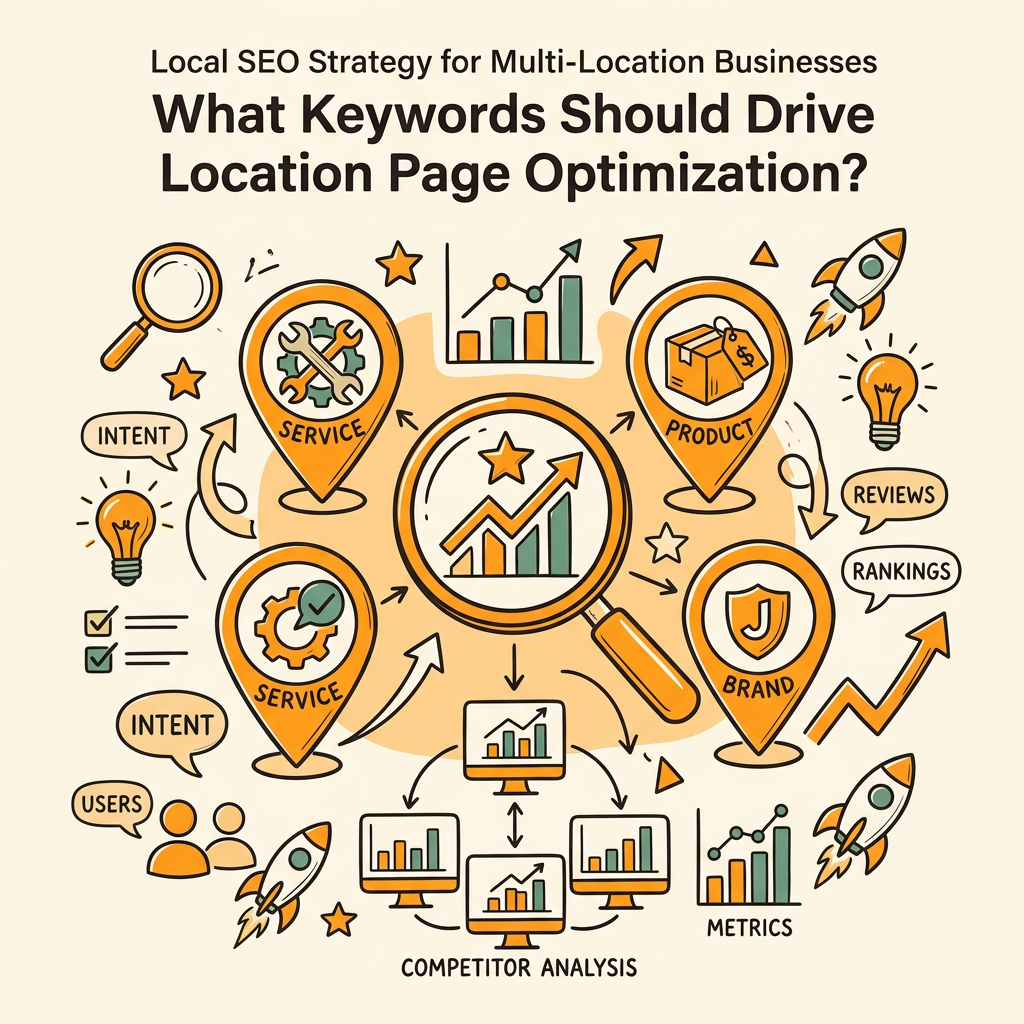
Location pages need keyword layering: location modifiers (city, neighborhood, zip code) combined with service keywords to capture both intent types. 72% of consumers who search local businesses online visit stores within a 5-mile radius, meaning hyperlocal keywords"dentist in 80202" or "plumber near Highlands"drive foot traffic.
Research location keywords by location using tools that surface actual search volume and competition. The pattern for high-converting keywords:
- Primary service keyword + city: "Dental cleaning Denver" (broad local, high volume)
- Service + neighborhood or landmark: "Dentist in Lower Highland" or "Teeth cleaning near Cherry Creek" (more specific, lower volume, higher intent)
- Service + problem intent: "Emergency dentist open now" or "same-day dental crown" (urgent, highest conversion)
- Comparison and question keywords: "Best dentist in Denver" or "How much does whitening cost in Denver?" (education + local)
For 50+ locations, generating these keyword lists manually becomes prohibitive. Research automation tools can pull local search volume for each location, identify low-competition opportunities, and flag which keywords each location page should targetcutting research time from hours to minutes.
How Should You Scale Content Production Across Locations?
The bottleneck most multi-location businesses hit: they can build a winning location page template, but scaling it to 100 locations requires either hiring freelancers (expensive, inconsistent) or burning out internal resources. 40% of small businesses outsource local SEO work, but coordination overhead often makes that slower than doing it in-house.
Modern content automation solves this by removing manual steps:
- Research automation: Pull location-specific datademographics, competitors, trending servicesfrom 14+ sources automatically for each location.
- Content generation: AI writes location pages, GMB posts, and local blog content based on templates that preserve your brand voice while inserting location details.
- Internal linking: Automated systems link location pages to relevant service pages and hub pages, building site authority without manual spreadsheet work.
- Publishing and tracking: Publish directly to your CMS on a schedule (e.g., 5 location pages per week), and track keyword rankings across all locations in a single dashboard.
Teams using this approach typically cut location page production from 1-2 weeks per page to 1-2 hours per location. The compounding effect: a regional chain that once took 6 months to set up location pages for 50 locations can now do it in 2-3 weeks.
"When you stop fighting the execution and let automation handle the repetitive parts, you unlock the ability to actually think strategically about your locations. That's when local SEO stops being a chore and becomes an asset."
Maria Rodriguez, VP of Marketing, Multi-Location Home Services Company
How Do Review Generation and Local Reputation Management Fit Into Multi-Location Strategy?
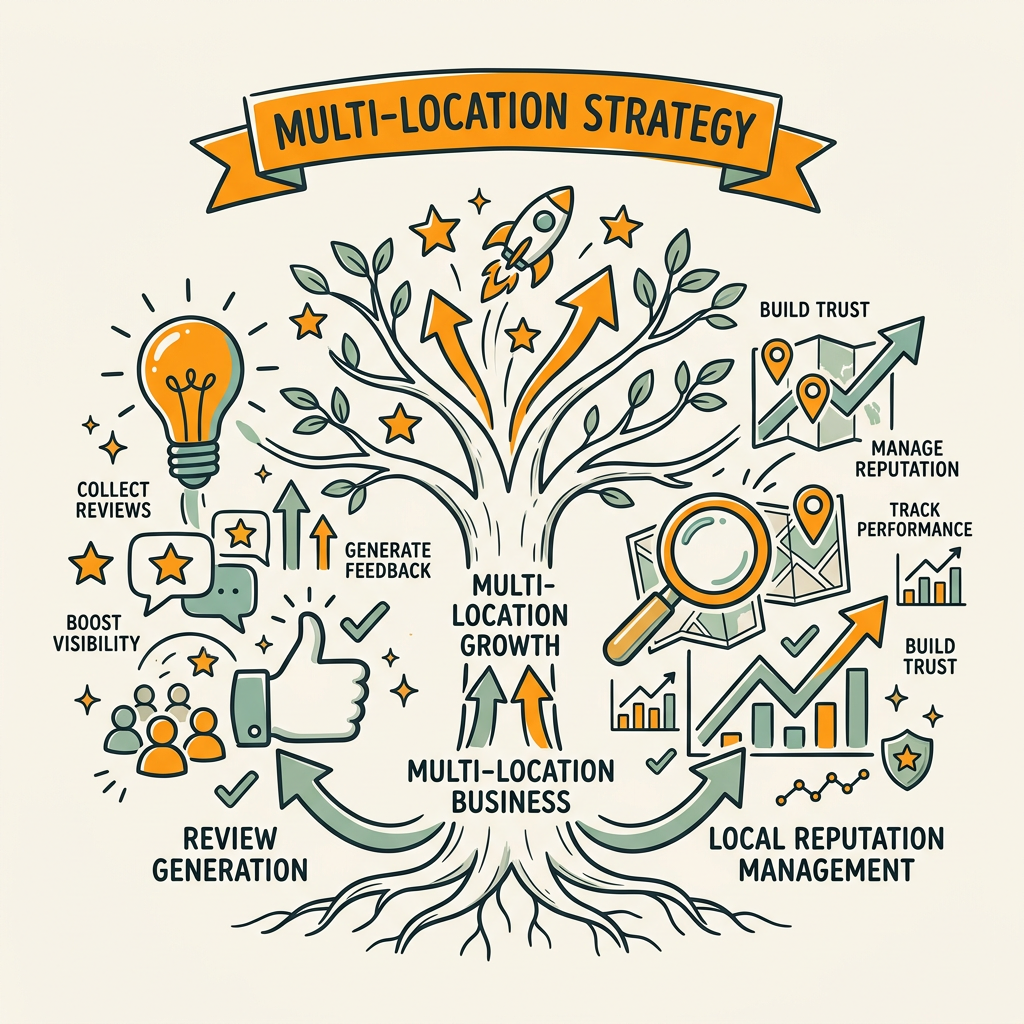
Google factors review volume, rating, and recency heavily in local pack rankings. Businesses with recent reviews outrank those with stale ones, even when location pages are otherwise equal. For multi-location businesses, generating reviews at scale requires a system.
Build a review generation workflow:
- Post-service automation: Email or SMS review request templates triggered 24-48 hours after customer purchase or service completion. Personalize with location and service name.
- Multi-channel distribution: Request reviews on Google, Yelp, industry-specific platforms (Healthgrades, Avvo), and your website. Customers are more likely to review if you give them options.
- Local team accountability: Assign each location manager a target review count per month (e.g., 5-10). Make it part of their role, not an afterthought.
- Review response SLA: Respond to every review (good and bad) within 24-48 hours. Responses boost ranking signals and show customers you're attentive.
Volume matters. Locations with 20+ recent reviews rank higher than those with 5 old reviews. Once you've scaled review generation, update location pages with extracted, location-specific testimonialsthis layers local proof into your page copy.
What Metrics Should You Track to Measure Multi-Location Local SEO Success?
Multi-location SEO success looks different than single-location or national SEO. Your KPIs should reflect both search visibility and offline business impact:
| Metric | What It Measures | Target Frequency |
|---|---|---|
| Local pack rankings (top 3 for primary keywords per location) | How visible each location is in Google's local results for target keywords | Weekly |
| Google Business Profile impressions and actions | How many people see your GMB profile and take actions (call, website click, directions) | Weekly |
| Location page organic traffic (per location) | How much search traffic flows to each location page | Monthly |
| Click-to-call volume from local search | Phone calls driven by local search results (GMB profile, maps, location pages) | Weekly |
| Store visits from local search (via geo-tracking or survey) | How many customers visit your physical location because of local search | Monthly |
| Review rating and volume per location | Reputation health and ranking signal strength | Weekly |
| Citation consistency audits | NAP accuracy across directories | Monthly |
Use spreadsheets or local SEO management platforms to track these KPIs by location. The goal is to spot underperforming locations (low GMB impressions, missing citations, few reviews) and intervene quickly with tactical improvements.
Conclusion
Multi-location local SEO is a marathon, not a sprint. Businesses that execute strategically see 78% of local searches convert to offline actionmeaning each ranking improvement has direct revenue impact. The winners aren't necessarily those with the biggest budgets; they're the ones who solve the core execution problem: consistency and scale.
Your strategy should rest on three pillars: (1) claiming and optimizing every GMB profile, (2) building unique, keyword-targeted location pages for search, and (3) maintaining NAP consistency across all citations. Once those foundations are in place, add review generation, local content, and structured data to compound your authority over time.
For busy founders, the real leverage comes from automating the repetitive work. Instead of managing location pages, review requests, and citation audits manually, invest in systems that handle research, writing, and publishing on autopilot. Platforms like Jottler specialize in exactly thisgenerating location-specific pages, blog content, and internal linking strategies at scale while you focus on strategy. The compound effect: more locations, more search visibility, more foot traffic, all without hiring a dedicated local SEO team.
Start your SEO agent today and let automation handle the heavy lifting on local content.
FAQs
How many location pages should a multi-location business have?
Every physical location should have its own dedicated landing page on your website. If you have 50 stores, you need 50 location pages. Each page should be unique and optimized for that location's specific keywords, address, hours, and services. The one-page-per-location rule ensures each location gets its own ranking opportunity in Google. Beyond location pages, consider creating neighborhood or service-area pages if you serve areas without physical locationsthese help you rank for broader geographic searches without diluting your location pages.
What's the fastest way to set up Google My Business for multiple locations?
Claim all locations through a single Google accountthis centralizes management and prevents duplicate listings. Use Google's bulk upload tool if you have 10+ locations and can provide a CSV with name, address, phone, and category. However, you'll still need to verify each location (usually via postcard). Verification is the longest step; plan for 1-2 weeks per location. Once verified, you can optimize all profiles from a single dashboard. For 100+ locations, many businesses hire a virtual assistant or use outsourcing services to handle the verification process in parallel.
How do you handle location page content when you have 100+ locations?
Manual writing doesn't scale past 10-15 locations without burning out your team. The pragmatic solution is automation. Content engines that use AI research and generation can produce location-specific pages in minutes instead of weeks. They pull local details (demographics, competitors, trending services), write unique content for each location, and publish directly to your CMS. This approach lets you launch 100 location pages in 2-3 weeks instead of 6 months, leaving your team to focus on strategy and optimization rather than writing.