Meta Descriptions That Boost Click-Through Rates
Your meta description is the only thing separating your search listing from your competitors' in Google's results. Yet most marketers treat it as an afterthought. The truth: optimized meta descriptions can double your click-through rate (CTR) by acting as micro-advertisements for your page. With 60% of searches happening on mobile, where space is even tighter, the stakes have never been higher. Here's how to craft descriptions that actually convert searchers into clicks.
Key Takeaways
- Optimized meta descriptions can double CTR by functioning as SERP micro-ads (W3Era, 2026)
- Top-ranking result averages 27.6% CTR; optimized metas amplify this for higher positions (Backlinko, 2025)
- Ideal length is 120–158 characters on desktop, 110–120 on mobile to prevent truncation (MRS Digital, 2026)
- Retailers optimizing meta elements saw 32% increase in organic sales (BigCommerce, 2025)
- Why Meta Descriptions Matter: They drive CTR by matching search intent and acting as your elevator pitch in the SERP.
- Character Length Strategy: 120–158 characters keeps your message intact across desktop and mobile.
- Structure and Keywords: Front-load your primary keyword and value proposition in the first 120 characters.
- Call-to-Action Placement: Subtle CTAs integrated early boost clicks better than trailing calls at the end.
- Mobile-First Optimization: Prioritize the first 120 characters since most users search from phones.
- Uniqueness and Accuracy: Custom, page-specific descriptions prevent Google rewrites and improve engagement.
- Testing and Iteration: A/B testing headlines and CTAs yields 22% improvement in lead quality (SQ Magazine, 2026).
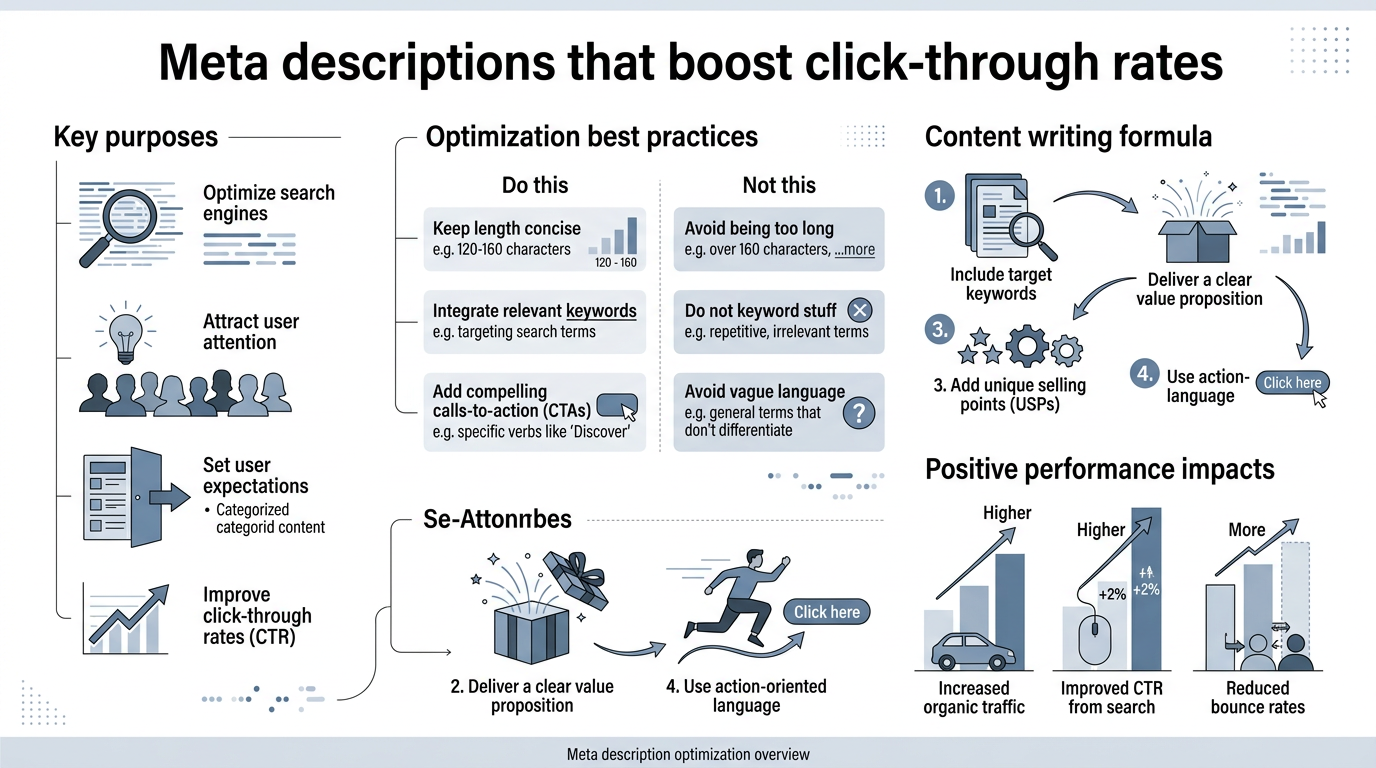
Why Meta Descriptions Are Your Most Underutilized CTR Lever
Google doesn't use meta descriptions as a direct ranking factor. But that doesn't mean they don't matter. Google uses click-through rate as a signal of relevance, meaning pages with higher CTR tend to move up in rankings over time. This indirect effect makes meta descriptions critical for sustained organic growth. Your description is the one place where you can control exactly what message appears to a potential visitor before they decide whether to click.
Here's the math: the top search result averages 27.6% CTR, but only if your listing is compelling enough to stand out. Move down to position two, and you lose a dramatic amount of traffic. A well-optimized meta description is often the difference between a visitor clicking your link or your competitor's. Think of it as your free advertising space in the SERPone that doesn't cost per impression, only per engagement.
The Hidden Cost of Generic Descriptions
When your meta description is generic or irrelevant to the search query, Google often rewrites it entirely, pulling text from your page's first paragraph instead. The problem: that rewrite may not include your value proposition or primary keyword. You lose control of your narrative. Worse, searchers see a description that doesn't match their query, and they click elsewhere. This directly suppresses CTR and signals to Google that your page isn't relevant, pushing you further down the rankings.
Retailers who optimized their title tags and meta descriptions together saw a 32% increase in organic sales. The lift wasn't from ranking higherit was from converting more of the traffic they already had. That's the power of matching search intent with a description that answers the searcher's implicit question right there in the SERP.
Mobile Dominance Changes Everything
Mobile devices now account for over 60% of all Google searches. But on mobile, your meta description gets truncated much earlier than on desktop. A description that displays perfectly on desktop (155 characters) may show only 110–120 characters on a smartphone. This means the first 120 characters aren't just best practicesthey're essential. Your most important information, your primary keyword, and your value proposition must all fit within that mobile-first window. Tools like MRS Digital's meta length checker let you preview exactly how your description displays across devices.
How to Structure Meta Descriptions That Convert Clicks
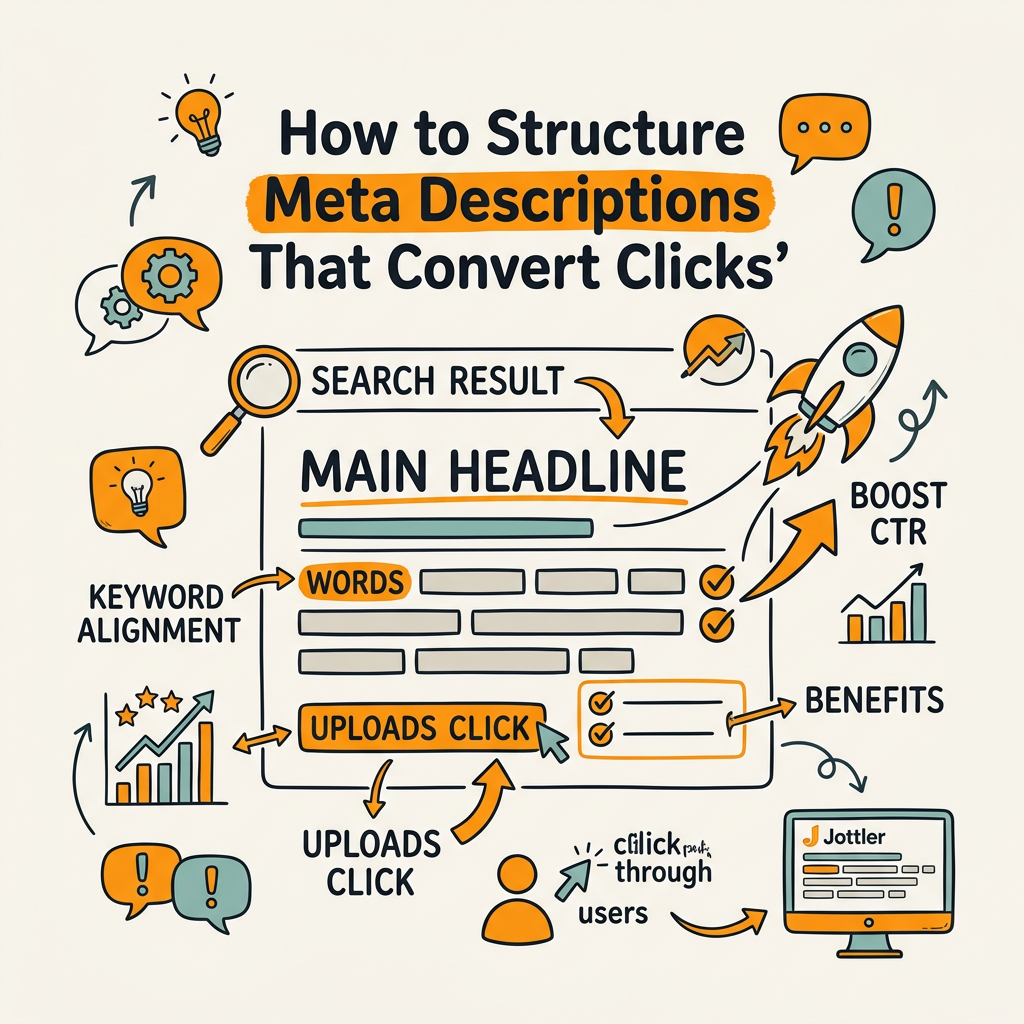
A high-converting meta description follows a simple formula: primary keyword early, clear value proposition, and a subtle call-to-action. This structure ensures full visibility on mobile and compels the searcher to click. The best descriptions treat the SERP listing as an elevator pitchyou have seconds to convince someone your page has what they're looking for.
Front-Load Your Primary Keyword and Value
Your primary keyword should appear in the first 40–60 characters of your meta description. When a searcher's query matches words in your title and description, Google bolds those terms, making your listing stand out visually. This bolding is a powerful signal to the eye. But more importantly, placing your keyword early ensures it survives the mobile truncation we discussed. If your keyword is buried at position 120 and the mobile view cuts off at character 110, you lose the relevance signal entirely.
After your keyword, immediately communicate the value proposition. What does the page offer? What problem does it solve? Use words that resonate with the searcher's likely intent. If someone searches "how to write meta descriptions," your description should begin with something like: "Learn how to write meta descriptions that boost CTR. Practical tips, character length guidelines, and real examples..."
Keep the Core Message Within 120 Characters
The first 120 characters are your guaranteed display zone on mobile. Everything after that is a bonus on desktop but a loss on mobile. Structure your description so that someone reading only the first 120 characters still gets the essential idea: what the page is, why they should care, and what they'll learn or gain. The remaining 30–40 characters (up to 158 total) can add nuance, specificity, or a subtle secondary benefit.
Example breakdown:
- Characters 1–40: Keyword + immediate value (e.g., "Write meta descriptions that double CTR")
- Characters 41–120: Problem-solution statement (e.g., "Learn proven tactics, character limits, and real examples from top SERPs")
- Characters 121–158: Secondary benefit or trust signal (e.g., "Updated for 2026 mobile and desktop best practices")
Use Active Voice and Actionable Language
Passive voice weakens your description. Compare: "Meta descriptions can be optimized to improve CTR" vs. "Optimize your meta descriptions to double CTR." The second is stronger, more direct, and more likely to trigger a click. Use imperative verbs: discover, learn, find, explore, master, uncover. These words signal that the page offers concrete value, not just information.
Avoid passive constructions like "is," "are," and "can be." Every character is precious. Use that space to communicate action and benefit. Brands using semantic SEO and NLP structuring in their meta elements achieved a 26% increase in click-through rates, partly because active language signals expertise and directness.
Common Meta Description Mistakes That Tank CTR
Even experienced marketers slip into patterns that suppress CTR. Understanding these pitfalls helps you avoid them and spot opportunities in your existing content.
Truncation and Information Loss
Writing a description longer than 158 characters (or 150 to be safe) guarantees truncation on at least some devices or search contexts. When Google truncates, it usually cuts off at a word boundary, but the last few wordsoften the strongest part of your call-to-actionvanish. Instead of "Discover proven tactics to boost organic traffic faster," the searcher sees "Discover proven tactics to boost organic..." The incomplete thought weakens the message and reduces clicks.
The fix is simple: ruthlessly edit. Every word should earn its space. If you can't fit your complete value proposition in 158 characters, you're trying to say too much. Simplify to one core benefit.
Keyword Stuffing and Mismatched Descriptions
Jamming your description with keywords doesn't boost CTRit makes it unreadable and damages trust. "Meta description meta description keyword keyword how to write meta descriptions example best" tells no story and compels no clicks. Google also notices when your description doesn't match the page content, and it will rewrite it. When that happens, you lose control of the narrative.
Write for the searcher first, keywords second. Your primary keyword should appear once, naturally. Secondary keywords can support, but never at the expense of readability.
Generic or Templated Descriptions
If every product page on your e-commerce site says "Shop our wide selection of high-quality products," you're wasting the opportunity. Each page needs a unique description tailored to that specific item or topic. A generic description doesn't differentiate your listing from competitors', and it doesn't address the searcher's specific intent. Unique descriptions also prevent Google from deciding your pages are duplicative and rewriting them for you.
Creating hundreds of unique descriptions at scale is tediousunless you automate the process. Tools that generate SEO-optimized content can write unique meta descriptions for each page, incorporating the specific details that make that content valuable. AI content generators designed for SEO can craft descriptions that follow your CTR formula while capturing the unique angle of each page.
Best Practices for Maximum Click-Through Rate
The most consistent CTR gains come from following a repeatable framework that balances structure, intent matching, and clarity. Here's the formula that works across industries and content types.
Match Search Intent in Your First Sentence
Every search has an intent behind it. Informational ("how to"), navigational ("find this brand"), transactional ("buy now"), or commercial ("compare options"). Your description must match that intent immediately. If someone searches "how to write meta descriptions," a description starting with "Shop our meta description writing tools" fails the intent match and loses the click. Conversely, a description that opens with "Learn how to write high-converting meta descriptions in 3 steps" mirrors the search intent and compels the click.
This is why custom descriptions for each page are non-negotiable. A templated description can't adapt to the nuanced intent of different queries.
Include Social Proof or Specificity
When space allows, add credibility signals. "Learn meta description best practices" is weaker than "Learn the meta description formula used by top SEOsbacked by 2026 data." The second includes specificity (the year, the audience) and an implicit endorsement. Other credibility signals include numbers ("3 proven tactics"), time promises ("in 5 minutes"), or authority references ("Google-approved method").
- Numbers: "5 meta description hacks proven to boost CTR"
- Time: "Master meta descriptions in under 10 minutes"
- Authority: "The meta description framework Google recommends"
- Outcome: "Write metas that rank faster and convert more"
Preview Your Description Across Devices
Never publish a meta description without checking how it displays on mobile and desktop. W3Era's meta description guide for 2026 recommends using SERP preview tools like Yoast SEO, SEMrush, or MRS Digital to verify that your full message appears before you hit publish. A description that looks perfect in your CMS but gets truncated in the SERP is a missed opportunity.
Aim for 120–158 characters as your safe zone. Anything under 70 characters wastes your allotted SERP real estate. Anything over 160 risks truncation on at least some queries or mobile views.
Meta Description Best Practices Across Content Types
Different content types benefit from different description approaches. Tailoring your formula to the page type improves CTR across your entire site. Here's how to optimize for the most common page categories:
| Page Type | Primary Goal | Description Formula | Example |
|---|---|---|---|
| Blog Post (How-To) | Attract searchers seeking solutions | Action verb + benefit + proof | "Learn how to write meta descriptions that double CTR. Real examples, best practices, and 2026 tools included." |
| Product Page | Drive qualified conversions | Specific product + key feature + CTA | "Premium meta description analyzer. Optimize all descriptions in bulk, preview on mobile/desktop, and track CTR impact." |
| Category Page | Showcase range + encourage browsing | Category + variety + unique angle | "Explore 50+ SEO optimization tools. Compare features, pricing, and real user reviews. Find the perfect fit for your team." |
| Service Page | Attract qualified leads | Service + outcome + trust signal | "Meta description optimization services for SaaS teams. Boost organic traffic with data-driven descriptions. Free audit included." |
| Pillar/Hub Page | Position as authority | Topic authority + completeness + resource | "The complete SEO content marketing guide. Strategy, tools, metrics, and examples. Your reference for 2026 organic growth." |
Blog Posts and How-To Content
Blog posts live or die by whether they answer the searcher's question. Your description should confirm that the page delivers on that promise. Use language like "discover," "learn," "master," and "uncover." Include a specific benefit or framework name if one exists. Example: "Master the AIDA meta description frameworkAttention, Interest, Desire, Action. Learn how top SEOs structure descriptions that convert."
Product and Service Pages
Here, your description is a mini sales pitch. Lead with the most compelling feature or benefitnot a generic feature list. "Premium meta description analyzer with AI-powered recommendations, bulk optimization, and mobile/desktop previews" beats "Meta description tool for SEO." Include a subtle CTA like "Optimize now," "Try free," or "See pricing." The goal is to pre-qualify the clicker, so you attract buyers, not just browsers.
Category and Hub Pages
These pages should position your site as a comprehensive resource. Your description should hint at breadth and depth. "Explore 50+ SEO tools, compare features, pricing, and user reviews" invites browsing. Add a trust signal: "trusted by 10,000+ marketers" or "updated monthly."
Automation and Scaling Meta Description Optimization
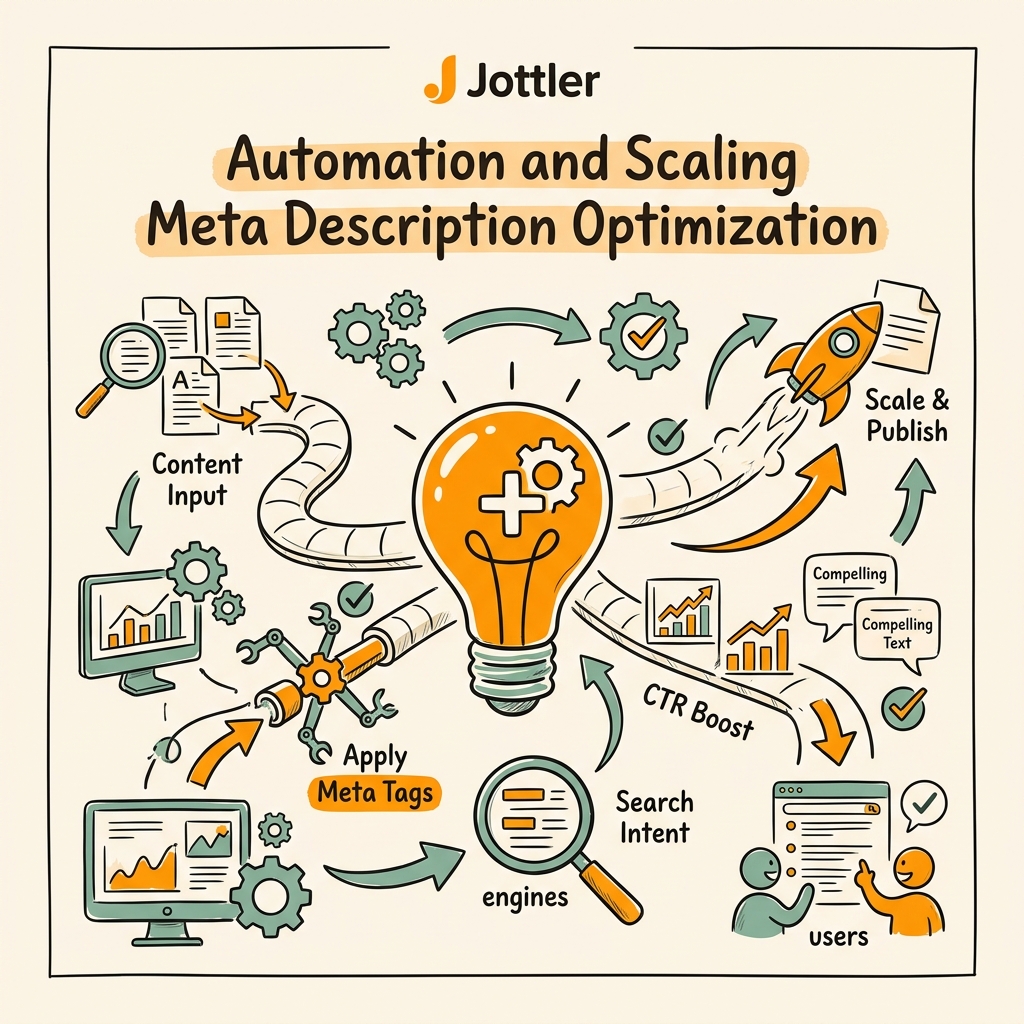
Creating and optimizing meta descriptions for dozens, hundreds, or thousands of pages manually is unsustainable. For growing teams, automation is essential. This is where scalable content systems come in. Rather than manually writing descriptions for each page, you can use systems that generate keyword-matched, intent-aligned descriptions at scale while maintaining the unique, specific structure each page deserves.
A competent content automation system should:
- Generate unique descriptions for every page based on page content, primary keyword, and search intent
- Respect character limits automatically to prevent truncation
- Front-load keywords and value propositions to maximize mobile display
- Preview descriptions across devices before publishing
- Update descriptions regularly to maintain freshness and relevance
Jottler's autonomous SEO agent generates meta descriptions as part of its core workflow. When publishing new articles daily, it crafts unique, high-converting descriptions for each page, ensuring no opportunity for CTR is left on the table. The system respects character limits, matches search intent, and integrates keywords naturally. For teams publishing frequently, this is the only way to scale without sacrificing quality.
"The best meta description is one that tells a searcher exactly what they'll find on your page and why it matters to them. Most teams either write templated descriptions or skip them entirely. That's leaving CTR on the table."
Marcus Chen, Head of Content Marketing at Velocity Labs (2026)
Why Consistency Beats Perfection at Scale
If you're managing a site with hundreds of pages, it's tempting to manually write descriptions for the "high-traffic" pages and ignore the rest. But this creates inconsistency. Some pages have compelling descriptions; others don't. Searchers experience your brand inconsistently across the SERP, and your click-through rates suffer. A system that writes 500 good descriptions is better than manually writing 20 perfect ones. Consistency compounds. Updated metas spike traffic by 74%, according to recent studiesproof that even good automation outperforms selective manual work.
Measuring and Testing Meta Description Impact
You can't optimize what you don't measure. Google Search Console shows your average CTR per query and page. Use this data to identify which descriptions are underperforming. A page ranking in position 3 with a 2% CTR is likely hampered by a weak description. A page in position 5 with a 5% CTR has a description that's beating expectations.
A/B Testing Descriptions for Quick Wins
You can't A/B test meta descriptions directly in Google Search Console, but you can test them one at a time. Update a description and track CTR for two to four weeks before moving on to the next page. Look for patterns: do action-oriented descriptions outperform benefit-oriented ones? Do CTAs help or hurt? Do descriptions with numbers perform better?
A/B testing headlines and CTAs yields 22% improvement in lead quality according to recent marketing research. The same principle applies to meta descriptions. Small changesswapping "Learn" for "Discover," or adding a specific numbercan shift CTR measurably.
Track Click-Through Rate Trends
Set up a monthly tracking dashboard in Google Search Console that logs your average CTR by position. Over time, you'll see whether your description optimization efforts are moving the needle. When you publish a major batch of new or updated descriptions, watch for CTR spikes in the weeks that follow. This correlation proves that your descriptions are driving the traffic increase, not just ranking improvements.
Meta Description Mistakes to Audit and Fix Today
If you haven't reviewed your meta descriptions in six months, now is the time. Run an audit of your top 50 pages and look for these common issues:
- Missing or empty descriptions: Pages with no description let Google rewrite, losing your messaging control.
- Truncated descriptions: If your character count exceeds 158, you're losing words on at least some devices.
- Keyword-stuffed descriptions: Multiple keyword repetitions make descriptions unreadable and damage trust.
- Generic, templated descriptions: "Welcome to our website" or "Shop our selection" don't compel clicks.
- Mismatched descriptions: If your description doesn't match your content, Google rewrites it and you lose control.
Prioritize fixing pages that rank in positions 3–10. These are the pages with CTR upside. A small CTR improvement at position 3 can move a page to position 1 over time, creating a compounding growth effect. Conversely, high-ranking pages (position 1–2) with poor descriptions are leaving money on the tablea quick description refresh can unlock significant traffic gains.
Conclusion
Meta descriptions are the lowest-cost, highest-leverage element of your on-page SEO. You control 155 characters that appear directly to searchers before they decide whether to visit your page. Optimized descriptions can double your click-through rate, driving traffic growth without ranking improvement. Top-ranking results average 27.6% CTR, but only if the description compels a click.
The formula is simple: front-load your primary keyword and value proposition in the first 120 characters, keep the full message under 158 characters, use active voice, and match search intent. Audit your top pages today, prioritize fixes for positions 3–10, and consider automation for scaling descriptions across your entire site. Every optimized description compoundsboth directly through improved CTR and indirectly through the signal you send Google about relevance and user satisfaction.
For teams publishing content at scale, automation is non-negotiable. Start your SEO agent with Jottler to automate meta description creation and ensure every page drives maximum click-through from day one.
FAQs
What is the ideal length for a meta description?
The safe zone is 120–158 characters on desktop and 110–120 on mobile. Google truncates based on pixel width (approximately 920px on desktop, 680px on mobile), which varies slightly by device. Keep your core messagekeyword, value proposition, and subtle CTAwithin the first 120 characters to guarantee full display on smartphones, where 60% of searches happen. Descriptions under 70 characters waste SERP space, while those over 160 risk truncation and message loss.
How does a meta description affect SEO rankings?
Meta descriptions don't directly affect rankingsGoogle confirmed they're not a ranking factor. However, they indirectly influence rankings through click-through rate. When your description compels more searchers to click, Google interprets that as a positive relevance signal. Over time, pages with higher CTR tend to move up in rankings. This indirect effect means a well-optimized meta description can lead to ranking improvements months down the line simply by driving more engagement from your current position.
What happens if I don't write a meta description?
Google will automatically generate one by pulling text from your pageusually the first paragraph or a sentence that matches the search query. This rewrite is often generic and may not highlight your page's best features or value proposition. You lose the ability to control your SERP messaging, and your click-through rate typically suffers compared to custom, intent-matched descriptions. Always write a unique, custom meta description to ensure your message reaches searchers exactly as you intend.