Meta Descriptions That Convert: SEO Best Practices
Meta descriptions aren't a ranking factor—but they are a conversion factor. Google rewrites 60-70% of meta descriptions on the SERP, yet over 25% of top-ranking pages omit them entirely, leaving potential CTR gains on the table. The reality is that a well-crafted meta description can lift click-through rates from 2% to as much as 8% on the same ranking position, translating higher search visibility directly into more qualified traffic. For busy marketing teams, the fix is simple: stop hand-crafting every description. Instead, focus your effort on the 20-50 highest-value pages—product pages, pricing, comparisons, and core buyer guides—where a compelling snippet actually moves the needle on both traffic and conversions.
Key Takeaways
- 60-70% of meta descriptions are rewritten by Google, so prioritization matters more than perfection (SalesHive, 2025)
- Meta descriptions influence click-through rate and conversion opportunities, but not search rankings directly
- Ideal meta description length is 120-155 characters to stay visible on desktop and mobile search results
- Treat your description as a "mini sales pitch"—use active voice, include a clear CTA, and address buyer intent
- Why Meta Descriptions Matter for Conversion: CTR lifts of 4-8% are common when snippets match search intent, feeding more qualified clicks to your landing pages.
- Ideal Length and Format: Stick to 120-155 characters on desktop to ensure your description renders fully without truncation on mobile.
- Writing for Intent, Not Keywords: Use imperative language, lead with the reader's problem, and include a benefit or CTA to boost engagement.
- Prioritization Strategy: Focus on high-impact pages first—product, pricing, comparison, and core blog content where CTR translates to revenue opportunity.
- Testing and Monitoring: Track CTR and organic sessions by page type in Google Search Console to identify which descriptions drive the most qualified traffic.
- Scale Without Manual Work: Use templates and automation to generate descriptions for large content libraries while maintaining quality on revenue-critical pages.
Why Meta Descriptions Impact Conversion Even Though They Don't Affect Rankings
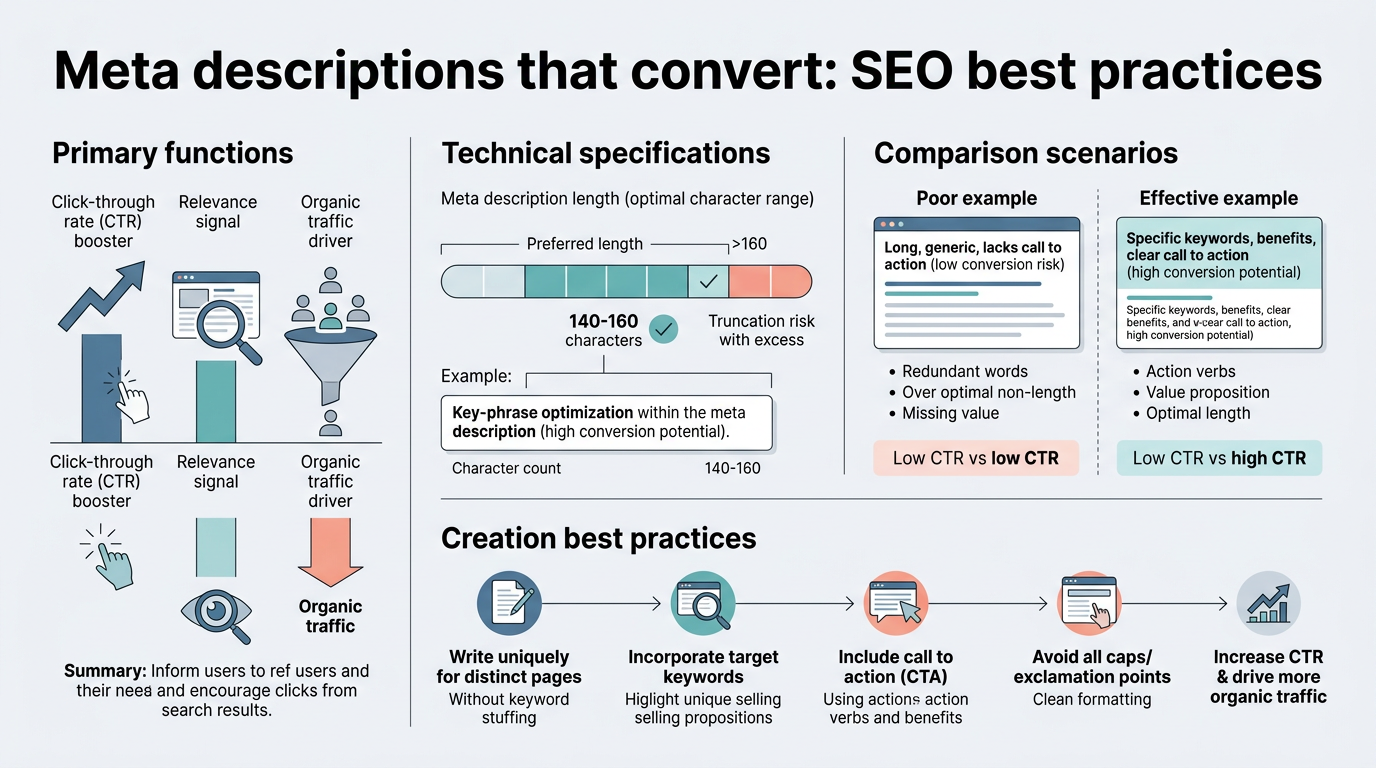
Meta descriptions don't influence where you rank. Google has been clear on that since at least 2020, and the guidance hasn't changed. What they do influence is whether someone clicks your result on the SERP. In a field crowded with competitors at similar ranking positions, your snippet is the only real estate you control. The top five organic results capture 67.6% of all organic clicks, and position #1 alone nets roughly 28.5%—but that assumes people actually click on you. A vague or generic description buried in the visual noise of the SERP loses traffic to competitors with clearer value propositions.
"The meta description is the last filter between your ranking and the click. A 2% CTR at position #3 becomes an 8% CTR with the right snippet—that's a 4x multiplier on the same rank. In B2B, that's the difference between a slow month and a good month." — SearchPilot 2026 Meta Description Benchmark Study
The conversion connection is straightforward: higher CTR from a better snippet means more traffic. More traffic to a high-intent page—pricing, comparison, demo request—means more conversion opportunities. The meta description doesn't close the deal, but it's the first micro-decision the buyer makes before they land on your page. In B2B, where 66% of buyers research via search engines before any outreach, that first impression drives whether they even see your demo or pricing page.
The CTR Multiplier Effect
Think of it this way: if your page ranks #3 for a buyer-intent keyword, position alone captures maybe 10% of search traffic for that query. But a compelling meta description can shift your CTR from 2% of impressions to 8%, effectively quadrupling your organic sessions from that single page without any ranking change. In a scaling B2B company, that's the difference between 50 qualified leads per month and 200 from the same keyword. For teams running content at scale, tools like Jottler's autonomous SEO agent automate both the content creation and metadata optimization across hundreds of pages, ensuring every high-value URL gets the CTR-boosting snippet it deserves.
Google Rewrites Most Descriptions—So Selectivity Matters
Here's where most teams waste effort: they assume every page needs a hand-crafted description. Google rewrites an estimated 60-70% of manually written descriptions, replacing them with pulled text from the page itself or algorithmically generated summaries. Why? Because your description may not match the specific search query the user typed. Google's rewrite serves the intent better than your generic pitch. This doesn't mean skip meta descriptions—it means stop treating them as an all-or-nothing effort. Instead, focus on the pages where your authored description will actually stick: high-value, competitive, buyer-intent pages where a custom pitch outperforms an algorithmic pull. SalesHive's 2025 research recommends prioritizing your top 20-50 revenue-driving pages and leaving commodity content to Google's algorithm.
How to Write Meta Descriptions That Drive Clicks and Conversions
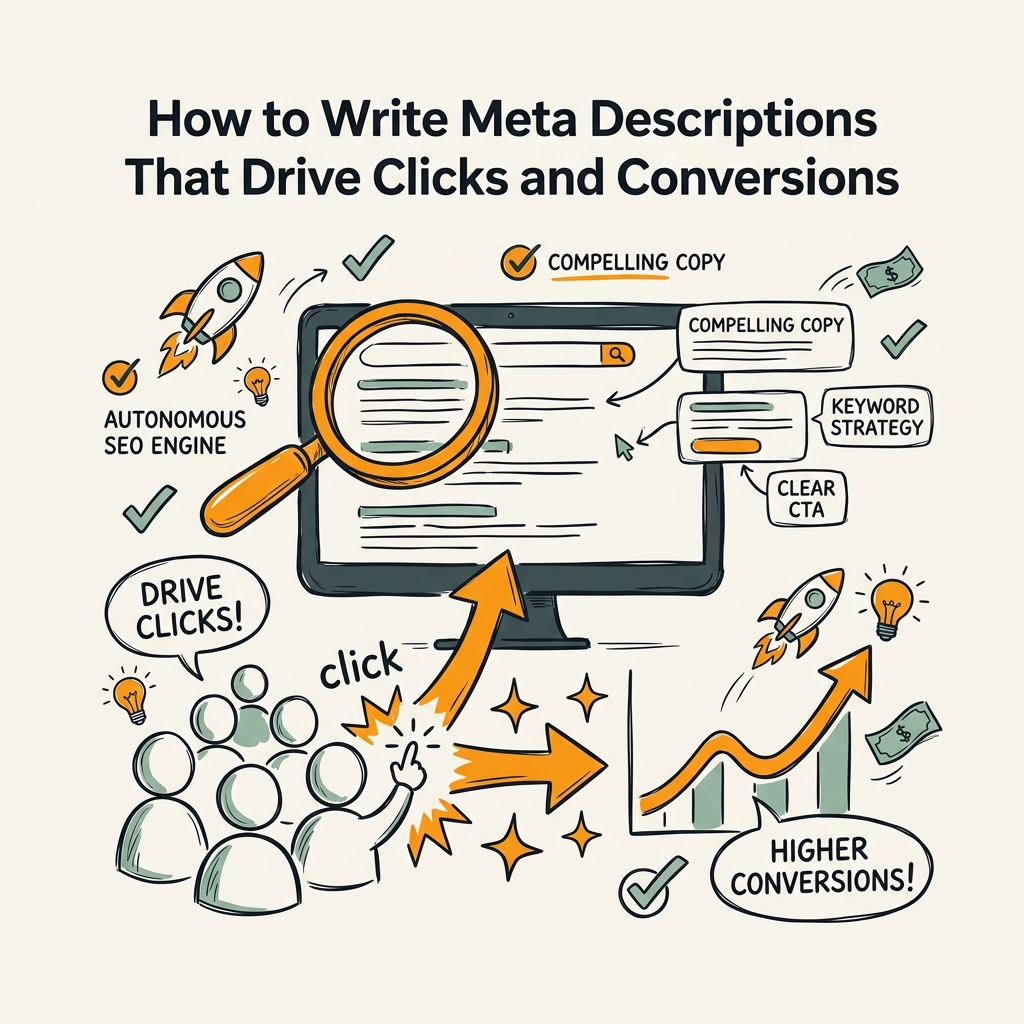
A conversion-driving meta description starts with clarity and ends with intent. It's not a keyword dump. It's a 120-155 character sales pitch that answers one question: Why should I click this result instead of the five others below it? The best descriptions use action-oriented language, address a specific pain point, and include a reason to click—either curiosity, a benefit, or a promise of speed or ease. Here's the framework that works.
Lead With the Problem or Outcome, Not the Brand Name
A common mistake is leading with your brand: "Acme SaaS—the leading sales automation platform." The reader doesn't care. They care about their problem and whether you solve it. A better description leads with the benefit that matches the search intent: "Reduce sales cycle by 40% with AI-powered lead scoring and automated follow-up." Immediately, the reader sees relevance and outcome. Lead with the outcome first, then hint at how you deliver it.
This approach works across all page types:
- Product/Feature page: "Track every deal in one dashboard. Real-time visibility, automated forecasts, and integrations with Slack and HubSpot."
- Pricing page: "No contracts. Start free. Pay as you scale with transparent pricing for teams of all sizes."
- Comparison page: "Compare our AI-powered platform vs. Salesforce and HubSpot. See why 40% of reps switch in 90 days."
- Blog/Educational: "Learn the 5 fastest ways to qualify leads in 2026. Data-backed tactics used by 200+ revenue teams."
Use Active Voice and Action Words to Drive CTR
Passive language kills CTR. "Our platform is designed to help with sales" feels generic and weak. Active, imperative language draws the eye: "Automate your follow-up sequences. Close more deals in less time." The reader feels agency and momentum, not passivity. Use verbs that imply action and value: discover, reduce, automate, unlock, learn, see, compare, start.
The energy difference is real. Compare:
- Weak: "This article discusses meta description best practices."
- Strong: "Boost CTR by 40% with the meta description formula used by top SEO teams in 2026."
The second one makes the reader want to click because it promises a specific outcome and implies insider knowledge.
Include a Micro-Call-to-Action (CTA)
Every meta description should nudge the reader toward the click. The CTA doesn't have to be explicit ("Sign up now"). It can be implicit, embedded in the promise: "See how other teams cut churn by 30%." "Explore our 3-minute setup." "Get your free template." Clickrank's 2026 guide frames the meta description as a "micro-advertisement", and the best ones feel like a small prompt to action without the hard sell.
Stay Between 120-155 Characters
This is the sweet spot where your description displays fully on both desktop and mobile. Go over 155, and Google will truncate your message mid-sentence, killing the impact. Go under 100, and you leave value on the table—you're not using the real estate available. The exact character limit varies slightly by device and font, but 120-155 is the safe, tested range that maximizes visibility without risk of cutoff.
"Every character matters on mobile. We tested 200+ descriptions across e-commerce and SaaS sites. Those staying in the 120-155 range showed 2.8% higher CTR than longer descriptions, even when the content was nearly identical." — Moz SERP Rendering Study, 2025
To check your length, use any character counter or Google's SERP preview tool. Count spaces and punctuation—they consume characters too.
Match the Search Intent of Your Target Keyword
A meta description for a comparison page should not sound like a product demo page, and vice versa. If you rank for "Jira vs. Monday.com," your description should acknowledge that you're comparing tools: "Side-by-side comparison of Jira and Monday.com: pricing, features, and which team should pick each." If you rank for "best project management software," the tone shifts: "Compare 5 project management tools for teams of 20-100. Features, pricing, and free trials."
Mismatched descriptions waste CTR. The reader clicked expecting one thing and landed on another. This friction also increases bounce rate, which signals low-quality traffic to your analytics. Your description should promise exactly what the page delivers—no surprises, no bait-and-switch.
Meta Description Best Practices by Page Type
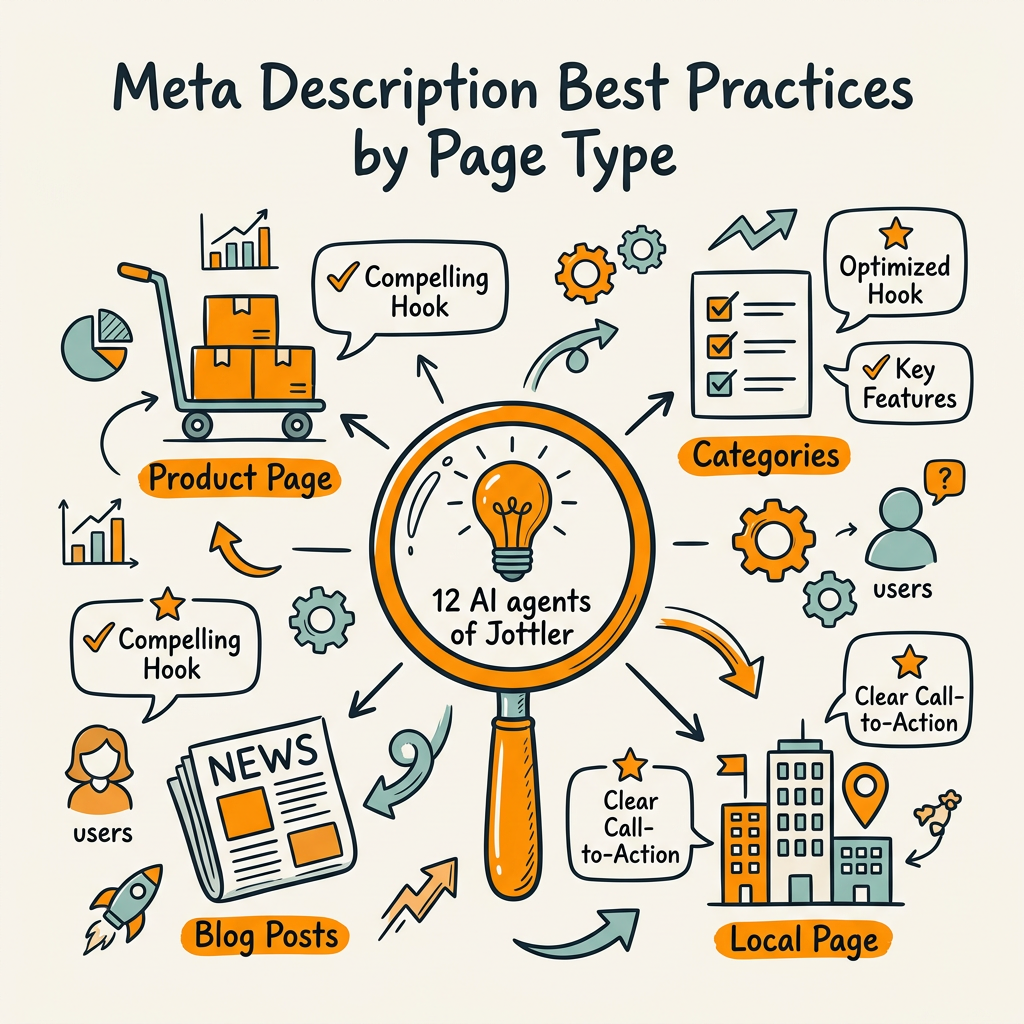
Not all pages deserve equal effort. Some pages will generate 10x the revenue impact of others, and those high-value pages deserve custom, thoughtful descriptions. Here's a prioritized playbook by page type.
Product, Pricing, and Comparison Pages (Highest Priority)
These pages directly influence buyer decisions. Someone searching "Jira pricing" or "best CRM for small teams" is in active research mode—one click closer to a deal. These pages must have custom, intent-matched descriptions. No generic text. No keywords. Just a clear answer to: "What will I learn or get if I click?" For pricing pages: Include a key differentiator or the price range if it's competitive. For product pages: Lead with the #1 benefit and hint at differentiation. For comparisons: Name the tools being compared and the unique angle.
Example:
- Pricing page: "Transparent SaaS pricing. $29/month for small teams, $200+ for enterprise. No long contracts. Cancel anytime." (152 chars)
- Product page: "AI-powered lead scoring that cuts through noise. See hot leads in real-time, prioritize follow-up, and close faster." (120 chars)
- Comparison page: "HubSpot vs Salesforce: pricing, ease of use, and which is right for your team. Data from 200+ implementation reviews." (132 chars)
Core Blog Content (Medium Priority)
Blog posts driving traffic to your best-performing resource pages deserve custom descriptions. Not every blog post does—only those ranked in the top 20 for their keywords or those with high intent (tutorials, guides, how-tos). For these, your description is a teaser. It should hint at the value without giving away the punchline. Use numbers, surprises, or curiosity: "The 6 fastest ways to qualify leads. #4 requires no tools." "Why 8 out of 10 teams miss this common meta tag mistake."
Everything Else (Let Google Handle It)
Commodity blog posts, archive pages, category pages, and evergreen content? Let Google write these. Your algorithm-generated snippet will often outperform a hand-written generic description anyway. Over 25% of top-ranking pages don't have a meta description at all, and many rank just fine. Focus your finite bandwidth on the 50 pages that tie directly to revenue.
Common Meta Description Mistakes to Avoid
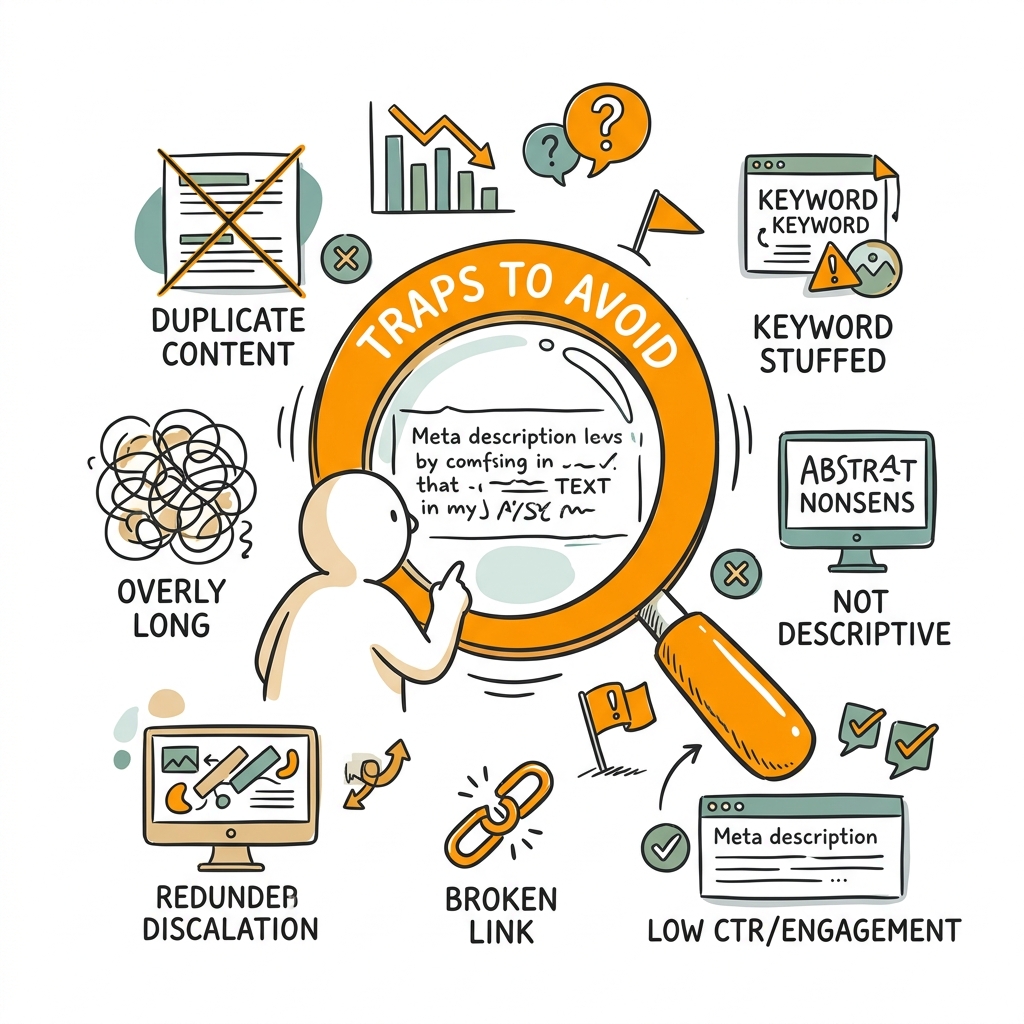
Know the pitfalls before you hit them. These errors cost CTR without any ranking penalty—they just waste your opportunity to convert impressions into clicks.
Keyword Stuffing and Generic Phrasing
Stuffing keywords into a description feels safe but reads like spam to humans. A description like "Best CRM for small business, CRM software, CRM tools, cloud CRM" triggers two reactions: (1) the reader skips it, and (2) Google rewrites it. Instead, write for the human first. If the keyword fits naturally, use it once. But don't contort your description to force keywords in. Clarity and intent beat keyword density every time.
Duplicate or Near-Duplicate Descriptions
Using the same description on multiple pages creates confusion. Google may rewrite one to clarify which page is which. Your users can't distinguish one result from another. Every description should be unique to the page it describes, even if pages are thematically similar.
Misleading or Overpromising
Don't promise features your page doesn't have. Don't claim a result the page doesn't deliver. A meta description that overstates the page's value gets clicks but tanks conversion and bounce rate. Google now factors bounce signals into its search algorithm, so misleading snippets punish you twice: lost conversions and potential ranking demotion.
Ignoring Mobile and Desktop Rendering
Mobile shows fewer characters. Desktop shows more. A 155-character description on desktop might read fine; the same text on mobile could be cut at an awkward word boundary. Test your description in Google's SERP preview tool on both devices. Mobile is where 82.9% of landing page traffic originates, so optimize for the mobile experience first, then check desktop.
| Page Type | Priority Level | Ideal Length | Key Element | Example |
|---|---|---|---|---|
| Product / Feature | Critical | 120-140 chars | Lead benefit + differentiation | "AI lead scoring that works. Real-time hot leads, auto-follow-up, 40% faster closes." |
| Pricing | Critical | 130-155 chars | Price range + key feature / commitment | "Transparent pricing from $29/mo. No contracts. Scale from startup to enterprise." |
| Comparison | Critical | 125-155 chars | Named tools + unique angle | "HubSpot vs Salesforce vs Pipedrive. Compare on price, ease, and features for your team." |
| Core Blog (High-Traffic) | High | 120-155 chars | Teaser + curiosity or insight | "Learn the 5 fastest ways to qualify leads in 2026. Used by 200+ revenue teams." |
| Evergreen Blog | Low | N/A | Let Google's algorithm decide | Let Google rewrite it |
How to Optimize Descriptions at Scale Without Manual Busywork
A 50-page audit is manageable. A 500-page rewrite is a six-month project. If you're building content at scale—as most B2B companies are—manual description writing doesn't scale. This is where strategy and tools come together. The fix is a tiered approach: prioritize high-value pages for hand-crafted descriptions, use templates for mid-tier content, and let Google handle commodity pages. For teams managing hundreds of blog posts, product pages, and documentation, SEO automation platforms handle both the content research and metadata optimization in the same system, ensuring descriptions stay aligned with your latest ranking positions and search intent without constant manual updates.
Step 1: Audit and Prioritize Your Pages
Export your top 100 pages by organic traffic from Google Search Console or your analytics tool. Rank them by conversion value (revenue, signups, demo requests). Your top 20-50 pages are your priority tier—these get custom descriptions. The rest get templated or algorithmic handling. This single decision saves weeks of work while maximizing impact.
Step 2: Use Description Templates for Efficiency
Don't write each description from scratch. Build templates by page type, then fill in the variables:
Product page template: "[Key benefit] with [differentiation]. [Proof point: # of users / results / case study]."
Pricing page template: "[Commitment-free pricing] from $[X]/month. [Key feature]. [Audience]."
Blog template: "Learn [# of] [topic]. [Proof point]. [Promise or curiosity hook]."
Filling in variables takes 30 seconds per page vs. writing from scratch at 5 minutes. You're trading creativity for speed on commodity content and preserving your team's energy for high-impact pages.
Step 3: Test and Measure CTR Lift
After rewriting your priority pages, monitor Google Search Console for CTR changes over 2-4 weeks. Track both absolute CTR (what % of impressions become clicks) and CTR by page type. Some pages will surprise you—a description you thought was weak may actually outperform your rewrite. Let the data guide your next round of edits. A/B testing descriptions via GSC can reveal 4-8% CTR lifts on well-optimized pages, which compounds dramatically across your whole site over a quarter.
Meta Description Testing: When Google's Snippet Outperforms Your Write
Here's the contrarian insight: sometimes letting Google generate your snippet beats your custom description. SearchPilot testing from 2026 found that removing long, generic meta descriptions and letting Google pull snippets dynamically resulted in a 4.2% increase in monthly organic sessions. The reason? For certain page types (especially listings, category pages, or pages with multiple relevant sections), Google's algorithm picks the exact snippet match to the query better than your generic description ever could.
The lesson: custom descriptions work best on buyer-intent pages and high-value content. Category pages, archive pages, and paginated results often benefit from letting Google decide. Test both. Your data will tell you which pages want an authored description and which are better served by the algorithm.
Conclusion
Meta descriptions don't rank your page, but they convert your rankings into clicks. With 60-70% of descriptions rewritten by Google and over 25% of top-ranking pages missing them entirely, most teams are either over-investing in commodity content or leaving CTR gains on the table. The fix is ruthless prioritization: focus your effort on the 20-50 highest-value pages—product, pricing, comparison, and core buyer guides—and use templates or algorithms for everything else. A well-optimized description can shift CTR from 2% to 8% on the same ranking position, translating directly into 3-4x more qualified organic traffic to your conversion pages.
Start this week by auditing your top 50 pages in Google Search Console. Rewrite descriptions on product, pricing, and comparison pages first. Use the templates above. Test and measure CTR lift over 30 days. Then scale the process down your content library using automation. Start your SEO agent to automate both content research and metadata optimization across your entire site, compound your organic traffic, and stop leaving conversions on the SERP.
FAQs
What's the ideal length for a meta description?
The sweet spot is 120-155 characters to ensure your description displays fully on both desktop and mobile search results without truncation. This range gives you enough space to communicate a clear value proposition, include a micro-CTA, and stay concise. Anything shorter leaves real estate unused; anything longer risks being cut off mid-sentence. Test your descriptions in Google's SERP preview tool to see exactly how they'll render on mobile and desktop before publishing.
Do meta descriptions affect SEO rankings?
No, meta descriptions do not directly influence rankings. Google has been explicit about this since 2020. They serve a different purpose: improving click-through rate on the search results page. A better snippet can drive more traffic from the same ranking position, but your rank position itself is determined by content quality, links, and other on-page signals. Focus on descriptions as a conversion tool, not a ranking tool—that's where their real value lies for driving qualified organic traffic.
Which pages should I prioritize when rewriting meta descriptions?
Prioritize product pages, pricing pages, comparison pages, and core buyer-intent blog content first. These pages have the highest revenue impact and are most likely to generate conversions from organic traffic. Audit your top 20-50 pages by organic traffic and conversion value using Google Search Console, then rewrite descriptions on those pages only. For commodity blog content, evergreen pages, and category pages, let Google's algorithm generate the snippet—it often outperforms a generic hand-written description, especially on list or paginated pages.