Meta Tags That Convert: Writing Titles and Descriptions for SEO
Most websites leave 46.98% of all website traffic on the table by ignoring the single most visible element of their search presence: the title tag and meta description. While these two HTML elements don't directly determine rankings, they are the deciding factor in whether a searcher clicks your result or your competitor's. Pages with optimized title tags see 8.9% higher CTR than those with weak ones, translating to thousands of additional visitors for competitive keywords. Yet around 25% of top-ranking pages still lack a meta description entirely, and 7.4% have no title tag at all. The fix isn't complex—it's about understanding what Google rewards and what searchers actually want to see when they land on the SERP.
Key Takeaways
- Pages with optimized title tags achieve 8.9% higher click-through rates than unoptimized pages (Backlinko, 2025)
- Aim for 40–60 character titles and 120–155 character descriptions to prevent truncation and maximize visibility
- Google rewrites 60–70% of meta descriptions, so focus on supporting your metadata with strong on-page content and clear intent signals
- Title Tag Fundamentals: Put your primary keyword near the start, keep it between 40–60 characters, and write like you're pitching your page in one compelling sentence.
- Meta Description Best Practices: Use 120–155 characters to explain the value, include a subtle call-to-action, and match the search intent of your target keyword.
- Avoiding Common Pitfalls: Don't keyword-stuff, duplicate metadata across pages, or ignore pixel width—truncation kills CTR faster than weak wording.
- Testing and Measurement: Monitor click-through rates in Google Search Console, A/B test title variations, and refine based on what actually drives clicks.
- Automation for Scale: Tools that automatically research, write, and optimize metadata across hundreds of pages ensure consistency without manual toil.
How Title Tags Impact Search Visibility and Click-Through Rates
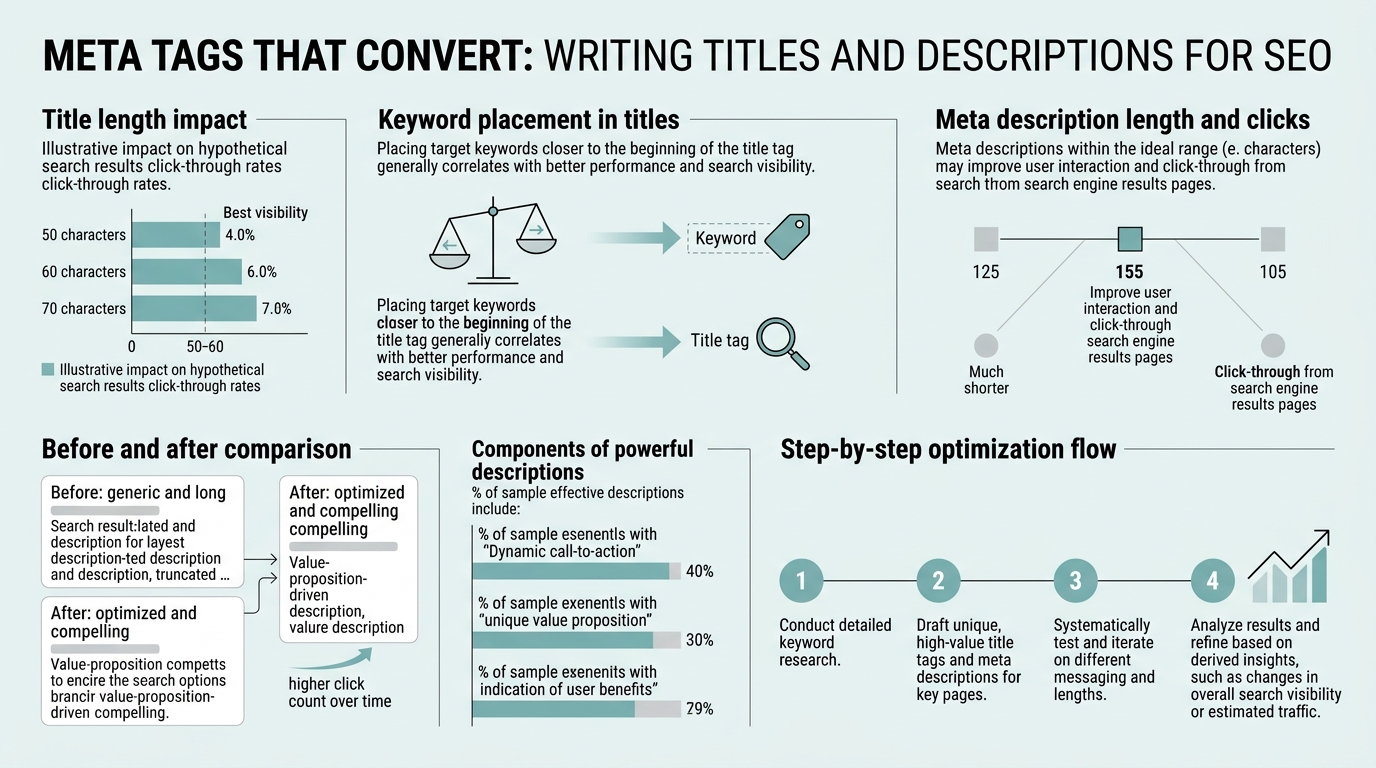
Your title tag is the headline a searcher sees first in the search engine result page. It appears in three places: the SERP itself, the browser tab, and social sharing previews. The #1 organic result achieves a 28.5% click-through rate baseline, but that percentage climbs significantly for pages with titles that clearly communicate value. The title's job is to convince someone in less than one second that your page answers their question better than nine other options.
"Your title tag is competing not just for rankings but for attention. A title that matches intent perfectly will outperform competitors at the same ranking position, even without ranking changes."
Title tags remain a ranking signal because they help Google understand page relevance. But their real power lies in persuasion. A title that misaligns with search intent will rank fine but get fewer clicks. A title that matches intent perfectly will outperform competitors at the same ranking position. This is why SalesHive notes that treating every title like a one-line sales pitch with a keyword anchor is the modern standard—you're competing not just for rankings but for attention.
The Anatomy of a High-Converting Title Tag
A high-converting title has three core components working in harmony. First, the primary keyword should appear in the first 30 characters when possible, signaling relevance to both Google and the user. Second, the title must communicate a clear benefit or outcome—not just the topic, but what the reader gains from clicking. Third, the title needs to fit within the pixel width limits of modern search displays, typically 40–60 characters for desktop SERPs.
Consider the difference between these two titles for the same page:
- Weak: "Meta Tags and SEO" — vague, no keyword emphasis, no benefit signal
- Strong: "Meta Tags That Convert: Writing Titles for CTR Growth" — keyword-first, clear benefit (conversion focus), concise
The strong version signals to both humans and algorithms that this page addresses the specific problem of converting searchers into clickers. It uses active language and hints at the solution inside. This matters because higher CTRs can send positive signals to search engines about relevance and quality, potentially influencing rankings through user engagement patterns.
Why Pixel Width Trumps Character Count
The old rule was simple: keep titles under 60 characters. But modern SERPs don't truncate by character count—they truncate by pixel width. A title with short words might display fully at 70 characters, while one with long words gets cut at 55 characters. This is why thinking in pixels, not just characters, has become standard practice.
Desktop SERPs typically allow 580–600 pixels before truncation, which translates to roughly 40–60 characters for average-width fonts. Mobile SERPs are tighter: around 360 pixels. If your title is 65 characters of "W"s and "I"s, it'll be cut short on mobile. If it's 55 characters of thin letters, it'll display fully. Test your titles in a SERP preview tool before publishing, and always assume mobile constraints will be tighter than desktop.
Crafting Meta Descriptions That Drive Clicks Without Direct Ranking Impact

Meta descriptions don't directly influence rankings—Google has made this clear repeatedly. Yet they remain critical for search marketing because they are the second-largest decision factor after the title. A compelling description can improve CTR by 10–30%, and combined with a strong title, can be the difference between page one visibility and actual traffic.
"When Google rewrites a description, it pulls from the first relevant sentence or paragraph on your page. If your page copy is weak, Google's rewrite will be weak. If your opening paragraph is clear and benefit-focused, Google will likely use it—or use your meta description exactly as written because it matches."
The modern challenge is that Google rewrites 60–70% of meta descriptions, pulling text directly from your page content instead of using your written description. This sounds like optimization is pointless, but it's actually the opposite. When Google rewrites a description, it pulls from the first relevant sentence or paragraph on your page. If your page copy is weak, Google's rewrite will be weak. If your opening paragraph is clear and benefit-focused, Google will likely use it—or use your meta description exactly as written because it matches.
Meta Description Structure and Length
A high-converting meta description follows this structure: problem + solution/benefit + subtle call-to-action, all within 120–155 characters. This length fits on both desktop and mobile without truncation in most cases. Anything longer risks being cut mid-sentence, losing the CTA or key benefit information.
Here's an example breakdown:
- Problem hook (10–20 chars): "Can't scale content?" or "Tired of manual SEO?"
- Solution/benefit (60–80 chars): "Learn how to optimize title tags and meta descriptions to increase CTR by 10–30% without changing your rankings."
- CTA (10–20 chars): "Read the guide now." or "Start optimizing today."
This structure mirrors how Reach First notes that compelling descriptions improve CTR by framing the value proposition clearly. The description isn't for Google's ranking algorithm—it's for the human deciding which result to click.
Matching Intent and Preventing Google's Rewrites
Google rewrites descriptions most often when the written meta description doesn't match the search intent of the query. If someone searches "how to optimize meta tags" and lands on a page whose meta description says "Buy our SEO software," Google will rewrite it with your opening paragraph instead, because that better matches the searcher's intent.
The antidote: align your meta description with the search intent of your target keyword. If the keyword is informational, your description should promise learning or guidance. If it's transactional, promise a product or solution. If it's navigational, be specific about what page this is. AI content generators that research keyword intent automatically ensure every meta description is written with the search intent of its target keyword in mind, not generic benefits.
Common Meta Tag Mistakes and How to Avoid Them
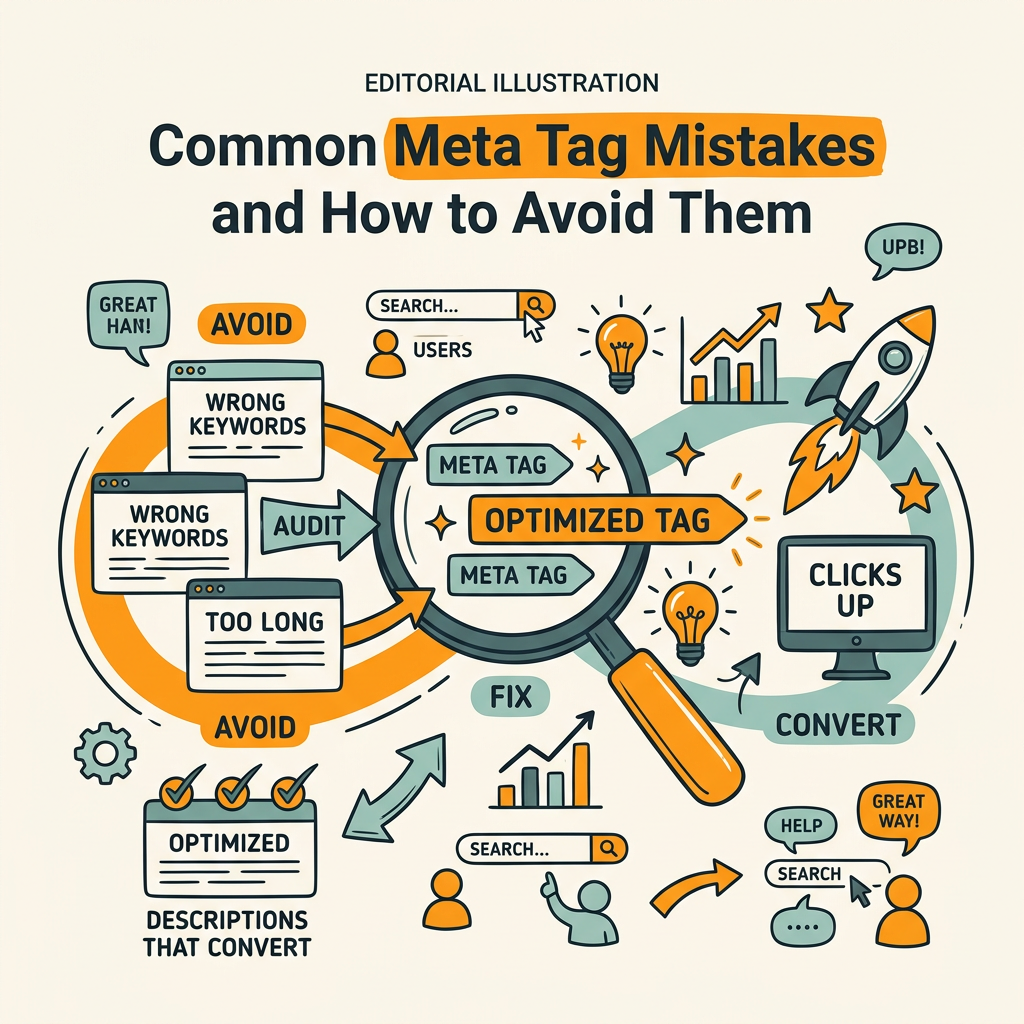
Even with solid frameworks, most content teams fall into predictable traps that tank CTR. The good news is these mistakes are easy to spot and fix once you know what to look for. The bad news is they're compounded across hundreds of pages if you're not systematic about quality control.
"Overstuffed titles like 'Best Meta Tags for SEO | Meta Description Optimization | Meta Tags Rank' are immediately unattractive to humans and look spammy to Google. They reduce CTR because they're hard to scan and don't clearly communicate value."
Keyword Stuffing and Over-Optimization
The instinct to cram keywords into your title tag is natural—keywords are ranking factors, so more keywords should mean better rankings, right? No. Overstuffed titles like "Best Meta Tags for SEO | Meta Description Optimization | Meta Tags Rank" are immediately unattractive to humans and look spammy to Google. They reduce CTR because they're hard to scan and don't clearly communicate value.
The rule: one primary keyword per page, naturally integrated. Semantic variations (like "meta description" if your primary is "meta tag") can appear once more if it reads naturally. Your title should be readable aloud without sounding robotic.
Duplicating Metadata Across Multiple Pages
When scaling content production, teams often reuse the same meta description across 10 similar pages. Google sees duplicate meta descriptions as a signal that you're not optimizing for distinct search intents, and users see ten identical results and are less likely to click any of them. Every unique page needs a unique, intent-specific meta description.
This is where automation becomes invaluable. AI content generators that research and optimize metadata individually per page eliminate the duplicate-description problem by default. Each page gets its own keyword research, intent analysis, and unique metadata.
Ignoring Mobile Truncation
Many teams optimize for desktop SERPs and forget that mobile accounts for over 60% of search traffic in 2026. A title that fits perfectly on desktop will be cut short on mobile, losing the most important part of your message. Same with descriptions—the CTA often disappears on mobile if you haven't left buffer space.
Test every title and description in mobile preview mode before publishing. Put your primary keyword and strongest benefit in the first 30 characters of titles and the first 80 characters of descriptions to ensure they survive mobile truncation.
Building a Meta Tag Framework That Scales
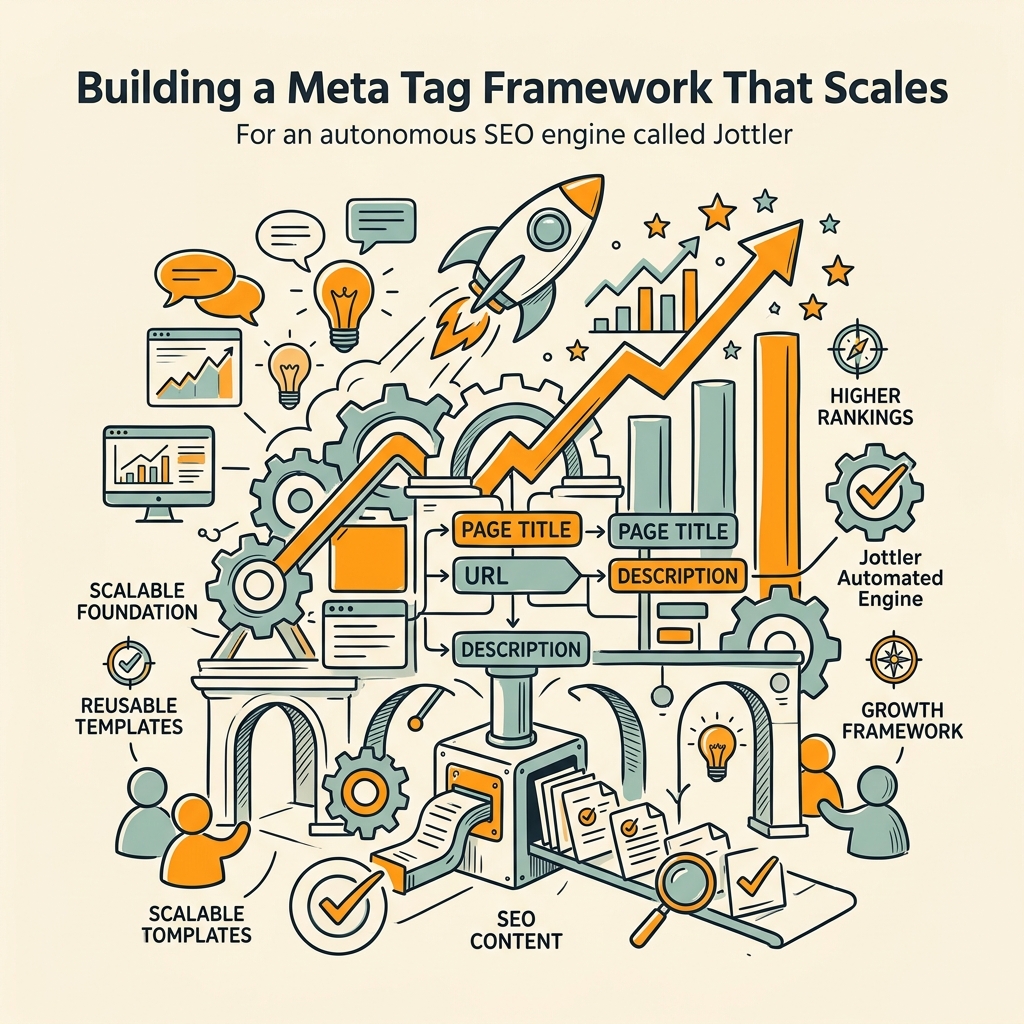
Writing one perfect title or description is easy. Maintaining consistency across 100 pages while keeping each one unique and intent-focused is the real challenge. A framework prevents ad-hoc decisions and ensures every page gets the same rigor.
A Template-Based Approach to Consistency
The strongest teams use templates that enforce structure without enforcing sameness. A template might look like:
- Title template: "[Primary Keyword]: [Benefit/Outcome] in [Audience/Context]" — e.g., "Meta Tags That Convert: Boost CTR for SaaS Homepages"
- Description template: "[Problem] Learn how to [solution]. [Benefit stat]. [Optional CTA]." — e.g., "Most meta descriptions are ignored. Learn how to write descriptions that improve CTR by 10–30%. Start optimizing today."
Templates ensure every page has the keyword in the title, every description has a benefit stat, and length stays within bounds. But they're flexible enough that each page's metadata feels unique. When generating content at scale, autonomous SEO agents apply these templates automatically while filling in keyword-specific variations, so your metadata is consistent but never cookie-cutter.
Measuring Performance with Search Console Data
Your meta tags are performing or underperforming right now, and Google Search Console has the proof. Pull your data filtered for impressions, clicks, and CTR by query and page. Compare pages in the same ranking position—if one has 5% CTR and another has 12%, the difference is metadata quality and intent match.
Use this analysis to identify pages with high impressions but low CTR. These are your highest-ROI optimization targets. A page getting 1,000 impressions per month at 2% CTR is getting 20 clicks. Improve the metadata to 6% CTR and you've added 60 clicks—no ranking improvement needed.
A/B Testing Title and Description Variations
You can't A/B test metadata directly in Google Search Console, but you can test by rolling out a new title for one month, monitoring CTR, then rolling out another if the first doesn't improve. The key is changing only the metadata while keeping everything else constant, then measuring for at least two weeks to account for variance.
Strong hypothesis to test: Does adding a number or statistic to the title improve CTR? Do action verbs in the description increase clicks? Does mentioning "free" or "guide" change behavior? Real data from your own audience beats any template rule.
The Role of Automation in Meta Tag Optimization at Scale
For teams publishing one or two articles per week, manual metadata optimization is feasible. For teams aiming to compound organic traffic with daily publishing, metadata becomes a production bottleneck. This is where automation separates winners from everyone else.
How AI Can Analyze Intent and Generate Metadata
Modern AI systems can read a piece of content, identify the primary keyword and search intent, and generate both a title and description that match that intent without human editing. More advanced systems go deeper: they analyze the top-ranking pages for that keyword, understand what language those titles use, and mirror that structure while keeping your metadata unique.
The best systems also fact-check the metadata against the page content, ensuring the description accurately reflects what the article delivers. A description promising "5 easy steps" should only appear if the article actually has five steps. When metadata doesn't match page content, Google rewrites it anyway—and the rewrite will be better than your promise. Automation prevents this mismatch at the source.
Workflow Integration for Consistency and Speed
Smart automation doesn't just generate metadata—it enforces quality gates. Before publishing, automated systems can verify:
- Title length is within pixel-width bounds (40–60 characters)
- Description length is 120–155 characters
- Primary keyword appears in the title
- No duplicate metadata exists on the site
- Metadata intent matches page intent
- No obvious keyword stuffing or weak language
Teams using content automation platforms that handle keyword research, writing, and fact-checking in one pipeline publish metadata that's consistently high-converting without a second thought. The metadata optimization happens as part of the publishing workflow, not as a separate QA task.
| Meta Tag Element | Best Practice | Common Mistake | CTR Impact |
|---|---|---|---|
| Title Tag | Keyword-first, benefit-focused, 40–60 characters | Generic, vague, or keyword-stuffed titles | +8.9% CTR with optimization |
| Meta Description | Problem → Solution → CTA, 120–155 characters | Duplicated, weak, or intent-mismatched descriptions | +10–30% CTR improvement possible |
| Keyword Integration | One primary keyword per page, naturally placed | Keyword stuffing, multiple competing keywords | Negative (looks spammy) |
| Intent Alignment | Meta data matches target keyword's search intent | Misaligned intent (e.g., selling when searcher wants info) | Google rewrites 60–70% of misaligned descriptions |
| Mobile Optimization | Primary keyword and benefit in first 30 chars (title) and 80 chars (description) | Assuming desktop width applies to mobile | Mobile CTR drops significantly |
Conclusion
Meta tags are the bridge between your rankings and your traffic. A page can rank perfectly but fail to convert clicks if its title and description don't match what the searcher is looking for. The economics are simple: optimized metadata costs nothing to improve and can increase CTR by 8.9–30% depending on starting point. That means a page getting 1,000 impressions per month can go from 20 clicks to 40 clicks—or more—without any change to rankings.
The framework is straightforward: keyword-first titles between 40–60 characters, descriptions that communicate problem-solution-benefit in 120–155 characters, intent alignment with your target keywords, and mobile-first thinking. Test in Google Search Console, measure what works, and iterate. For teams operating at scale, automate the entire metadata pipeline so every page ships with optimized, unique, and intent-matched titles and descriptions from day one. Start publishing optimized content with high-converting metadata every single day and watch your monthly visitors grow through compounding CTR improvements across hundreds of pages.
FAQs
What is the ideal length for a meta title tag?
The ideal length for a meta title tag is 40–60 characters, which translates to roughly 580–600 pixels on desktop SERPs. This ensures your title displays fully without truncation on both desktop and mobile devices. However, pixel width—not character count—determines truncation, so test your titles in a SERP preview tool before publishing. Keep your primary keyword and strongest benefit in the first 30 characters to survive mobile cuts, which allow for fewer characters before truncation. Titles longer than 65 characters risk being cut short on mobile, where over 60% of search traffic originates in 2026.
Does the meta description affect SEO rankings?
Meta descriptions do not directly influence search engine rankings. Google has explicitly stated that meta descriptions are not a ranking factor. However, they are critical for click-through rates and traffic volume, which are influenced by user engagement signals. A well-written meta description can improve CTR by 10–30%, meaning more people click your result even if you rank the same position. Since Google often measures page quality by CTR patterns, better metadata indirectly supports ranking performance. The key insight: optimize descriptions for clicks, not rankings, and the ranking benefits follow through user engagement.
Why does Google rewrite meta descriptions?
Google rewrites approximately 60–70% of meta descriptions because it pulls relevant text directly from your page content to match the user's specific search intent. If your meta description doesn't align with the search query, Google will use your opening paragraph or a sentence that better answers the searcher's question. This is actually a sign of Google's intelligence—it prioritizes relevance over your written description. To prevent rewrites, align your meta description with the search intent of your target keyword, and ensure your opening page content is clear and benefit-focused. When Google sees your metadata matches intent perfectly, it's more likely to use your written description exactly as you wrote it.