The Complete Guide to Free AI Writing Tools for Teams
Marketing teams face a persistent paradox: 97% of content marketers plan to use AI tools in 2026, yet most teams lack dedicated budgets for premium writing software. The gap is real. Budget constraints, integration complexity, and feature uncertainty keep many growing companies stuck with manual writing workflows—despite free alternatives that rival paid tools in quality and ease of use.
The stakes are significant. Teams still managing content manually lose 4-6 hours per week per writer to first-draft creation, editing, and revision cycles. When a small team can reclaim that time using tools that cost nothing to start, the ROI conversation shifts from tool selection to workflow design.
Here's what works: a hybrid approach combining general-purpose AI assistants with specialized writing editors, orchestrated into a repeatable process. This guide maps the free AI writing tool landscape, compares capabilities against real team workflows, and shows which tools solve which problems.
Key Takeaways
- 97% of content marketers now use or plan to use AI writing tools (2026, EyeSift/Siege Media)
- Free tiers from ChatGPT, Claude, and Grammarly are genuinely viable for teams; the question is no longer "if" but "which tool for which task"
- AI editing is growing faster than AI generation—38% of content teams now use AI for editing, up from 19% in 2025
- ChatGPT (Free Tier): General drafting and brainstorming with message limits; best for iterative writing with human review.
- Claude (Free Tier): Superior prose quality for long-form content; ideal when draft depth matters more than speed.
- Grammarly (Free Plan): Real-time grammar and style correction across apps; the editing layer every team should run.
- QuillBot (Free Plan): Focused paraphrasing and rewriting; useful for revising existing content without regenerating.
- Automating Content Workflows: Free tools work best when layered into a repeatable process, not used in isolation.
Understanding the Free AI Writing Tool Landscape
The market split in 2025–2026. General-purpose LLMs became capable enough to replace dedicated writing tools for most tasks, while specialized editors found new niches in focused problems like grammar-checking, paraphrasing, and SEO compliance. For teams, this bifurcation is good news: it means the free tier of one tool often solves a distinct problem better than the premium version of another.
77% of knowledge workers now use AI writing tools at least occasionally, with 31% using them daily for substantive work (2026, Stealth Agents). Adoption has crossed the threshold where non-users are the exception, not the rule. What separates productive teams from struggling ones is not access to tools—it's workflow clarity.
"The gap between free and premium tiers was a product design choice: artificially cripple the free experience to funnel users to paid plans. That era ended. By 2026, improvements in base model quality mean free tiers are limited not by capability but by usage quotas."
Why Free Tiers Became Viable
Three years ago, free AI writing tools were toys—capable enough to brainstorm but unreliable for real work. The gap between free and premium tiers was a product design choice: artificially cripple the free experience to funnel users to paid plans. That era ended. By 2026, improvements in base model quality mean free tiers are limited not by capability but by usage quotas.
The practical upshot: a team of 5 people using ChatGPT free tier strategically—drafting in batches, editing asynchronously—can cover most writing needs without hitting hard message limits. The constraint is not "this tool can't write well" but "you'll need to plan around 10 messages per 5-hour window."
The Task-to-Tool Matching Framework
Teams that successfully adopt free AI writing tools do one thing right: they route tasks to tools by problem, not by tool preference. A blog outline goes to ChatGPT. A paragraph of muddy prose goes to Claude. Real-time editing as you write goes to Grammarly. Sentence-level rewrites go to QuillBot. This specificity matters because each tool's free tier is optimized for a narrow use case.
Attempting to do everything with ChatGPT because "it's free and general-purpose" is like trying to hammer nails with a screwdriver because you already own one. The screwdriver has a better tool standing next to it.
Best Free AI Writing Tools for Teams: Feature Comparison
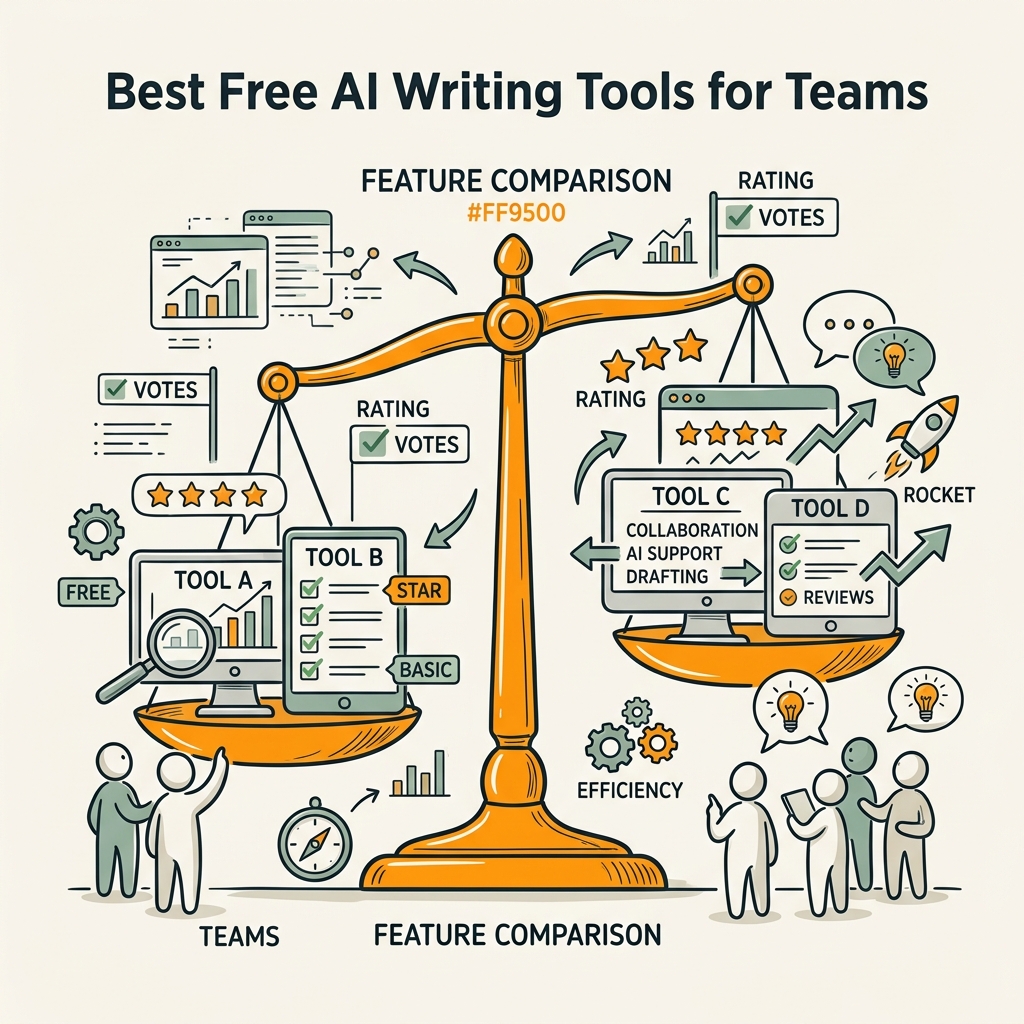
The free-tier landscape in 2026 breaks into two camps: general-purpose AI assistants (ChatGPT, Claude) for drafting and document-level editing, and specialized writing tools (Grammarly, QuillBot) for specific mechanical and stylistic improvements. Below is a side-by-side comparison of what each free tier actually delivers.
| Tool | Free-Tier Limit | Best For | Key Strength | Key Limitation |
|---|---|---|---|---|
| ChatGPT (Free) | ~10 messages per 5-hour window | Drafting, outlines, brainstorming, conversational editing | Flexibility; can handle almost any writing task | Message caps constrain daily heavy use |
| Claude (Free) | Limited daily quota; ~1/5 of Pro capacity | Long-form prose, nuanced editing, coherence over speed | Prose quality; strongest for documents over 500 words | Quota limits prevent frequent use |
| Grammarly (Free) | Real-time corrections + 100 AI prompts/month | Grammar, tone, clarity, always-on editing layer | Real-time feedback across email, Docs, browser | Not a generator; editing-only |
| QuillBot (Free) | 125 words per paraphrase; Standard + Fluency modes only | Paraphrasing, sentence rewrites, academic clarity | Focused rewriting; 7 modes available in paid tier | Word-per-request limit; not for full documents |
ChatGPT Free: The Drafting Workhorse
ChatGPT free tier is the market leader by adoption: 80% of AI tool users select ChatGPT as their primary assistant, according to EyeSift. The reason is simple—it handles almost every writing task competently. Blog outlines, email copy, product descriptions, social media captions, meeting notes, even technical documentation all fall within its scope.
The practical constraint is the message window. 10 messages per 5-hour rolling window is tight for power users, but manageable for teams that batch drafting work (write all outlines Monday morning, all first drafts Wednesday afternoon). The rhythm matters: burst work in concentrated blocks, let the clock reset, burst again.
"A vague prompt ('write a blog post about SEO') generates vague output. A structured prompt ('write a 1,500-word blog post outlining 5 competitor analysis mistakes, structured as problem-solution-checklist, aimed at founders with <$10M revenue, publishing to a SaaS blog') produces usable first drafts that save hours."
The best practice for teams: assign ChatGPT to the high-volume outlining and brainstorming phase. Prompt structure drives quality. A vague prompt ("write a blog post about SEO") generates vague output. A structured prompt ("write a 1,500-word blog post outlining 5 competitor analysis mistakes, structured as problem-solution-checklist, aimed at founders with <$10M revenue, publishing to a SaaS blog") produces usable first drafts that save hours.
Claude Free: The Prose Quality Tier
Claude's free tier is mathematically limited—much lower quota than ChatGPT—but compensates with a strong reputation for prose coherence. Industry reviewers consistently rank Claude above ChatGPT for long-form writing and document-level editing, especially when nuance, structure, and consistency matter more than sheer speed.
Teams use Claude strategically: when a 2,000-word piece needs deep revision, when tone consistency across a 10-page guide matters, or when the output will face senior review and scrutiny. Claude's strength is not generation speed but revision depth and prose polish.
The trade-off is explicit: fewer total requests, but each request tends to yield more usable output. That's an excellent trade-off for marketing teams prioritizing quality over volume.
Grammarly Free: The Always-On Editor
Grammarly is not a writer—it's an editor. The free plan offers real-time grammar, tone, and clarity feedback across email, Google Docs, Slack, and browser text fields. This is the most underrated free writing tool in the market because it solves a different problem: it prevents bad writing before it leaves the team's hands.
The workflow is multiplicative. A writer drafts quickly in ChatGPT. They paste into Google Docs. Grammarly flags tone misalignment, redundancy, and clarity issues in real time. No back-and-forth email. No "can you adjust the tone?" revisions. The feedback is immediate and specific: "This is passive voice—consider active phrasing for urgency."
The free plan includes 100 AI-powered writing suggestions per month, which is more generous than it sounds if you're using Grammarly for grammar and tone (the unlimited features) and reserving the AI quota for trickier rewrites.
QuillBot Free: The Paraphrase Specialist
QuillBot has one job: rewrite sentences and passages without changing meaning. The free tier handles it well for short inputs—up to 125 words per paraphrase request. Access to Standard and Fluency modes lets you choose between "clarity-focused" and "style-optimized" rewrites.
Where QuillBot shines: revising a client's feedback, rewriting a section that's grammatically correct but boring, or teaching team members how to vary sentence structure. It's not a generator; it's a rewriter. That specificity is its strength. Attempting to generate full content with QuillBot is like using a chisel to paint a house.
The 125-word cap per request is a real constraint, but teams work around it by chunking long passages. Industry analysts note that QuillBot's free tier remains restrictive for heavy daily use, but for teams doing 10-15 rewrites per week, it's perfectly adequate.
Building a Scalable Workflow with Free Tools

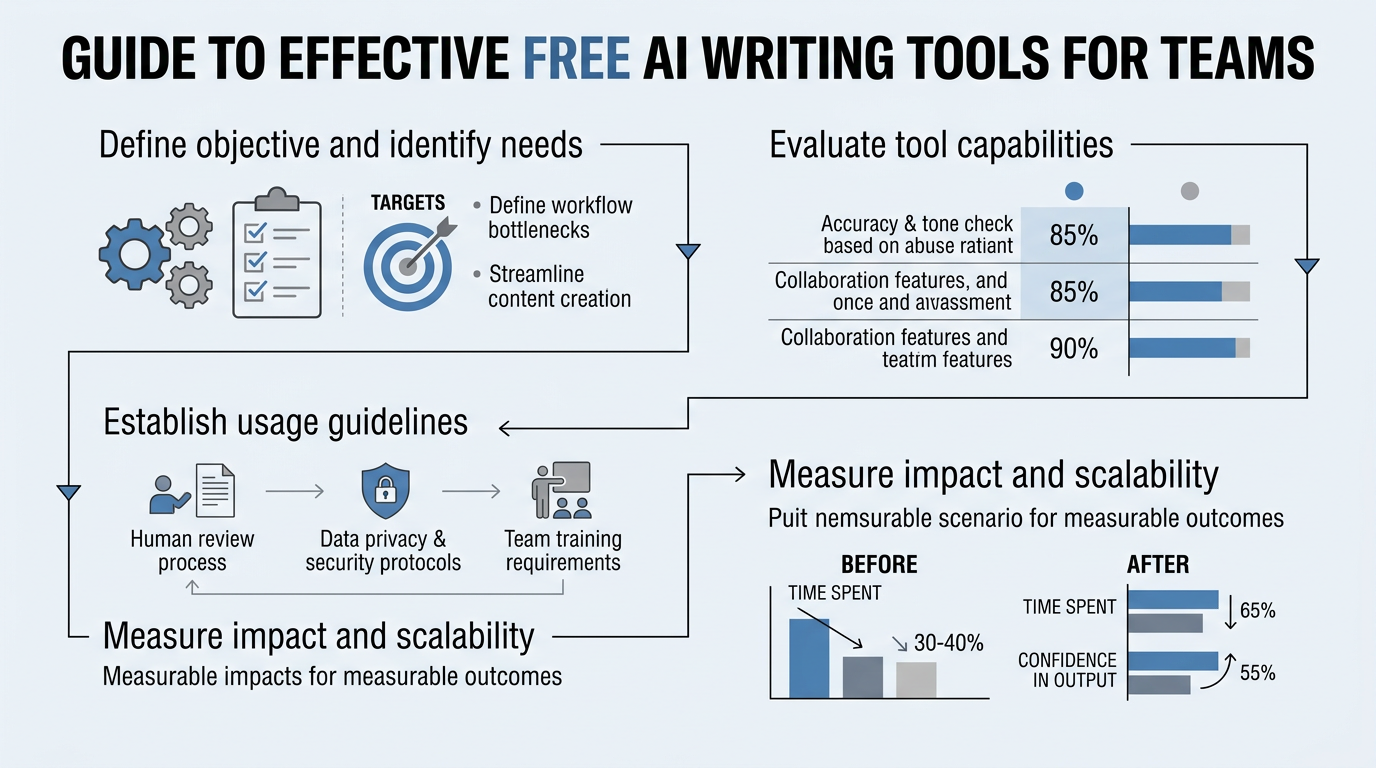
Free tools in isolation are pieces. The magic happens when you layer them into a repeatable process. Below is a battle-tested workflow that growing marketing teams use to produce consistent, quality output without premium spending.
The Three-Phase Writing-to-Publishing Pipeline
High-performing content teams organize free AI tools into three sequential phases: Ideation & Outline (ChatGPT), Drafting & Revision (Claude + Grammarly), and Polish & Publish (QuillBot + Grammarly). Each phase has a primary tool and a support role. Skipping phases or tool-switching mid-phase wastes time.
- Phase 1 – Ideation & Outline (ChatGPT, 5-10 minutes): Generate an outline with key points, examples, and structure. Prompt: "Outline a 1,500-word guide on [topic] for [audience], with 5 main sections and 2-3 key takeaways per section." ChatGPT excels at structural thinking and rapid iteration.
- Phase 2 – Drafting & Revision (Claude or ChatGPT + Grammarly, 30-45 minutes): Expand the outline into full prose. If prose quality is critical, use Claude. If speed matters, use ChatGPT for multiple sections in parallel. Paste into Google Docs and let Grammarly flag real-time tone and clarity issues.
- Phase 3 – Polish & Publish (QuillBot + Grammarly, 15-20 minutes): Use QuillBot for any sentences that feel stiff or repetitive. Run a final Grammarly pass. Publish. This phase is about eliminating drafting artifacts—things that are grammatically correct but reading poorly.
A 1,500-word article using this workflow takes 60-90 minutes total, including human review and fact-checking. That's roughly 60% faster than human writing alone, with equivalent or better quality if the outline is structured correctly.
Scaling to Team Workflows: The Role of Human Review
The critical error teams make: treating AI output as final. The fastest, highest-quality workflows insert human review at specific checkpoints, not after everything is written. Review ChatGPT outlines before drafting. Review Claude prose before publishing. This catches errors early when fixing is cheap.
Expect human editing to add back 25–40% of the time saved by AI drafting (2026, Stealth Agents research). That's still net-positive: if AI saves 2 hours of drafting and human review takes 30 minutes, you've saved 90 minutes of work. More importantly, the output quality is higher because human judgment optimizes for brand voice and business goals, not just mechanical correctness.
Making Free Tools Reliable at Scale
Teams with 5+ writers hitting message limits should consider one of two adjustments:
- Rotate between free and paid tiers: Three writers on ChatGPT free, two on ChatGPT Plus ($20/month each). Rotate monthly. Total monthly cost: $40. Solves capacity issues without a per-writer subscription.
- Use Jottler for content at scale: If the team needs to publish multiple long-form articles per week consistently, manual workflows—even with free AI—require significant time investment. Tools like autonomous SEO agents automate research, writing, and fact-checking at volume. Jottler publishes multiple 3,000+ word research-backed articles daily, handling keyword research and internal linking automatically. For founders scaling content operations, this eliminates the manual workflow bottleneck entirely.
The decision is straightforward: if your team writes 1-3 pieces per week, free tools in a structured workflow are sufficient. If you're writing 5+ pieces per week or need daily publishing, automation tools become cost-effective because they eliminate the human orchestration bottleneck entirely. That's when automation tools become necessary.
Common Pitfalls and How to Avoid Them

Teams adopting free AI writing tools usually hit the same problems. Knowing them in advance saves significant frustration.
Pitfall 1: Using a Single Tool for Everything
The most common mistake is adopting ChatGPT or Claude and trying to accomplish editing, grammar-checking, and rewriting entirely within that tool. It's possible, but inefficient. Each tool's free tier is optimized for a specific role. Forcing one tool to do three jobs wastes the capabilities the team actually pays for (in this case, nothing—but it wastes time, which is worse).
The fix is the task-to-tool routing framework above. Spend 5 minutes mapping your writing tasks to the right tool, and your workflow efficiency jumps 40% immediately.
Pitfall 2: Ignoring Fact-Checking and Hallucinations
AI language models generate confident-sounding false information at consistent rates. ChatGPT hallucinates facts. Claude hallucinates facts. The free tiers of both are not exempted from this behavior. Teams that publish AI-generated content without fact-checking create compounding credibility risk.
The best practice: assign one person on the team to spot-check claims. For SEO content, this means verifying statistics, checking citations, and running Google searches on key claims before publishing. For sales or marketing content, this means a subject matter expert reviewing AI output for accuracy. This adds 5-10 minutes per piece but prevents disasters.
Pitfall 3: Treating Free-Tier Limits as Bugs Instead of Constraints
ChatGPT's message limit is a feature, not a design mistake. It prevents teams from outsourcing all writing to a single free account and creating dependency on a service with no SLA or support. Teams that treat the limit as an inconvenience to work around tend to either move to paid plans unnecessarily or create workarounds that reduce quality.
The healthier approach: work within the constraints. Batch drafting. Use multiple accounts if the team is large. Rotate tools. These constraints actually force teams to design better workflows.
Comparing Free vs. Premium: When (and When Not) to Upgrade
The free-to-premium conversation should be data-driven, not hope-driven. Below are the decision criteria teams use:
Upgrade to Premium If:
- Your team writes 5+ articles per week: Free message limits will become a bottleneck. Premium tiers (ChatGPT Plus, Claude Pro) remove quotas and add features like document upload and web browsing. At $20/month per writer, the ROI is positive if the writer is spending >2 hours per week hitting limits.
- You need integration with your tech stack: Free tiers of generalist tools don't integrate with CMSs, project management systems, or marketing automation platforms. If you need AI output to flow directly into publishing workflows, a premium tier or a specialized tool is required.
- Your content needs specialized capability: SEO-optimized article generation, image generation, multi-language support, or brand voice consistency at scale often requires premium or enterprise tools. Free general-purpose tools can handle basics, but not advanced requirements.
Stay Free If:
- Your team writes 1-3 pieces per week: Free ChatGPT and Claude quotas are sufficient if you plan around them. No premium tier needed.
- Your primary need is editing, not generation: Grammarly free handles grammar and tone better than almost any paid alternative except Grammarly Premium itself. That's the obvious choice.
- Your content is internal or low-stakes: Draft emails, internal documentation, customer support responses—these benefit from AI assistance but don't require premium quality levels or integrations.
The Role of Automation for Growing Teams
Free tools democratize AI writing capability, but they don't automate the human workflow. A human still decides what to write, sequences the tools, edits the output, and publishes. For teams producing 10+ pieces per week, that human orchestration becomes a full-time job.
This is where automation platforms differ fundamentally from free tools. An SEO automation platform like Jottler removes the manual coordination step entirely. The system:
- Researches topics and keywords autonomously (not ChatGPT prompts—actual research from 14+ sources)
- Writes long-form articles (3,000+ words) from scratch without human drafting
- Fact-checks and verifies claims against sources automatically
- Optimizes for SEO and internal linking without manual link research
- Publishes directly to your CMS on a schedule
For busy founders and scaling marketing teams who understand that consistent organic traffic compounds over time, this approach trades tool flexibility for workflow automation. You're not choosing "free tools" vs. "premium tools" anymore—you're choosing "manual orchestration" vs. "fully autonomous system."
The pricing difference matters: Jottler starts at $29/month and handles the work of 2-3 full-time writers. Your team of 2 can publish content at the volume of a team of 5, with lower error rates and higher SEO consistency.
Conclusion
Free AI writing tools are no longer toys. 97% of content marketers now use AI writing tools, and the adoption rate reflects reality: free ChatGPT, Claude, Grammarly, and QuillBot solve legitimate team problems. The constraint is not capability—it's workflow clarity.
Teams that win with free tools share one pattern: they route tasks to specialized tools instead of forcing everything through one platform. ChatGPT for outlining and drafting. Claude for prose quality. Grammarly for editing layer. QuillBot for rewriting. This specialization cuts writing time by 60% or more while maintaining or improving output quality.
For teams producing 1-3 pieces per week, free tools are a complete solution. For teams scaling to daily publishing, automation tools like Jottler become cost-effective because they eliminate the human orchestration bottleneck entirely. The question isn't whether to use AI writing tools—it's which architecture (manual + free) fits your team's publishing volume and timeline.
Start with free tools. Learn the workflow. Measure your gains. Upgrade tools only when free-tier constraints are genuinely limiting your output. Most growing teams find the ceiling is higher than they expected. Start your SEO agent today and let Jottler handle daily research and writing at scale. Plans start at $29/month.
FAQs
What is the best free AI writing tool for content teams?
The answer depends on your specific task. ChatGPT free tier is best for drafting and brainstorming because it handles nearly any writing task competently, though message limits apply. Claude free tier is best for long-form prose quality and document-level editing. Grammarly free is best for grammar, tone, and real-time editing across your entire writing surface. QuillBot free is best for paraphrasing and sentence-level rewrites. The highest-performing teams don't pick one—they use all four in a structured workflow, routing each task to the tool that solves it best. Attempting to do everything with a single free tool wastes the specialized strengths each one offers.
How much time can free AI writing tools save a marketing team?
Teams using free AI writing tools strategically save 40-60% of drafting time per article, compared to human writing alone. A typical 1,500-word article that takes a writer 2.5 hours manually takes 60-90 minutes with AI assistance, including human review and fact-checking. That translates to roughly 5-6 hours saved per week for a writer producing 3 articles weekly. However, expect human editing to add back 25-40% of the time saved, since AI output requires review for accuracy, brand voice, and business context. The net savings is still substantial—roughly 3-4 hours per writer per week—but it's not "write once, publish instantly."
Do free AI writing tools produce content that's good enough to publish?
Yes, free AI writing tools produce publishable content when used correctly. 90% of marketers now use AI for text-based tasks like drafting and editing, and adoption at that scale reflects genuine utility. The quality depends on three factors: (1) prompt clarity—vague prompts produce vague output, structured prompts produce usable drafts, (2) tool selection—using the right tool for the specific task (Claude for prose quality, ChatGPT for brainstorming, Grammarly for editing), and (3) human review—factual verification and brand voice alignment are non-negotiable. Content that skips human review creates credibility risk. Content that includes a review step produces quality comparable to or better than human-only writing, with significantly lower time investment.