Tracking Organic Traffic Attribution Across Multiple Channels
Most marketing teams operate blind when it comes to understanding where their organic traffic truly comes from and how it contributes to revenue. Organic search accounts for 53.3% of all trackable website traffic across thousands of domains, yet only 23% of businesses report full adoption of proper attribution models. The challenge: with third-party cookies disappearing and privacy regulations tightening, tracking which channels assist conversions has become exponentially harder. The fix? A deliberate multi-channel attribution strategy that goes beyond last-click metrics and values organic's often-invisible role in early-funnel discovery. According to Shno, organic search dominates measurable channels by a 10x margin over organic social media.
Key Takeaways
- Organic search drives 53.3% of website traffic but is undervalued by last-click attribution models (2026, BrightEdge data)
- Data-driven attribution models require significant conversion volume; position-based 40/20/40 is more practical for most teams
- GA4 adoption stands at 43% of analytics-enabled sites, but accurate tracking requires linking Search Console data and filtering signal loss
- Understanding Attribution Models: Different models credit touchpoints differently; organic wins when using data-driven or position-based approaches instead of last-click.
- Setting Up GA4 for Multi-Channel Tracking: Link Google Search Console, segment by session source/medium, and track assisted conversions for a complete picture.
- Implementing UTM Parameters Correctly: Structured campaigns prevent signal loss and ensure organic traffic isn't misattributed as direct.
- Measuring Organic's Assisted Conversions: Organic often assists conversions rather than closes them; GA4 attribution reports reveal this hidden value.
- Automating Attribution Workflows: Connecting GA4 to CRM and revenue data surfaces the true lifetime value of organic visitors.
What Is Multi-Channel Attribution and Why Organic Traffic Tracking Matters
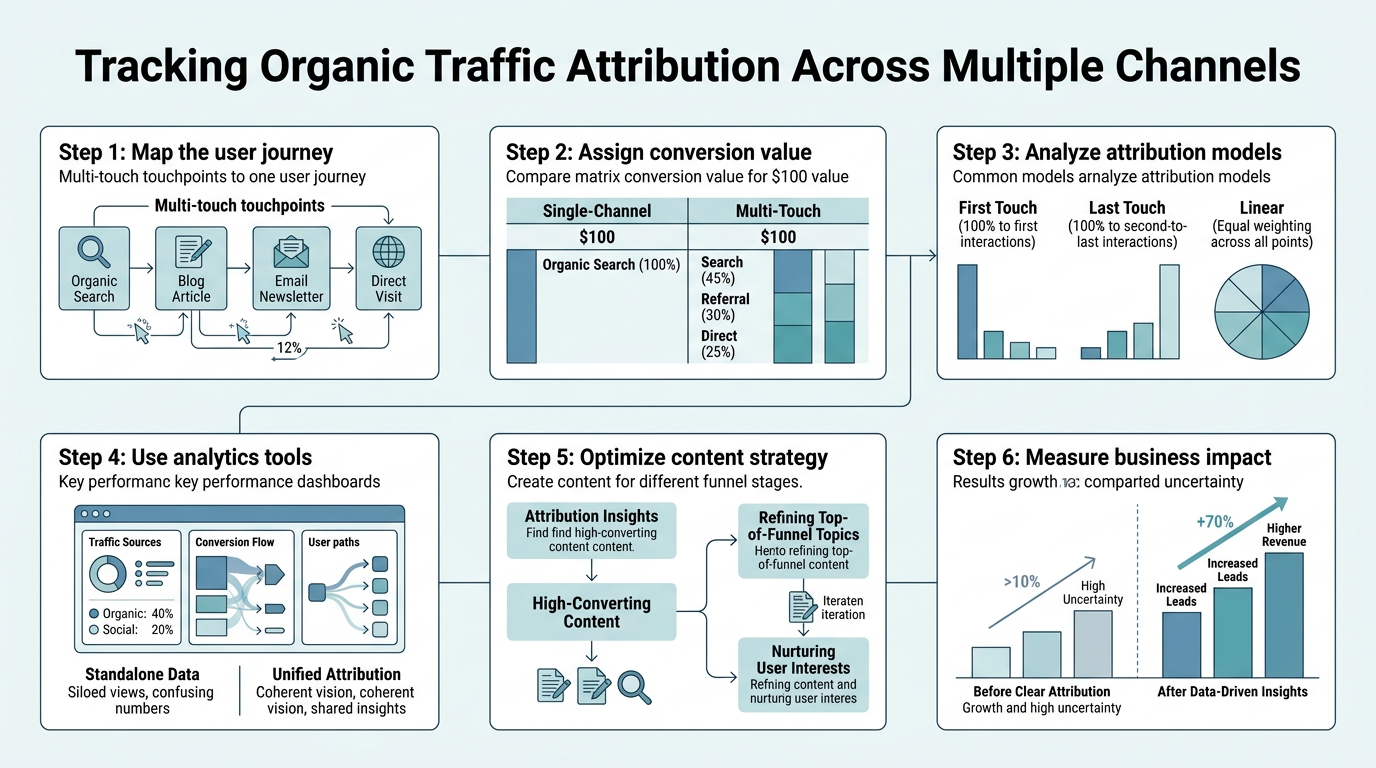
Multi-channel attribution assigns conversion credit to each touchpoint in a customer journey rather than awarding all credit to the last interaction before purchase. 73% of customers interact with multiple touchpoints before converting, yet most teams rely on last-click models that systematically undervalue upper-funnel channels like organic search and content marketing. Attribution model biases cause up to 26% of marketing budgets to be wasted by systematically underinvesting in channels that deserve more credit.
Organic traffic occupies a unique position: it drives the largest share of website visits but often plays a supporting role in conversions. A prospect researches a problem via Google, reads your article, comes back weeks later through a paid ad, then converts. Last-click attribution hands all credit to the paid channel. Multi-channel attribution reveals that organic's content assisted the conversion, justifying continued investment in SEO. Loungelizard reports that organic attribution is not gone in 2025, but has evolved to emphasize organic's decisive role in awareness and early-funnel discovery rather than last-click closes.
The Privacy-First Tracking Reality of 2026
iOS restrictions, cookie consent requirements, and third-party cookie deprecation have fragmented the tracking landscape. GA4 powers 43% of analytics-enabled websites, yet signal loss from privacy regulations inflates "direct" traffic and masks organic assists. This means organic traffic often gets misattributed as direct visits, skewing your understanding of which channels actually drive value. Manual UTM tagging and first-party data strategies are now essential for separating true direct traffic from unattributed organic or referral sources. Proper implementation prevents the waste that compounds when signal loss goes unchecked for months.
Why Last-Click Attribution Fails for Content-Driven Growth
Last-click models credit only the final touchpoint before conversion. For organic traffic, this creates a structural disadvantage: SEO-driven content rarely closes dealsit educates early-stage prospects. By the time they convert, they've usually touched a paid channel or come back directly. Switching to data-driven, linear, or position-based models surfaces organic's true contribution. Teams using position-based 40/20/40 attribution consistently find that organic search deserves significantly more budget allocation than last-click metrics suggest. According to Searchenginejournal, focus on sessions by channel, engagement rate (replacing bounce rate in GA4), and goal conversion rate as core KPIs for organic measurement.
Setting Up GA4 for Accurate Organic Traffic Tracking
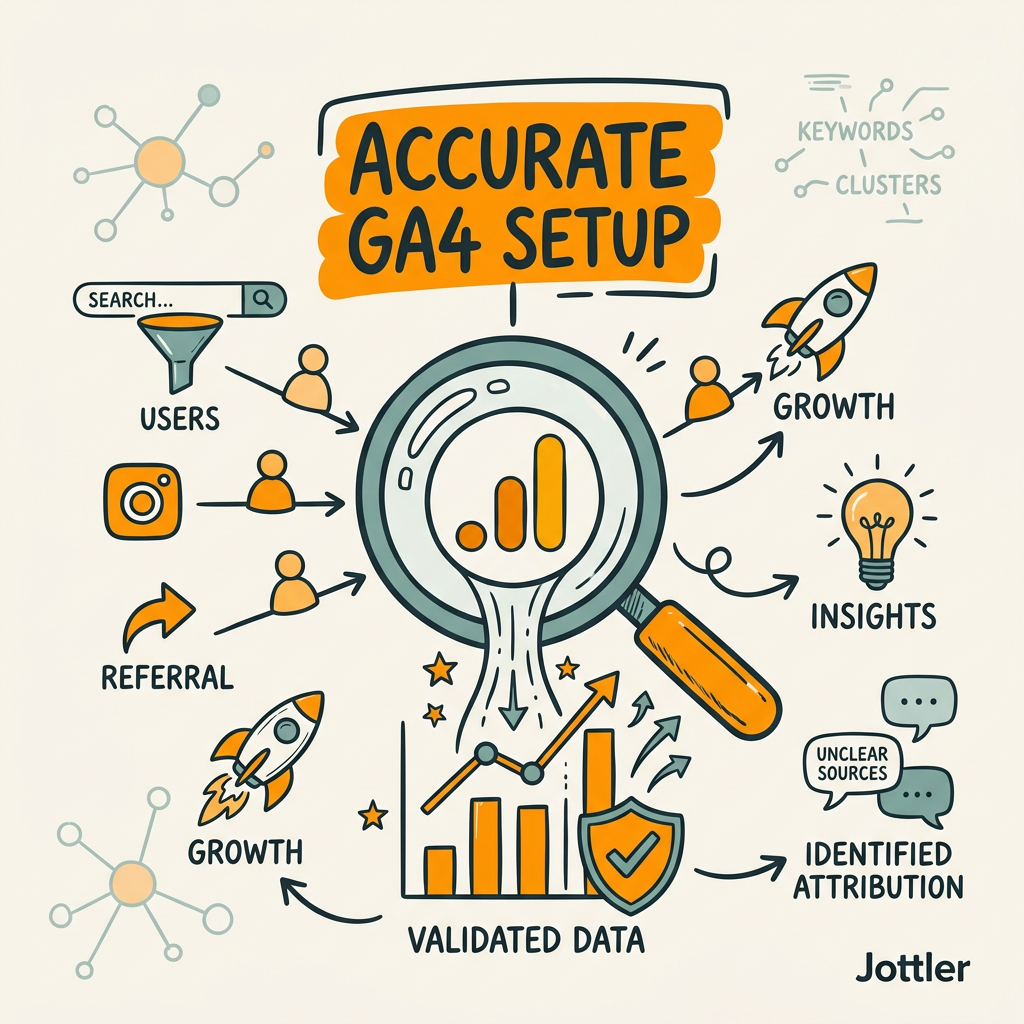
Google Analytics 4 is the foundation for modern multi-channel tracking, but setup matters. Most teams enable GA4 without linking Google Search Console or segmenting traffic by source medium, missing critical organic insights. The right configuration takes an afternoon and compounds accuracy for years. SEO automation tools can feed GA4 data automatically to inform content strategy, creating a feedback loop where your best-performing content types guide future article development.
Connecting Google Search Console to GA4
Linking GSC to GA4 is non-negotiable for organic tracking. This integration surfaces the keywords driving traffic, click-through rates from search results, and average ranking positionsdata that GA4 alone cannot provide. Search Console shows you which queries brought qualified traffic, while GA4 shows what those visitors did on your site. Together, they create a complete organic picture. Follow Google's official connection flow in GA4 Admin, then wait 24 hours for data to populate in your GA4 Acquisition reports.
Segmenting Traffic by Session Source and Medium
GA4 defaults to showing traffic by "source/medium" pairs (e.g., google / organic, direct / none). Create custom segments within GA4 reporting to isolate organic traffic: use "Session source equals google" and "Session medium equals organic" together. This filters out non-organic searches and clarifies your organic baseline. Many marketing teams skip this step and accidentally analyze paid search or social traffic as organic, distorting attribution decisions. Proper segmentation takes one minute and prevents months of false conclusions.
Configuring the Attribution Tab and Model Comparisons
GA4's Attribution tab lets you compare how different models value the same conversions. Navigate to Advertising > Attribution, select your conversion goal, and toggle between Data-Driven, Last Click, First Click, Linear, and Time Decay models. Most teams discover that last-click undercounts organic's contribution by 30-50% when compared to position-based or data-driven models. Document your baseline under last-click, then test a more balanced model for 30 days to see the impact on organic's perceived value.
Choosing the Right Attribution Model for Organic Traffic
Attribution model selection determines whether organic traffic looks essential or expendable. The wrong choice systematically undervalues your SEO efforts. Different models suit different businesses, conversion paths, and data volumes.
| Attribution Model | Best For Organic Traffic | Data Requirements | Implementation Complexity |
|---|---|---|---|
| Last Click | Poor. Undervalues organic's awareness role. | None | Built-in (GA4 default) |
| First Interaction | Good. Credits organic discovery heavily. | None | Low |
| Linear | Excellent. Equal credit to all touches. | Moderate | Low |
| Time Decay | Good. Weights recent touches, captures organic's role in research phases. | Moderate | Low |
| Position-Based (40/20/40) | Excellent. Credits organic discovery (40%), final touch (40%), and middle touches (20%). | Moderate | Low |
| Data-Driven | Excellent. ML algorithm assigns credit based on actual conversion patterns. | High (10,000+ conversions/month) | High |
When to Use Position-Based Attribution (The Practical Choice)
Position-based 40/20/40 attribution is the sweet spot for most growing companies. It credits the first touch (40% of conversion value, often organic discovery via branded or informational searches), the final touch (40%, typically paid or direct), and all middle interactions equally (20%). This model balances simplicity with fairness: it acknowledges organic's critical awareness-building role without requiring the massive conversion volume that data-driven models demand. Implement it in GA4, then set organic-specific KPIs around first-touch conversions and assisted conversions to measure ROI accurately.
When to Use Data-Driven Attribution
Data-driven attribution uses machine learning to analyze actual conversion paths and assign credit algorithmically. It's the gold standard for teams with high conversion volumes (10,000+ per month) and complex multi-channel journeys. GA4 can run data-driven models if you have sufficient conversion data, but most growing companies lack this volume. If you operate below 10,000 monthly conversions, position-based or linear models deliver 80% of data-driven's accuracy at a fraction of the operational overhead.
Implementing UTM Parameters to Prevent Organic Attribution Loss
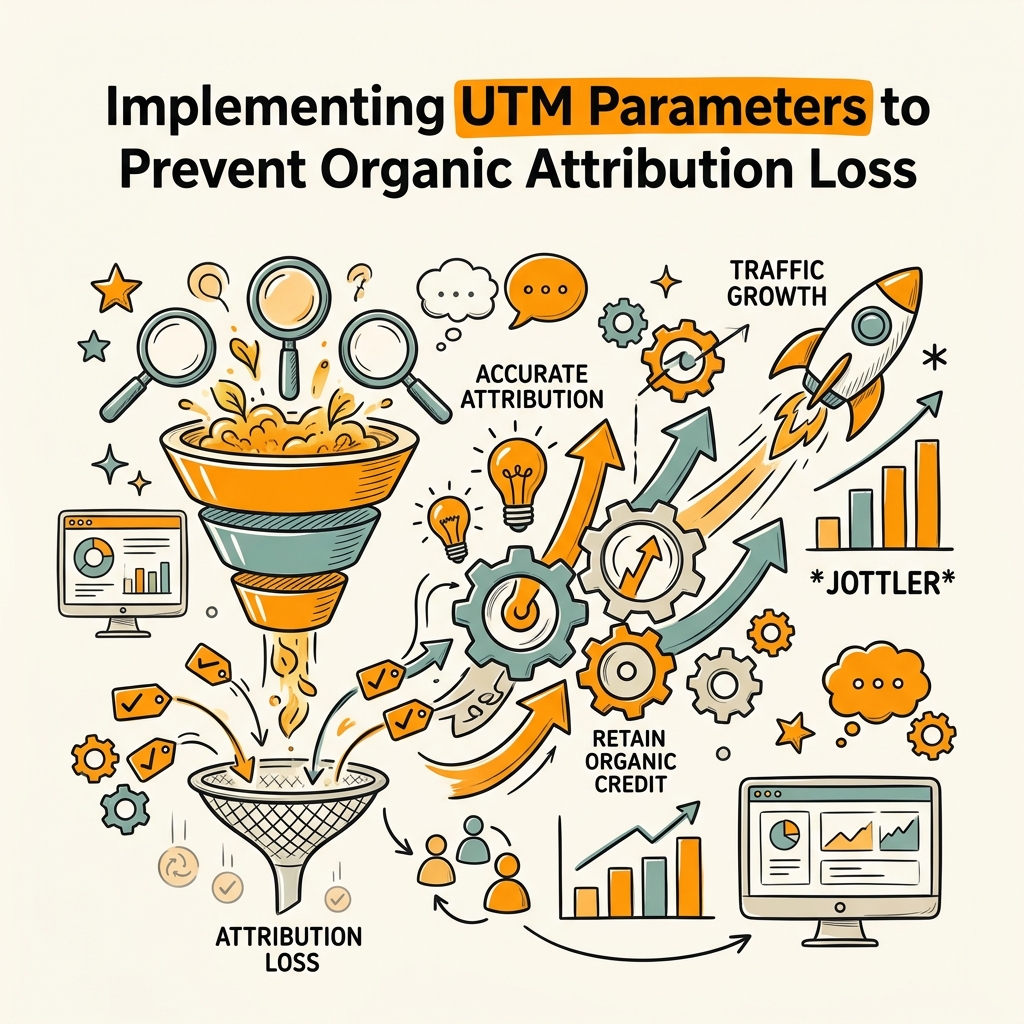
Privacy regulations and tracking gaps create a serious risk: organic traffic gets misattributed as direct traffic. Proper UTM parameter discipline prevents this loss and ensures organic traffic is captured correctly across all sources.
Setting Campaign, Source, and Medium Parameters Correctly
UTM parameters (utm_source, utm_medium, utm_campaign, utm_content, utm_term) let you tag traffic sources and pass them to GA4. For organic traffic, consistency is critical. Use utm_source=google, utm_medium=organic, and utm_campaign=seo or a specific content pillar. Never use utm_medium=cpc for organic traffic, and never confuse medium with source. Teams using inconsistent UTM conventions lose visibility within weeks; GA4 conflates similar-but-different parameters as separate traffic sources, fragmenting your organic data. Document your UTM naming convention in a shared spreadsheet and stick to it across all channels.
Building UTMs for Internal Links and Content Hubs
Most teams tag external links but forget internal linking. When users navigate from one article to another via internal links, GA4 marks it as direct traffic unless you add UTM parameters. For content-driven SEO strategies, this is a major blind spot. Add UTMs to your internal linking structure: utm_source=internal, utm_medium=link, utm_campaign=[target content pillar]. This reveals which of your articles drive the most downstream engagement and conversions, allowing you to double down on content that wins in your multi-channel journey. Content marketing automation eliminates this tagging overhead by managing UTMs programmatically across all published articles.
Using Google's Campaign URL Builder for Consistency
Google's Campaign URL Builder (a free tool accessible via any search) enforces UTM syntax and prevents typos that fragment your data. Paste your base URL, fill in source, medium, campaign, and content fields, then copy the generated link. This automation prevents common mistakes like utm_medium=organic vs. utm_medium=Organic, which GA4 treats as separate channels. For teams at scale, AI-powered SEO tools handle UTM generation and internal linking programmatically, eliminating manual tagging overhead while ensuring zero errors across thousands of published articles.
Measuring Organic's Assisted Conversions in GA4
Last-click attribution misses organic's most valuable contribution: assisting conversions it doesn't close. GA4's conversion path reports reveal how often organic traffic appears earlier in journeys that convert through other channels.
Running the Assisted Conversions Report
In GA4, navigate to Advertising > Assisted Conversions and select your primary conversion goal. This report shows which channels assist conversions (appear in a journey but don't close it) versus which channels close conversions (last touchpoint). Most teams find that organic traffic assists conversions 3-5x more often than it closes them, because organic typically educates early-stage prospects who convert later through paid or direct channels. A single organic article can assist dozens of conversions before one visitor actually purchases.
Tracking Multi-Touch Conversion Paths
GA4's Paths Reports show the actual journeys customers take. Go to Engage > Paths to see how many conversions involved organic traffic in any position. Filter by goal completion and you'll see sequences like: Organic Google → Direct → Paid Search → Conversion. This visualization proves organic's value to stakeholders who doubt SEO ROI. Teams using AI content strategy systems compound this effect by publishing high-quality articles consistently, increasing the likelihood that organic traffic assists every multi-touch journey.
Using Conversion Segments to Isolate Organic's Role
Create a GA4 segment: "Converted users who touched organic at any point in their journey." Go to Admin > Segments, select "User," and apply a condition: "Session source = google AND Session medium = organic." Apply this segment to any report to see behavior only from users who visited via organic. Compare their conversion rate, session duration, and lifetime value against users who never touched organic. Most teams find organic visitors have higher lifetime value and lower CAC, justifying premium investment despite lower last-click conversion rates.
Connecting GA4 to CRM and Revenue Data for True Attribution
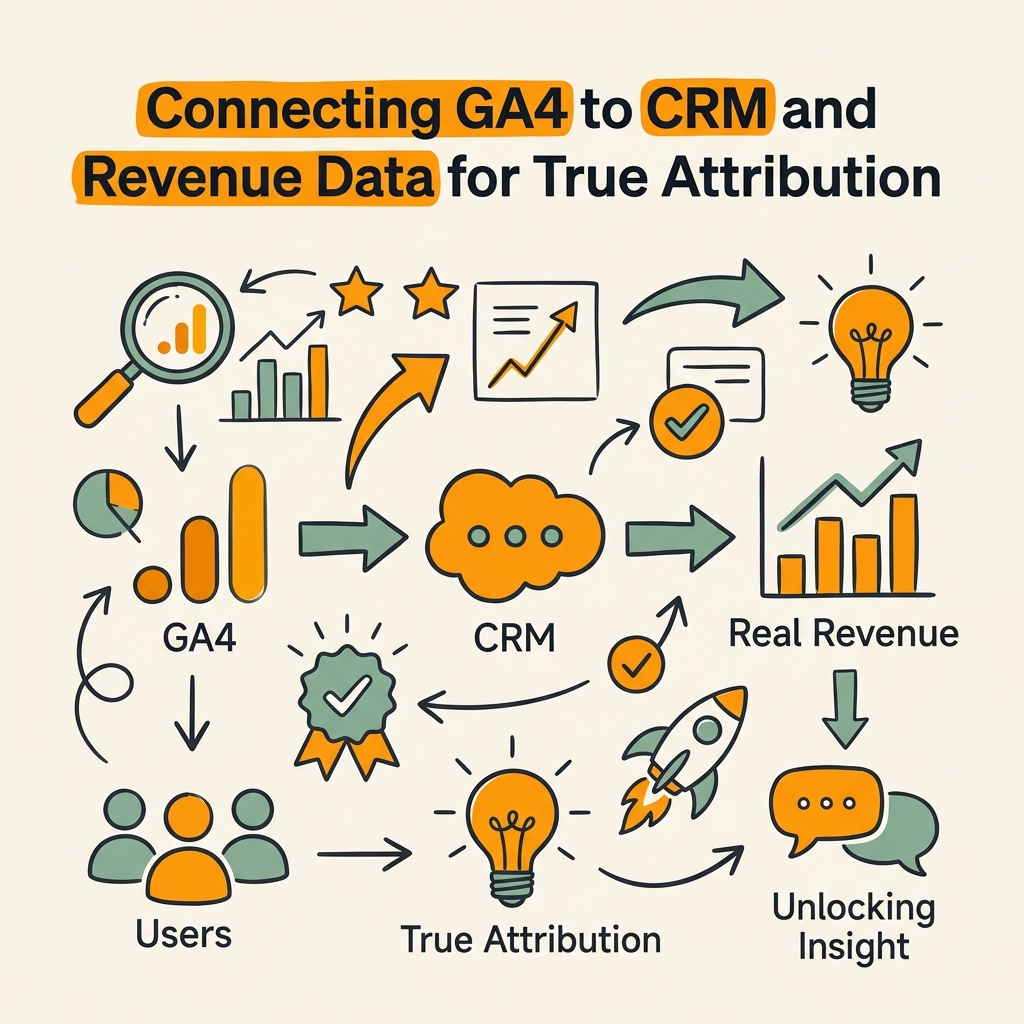
GA4 tracks engagement, but true attribution requires connecting traffic data to actual revenue. This is where most teams struggle: they measure conversions in GA4 (form submissions, signups) but never link those leads back to closed deals in their CRM.
Passing Revenue Data from Pipedrive, HubSpot, or Salesforce to GA4
Set up a data integration between your CRM and GA4 using native connectors or tools like Zapier, Make, or your CRM's built-in analytics. When a lead converts to a customer in your CRM, pass the customer value and deal status back to GA4 as a custom event. GA4 then calculates revenue per session and revenue per user by traffic source. This transforms your attribution model from conversion-focused to revenue-focused, answering the question that matters most: which channels drive the highest revenue per visit? Organic often wins when measured this way, because organic visitors tend to have longer consideration cycles and higher deal values.
Calculating Revenue Per Organic Session
Once revenue data flows into GA4, calculate a custom metric: Revenue / Sessions by Source. Go to Admin > Custom Definitions > Metrics and create: revenue_per_session = totalRevenue / sessions. Filtered to organic traffic, this metric reveals the true ROI of your SEO efforts. A benchmark: B2B SaaS companies typically see $2-$50 revenue per organic session depending on deal size and conversion path. If your organic RPM is below $1, either your targeting is wrong or your organic traffic isn't reaching qualified prospects.
Building Revenue-Weighted Attribution Models
Beyond standard GA4 attribution, create a manual spreadsheet model that weights touchpoints by their revenue contribution rather than binary credit. This is especially powerful for organic: instead of asking "Did organic get first-click credit?", ask "What's the average deal size for customers whose journey included organic content?" You'll likely find that organic-touched deals are worth 20-40% more than non-organic deals, justifying continued investment even when last-click metrics look weak.
Automating Attribution Workflows to Scale Tracking
Manual attribution tracking doesn't scale. As your content library grows and traffic accelerates, manually analyzing paths and assigning credit becomes impossible. Automation surfaces insights that would otherwise stay buried.
Setting Up GA4-to-Slack or GA4-to-Email Alerts
Use Google Data Studio or Looker Studio (free tools connected to GA4) to build dashboards that auto-email daily or weekly. Set alerts for anomalies: when organic traffic drops 30%, when a high-ROI page stops converting, when a new channel's attribution shifts. These automated alerts catch problems before they compound. Most teams lose thousands in wasted spend because they notice attribution shifts weeks after they occur.
Using Programmatic Data Streams for Real-Time Attribution
GA4's Data API allows teams to stream real-time attribution insights into internal tools. Tools like autonomous SEO agents pull GA4 data automatically to optimize future content based on current attribution patterns. If organic social content consistently assists conversions (but doesn't close), the system recommends doubling down on that content type. If a particular keyword cluster has high first-click value but low close rate, the system flags it for nurture-stage content development.
Building Monthly Attribution Reports from GA4 Exports
Export GA4 data via BigQuery (free tier available, linked to your GA4 property) and build automated SQL queries that run monthly. Create a pivot table: touchpoints by revenue contribution by month. This surfaces seasonal patterns (organic often peaks in Q1 and Q3 as prospects research). Share the report automatically with your team every month so attribution insights inform strategy without manual effort.
Conclusion
Tracking organic traffic attribution across multiple channels requires moving beyond last-click metrics, implementing proper GA4 setup with Search Console integration, choosing an attribution model that values organic's early-funnel role, and connecting traffic data to actual revenue outcomes. When implemented correctly, multi-channel attribution reveals that organic traffic contributes significantly more value than last-click models suggest, justifying premium investment in SEO. The most successful teams automate their attribution workflows, eliminating manual analysis overhead while surfacing real-time insights that optimize resource allocation. By measuring organic's true contribution through position-based or data-driven models, and connecting GA4 to CRM and revenue systems, you'll have the clarity needed to build organic traffic strategies that compound month over month. Start with GA4 and Search Console integration this week, test a balanced attribution model next month, and let data guide your next content and keyword investments. Start your SEO agent to ensure every article published earns its attribution value through consistent keyword research, content quality, and internal linking precision.
FAQs
How do I know if organic traffic is actually driving conversions?
Enable GA4's Assisted Conversions report and filter by organic traffic to see how often organic appears in conversion journeys, regardless of whether it closes the deal. Most B2B companies find organic assists 3-5x more conversions than it directly closes, because organic typically educates early-stage prospects. Use position-based or linear attribution models rather than last-click to see organic's true value. Finally, connect GA4 to your CRM and calculate revenue per organic sessionorganic visitors often have higher lifetime value despite lower immediate conversion rates.
Which attribution model should I use if I don't have 10,000 monthly conversions?
Use position-based 40/20/40 attribution instead of data-driven models. Position-based awards 40% of credit to the first touchpoint (where organic excels), 40% to the final touchpoint, and 20% equally to all middle interactions. This model delivers 80% of data-driven's accuracy without requiring massive conversion volume or dedicated data science resources. Set it up in GA4's Attribution tab and compare against last-click for 30 days to see how much organic's perceived value increases.
What's the fastest way to see which organic pages drive the most conversions?
Link Google Search Console to GA4, then navigate to Acquisition > All Traffic > Source/Medium and filter to google / organic. Add a secondary dimension of "Landing Page" and sort by conversions. This instantly reveals which organic articles drive the most conversions. To see assisted conversions (which usually matter more), use the Assisted Conversions report filtered by organic source. Finally, segment users by "touched organic at any point" to calculate the lifetime value of visitors who came through organic, even if they converted through another channel later.