Automating Bulk SEO Metadata Updates Efficiently
Most growing companies manage dozens to thousands of web pages—yet manually optimizing title tags and meta descriptions for each one is a recipe for burnout. 68% of content teams report distribution and publication as their biggest bottleneck, and that's before they tackle on-page optimization. When you're scaling fast, metadata updates can languish for months. The fix? Automation that handles bulk SEO metadata updates at enterprise scale while maintaining quality and uniqueness. Here's a quick summary of how to automate your metadata workflow effectively: define structured inputs, use AI agents to generate metadata at scale, apply brand and SEO constraints, deploy via CMS or API, and measure performance in Google Search Console.
Key Takeaways
- AI agents can reduce per-page metadata optimization from hours to minutes for hundreds of pages (eesel AI, 2026), enabling enterprise-scale updates without manual drudgery.
- Bulk metadata automation is now table stakes—85% of automation customers report running on full autopilot mode (MEGA SEO, 2026), covering keyword clustering, schema, and title/description generation.
- The strongest workflow integrates Google Search Console data with metadata generation to prioritize updates based on actual search performance, not guesswork.
- Structured input framework: Feed your automation system URL, H1, page content, target keywords, and brand guidelines so generated metadata is unique and data-driven, not templated.
- Enterprise-scale generation: Process thousands of pages in hours rather than weeks by using AI agents that write titles and descriptions within character limits and SEO constraints.
- CMS/API deployment: Push bulk updates directly to WordPress, Shopify, custom CMS, or headless platforms through REST APIs, CSV imports, or direct dashboard workflows.
- QA and governance: Implement review gates for high-value pages, monitor for duplicates, and track Google Search Console for unexpected title rewrites or CTR changes.
- Performance measurement: Measure impact on impressions, CTR, and average position before and after bulk updates to validate that automation improves, rather than harms, search visibility.
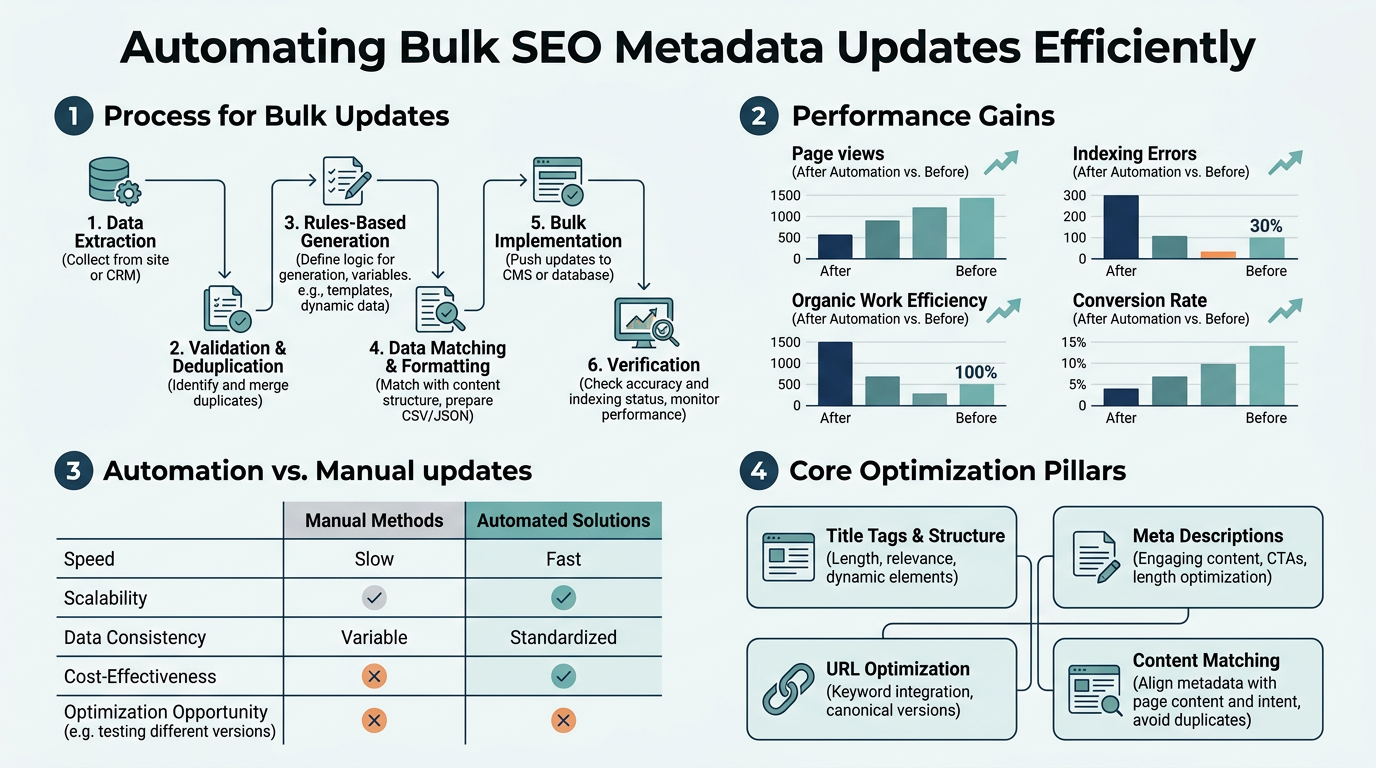
Why Bulk Metadata Updates Matter for SEO
Title tags and meta descriptions are foundational on-page SEO signals that directly influence click-through rates (CTR) in search results. Meta descriptions remain Google's only guaranteed on-SERP real estate for explaining page content, yet many enterprise sites leave thousands of pages with stale, generic, or duplicated metadata. The stakes are high: a 2% improvement in average CTR across 1,000 pages translates to dozens of additional clicks per month, and clicks often precede ranking improvements.
"Manual metadata editing doesn't scale. A single marketer can optimize perhaps 50 pages per week; a 10,000-page ecommerce catalog would take four years at that pace." — SEO Operations Best Practices
Bulk automation compressed into a disciplined workflow—sourcing structured data, generating unique metadata, applying SEO rules, and deploying updates systematically—is no longer optional for scaling organic traffic. This is where SEO automation platforms become indispensable.
How Does Automated Metadata Generation Work at Scale?
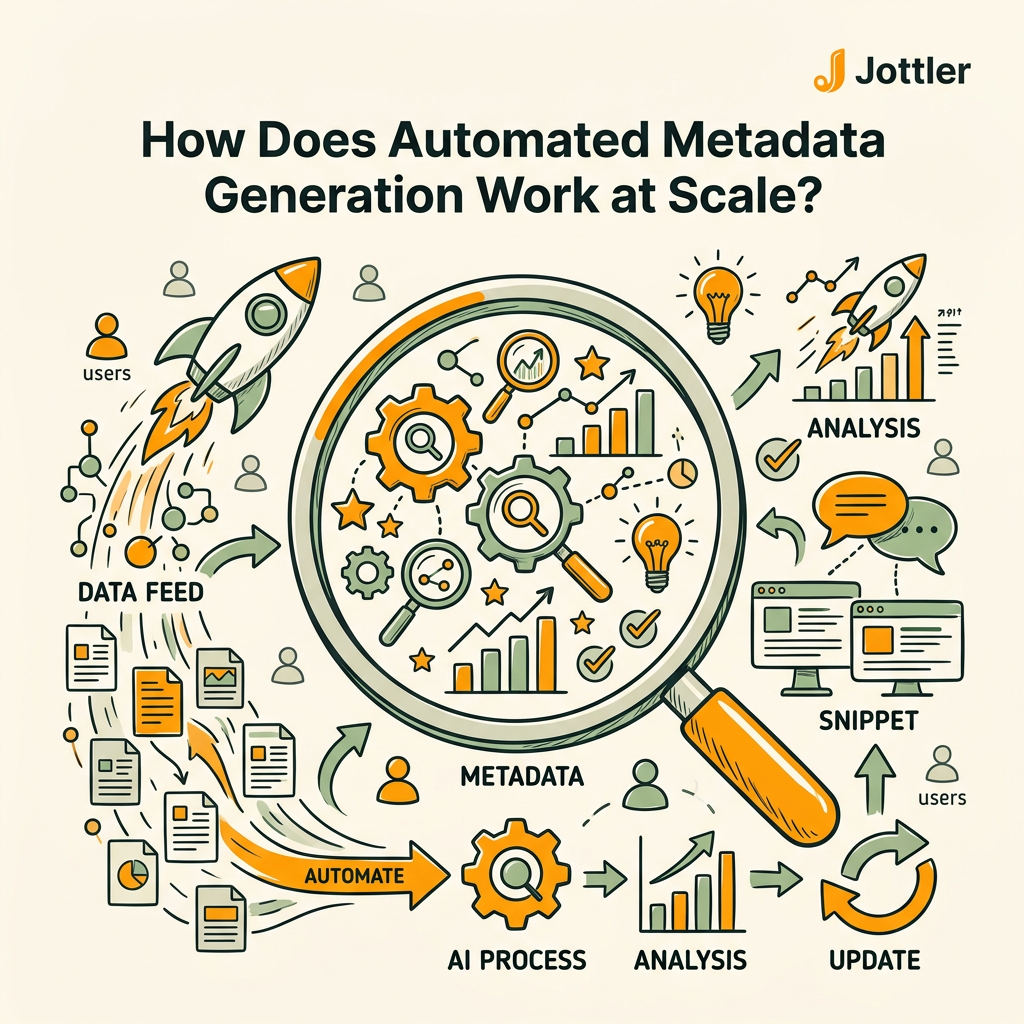
Modern bulk metadata automation uses AI agents to intake structured page data and generate optimized titles and descriptions within predefined constraints. AI agents can process hundreds of pages in minutes, whereas manual editing takes hours per page. The key difference from simple templating is that effective automation ingests page-specific signals—URL, H1, body copy, product details, target keywords—and generates unique output rather than applying cookie-cutter patterns.
Core workflow: input, generation, rules, output
The typical process follows four phases:
- Structured input collection — gather URL, current title/description, H1, page type, on-page content or product details, target keyword, and brand voice rules. This ensures generated metadata is rooted in real page context, not just keyword targets.
- AI generation with constraints — feed inputs to an AI model with explicit rules: title max 60 characters, description max 155 characters, include target keyword naturally, no duplicate words, match brand tone. The model drafts unique metadata for each page in bulk.
- Validation and filtering — screen output for duplicates, keyword stuffing, brand consistency violations, and character-length overshoots. Remove problem entries before deployment.
- Deployment via CMS/API — push approved metadata directly to your platform through REST API calls, WordPress REST endpoints, CSV import, or dashboard tools like Rank Math, Yoast, or Surfer SEO.
Example: ecommerce product metadata at scale
A Shopify store with 5,000 product pages can batch-generate metadata by exporting product data (SKU, title, price, category, description) as CSV, feeding it to an AI agent with format rules, and importing the output back into Shopify via bulk edit or API. Instead of a marketer spending 100+ hours on individual edits, the entire catalog is optimized in under an hour, reviewed for duplication and relevance, and deployed automatically. Workflow automation platforms now support meta tag generation through CSV workflows, making this accessible even without engineering resources.
"Instead of a marketer spending 100+ hours on individual edits, the entire 5,000-product catalog is optimized in under an hour, reviewed for duplication and relevance, and deployed automatically." — Ecommerce SEO Automation Case Study
Setting Up Governance and Quality Controls
Bulk automation without governance is a liability. Duplicate metadata across similar pages, keyword stuffing, brand voice inconsistency, and misaligned intent can tank CTR and trigger manual Google title rewrites. The strongest automation setups implement human review gates and performance monitoring to ensure updates improve, not degrade, visibility.
Review gates for high-value pages
Not all pages deserve the same treatment. Priority pages—high-traffic landing pages, product category pages, flagship content—should bypass automation and receive manual review before publishing. Low-traffic pages or thin content can automate with less friction. This hybrid approach keeps your best-performing pages under editorial control while scaling routine updates across the long tail.
Duplicate and consistency checks
Before deploying bulk updates, audit the output for:
- Exact duplicates: Two pages with identical titles or descriptions, which can confuse Google and dilute CTR.
- Near-duplicates: Metadata that is 90%+ similar across pages, signaling thin or boilerplate content.
- Brand voice misalignment: Tone or phrasing that doesn't match your brand guidelines (e.g., overly salesy vs. professional).
- Keyword stuffing: Target keyword appearing multiple times unnaturally.
Tools like Semrush and Ahrefs have bulk audit features; custom scripts or spreadsheet filters also work. The goal is to catch systemic issues before a deploy reaches Google.
Deploying Bulk Updates Across Your CMS
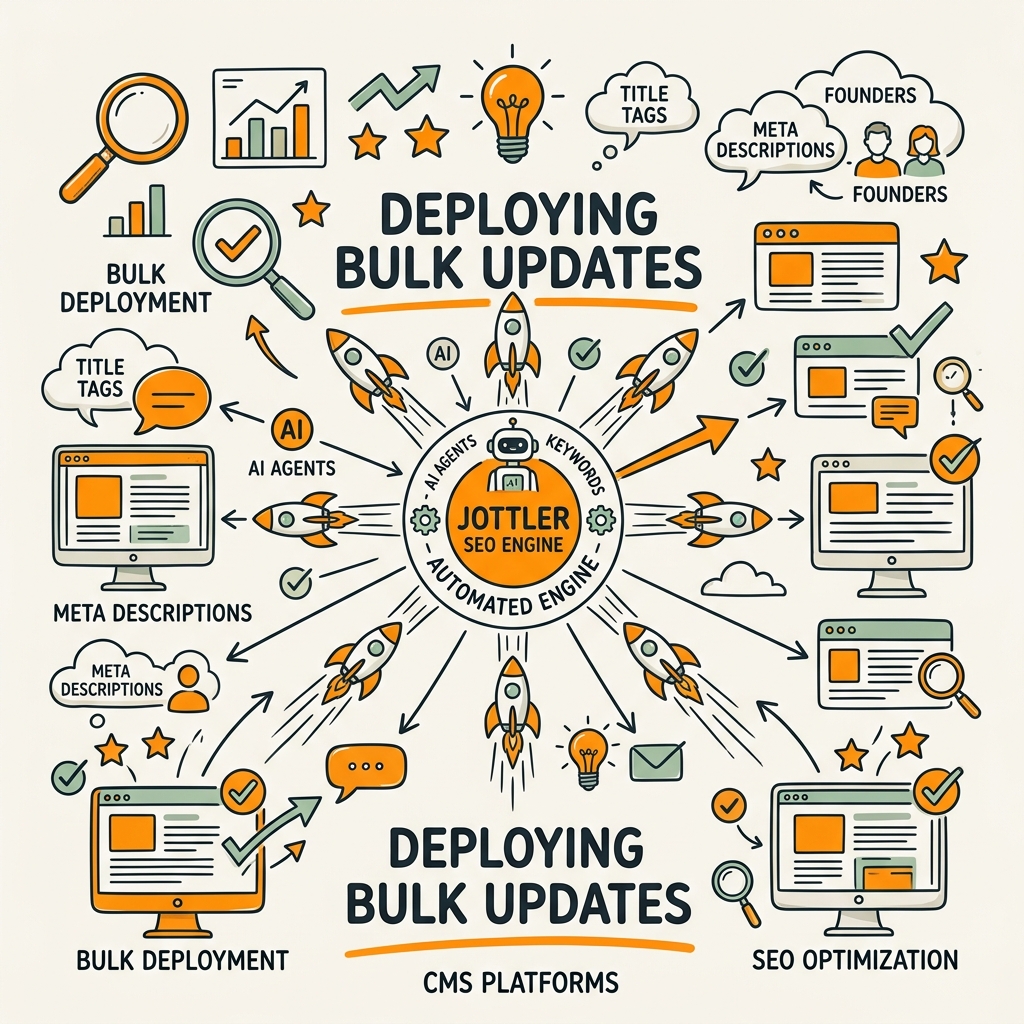
Once approved, bulk metadata updates need a reliable deployment path. Different CMS platforms support different workflows. The strongest implementations push changes directly to your publishing stack via API or native bulk-edit tools, eliminating manual CMS entry and reducing human error.
WordPress and REST API
WordPress sites can update metadata at scale using the WordPress REST API combined with automation platforms like Make, Zapier, or custom scripts. SEO plugins like Yoast and Rank Math support bulk editing directly in their dashboards, so you can paste a CSV of new titles/descriptions and apply them across hundreds of posts in one action. No coding required.
Shopify, headless, and custom platforms
Shopify uses bulk edit CSV imports and the GraphQL Admin API for programmatic updates. Headless commerce platforms (Contentful, Sanity, etc.) expose REST or GraphQL APIs specifically for bulk metadata updates. Custom-built platforms typically require engineering involvement but offer the most control. The key is that modern platforms all support batch operations—choose an integration that fits your stack rather than defaulting to manual labor.
Scheduling and rollout strategies
Deploy bulk updates in phases, not all at once. Start with a small batch (100–500 pages), monitor Google Search Console for the next 2–3 weeks to track CTR, impressions, and position changes. If performance improves or holds steady, roll out the next batch. This phased approach mitigates the risk of a platform-wide metadata mistake and lets you adjust rules mid-stream if patterns emerge. Many content automation tools now include scheduling capabilities that handle this phasing automatically.
Measuring Performance and Iterating
Automation is only valuable if it improves search visibility. After deploying bulk metadata updates, measure impact using Google Search Console and your existing analytics. The metrics that matter most are CTR (how often searchers click your result), average position (whether you rank higher or lower), and impressions (query volume, which should stay stable or grow).
Google Search Console baseline and post-update tracking
Export GSC data for the pages you updated 2–3 weeks before your bulk deployment. Record baseline CTR, position, and impressions by query. After updates are live, export the same data from 2–3 weeks after deployment. Compare the two windows: did CTR improve? Did average position improve? Did impressions (query visibility) stay stable or grow? A successful bulk update typically shows a 2–5% improvement in CTR if your new metadata better matches search intent.
If CTR dropped or position declined, the bulk update may have worsened metadata relevance. Use GSC "Average position by page" to identify underperformers, review their new metadata, and adjust the generation rules for the next batch.
Tracking rewrites and intent shifts
Google sometimes rewrites your title tags or descriptions in search results if it thinks Google's version is more relevant to the query. This is normal but signals that your generated metadata may not match what searchers expect. High rewrite rates (>20% of pages) suggest either misaligned keywords, thin page content, or metadata that doesn't reflect the true page topic. Audit high-rewrite pages, improve their content if needed, and regenerate metadata with better keyword and intent alignment.
Using Data to Prioritize Updates
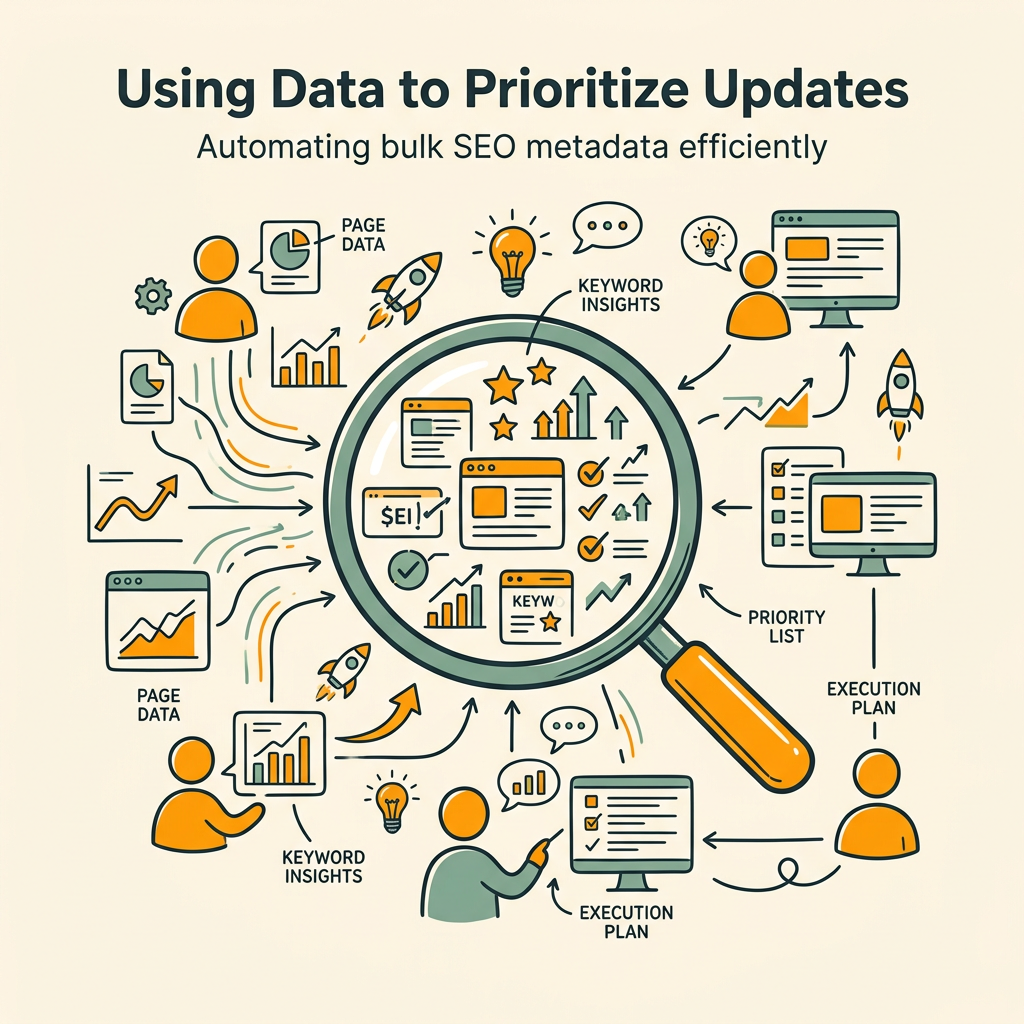
Not all pages are created equal. Prioritize bulk metadata updates based on search performance and business value, not just page count. Pages that are already ranking and driving clicks deserve tight editorial control; pages with low impressions or stale content can automate more aggressively.
Identifying opportunities with Search Console
Export your GSC report filtered by pages with:
- High impressions, low CTR: Pages that appear in search results frequently but rarely get clicked. Better metadata (more compelling, clearer intent match) can lift CTR without needing ranking improvements.
- Low position (5–10), medium impressions: Pages that rank 5–10 for valuable keywords. Improved metadata can't fix ranking, but clearer, more click-worthy description text can capture incremental clicks from that lower-SERP visibility.
- Low impressions, old content: Pages that aren't generating search visibility, often due to stale or thin metadata. Regenerating metadata with fresh keywords and intent can help them be discovered.
Start with the first group (high impressions, low CTR): these pages represent immediate, low-hanging ROI. You don't need ranking improvements, just better metadata to convert existing visibility into clicks.
Building a prioritization scorecard
Create a simple scoring model ranking pages by business value and optimization opportunity. Weight by traffic potential (high-traffic pages first), conversion value (revenue-driving pages first), and recency (stale pages first). Pages with high traffic + low CTR + low update frequency get top priority. This ensures you're not automating metadata for your 10,000th blog post when your top 100 pages still have generic descriptions.
Avoiding Common Pitfalls in Bulk Metadata Automation
Bulk metadata automation is powerful, but mistakes compound at scale. Here are the most common pitfalls and how to avoid them.
Templating instead of generating unique metadata
The biggest mistake is using the same metadata template for similar pages. "Buy [Product] Online" applied to 500 product pages creates 500 identical title tags, which Google interprets as thin content and doesn't improve CTR. Effective automation generates unique metadata for each page based on its specific content, keywords, and intent. Use structured inputs (product name, category, price, unique features) to drive variation, not a blanket template.
Ignoring brand voice and consistency
AI-generated metadata can sound generic or off-brand without explicit guidelines. Define your brand voice rules upfront—formal vs. conversational, emojis or no, length preference, tone—and feed them to your AI model. Review a sample batch before bulk deploying to catch voice drift early.
Skipping the QA phase
Deploying generated metadata without review is reckless. Always screen for duplicates, character-length violations, keyword stuffing, and nonsense output before pushing live. Even a 99% accuracy rate on 10,000 pages leaves 100 bad entries live. A few hours of QA saves weeks of GSC damage control.
Deploying all at once instead of phasing
Rolling out bulk metadata updates across your entire site simultaneously makes it impossible to isolate performance impact or quickly revert if something breaks. Phase deployments by traffic tier, content type, or timestamp so you can monitor, learn, and adjust mid-roll.
Tools and Platforms for Bulk Metadata Automation
Several categories of tools support bulk SEO metadata automation. Here's how they compare:
| Platform Category | Best For | Speed (pages/hour) | Deployment Method | Pricing Model |
|---|---|---|---|---|
| Autonomous SEO agents (e.g., Jottler) | Daily publishing + metadata generation at scale; no manual oversight needed | 1,000+ | Direct CMS integration; REST API | $29–$299/mo |
| All-in-one SEO suites (Semrush, Ahrefs) | Keyword research + competitive data for metadata decisions | 100–500 (with manual input) | Dashboard export + manual CMS entry or plugin | $100–$500/mo |
| Workflow automation (Make, Zapier) | Connecting AI tools (ChatGPT, Claude) to CMS via API | 200–1,000 (depending on model) | API + webhook; custom scripting | Free–$100+/mo |
| SEO plugins (Yoast, Rank Math) | WordPress bulk editing; local SEO optimization | 50–200 (UI-based) | WordPress dashboard; CSV import | Free–$100/mo |
| AI metadata generators (ClickRank, seoClarity) | Pure metadata generation; limited CMS integration | 500–2,000 | CSV export; manual CMS paste or plugin | $50–$200/mo |
For founders and small teams at growing companies, autonomous SEO agents designed to automate end-to-end content operations offer the best efficiency. Rather than stringing together five different tools (keyword research, generation, CMS integration, scheduling), a single agent handles research, writing, metadata optimization, internal linking, and publishing. This is especially valuable if you're scaling content production—metadata updates happen as a byproduct of daily content ops, not as a separate project.
Best Practices for Sustainable Metadata Automation
Long-term success with bulk metadata automation depends on treating it as an ongoing process, not a one-time project. Here's how to operationalize it:
Establish a refresh cycle
Metadata doesn't stay optimal forever. Search intent evolves, content ages, and new competitors emerge. Set a quarterly or semi-annual refresh cadence where you audit top pages in GSC, identify candidates for metadata improvement, regenerate metadata, and deploy in batches. This keeps your metadata aligned with current search trends without constant manual effort.
Document your generation rules
Codify the rules your automation system uses: title character limits, keyword placement, description length, tone, excluded phrases, etc. Document these in a shared wiki or README so any team member (or future hire) can audit or adjust the system. This is especially critical if you're using custom scripts or AI prompts.
Monitor for false positives and edge cases
Automated systems will occasionally generate weird or irrelevant metadata, especially for pages with thin content, unusual URL structures, or niche topics. Build monitoring into your workflow: review a sample of new metadata monthly, catch recurring issues, and refine rules. A single rule tweak can fix hundreds of pages at once, making iteration fast. This is where SEO AI agents with built-in feedback loops shine—they learn from corrections and apply fixes systematically.
Integrate with broader content strategy
Metadata automation is most powerful when aligned with your content roadmap. If you're launching a new content pillar or refreshing old articles, time metadata updates to coincide. This ensures internal links, heading structure, and metadata all reinforce topical authority simultaneously, rather than metadata living in isolation.
Conclusion
Bulk SEO metadata automation transforms an impossible manual task into a scalable, repeatable system. By feeding structured page data to AI agents, applying brand and SEO constraints, deploying via CMS APIs, and measuring impact in Google Search Console, growing companies can optimize thousands of pages in hours rather than weeks. Teams using automated metadata workflows report 2–5% CTR improvements post-deployment, and AI agents reduce per-page optimization time from hours to minutes, freeing your team to focus on content strategy and conversion optimization rather than tedious metadata entry.
The key is discipline: define clear rules, implement QA gates, measure before and after, and iterate based on real search performance. Start small, prove the system works, then scale. When metadata automation is dialed in, it becomes invisible infrastructure that keeps your site's on-page SEO sharp without ongoing manual labor.
Ready to automate your metadata updates and compound your organic growth? Start your SEO agent with Jottler and let AI agents handle research, writing, metadata optimization, and publishing—all synced to your CMS daily.
FAQs
How long does it take to automate bulk metadata updates for 5,000 pages?
Using modern AI agents and automation platforms, 5,000 pages can be processed in 2–6 hours, depending on the complexity of inputs (whether you're pulling data from your CMS, structuring inputs manually, or integrating with APIs). The actual generation and deployment is fast; the bottleneck is usually QA and review. A phased rollout (500 pages per phase) extends the calendar timeline to 2–3 weeks to safely monitor search performance between batches, but the active work remains compressed into days, not weeks.
Can bulk metadata automation work for small or niche sites?
Yes, but the ROI calculus changes. Bulk automation becomes worthwhile once you have 200+ pages to update. For smaller sites (50–200 pages), manual editing or a simple spreadsheet-based workflow often suffices. However, if you're growing and publishing new content regularly, setting up an automated metadata system early (before you have thousands of pages) prevents technical debt. Even small teams benefit from automation for routine updates; the time savings compound as your site scales.
What's the biggest risk of automating metadata at scale?
The biggest risk is deploying duplicate, generic, or off-brand metadata that harms CTR and trust. This is why governance matters: implement QA checks before deployment, phase rollouts, monitor GSC post-launch, and maintain manual review gates for high-value pages. A system that generates unique, data-driven metadata aligned with your brand voice and SEO rules is nearly risk-free; a templated or poorly constrained system will damage your search visibility at scale. The tool isn't the risk—careless execution is.