Designing Customer Onboarding Workflows for SaaS
Customer onboarding is the critical bridge between purchase and long-term value. Yet 68% of users abandon SaaS products due to poor onboarding, and 89% switch to competitors after bad experiences (2025, CloudCoach). The stakes are enormous: a 5% increase in retention can boost profits by 25-95% (2025, CloudCoach). Most SaaS teams leave this process to guesswork instead of design. This article walks you through building an onboarding workflow that turns new customers into engaged, successful users.
Key Takeaways
- 68% of users abandon products due to poor onboarding; top performers achieve 76-100% completion rates (2025, CloudCoach)
- Average time-to-onboard is 14 days; companies below this benchmark see faster revenue recognition and retention
- Breaking complex processes into core + optional steps increases completion by up to 34% while maintaining user control
- Automation saves 30 minutes per access request and reduces support costs by 20% (2026, AccessOwl)
- Define Your Onboarding Phases: Structure workflows into pre-kickoff, kickoff, solutioning, and account setup phases for clarity and measurable outcomes.
- Design for Time-to-Value: Prioritize the "aha moment" within the first week to boost customer satisfaction by 20%.
- Measure Completion and CSAT: Track onboarding completion rate, time-to-onboard, and customer satisfaction to identify bottlenecks.
- Automate Repetitive Tasks: Use automation to provision access, send contextual guidance, and trigger next-stage actions without manual intervention.
- Simplify Core Steps: Test reducing steps from 10 to 3-4 core requirements; add optional features users can explore after the essential setup.
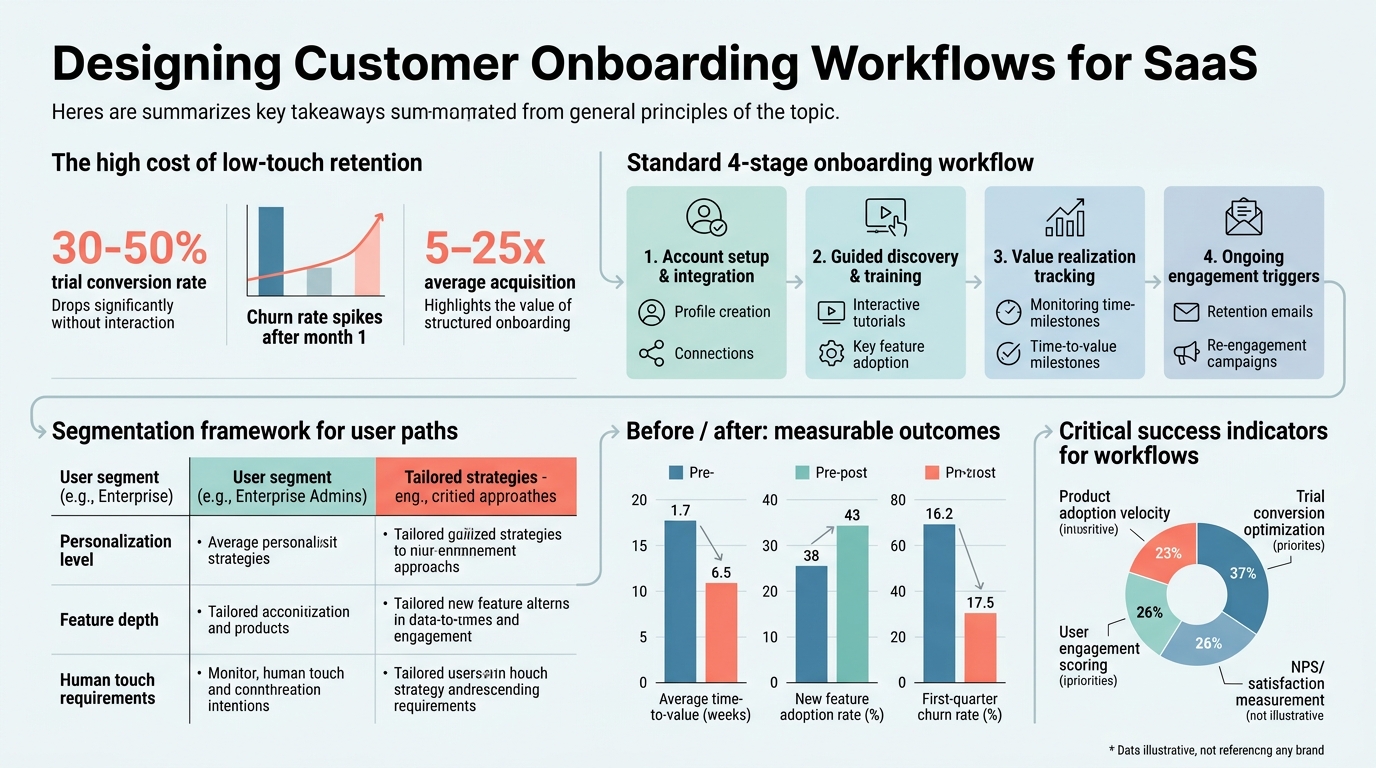
What Is an Effective SaaS Onboarding Workflow?
An effective SaaS onboarding workflow is a guided sequence of activities that moves new customers from purchase to productive use. It encompasses account provisioning, product familiarization, early wins, and handoff to ongoing support. Top-performing SaaS companies report 76-100% onboarding completion rates compared to the 62% average (2025, Exec), and they achieve 85% customer satisfaction scores (2025, Exec). The workflow's job is to compress the time between "we signed up" and "we're getting value."
Core Components of an Onboarding Workflow
An onboarding workflow has five key components. Each one handles a specific part of the customer journey from signup to independence.
- Account Provisioning: Creation of user accounts, access permissions, and workspace configuration—ideally automated to take hours instead of days.
- Product Tours and Walkthroughs: In-app guidance, tutorials, and interactive flows that teach customers how to navigate the interface and complete core tasks.
- Configuration and Data Setup: Migration of customer data, integration with their tools, and customization of settings to match their workflows.
- Milestone Tracking: Checkpoints that measure progress (e.g., "First dashboard created", "Integration synced", "First workflow executed").
- Support and Escalation: Live chat, knowledge base links, and clear escalation paths when customers get stuck or need human help.
Why Time-to-Value Matters More Than Ever
Time-to-value (TTV) is the span between account creation and the customer's first meaningful win. Companies tracking TTV see a 20% boost in customer satisfaction (2025, CloudCoach), and those mapping customer journeys cut service costs by 20% (2025, CloudCoach). The faster a customer achieves their "aha moment," the more confident they feel about their purchase. Workflows designed with TTV front and center compress this window from weeks to days. This directly impacts retention and reduces early churn before your team even gets a chance to establish a relationship.
"The difference between a good onboarding experience and a poor one often comes down to whether customers find value in their first week. Companies that prioritize time-to-value see measurably higher retention and expansion revenue." — 2025 CloudCoach Research
How Should You Structure Your Onboarding Phases?
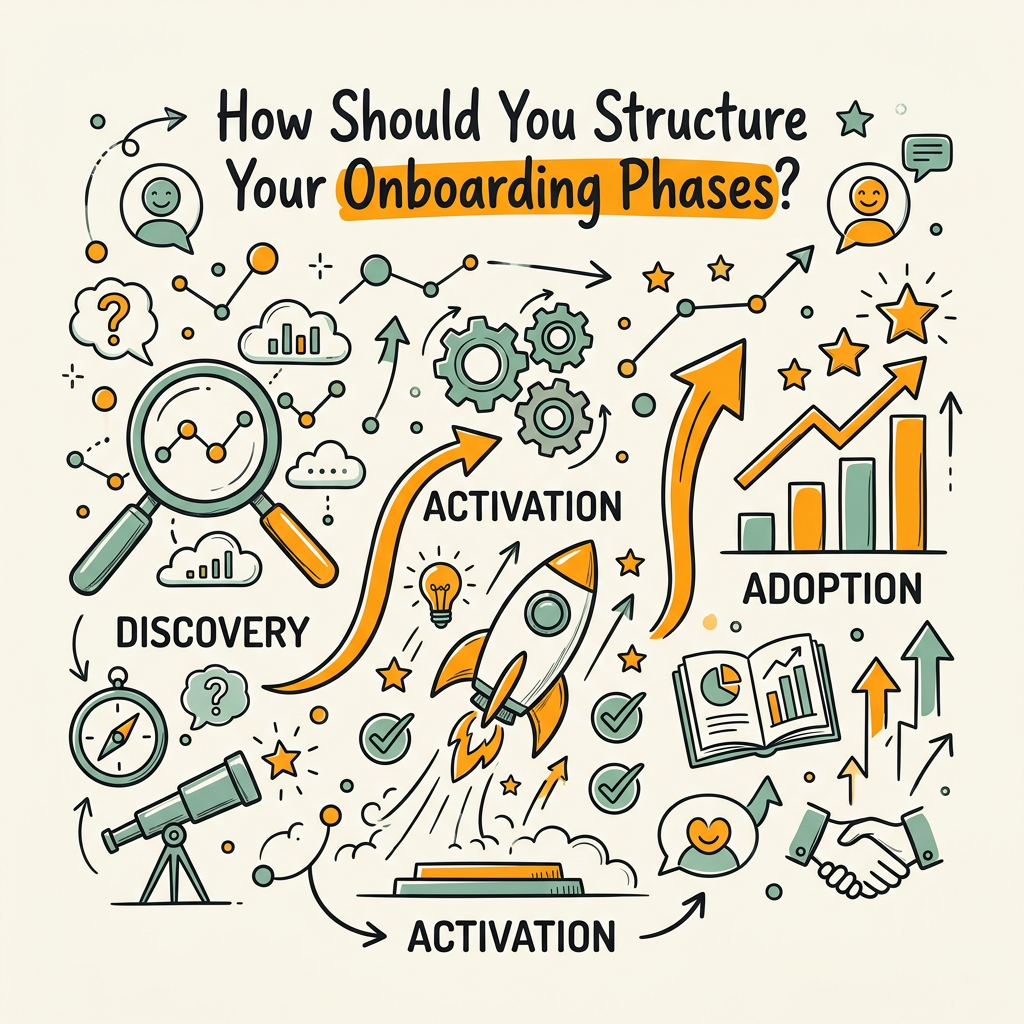
Structure reduces cognitive load. Rather than a single linear process, segment onboarding into distinct phases, each with clear entry conditions, activities, and success criteria. Mid-market SaaS companies average 14 days from contract to full setup (2025, Exec), and the best-structured workflows hit that target or better. Here's a standard four-phase model that scales from self-serve to high-touch.
Phase 1: Pre-Kickoff and Preparation
Before any hands-on work begins, prepare the environment and set expectations. Send a welcome email within hours of signup with a personalized message, timeline overview, and a link to a knowledge base or setup checklist. Assign a primary contact (customer success manager or onboarding specialist) if your business model calls for it. Pre-populate form fields with data from the signup to reduce friction. Create their workspace, set initial permissions, and send login credentials via a secure method. This phase typically takes 1-2 days and is almost entirely automatable.
Phase 2: Kickoff and Initial Configuration
The kickoff is where the customer (or their team) begins to actively engage. Schedule a brief call to confirm their use case, map success metrics, and walk them through the first few setup steps. Many SaaS products use interactive product tours at this stage to highlight core features. Have them complete their first core action—create a project, upload data, connect an integration, or invite a team member. This activity is crucial: it transforms them from observers to participants. Keep this phase to 2-3 days. The goal is momentum, not perfection.
"The first interaction after signup sets the tone for the entire customer relationship. When the initial steps are fast and successful, customers develop confidence in the product and stay engaged through later setup phases." — 2025 Jimo Research
Phase 3: Deep Configuration and Integration
With the basics in place, guide customers through more complex setup: importing historical data, configuring advanced settings, connecting third-party integrations, and customizing workflows. This is where interactive onboarding tools with guided tours and progress tracking become essential. Break this phase into micro-milestones (e.g., "Config API keys", "Test sync", "Map fields") so customers see progress and don't get overwhelmed. Allocate 3-5 days here depending on product complexity. Provide context-sensitive help at every step.
Phase 4: Handoff and Ongoing Support
Once the customer has completed core setup and achieved their first tangible win, transition them from onboarding to ongoing customer success. A handoff call confirms everything is working, gathers feedback, and sets expectations for support. Provide them with a knowledge base, link them to community resources, and establish a support channel. Many teams use a "Day 30 check-in" to assess long-term health and catch any churn signals early. This phase is ongoing but low-touch after the initial transition.
How Do You Design a Workflow That Minimizes Abandonment?
Abandonment happens when customers face friction, confusion, or unclear value. Simplifying a 10-step process into 3 core steps plus 4 optional ones increased one client's completion rate from 42% to 76% (2025, Jimo). The design principle: distinguish between "must do" and "nice to have." Here's how to build a workflow that keeps customers engaged.
The Core vs. Optional Framework
Separate your onboarding steps into two categories. Core steps are those required for the customer to extract basic value: account creation, first login, creation of their first asset (project, workspace, or data entry), and perhaps one integration. Optional steps are advanced features, team collaboration setup, or third-party integrations they can explore later. Present core steps as the main path and bundle optional items into a secondary "Explore" or "Advanced" section. This gives customers a sense of completion without the overwhelm. Use progressive disclosure: don't show all options at once. As they move through the core workflow, hint at advanced features with contextual tooltips or a follow-up email after Day 3.
Breaking Complexity Into Micro-Tasks
Large tasks create decision paralysis. Instead of asking "Set up your workspace," break it into: "Create your first project" (2 minutes), "Invite a team member" (3 minutes), "Configure notification preferences" (2 minutes). Each micro-task takes under 5 minutes and delivers a quick win. Use progress bars and checkpoints to show forward momentum. Celebrate completions with small visual cues—a checkmark, a celebratory message, or a brief animation. These micro-interactions reinforce progress and lower abandonment.
Contextual Help and Guided Tours
Deliver help in the moment, not before. In-app tooltips, walkthroughs, and video embeds shown at the exact step where customers need them reduce time-to-competency. 97% of professionals believe video effectively teaches product features (2025, CloudCoach). Record short, focused videos (under 90 seconds) for each core task. A 60-second walkthrough beats a 20-page PDF every time. Use branching logic in your product tour tool: if a customer struggles on Step 2, offer an alternative path or escalation to support. Don't force everyone down the same route.
What Metrics Should You Track Throughout Onboarding?
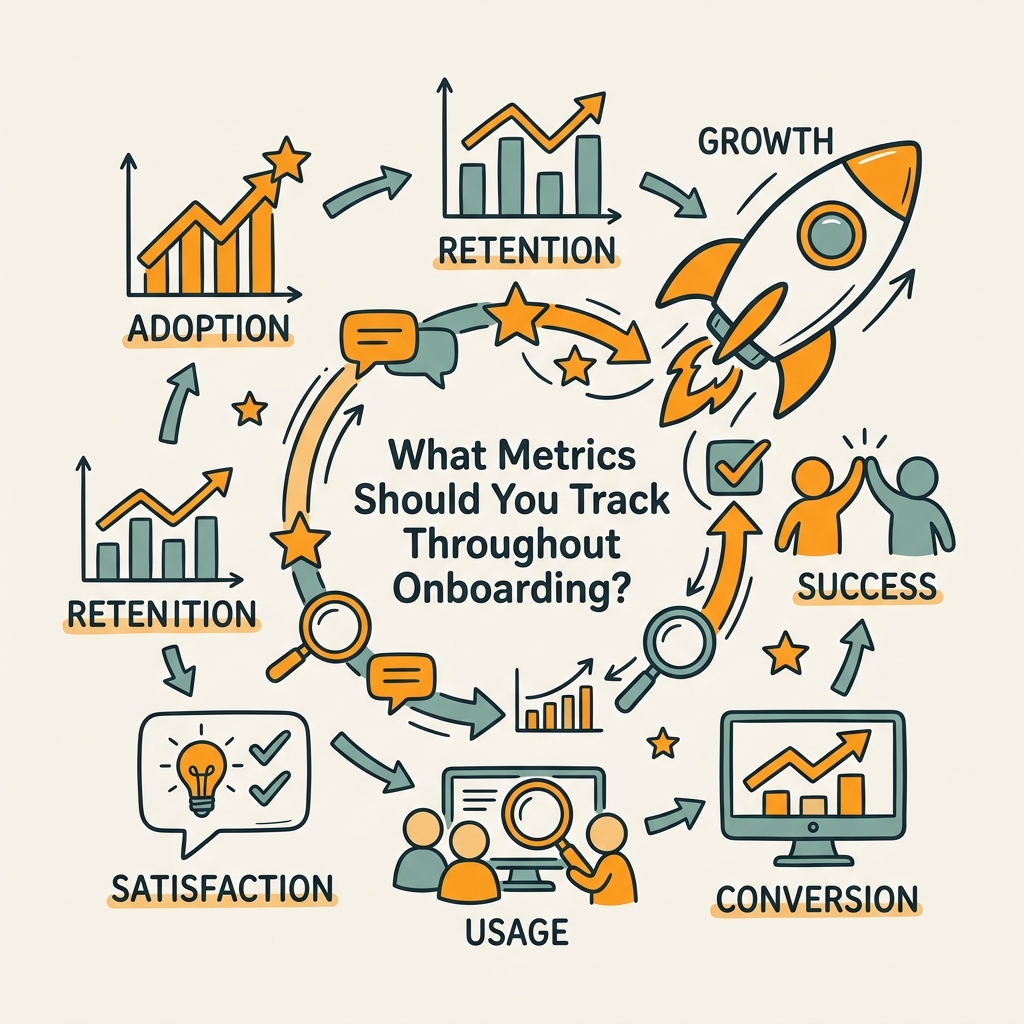
Measurement is the only way to know what's working. You can't improve a process you don't measure. The best teams track a small set of metrics that correlate with long-term success. These metrics become feedback loops that inform iteration and optimization.
| Metric | Definition | 2025 Benchmark | Why It Matters |
|---|---|---|---|
| Onboarding Completion Rate (OCR) | (Completed onboardings / Started onboardings) × 100 | 62% average; 76-100% top performers | Directly correlates with retention and expansion revenue |
| Time-to-Onboard (TTO) | Days from contract to full account setup | 14 days average; <14 days is competitive | Faster TTO means revenue recognition sooner and lower support burden |
| Time-to-Value (TTV) | Days from signup to customer's first meaningful win | 7 days or less; varies by product complexity | Shorter TTV correlates with 20% higher customer satisfaction |
| Customer Satisfaction (CSAT) | % of customers rating onboarding experience 4-5/5 | 85% top performers; 62% average | CSAT predicts churn; >80% is a success indicator |
| Early Support Tickets | Number of help requests in first 30 days post-onboarding | Track by cohort; monitor for spikes in similar issues | High ticket volume signals confusing workflows or gaps in guidance |
| Day-30 Retention | % of onboarded customers still active 30 days later | No universal standard; track and benchmark against yourself | Early churn indicator; <70% signals onboarding or product-market fit issues |
Track these metrics per onboarding cohort and by customer segment (e.g., self-serve vs. high-touch, company size, use case). Trends matter more than absolute numbers. If your OCR drops from 72% to 58% in one month, investigate: did you add a new required step? Did a third-party integration break? The most actionable insight comes from correlating these metrics with qualitative feedback from customers who abandoned or had poor experiences.
Using Surveys and Exit Interviews to Close the Loop
Metrics tell you what happened; surveys tell you why. Send a brief 3-5 question survey at the end of onboarding asking: "How clear was the setup process?" (1-5 scale), "What was the biggest roadblock?" (open-ended), and "Would you recommend us to a peer?" (Net Promoter Score). For customers who abandon, follow up with a direct email or quick call: "We noticed you started onboarding but didn't finish. What happened? Can we help?" These exit interviews are gold. They often reveal simple fixes (a typo in instructions, a confusing UI label, or a missing integration) that have outsized impact on completion rates. Track common themes and prioritize fixes by frequency.
How Can You Automate Repetitive Onboarding Tasks?
Automation removes friction and scales high-touch experiences. Onboarding automation saves an average of 30 minutes per access request (2026, AccessOwl), and companies using automation reduce service costs by 20% (2025, CloudCoach). Automation isn't about removing the human touch—it's about removing humans from tasks that don't need human judgment, so they can focus on strategy and relationship-building.
Account Provisioning and Access Management
Account creation, password generation, permission setup, and integration authorization take time and are error-prone when done manually. Automate these via HRIS-triggered workflows (if customers provide HRIS access) or via forms that trigger provisioning scripts. Tools that offer no-SCIM/SAML provisioning—using direct API integrations instead—are especially valuable for SMBs whose vendors don't support enterprise protocols. Once a customer submits their team details, their accounts should be ready within minutes. Pre-populate their workspace with default templates, sample data, or integrations so they have something to explore immediately.
Triggered Contextual Guidance
When a customer completes Step A, automatically show the guide for Step B. When they haven't logged in for 3 days, send a re-engagement email with the next milestone. When they reach the halfway point of onboarding, send a message celebrating progress and offering support. These behavior-triggered messages have far higher engagement than batch email. Segment your triggers: power users who skip tutorials may want advanced tips, while cautious users need reassurance and slower pacing. The best workflow tools let you set up these automation rules without writing code, using conditional logic and branching similar to a decision tree.
Checklists and Progress Tracking
Checklists transform abstract processes into concrete actions. Create a shared onboarding checklist (Google Doc, Notion, or in your product) that lists every step, estimated time, and completion status. Assign owners: which steps are the customer's responsibility, which are yours, and which are collaborative. A shared checklist reduces back-and-forth email and creates psychological momentum as customers and your team check items off together. Link each checklist item to supporting materials: video, knowledge base article, or help center link. Many teams use tools like Arrows or Dock.us for synced checklists that integrate with CRM data, so your team stays in sync with customer progress.
Why Content Strategy Matters for Onboarding Success

An onboarding workflow is not just a process; it's a content delivery system. Every email, in-app message, walkthrough, and help article is a piece of content that either clarifies or confuses. Well-planned content accelerates time-to-value; poor content extends it. Consider how content marketing frameworks for SaaS emphasize clarity and consistency across all touchpoints. The same principle applies to onboarding content.
Mapping Content to Each Onboarding Phase
Each phase needs its own content mix. Pre-kickoff content should be brief and reassuring: "Welcome, here's your timeline." Kickoff content should be action-oriented: step-by-step guides and walkthroughs. Configuration content should be detailed and reference-heavy: video tutorials, API documentation, integration guides. Handoff content should feel like graduation: a recap of wins, a roadmap for what's next, and a clear support contact. This phase-based content mapping prevents information overload and improves retention. Don't send a 50-page setup guide on Day 1; instead, send each piece right before the customer needs it.
Writing for Different Learning Styles
Some customers learn visually (video, screenshots), others prefer text (written guides, FAQs), and others need to experiment (interactive demos, sandboxes). Offer multiple formats for the same concept. For "How to set up integrations," provide a 3-minute video, a step-by-step text guide with screenshots, and a live demo link. This redundancy feels like overkill but dramatically improves time-to-competency. It also reduces support tickets because customers can choose the format that resonates with them. Use heat maps and analytics on your knowledge base to see which formats get the most engagement, then double down on what works.
How Should You Measure Success and Iterate?
Onboarding is not a set-and-forget process. It's a system that needs continuous improvement. Monthly reviews of your metrics, customer feedback, and internal team input should drive incremental changes. Here's a practical approach to iteration.
Running Monthly Onboarding Reviews
Schedule a monthly 30-minute meeting with your customer success, product, and support teams. Review the metrics: OCR, TTO, TTV, CSAT, and early support tickets. Celebrate wins ("We improved OCR from 68% to 74% this month by simplifying Step 3"). Identify one bottleneck to address next month. If many customers abandon at the same step, that's your priority. If CSAT is high but OCR is low, you might have a perception problem (customers think they're done but aren't). Use your survey and exit interview data to form hypotheses. Then test a change: modify the wording on a step, add a video, or break a complex task into two smaller ones. Track the impact over the next 30 days.
A/B Testing Key Workflow Elements
Don't rely on gut feel. Test variations of your workflow with different customer cohorts. For example, send half your new customers a 5-step onboarding flow and the other half a 3-step core + 4-step optional flow. Measure OCR and TTV for each group. Run similar tests on email subject lines ("Get Started Today" vs. "Your First Action: Create a Project"), video length, or the number of required integrations. Even small improvements compound: a 5% increase in OCR means 5% more customers reach value and stay longer. Keep detailed notes on what you test, what worked, and why. After six months, you'll have a playbook of proven optimizations.
Conclusion
A well-designed onboarding workflow is one of the highest-leverage investments a SaaS company can make. Top performers achieve 76-100% completion rates and 85% CSAT scores (2025, Exec), directly translating to higher retention and expansion revenue. By structuring your workflow into clear phases, measuring the right metrics, automating repetitive tasks, and iterating based on feedback, you'll see measurable improvements within weeks. Start by auditing your current process: where do customers get stuck? What's the median time-to-value? How many abandon before completing? Then implement one change—simplify a phase, add contextual help, or automate account provisioning—and measure the impact. Iteration, not perfection, is the path forward. For teams lacking the bandwidth to continuously optimize workflows, automating your entire content marketing engine—including onboarding materials, help articles, and educational content—compounds the effect. AI content strategy tools that automate research, writing, and publishing let you scale your onboarding content library without stretching your team. The clearer and more consistent your onboarding content is, the faster customers get to value. Start your SEO agent and let autonomous content creation fuel your onboarding strategy with research-backed, fact-checked materials that scale with your growth.
FAQs
What is the average time it takes to onboard a SaaS customer?
The average time-to-onboard for mid-market SaaS companies is 14 days from contract signature to full account setup. However, this varies by product complexity and engagement model. Self-serve products may achieve setup in 1-2 days, while high-touch enterprise onboarding can take 30-60 days. Top-performing companies often accelerate this by automating account provisioning, breaking complex setup into micro-tasks, and using in-app guidance. Time-to-value (the moment customers achieve their first meaningful win) is even more critical than raw time-to-onboard; companies focusing on shortening TTV to under 7 days see 20% higher customer satisfaction scores and better retention.
How do you measure the success of a customer onboarding process?
The most important metrics are onboarding completion rate (target: 76-100%), time-to-value (under 7 days), time-to-onboard (14 days or less), and customer satisfaction (CSAT above 85%). Track completion rate by dividing completed onboardings by started onboardings. Monitor time-to-value by flagging when customers hit their first major milestone, like creating their first project or executing their first workflow. Survey customers at the end of onboarding to measure CSAT, and track early support tickets to spot confusion or gaps in guidance. Most importantly, correlate these metrics with 30-day and 90-day retention to confirm they're predicting long-term success. Monthly reviews of these metrics help identify which parts of your workflow need improvement.
What are the best practices for automating customer onboarding workflows?
Automate account provisioning, triggered guidance, and progress tracking to save time and scale personalization. Start by automating account creation and permission setup—this removes manual errors and compresses setup time from hours to minutes. Next, set up behavior-triggered messages: when a customer completes Step A, automatically show the guide for Step B or send a re-engagement email after 3 days of inactivity. Use conditional logic to personalize the path; power users can skip tutorials while cautious users get extra reassurance. Create shared checklists linked to supporting videos and knowledge articles so customers and your team stay in sync. Avoid over-automating; the goal is to remove friction, not personality. Automated provisioning plus human touch during kickoff plus contextual in-app guidance creates the best experience and reduces support burden by 20%.