
Fixing Duplicate Content Issues at Scale
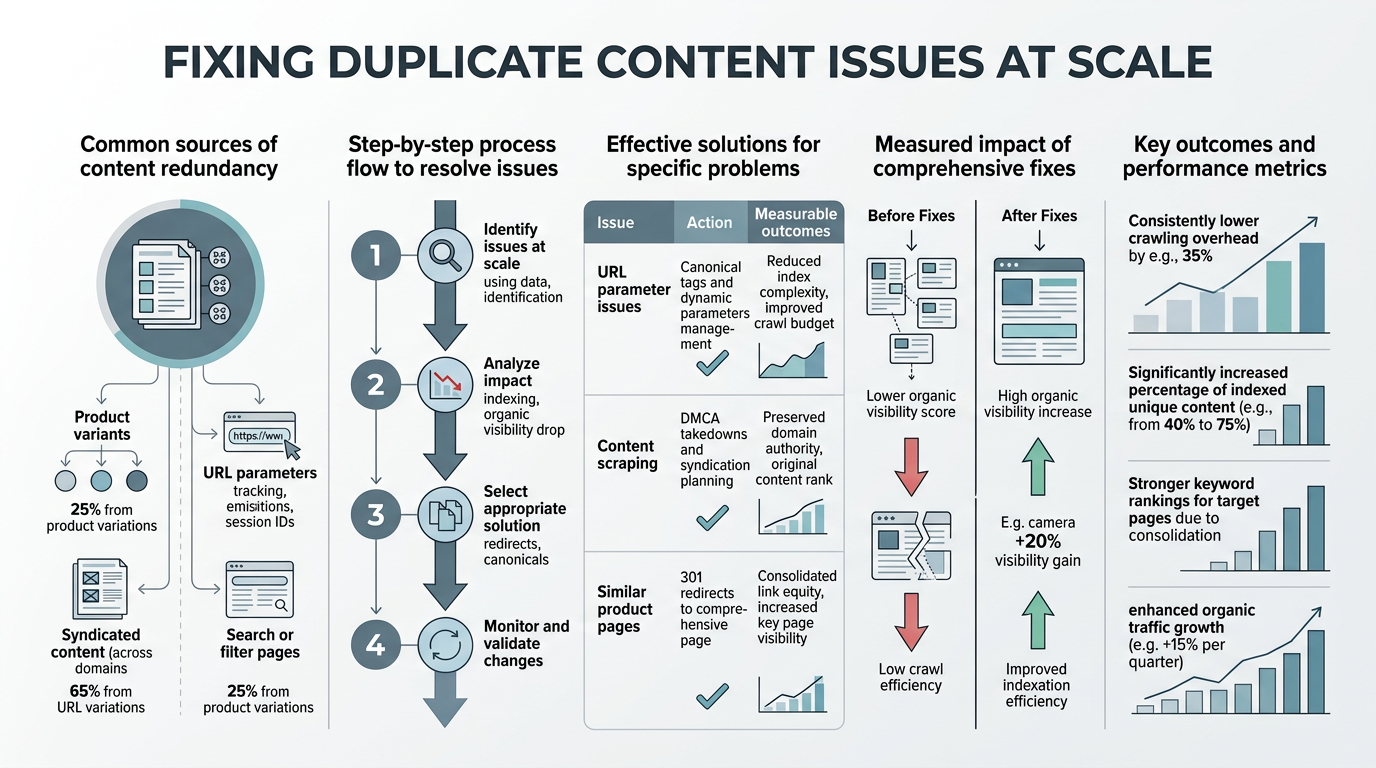
Duplicate content isn't the SEO myth most people think it is. While Google doesn't issue a manual penalty, duplicate URLs still split ranking signals across multiple pages, wasting crawl budget and diluting link equity across your site. For scaling companies with dozens or hundreds of pages, the compounding effect becomes severe: pages that could rank disappear into the index, traffic fragments across near-identical URLs, and your site loses authority on core topics. Large sites with duplicate content proliferation experience significant crawl inefficiency, meaning Google spends resources evaluating low-value duplicates instead of discovering and ranking your high-priority content.
The fix at scale requires more than canonical tags. It demands a systematic audit, intelligent consolidation, and automation to prevent duplicates from multiplying as your content library grows. Here's how to identify, eliminate, and prevent duplicate content issues before they erode your organic traffic.
Key Takeaways
- Duplicate content splits ranking signals and wastes crawl budget, especially for large sites (Google Search Central, 2026)
- Canonicalization and 301 redirects are the primary fixes, but require systematic auditing to work at scale
- Automated detection during content creation prevents duplicates from accumulating as your site grows
- Audit your current duplicates: Find internal duplicate URLs caused by trailing slashes, session parameters, and filter variants that waste crawl budget.
- Consolidate using canonicals and redirects: Choose one preferred version per page intent and redirect or canonicalize the rest.
- Clean internal linking and sitemaps: Point all internal links to preferred URLs and remove duplicate variants from XML sitemaps.
- Automate detection in your publishing pipeline: Screen new content against existing pages to prevent duplicates before they're published.
- Monitor crawl efficiency metrics: Track Google's crawl budget consumption and index bloat to measure improvement over time.
Why Duplicate Content Damages SEO Performance at Scale
Google doesn't issue a formal "duplicate content penalty" in Search Console, but that doesn't mean duplicates are harmless. The real damage happens through three mechanisms: signal dilution, crawl budget waste, and authority fragmentation. Understanding these impacts explains why fixing duplicates becomes exponentially more important as your site scales.
Signal Splitting Across Multiple URLs
Every link pointing to your site, internal links you create, and engagement signals accumulate on a single URL. When Google finds the same content on multiple URLs, it must choose which version is canonical and cluster the others around it. That choice splits your ranking signals.
"Even one external backlink pointing to the 'wrong' duplicate costs you authority on the preferred version. At scale, when you have hundreds of pages affected by this pattern, the accumulated signal loss becomes catastrophic."
Imagine your product page exists at /product-name, /product-name/, /product?id=123, and /products/category/product-name. Every backlink, internal link, and engagement signal fragments across four URLs instead of reinforcing one strong ranking page. Even one external backlink pointing to the "wrong" duplicate costs you authority on the preferred version. At scale, when you have hundreds of pages affected by this pattern, the accumulated signal loss becomes catastrophic.
Crawl Budget Waste on Large Sites
Google allocates a finite crawl budget to each site based on its authority and link profile. Large sites with many pages must compete for Googlebot's attention, meaning time spent crawling low-value duplicate URLs is time not spent discovering or refreshing your high-priority pages. According to Google Search Central's crawl budget documentation, this is most relevant for larger sites with extensive duplicate URL variants.
Session IDs, UTM parameters, filter combinations, and printer-friendly variants create dozens or hundreds of crawlable URLs that serve the same content. Google crawls them, wastes resources evaluating them, and reduces crawl time for pages that could actually rank. The more duplicates you have, the smaller the slice of crawl budget available for your publishable content.
Authority Dilution and Ranking Competition
When multiple near-identical pages exist for a single keyword intent, your own site becomes its own competitor. Rather than one strong page dominating the SERP, Google must choose between competing versions of the same content. This often results in a weaker URL ranking, or no version ranking at all.
"When you publish two slightly different articles on nearly the same topic without canonicalizing one to the other, you're creating internal duplicate competition. Both pages rank poorly instead of one page dominating."
Worse, if you publish two slightly different articles on nearly the same topic without canonicalizing one to the other, you're creating internal duplicate competition. Both pages rank poorly instead of one page dominating. This is especially problematic in content-scaled businesses where AI-generated or bulk-published content can accidentally create many similar pages within the same domain.
How to Audit Duplicate Content Across Your Entire Site
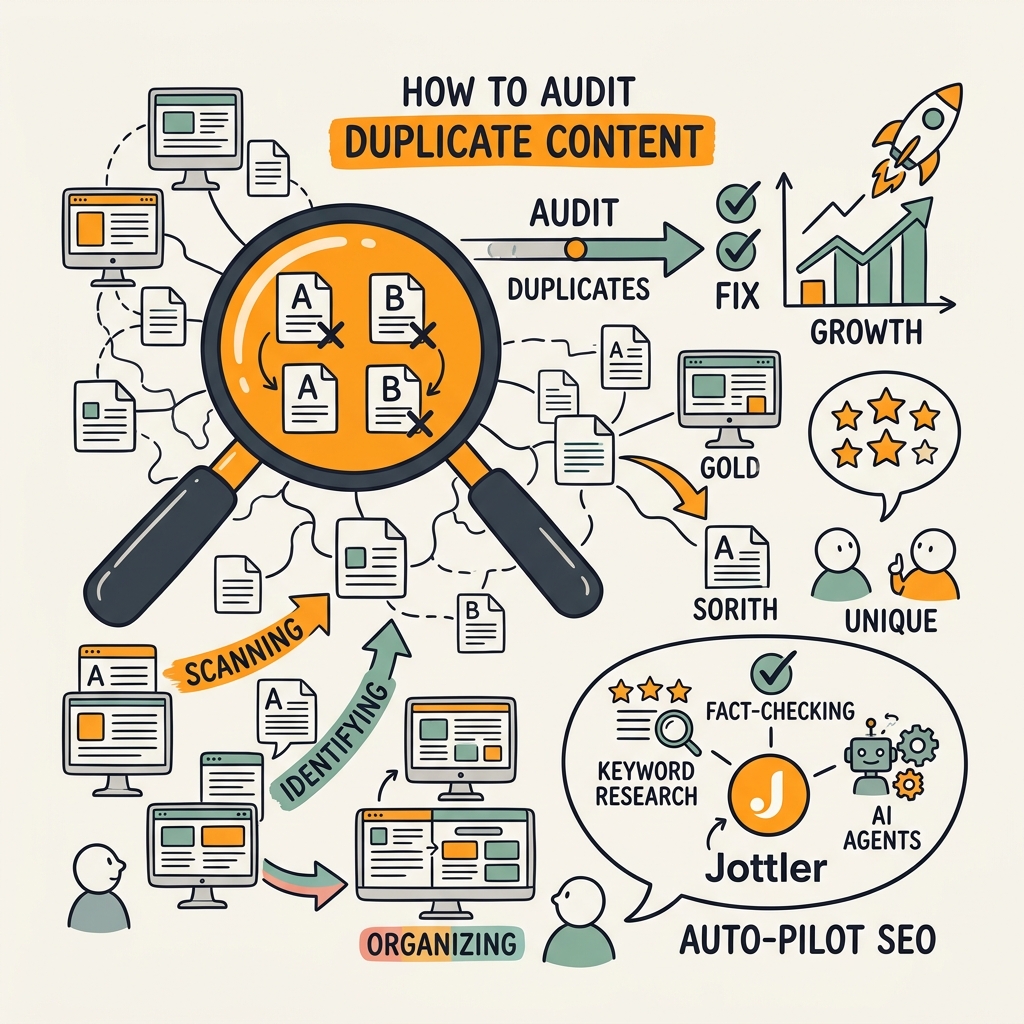
Before fixing duplicates, you must see them. Auditing at scale requires crawling your site, comparing page content, and identifying all variants. Manual spot-checking doesn't work when you have thousands of pages.
Crawl Your Full Site and Extract Duplicates
Tools like Screaming Frog, DeepCrawl (Lumar), and SEMrush can crawl your entire site and flag duplicate content using three methods: exact content match, near-duplicate detection, and URL variant clustering (same content on trailing slash variants, parameter combinations, etc.).
Start by setting crawl limits to avoid overloading: cap it to your actual published page count plus 20% for variants. Look for:
- Exact duplicates: Identical page content across different URLs (highest priority)
- Near-duplicates: Content that's 80%+ similar (usually intentional duplication, also high priority)
- URL variants: Same content accessible through multiple URLs due to technical issues (trailing slashes, www/non-www, http/https)
- Parameterized URLs: Filter combinations, sort options, and session IDs creating unique URLs for identical content
- Template boilerplate: Repeated navigation, footer, and structural content across many pages (lower priority, usually acceptable)
Classify Duplicates by Type and Fix Path
Not all duplicates require the same solution. Create a simple classification:
| Duplicate Type | Cause | Fix Strategy | Scale |
|---|---|---|---|
| Trailing slash / www variance | Technical configuration issue | Canonical tag or permanent redirect | One-time server fix |
| Session IDs and tracking params | URL parameter configuration | robots.txt block or parameter handling in Search Console | Site-wide rule |
| Filter and sort variants | Faceted navigation creating hundreds of combinations | Canonicalize low-value combinations or noindex | Rules-based automation |
| Exact content duplicates | Accidental republishing or cross-posting | 301 redirect to canonical version or consolidation | Manual audit then prevent via workflow |
| Near-duplicate variations | Template-heavy content or AI-generated variants without differentiation | Consolidate into one authoritative page or significantly differentiate | Content strategy change required |
| Syndicated content without attribution | Republished external content | Canonical tag pointing to original source | Editorial policy change |
Prioritize Fixes by Impact
Not every duplicate deserves equal effort. Prioritize by estimated impact on crawl budget and rankings:
- Exact duplicates across hundreds of pages: Fix immediately with 301 redirects or bulk canonicalization
- URL variant clusters (trailing slashes, protocol, subdomain): Fix via server config or canonical tags
- Session IDs and transaction parameters: Block in robots.txt or configure parameter handling
- Faceted navigation creating 50+ duplicate combinations: Canonicalize or noindex low-value combinations
- Minor template boilerplate duplication: Acceptable as-is; focus effort elsewhere
Implementing Canonicalization and Redirects at Scale
Once you've classified duplicates, fix them using two primary tools: canonical tags for content that must remain accessible, and 301 redirects for content that should be permanently consolidated. When implementing these fixes across your entire site, automation becomes critical to prevent manual errors and ensure consistency.
Choose Between Canonical Tags and 301 Redirects
Canonical tags are preferred when duplicate versions must remain accessible (e.g., filtered product results, print-friendly pages that users expect to find). The tag consolidates ranking signals without removing the URL from the internet.
301 redirects are preferred when one version should completely replace another (e.g., old product page redirecting to a newer version, session-ID variants that serve no user purpose). The redirect permanently transfers authority from the old URL to the new one.
A practical example: if your ecommerce site has faceted navigation creating filtered URLs like /products?color=red&size=large, use canonical tags pointing to /products for low-traffic combinations. But if you've completely redesigned a product page and the old URL structure serves no purpose, use 301 redirects to send both users and authority to the new page.
Implement Canonicals Across Multiple Pages
For large sites, manually adding canonical tags to hundreds or thousands of pages is impractical. Automate using templating:
- In your CMS: Add a canonical URL field to your page template. Set it to point to the preferred URL version automatically.
- Via template rules: Create conditional rules that generate canonical tags based on URL patterns (e.g., "if URL contains ?variant=, canonicalize to base URL")
- Via server headers: Use your web server (Nginx, Apache) to inject canonical tags for URL variant patterns
- Via automated tooling: Solutions that audit your content structure, identify duplicates during publishing, and inject canonicals automatically as content is published prevent duplicates from ever reaching your live site
The key to scale: make canonicalization a default rule in your publishing pipeline, not a manual post-publication task. When you publish a new page, the system should automatically identify existing pages on the same topic and add appropriate canonical tags without human intervention.
Set Up Bulk Redirects for Old/Merged Content
When consolidating content (merging two similar articles into one, for example), preserve the authority of the old URLs by redirecting them to the new consolidated page. Use a spreadsheet template:
- Column A: Old URL (being consolidated)
- Column B: New URL (consolidation target)
- Column C: Reason (e.g., "merged into authoritative version")
Export this to your .htaccess file (Apache) or nginx config (Nginx) as a bulk redirect rule. Test redirects with tools that simulate Googlebot crawling to ensure correct 301 responses before going live.
Preventing Duplicate Content from Accumulating in Your Publishing Workflow
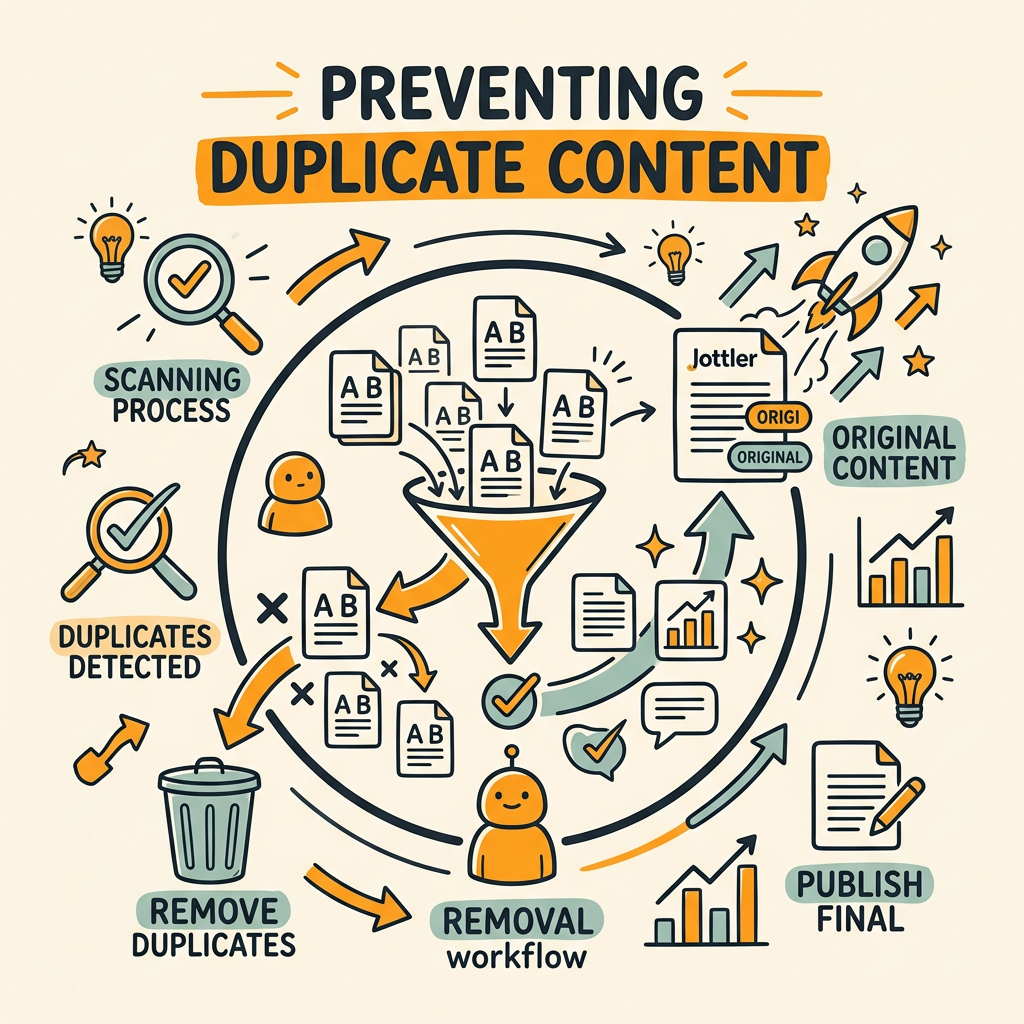
Fixing existing duplicates is expensive. Preventing new duplicates from being created is cheaper and scales better. Integrate duplicate detection into your content publishing pipeline so that duplicate content never makes it to production.
Screen New Content Against Existing Pages Before Publishing
Every time a new article is published, compare it against all existing articles on your site for near-duplicate content. Use natural language similarity tools (semantic comparison, not just keyword matching) to detect when new content is too similar to existing pages without adding substantially new information.
Set a threshold (e.g., content that's 75%+ similar to existing pages) and require editorial review or consolidation before publishing. This prevents accidental republication and detects when AI-generated content creates multiple similar pages without differentiation.
Tools with semantic understanding can identify when a new article about "best SEO practices" is duplicating an existing "SEO best practices" article even though the wording differs. Human editors then decide: should this be a new variation, or should it consolidate into the existing article?
Standardize URL Structure Across Content Types
Enforce consistent URL naming conventions so that variants don't accidentally create duplicates. Establish rules like:
- All URLs lowercase, hyphens instead of underscores
- No trailing slashes (or always trailing slashes—consistency is what matters)
- No trailing parameters; move filters to query strings only if necessary
- Use permanent redirects if you ever rename a URL
When your system enforces these rules, you eliminate one major source of duplicate accumulation: URL variants from inconsistent naming.
Monitor for Content Drift and Thin Duplicates
As your content library scales, pages often diverge gradually from their original purpose. An old article might be republished with minor updates, creating a near-duplicate. A category page might accumulate products that match multiple filter combinations, each with a separate canonical.
Run quarterly audits of your content library to catch drift before it becomes a crawl budget problem. Look for:
- Pages updated multiple times in a short period (might indicate multiple versions of the same content)
- Pages with very similar titles or headings (potential unintentional duplication)
- Pages with overlapping keyword targets (one page should own the keyword intent, others should support it)
Measuring Impact: How to Know Your Duplicate Fixes Are Working
After implementing duplicate fixes, measure success by tracking crawl efficiency and ranking changes. Don't expect immediate improvements—crawl budget recovery and ranking consolidation can take weeks or months.
Track Crawl Efficiency in Google Search Console
Google Search Console shows crawl statistics in the Crawl Stats report. After fixing duplicates, you should see:
- Reduced average response time: Fewer URLs to crawl means Googlebot completes crawl cycles faster
- Lower total pages crawled per day: Duplicate variants no longer consume crawl budget
- Increased crawls to unique pages: More crawl budget directed to actual publishable content
Improvement timelines vary: small sites with minor duplication fixes might see changes in 2-4 weeks. Large sites with extensive duplicate proliferation might take 2-3 months for Google to re-crawl enough pages to show the full benefit.
Monitor Keyword Ranking Consolidation
Use rank tracking tools to monitor your target keywords before and after duplicate fixes. You should see:
- Fewer rankings scattered across multiple URLs (consolidated to one preferred URL)
- Rankings for the canonical URL either holding steady or improving
- Reduced ranking volatility (fixing duplicates stabilizes rankings)
This isn't an immediate effect. Allow 4-8 weeks for Google to fully evaluate the consolidated site structure and adjust rankings accordingly.
Watch for Index Coverage Changes
In Google Search Console's Coverage report, after implementing duplicates fixes, you should see:
- Reduced total indexed pages (duplicates are no longer indexed)
- Steady or increasing "Valid" pages (quality pages remain in the index)
- Decreased "Excluded" pages (especially those excluded due to canonicalization)
Automating Duplicate Detection in Your Content System
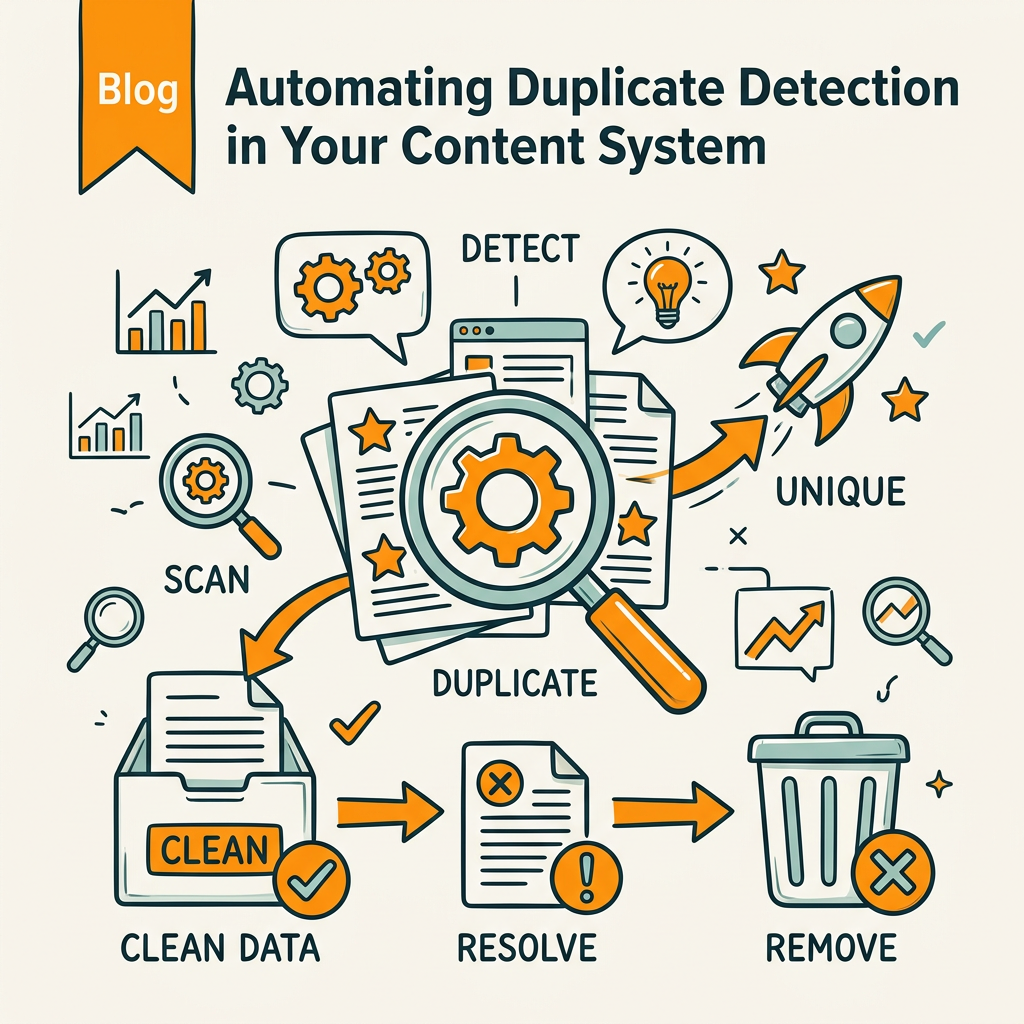
At true scale—when you're publishing dozens or hundreds of articles per month—manual duplicate detection becomes impossible. Automation is essential to prevent duplicates from accumulating faster than you can fix them. According to SE Ranking's 2026 SEO statistics, automation is becoming table-stakes for scaling SEO operations.
Build Duplicate Screening Into Your Publishing Pipeline
The best time to catch duplicates is before content is published. Integrate a duplicate-detection step that runs automatically whenever new content is submitted:
- Ingest the new article: Extract title, headings, main body content
- Compare semantically against all existing articles: Use embedding models or semantic similarity scoring, not just keyword matching
- Flag near-duplicates: If similarity score exceeds threshold (75-80%), alert the editor
- Suggest consolidation or differentiation: Provide options: merge into existing article, add substantial new sections, or publish as-is with explicit differentiation
- Add canonical if needed: If publishing similar content, automatically add the canonical tag pointing to the authoritative version
When publishing new content at scale, the system checks against your existing article library, identifies potential duplicates before they go live, and can even auto-generate canonical tags or suggest article consolidation to maintain a clean, duplicate-free content architecture.
Implement Parameter and URL Variant Automation
Prevent duplicate URLs from multiplying by automating URL handling rules:
- Use URL parameter rules in Search Console: Tell Google to ignore certain parameters when crawling (e.g., ignore session IDs, utm_source, etc.)
- Configure server-side redirects: Automatically redirect variant URLs to preferred versions (trailing slash, www/non-www, etc.)
- Generate canonical tags dynamically: Inject canonical tags based on URL patterns without manual work
- Block low-value combinations: Use robots.txt or noindex tags to prevent crawling of faceted navigation combinations that don't warrant individual ranking
Common Duplicate Content Scenarios and Their Fixes
Different site types generate duplicates in different ways. Here are the most common scenarios and the most effective fixes for each:
Ecommerce Sites with Faceted Navigation
The challenge: Product filters (size, color, price range) create hundreds or thousands of unique URLs with nearly identical content.
The fix: Canonicalize all filter combinations to the base product page URL. Alternatively, noindex low-traffic filter combinations that don't drive valuable search traffic. Reserve individual indexed URLs for high-traffic, high-conversion filters only.
Publishers with Archive and Category Pages
The challenge: Articles appear in multiple contexts—homepage, category pages, archive pages, tag pages—creating duplicate or near-duplicate listings.
The fix: Canonicalize all index/archive/category pages to the individual article page. The article is the canonical version; listing pages are supporting pages that shouldn't rank independently.
Multi-Language or Regional Sites
The challenge: Same content in different languages or for different regions, accessible from multiple URLs.
The fix: Use hreflang tags to indicate language/region relationships to Google, rather than rel=canonical. Hreflang tells Google these are alternative versions for different audiences, not duplicates to be consolidated.
Syndicators and Cross-Posted Content
The challenge: Content published on your site also appears on partner sites, publication networks, or social platforms.
The fix: Always require the publishing partner to use a canonical tag pointing back to your original. Never allow republication without canonical attribution. If partners don't comply, disallow them from republishing your content.
Generated Variations and AI Content
The challenge: AI tools can accidentally generate multiple similar articles on the same topic with minor variations, creating near-duplicates.
The fix: Screen all AI-generated content for duplicates before publishing. Enforce minimum content differentiation thresholds: if an article is >70% similar to existing content, require substantial new sections or consolidate entirely. Platforms that embed duplicate screening automatically in their publishing pipeline prevent this issue entirely, ensuring your content remains unique and valuable as your library scales.
Conclusion
Duplicate content at scale isn't a problem you solve once and forget. It's a structural issue that compounds with growth: the more content you publish, the more duplicate variants accumulate unless you actively prevent them. Large sites with extensive duplicate URL proliferation experience significant crawl inefficiency and signal dilution, directly reducing the visibility of your most important pages.
The fix requires three parallel efforts: audit and consolidate existing duplicates using canonicals and redirects, implement preventive screening in your publishing pipeline, and establish URL structure standards that prevent variants from multiplying. When done systematically, duplicate fixes restore crawl budget to your high-value pages, consolidate ranking signals onto preferred URLs, and improve overall site authority and performance.
Start with an audit of your top 500 pages to find high-impact duplicates. Implement canonicals or redirects for the biggest clusters. Then establish automated duplicate detection for any new content going forward. This combination of remedial fixes and preventive automation scales with your content growth, preventing duplicates from eroding your organic traffic as your site expands.
Start your SEO agent with Jottler to automate duplicate detection and prevention at scale. Our system screens every new article for duplicates before publishing, automatically generates canonical tags based on your existing content structure, and prevents near-duplicate variations from accumulating as your content library grows. Publish more, rank higher, maintain cleaner sites.
FAQs
Does Google penalize duplicate content?
Google does not issue a manual "duplicate content penalty" in the traditional sense. Instead, duplicate content damages SEO through signal dilution and crawl budget waste. When multiple URLs carry the same content, Google must choose which version is canonical, splitting your ranking authority across pages instead of concentrating it. For large sites, this signal fragmentation and the consumption of crawl budget on low-value duplicates combines to significantly reduce organic visibility. The fix is consolidation using canonical tags and redirects, not a manual penalty reversal.
How do you detect duplicate content at scale?
Crawl your full site using tools like Screaming Frog, DeepCrawl, or SEMrush and configure them to detect exact matches, near-duplicates (80%+ similar), and URL variants. Classify duplicates by type—URL variants, parameter combinations, faceted navigation, template boilerplate—and prioritize fixes by impact on crawl budget. Exact duplicates across many pages warrant immediate attention; minor template overlap is usually acceptable. Automation is essential at scale: once you've fixed existing duplicates, prevent new ones by screening all content against your existing library before publishing, using semantic similarity detection to catch near-duplicates that keyword matching would miss.
What's the difference between canonical tags and 301 redirects?
Canonical tags are used when duplicate versions must remain accessible—they tell search engines which URL is the preferred version without removing the duplicate from the internet. Use canonicals for filtered product results, print-friendly pages, or URL variants that users expect to find. 301 redirects are used when a duplicate should be completely removed and its authority transferred to a single preferred URL—users and search engines both get sent to the canonical version. Use 301 redirects when consolidating old content, redesigning page structures, or removing session-ID variants that serve no user purpose. For most scaling sites, a mix of both is necessary: canonicals for parameter/variant URLs, 301 redirects for old or merged content.