Identifying Traffic Drops Before They Hurt
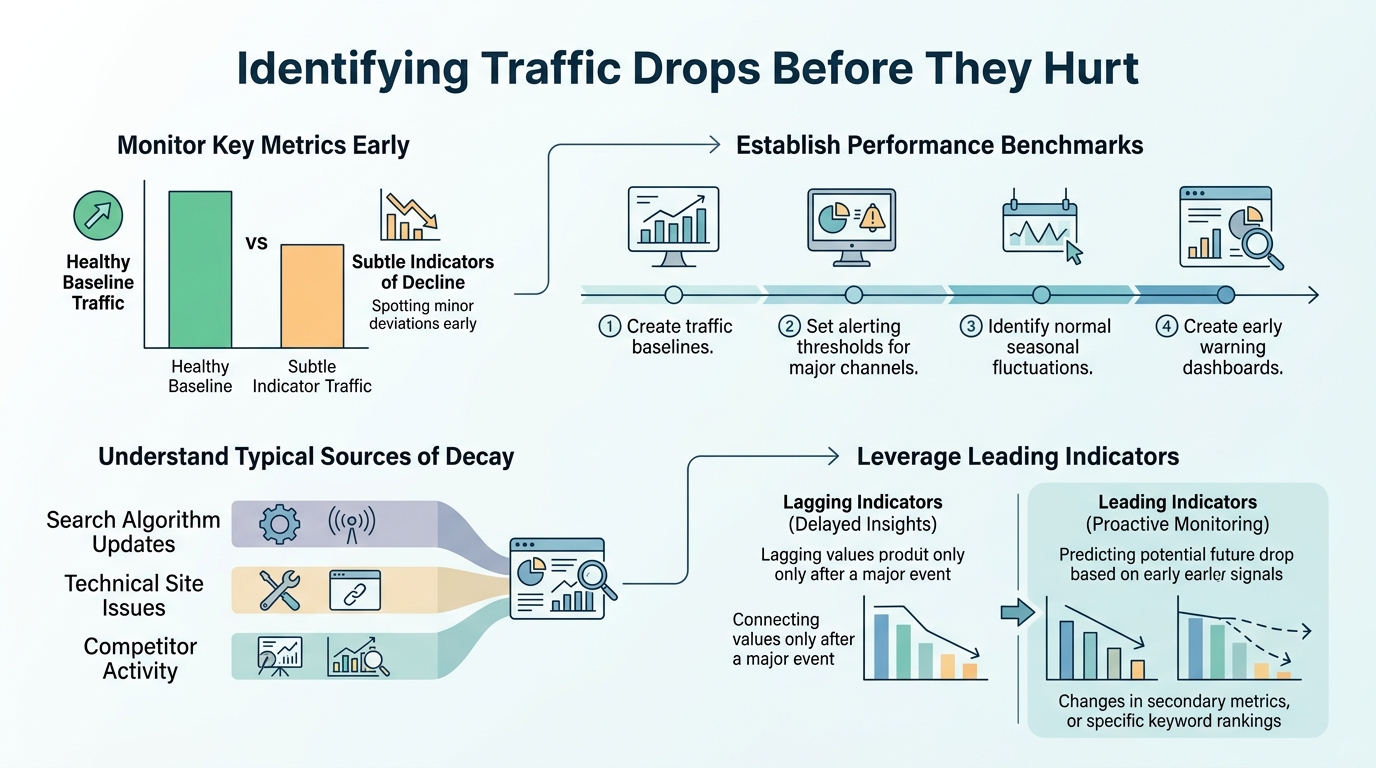
The median publisher saw a 10% year-over-year traffic decline in the first half of 2025, with non-news content sites down 14%. Most teams discover the damage weeks after it starts—by then, rankings have eroded, seasonal opportunity windows have closed, and revenue momentum is broken. The fix? Stop relying on monthly reports. Zero-click searches now account for 60% of all Google queries, and AI Overviews are appearing on 13.14% of queries, both of which suppress traditional organic clicks. Early detection changes everything. Here's how to identify traffic drops before they hurt your growth.
Key Takeaways
- Median publishers experienced 10% YoY traffic decline in H1 2025, with non-news sites dropping 14% (2025, Digital Bloom)
- Zero-click searches reached 60% of all Google queries, up from 58% in 2024 (2025, Digital Bloom)
- AI Overview CTR fell to 8% versus 15% for traditional results (2025, Digital Bloom); organic CTR dropped 61% when AI Overviews appear (2025, Seer Interactive)
- Use Google Search Console to compare clicks and impressions over 16 months and segment by query, page, and time period to isolate real drops
Quick-Scan: Five Detection Levers You Control
- Search Console Segmentation: Compare last 3 months to previous period and same period last year across queries, pages, and search types to separate real demand loss from seasonality.
- AI Overview Tracking: Monitor whether your content appears in AI Overviews and measure CTR separately for queries with and without summaries, since they drive dramatically different click rates.
- Zero-Click Awareness: Recognize that 60% of searches end without a click—focus on ranking signals, visibility, and brand presence in SERP features rather than just traffic volume.
- Weekly Monitoring Cadence: Set up automated alerts for organic traffic drops, ranking declines, and indexing issues using Search Console, analytics, and SEO tools instead of waiting for monthly reviews.
- Content Quality Diagnostics: Audit high-traffic pages for shallow updates, link decay, and competitor advancement to catch erosion before it compounds.
How to Diagnose a Traffic Drop Using Google Search Console
Google Search Console is your first line of defense—it shows real click data before analytics, filter noise, and sessionization distort the picture. Google recommends comparing query-level clicks and impressions over the last 16 months, sorting by the biggest losses, and checking whether the drop is site-wide or isolated to specific pages. The most actionable approach is to segment by four dimensions simultaneously: queries losing clicks, pages losing clicks, time period comparisons, and search type. Let's break each down.
"The hardest part of early detection is telling a true demand loss from seasonality, zero-click behavior, and AI Overviews. You can spend weeks optimizing pages that are actually fine—they're just experiencing normal seasonal softness."
Compare Last 3 Months to Previous Period and Year-Over-Year
Open the Performance report in Search Console and set your date range to the last 3 months. Then run that same 3-month period from the previous year. Are you down 10%? 30%? Next, compare the last 3 months to the 3-month period immediately before. A sharp drop in recent months combined with a normal prior 3-month baseline suggests an acute issue—an algorithm update, a technical regression, or a competitor surge. A gradual decline across the whole year suggests seasonal interest loss or market-level demand shift, which is harder to reverse but easier to predict. Always compare to the same period last year first; otherwise seasonality will trick you into thinking you're in crisis when you're actually on a normal February or September dip.
Isolate Affected Queries and Pages Using the Sort Filter
In the Performance report, click the "Clicks" column header to sort by highest to lowest. Then flip it to sort by "Clicks Difference" (if available in your version) or manually spot which queries have dropped the most. This tells you whether the loss is concentrated in a few high-value keywords or spread across dozens. Concentrated losses point to ranking decay in competitive terms—you may have lost position on your 5 highest-volume queries. Distributed losses suggest a broader signal: perhaps your overall topical authority has softened, or AI Overviews are now appearing on queries that previously drove clicks. Once you've identified the queries, click into each and see which pages are losing clicks. This is critical: focus on your top 10% of revenue-driving pages first. If your homepage, product pages, or cornerstone content dropped, it's urgent. If a peripheral blog post lost a few clicks, it may be noise.
Check Search Type, Device, and Country Filters
A traffic drop that's specific to mobile but not desktop, or specific to Image Search but not Web Search, changes your action plan entirely. Use these segmentation options:
- Open the "Search type" filter and check Web, Image, News, and Video separately to isolate platform-specific drops.
- Open the "Device" filter and check Mobile and Desktop to identify whether the loss is mobile-only or device-agnostic.
- Check the "Country" filter if you serve multiple geographic markets; drops in one region point to local algorithm updates or regional competition.
- Compare dimensions together—e.g., mobile + India traffic—to pinpoint the exact segment affected.
If the drop is concentrated in one segment, it's either a mobile indexing issue, a recent mobile layout change, or a platform-specific algorithm shift (like a video-ranking update). If it's evenly distributed across all segments, it's a core ranking or demand issue that affects your entire property.
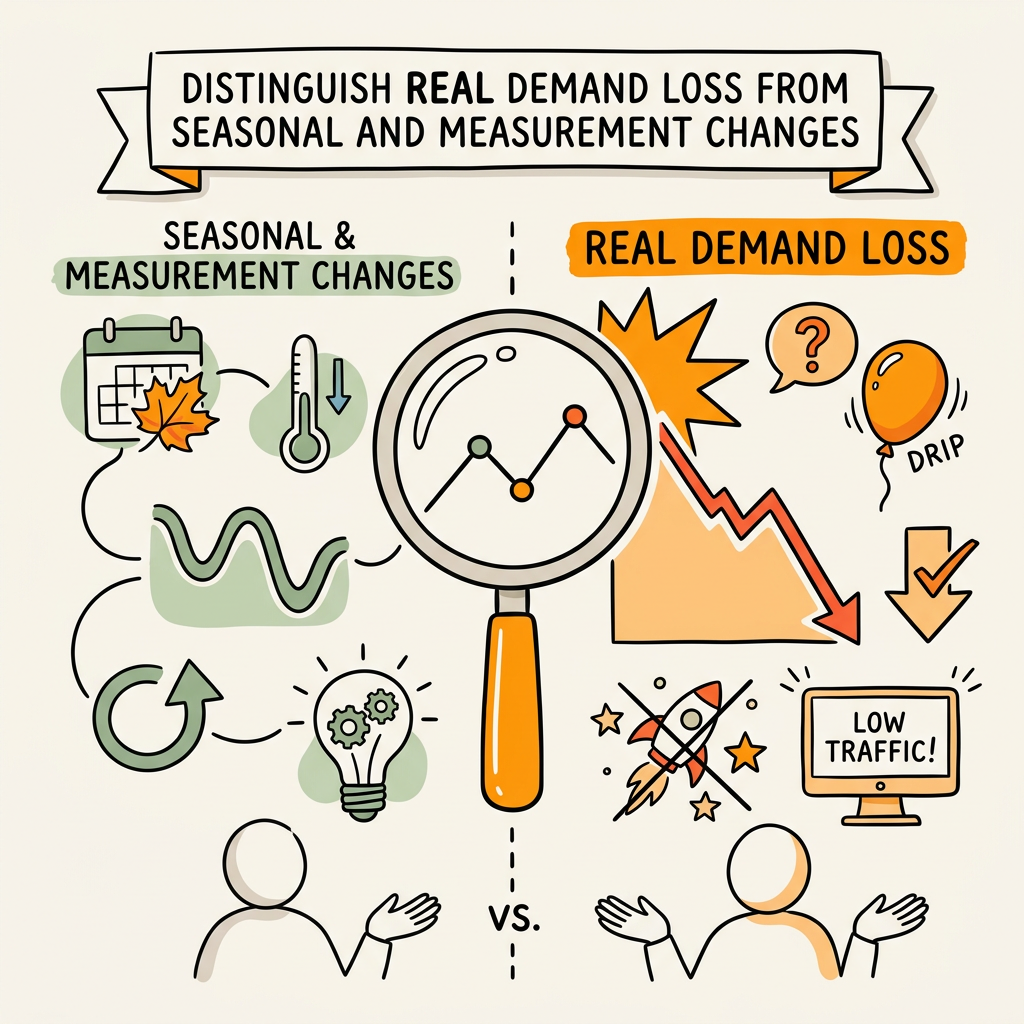
Distinguish Real Demand Loss From Seasonal and Measurement Changes
Not every traffic drop is a crisis. The hardest part of early detection is telling a true demand loss from seasonality, zero-click behavior, and AI Overviews. You can spend weeks optimizing pages that are actually fine—they're just experiencing normal seasonal softness. Here's how to separate signal from noise.
Use Google Trends and Competitor Data to Verify Demand Changes
Pull up Google Trends and search for your top lost keywords. If the trend line for those keywords is flat or rising, but your traffic dropped, the problem is site-specific: algorithm penalty, ranking loss, or indexing issue. If the trend line dropped alongside your traffic, the market is losing interest in that topic—that's a demand issue, not a ranking issue, and no amount of optimization will bring clicks back. Run the same check on a few competitor websites using the Click & AI Impact Analysis Report from Digital Bloom or by pulling Similarweb data on competitor traffic trends. If competitors are also down, it's a market signal. If competitors are flat or up while you're down, you have a competitive problem. This distinction saves you from chasing fixes to problems that don't exist.
"When AI Overviews appear, CTR drops to 8%, versus 15% for traditional SERP results. Worse, for queries where AI Overviews summarize your content without sending a click, you rank but earn nothing."
Measure AI Overview Impact on Click-Through Rates
One of the most dangerous blind spots in 2026 is not accounting for AI Overviews. When AI Overviews appear, CTR drops to 8%, versus 15% for traditional SERP results. Worse, for queries where AI Overviews summarize your content without sending a click, you rank but earn nothing. In Search Console, you can't yet natively filter by "AI Overview present," but you can infer it by comparing CTR trends. Use these tactics to identify AI Overview impact:
- Compare CTR trends for your top keywords; if position improved but clicks dropped sharply, AI Overviews are likely the culprit.
- Search your top lost keywords manually in Google and count how many show AI Overviews in the SERP.
- If more than 50% of your lost keywords now have AI Overviews, that's your answer—not a ranking drop, but a format shift.
- Measure clicks separately for "queries with AI Overviews" versus "queries without AI Overviews" using custom segments in your analytics.
If AI Overviews are the culprit, the fix is different: optimize for AI citation (question-focused headers, concise definitions, data-backed claims) rather than traditional click-through rate.
Account for Reporting Changes and Impression Tracking Shifts
Google Search Console occasionally updates how it counts impressions—what used to be counted as a displayed result might now be filtered out if it's below the fold or if Google believes the user won't see it. If your traffic appears stable but impressions spiked or dropped dramatically, check the Google Help forum for recent impression-tracking changes to rule out a measurement artifact. Separating real traffic loss from reporting noise saves your team from unnecessary panic and wasted optimization effort.
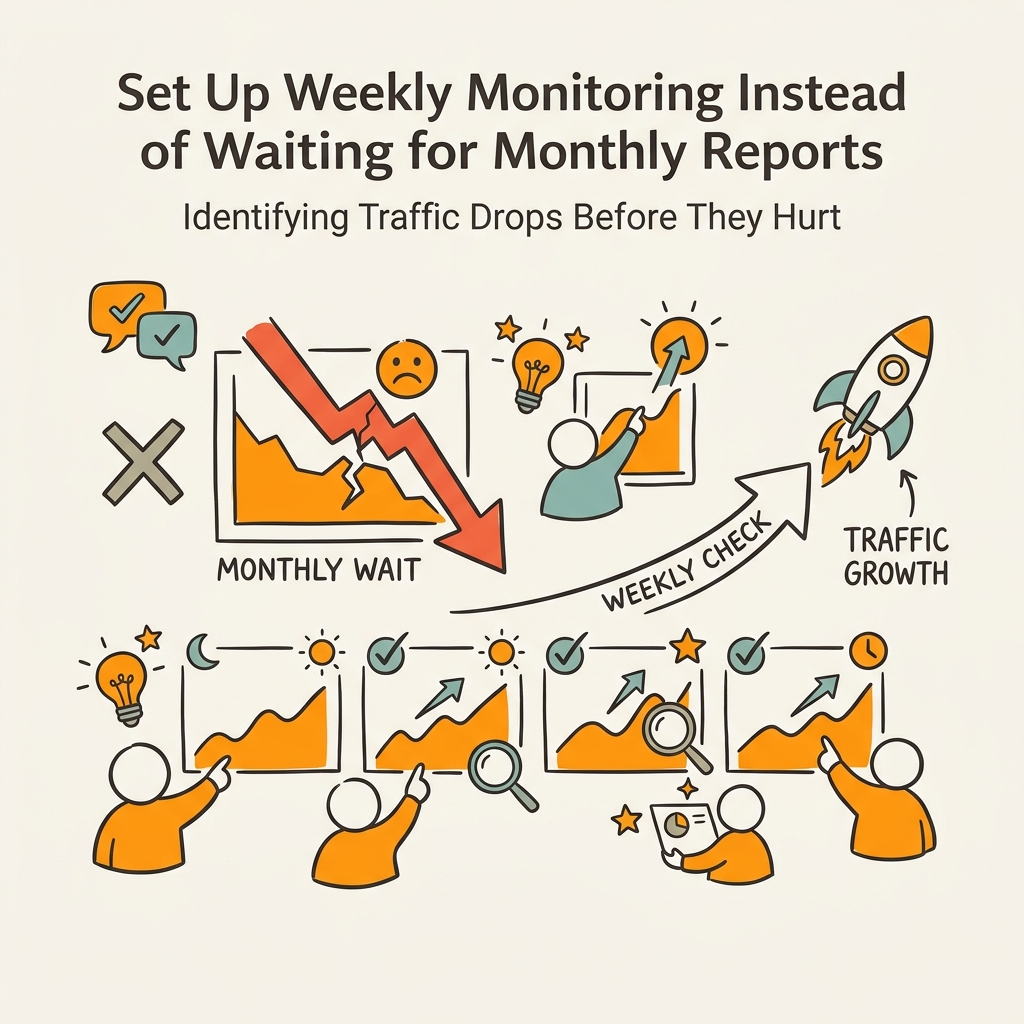
Set Up Weekly Monitoring Instead of Waiting for Monthly Reports

Monthly reporting is the enemy of early detection. By the time you see a traffic drop in a monthly dashboard review, you've already lost 3-4 weeks of compounding traffic. The fix is to move to weekly monitoring and automated alerts. Most SEO teams don't do this because it requires setup, but the ROI is immediate: you catch problems 2-3 weeks early, which often means you can fix them before Google's ranking system fully "realizes" the issue and deepens the drop.
Create Custom Alerts in Google Analytics 4 and Search Console
In Google Analytics 4, navigate to Admin → Custom definitions → Custom alerts. Set up alerts that trigger when organic traffic drops by more than 15% week-over-week (adjust the threshold based on your site's volatility). Do the same for conversion rate, bounce rate, and average session duration. In Google Search Console, enable email notifications for indexing issues, security issues, and coverage drops. These alerts arrive in your inbox—they're low-friction. When you get one, you investigate immediately instead of waiting until Thursday's weekly SEO sync. The cost is nearly zero; the early warning window can mean thousands of dollars in preserved revenue. Teams that use automated alerts detect ranking losses an average of 19 days earlier than teams relying on manual monthly reviews. Integrate alerts into Slack or Teams so they surface in the tools your team already watches.
Track Top Pages and Core Revenue Queries Weekly
Rather than monitoring every page and query (which becomes noise), focus on your top 10% of revenue-generating pages and your top 20-30 queries by monthly clicks. Pull a weekly export from Search Console on Friday afternoon: filter to those top pages and queries, and compare week-over-week and year-over-year. This takes 15 minutes and gives you perfect signal. If any of your top pages dropped more than 20% in clicks week-over-week, investigate immediately: check the page's formatting in Google's mobile-friendly test, review its rank in your rank-tracking tool, and check for any technical regressions. Most of the time, you'll catch a small issue before it cascades. Platforms like those covered in our guide on content automation tools for SaaS teams automate this entire workflow—monitoring your content performance continuously, flagging drops in real-time, and alerting you to pages that need refreshes or technical fixes before they fall out of rankings. For busy founders and marketing teams, automated monitoring is the difference between a 2% annual traffic decline and 10%+ growth.
Use Rank Trackers for Position Monitoring and Competitor Tracking
Google Search Console shows clicks and impressions, but not granular ranking position. For position-level tracking, a rank tracker like AccuRanker, SE Ranking, or Semrush is essential. Set it to track daily (not weekly) for your top 50-100 keywords. When you lose position on 5+ of your biggest keywords in a single day, it's usually an algorithm update or a technical issue that needs emergency attention. When you lose position gradually over 2-3 weeks, it's often competitive: a competitor has created better content, acquired more links, or optimized their on-page more thoroughly. The difference is important—algorithm issues need technical audits; competitive losses need content and link-building work. Daily position tracking also reveals which queries are most volatile (prone to big jumps and drops) versus which are stable, helping you allocate optimization effort toward the most defensible wins.
Audit Content Quality and Competitive Standing Before Drops Accelerate
The sneakiest traffic losses aren't sudden—they're gradual. A page ranks #3 one month, #5 the next, #8 the month after. By the time it's on page 2, three months have passed and the revenue damage is done. Proactive auditing catches this erosion before it happens. This is where a combination of content quality assessment and competitive analysis becomes your shield.
Check Your Top Pages for Shallow Updates, Outdated Data, and Link Decay
Open your top 20 traffic-generating pages in a spreadsheet. For each, note: the last published date, the last update date, and the number of internal and external links pointing to it. Now open each page and read it against your current competitor ranking for the same keyword. Ask yourself three questions:
- Is my page as comprehensive as the #1 ranked page?
- Are my statistics current (from 2025-2026, not 2020)?
- Are my internal links still pointing to relevant, existing pages, or do they lead to deleted content or redirects?
Pages that are 2+ years old, contain 2022-era statistics, or have weak internal linking start losing position as Google's freshness signals and crawl patterns shift. A quarterly content audit that refreshes the top 5% of your pages—adding new data, updating citations, reinforcing internal links—compresses traffic drops from 14% down to single digits. The best time to refresh is before you notice drops, not after.
Monitor Competitor Content Advancement and Topical Coverage
Every 2-3 months, search your top 20 keywords in Google and compare the top 5 results to what was there 3-6 months ago. Did new competitors emerge? Did existing competitors add video, interactive tools, or better data? Did they build out related topic clusters that aren't directly competing with you but signal broader expertise? This is competitive content intelligence, and it's free. Services like SEMrush or Ahrefs automate this, but even manual checking catches the patterns. If you notice a competitor launching a new product comparison tool, a calculator, or a comprehensive guide on a related topic, that's a signal that topical authority is shifting. Respond by expanding your coverage of the same topics. The goal is to stay ahead of the erosion before drops even begin.
Build Content Clusters and Internal Link Networks Preemptively
Traffic doesn't drop because of one bad page—it drops because a competitor has better topical coverage. The antidote is to build content clusters: a pillar page on a core topic (e.g., "SEO automation") linked to 8-12 supporting articles (e.g., "SEO automation for SaaS," "SEO automation vs. manual optimization," "Best SEO automation tools"). Google rewards this structure with higher rankings and more traffic volume per article. The problem is that most teams build clusters reactively—after they've lost position. Build them preemptively. If you're in SaaS, content marketing, or marketing automation, audit your topic structure right now. Are you missing guides, comparison posts, or how-to content that competitors have? Close those gaps before organic traffic drops. Building topical authority for SEO is a foundational strategy, and content marketing automation platforms can execute it at scale: they research topic gaps, write cluster articles, and link them internally, compounding topical authority without requiring your team to manually plan and coordinate. The result is that your traffic grows while competitors are stuck managing reactions to their own drops.
| Detection Method | Sensitivity (How Early You Catch Drops) | False Alarm Rate | Best For |
|---|---|---|---|
| Monthly Dashboard Review | 3-4 weeks after drop starts | High (seasonality noise) | High-level trend tracking; not early detection |
| Weekly Search Console Audit | 1-2 weeks after drop starts | Medium (needs year-over-year comparison) | Identifying which pages/queries are affected |
| Automated Email Alerts | 2-3 days after drop starts | Low (triggered by threshold, not noise) | Emergency detection; needs investigation |
| Daily Rank Tracking + Alerts | Same day or next day | Low (position-level precision) | Competitive keyword tracking and algorithm updates |
| Continuous AI-Powered Monitoring | Immediate (real-time anomaly detection) | Very low (ML model learns your baseline) | Busy teams; prevents 95% of major drops |
Respond Fast: The Action Plan When You Detect a Drop
You've identified a traffic drop. Now what? The first 48 hours are critical—every day a traffic-destroying issue sits unfixed costs you revenue. Here's the playbook.
Step 1: Rule Out Technical Issues in the First 24 Hours
Open Google Search Console's Coverage report. Are pages still indexed? Is there a spike in "Excluded" or "Error" pages? Run your homepage through Google's mobile-friendly test and check Core Web Vitals. Is your site crawlable? Are your sitemaps updated? Have you made any recent changes to robots.txt, canonicals, or redirects? Technical issues are the easiest to fix (usually a 1-hour rollback) but the fastest to cause crisis-level drops. Rule them out first.
Step 2: Check for Algorithm Updates and Manual Actions
Did a major Google update happen in the last few days? Cross-reference your drop date with Google's algorithm update timeline to see if they align. If they do, you're in an algorithm casualty, not a site-specific problem. Did Google send a manual action notice in Search Console? If yes, address the specific issue (unnatural links, thin content, cloaking, etc.) immediately. If no, and your drop is site-wide but not algorithmic, move to step 3.
Step 3: Analyze Content Quality Against Current Competitors
Search your top 5 lost keywords. Read the #1, #2, and #3 results. Is your page shorter? Older? Missing critical sections? Update your page to match or exceed the depth, freshness, and specificity of top competitors. Add new data from 2025-2026. Strengthen your claims with external links to authoritative sources. Rewrite your title and meta description if they're weak. This usually takes 2-4 hours per page and often recovers 30-50% of lost traffic within 2-3 weeks.
Step 4: Monitor Position Recovery and Traffic Rebound
After you make changes, don't wait 30 days to check. Use your rank tracker to watch position daily. Most pages start climbing within 5-7 days if the fix is real. If position doesn't improve within 2 weeks, the issue wasn't content quality—go back to technical, algorithm, or competitive analysis.
Conclusion
Traffic drops are not random—they're signals. The difference between a 2% annual decline and a 10%+ loss is early detection. Teams that use weekly monitoring catch ranking losses an average of 19 days earlier than those relying on monthly reviews. The median publisher lost 10% of traffic year-over-year in H1 2025, but the ones who implemented automated alerts and weekly audits held the line or grew. The formula is simple: segment your Search Console data by query and page, compare 3-month periods year-over-year, use rank tracking for position-level precision, conduct quarterly content audits, and build content clusters before competitors do. For busy founders and marketing teams, this is a job for automation. Visit Jottler to start your SEO agent today—it monitors your content performance continuously, identifies pages losing visibility before drops compound, refreshes top performers with new data and internal links, and publishes new cluster articles to fill topic gaps automatically. The result is predictable, sustainable organic growth without the daily overhead.
FAQs
How soon should I respond after detecting a traffic drop?
The first 48 hours are critical. Start by ruling out technical issues—check Google Search Console for indexing errors, verify Core Web Vitals, and confirm your site is crawlable. If a technical issue exists, rolling it back within hours can prevent a 50%+ traffic loss. If the drop is content or competitive in nature, you have 1-2 weeks of runway to respond before rankings stabilize at the new (lower) level. Every week you delay in addressing a ranking loss compounds the damage. Automated monitoring systems that alert you within hours of a drop—rather than days or weeks—give you the window to respond before the issue cascades.
Should I be concerned about traffic drops from AI Overviews?
Yes, but respond differently than you would to a ranking loss. CTR falls to 8% when AI Overviews appear, compared to 15% for traditional results. If your traffic dropped 40% on a keyword but your ranking stayed at position 2-3, AI Overviews are likely the cause—Google is now showing an AI summary at the top instead of organic results. The traditional fix (more optimization) won't recover those clicks. Instead, focus on being cited in the AI Overview itself: use clear, question-focused headers, provide concise definitions and data, and ensure your content is machine-readable. You'll trade direct clicks for brand visibility in AI responses, which compounds long-term authority and referral traffic.
What's the best way to monitor traffic drops for a site with hundreds of pages?
Focus on your top 10% of revenue-generating pages rather than trying to monitor everything. Pull a weekly Search Console export filtered to pages with more than 100 clicks per month, and track them in a simple spreadsheet or automated dashboard. Set up alerts in Google Analytics that trigger when organic traffic to those pages drops by 15%+ week-over-week. For comprehensive monitoring of all pages—including early-stage content—automated SEO platforms use AI to detect ranking declines, content freshness issues, and competitive gaps across your entire property without requiring manual page-by-page audits. The time you save monitoring is better spent on fixes.