Marketing Automation Implementation: From Planning to Execution
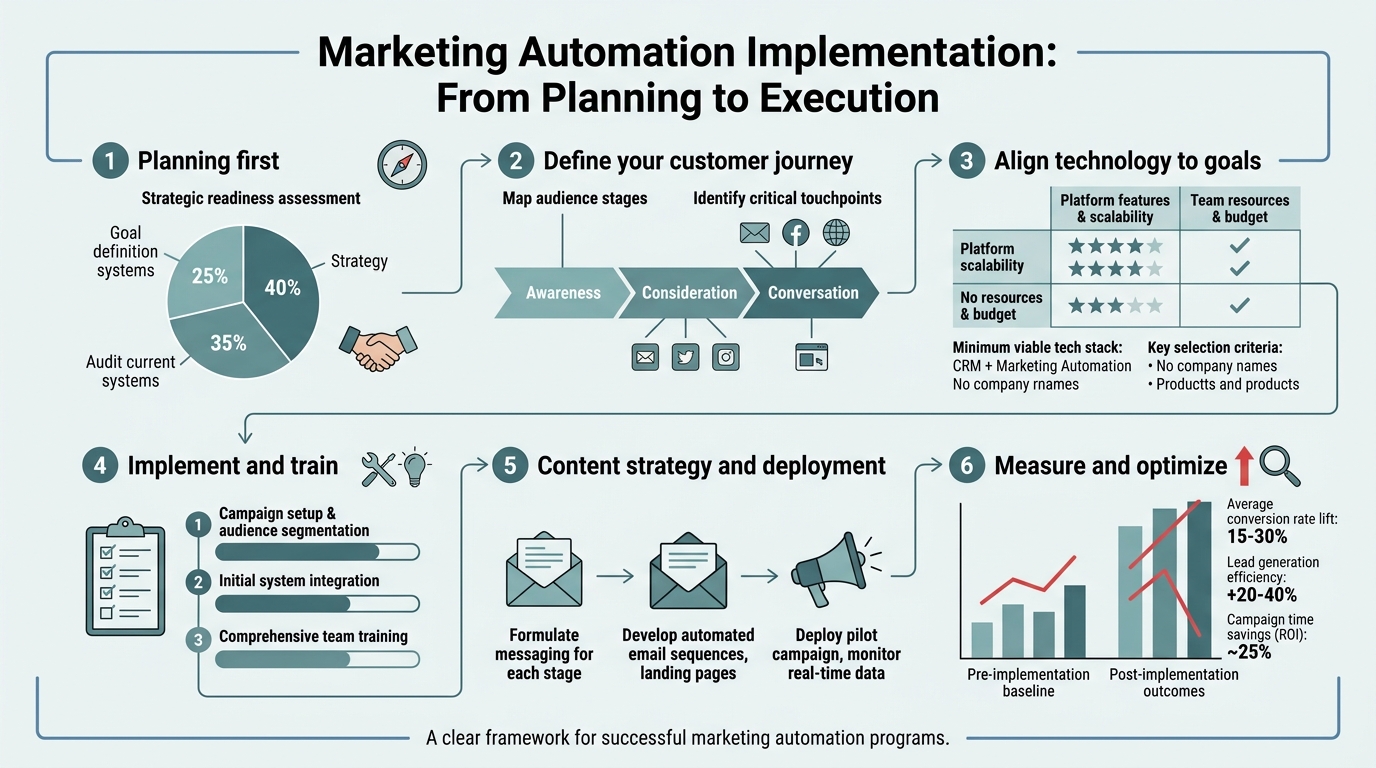
Most marketing teams operate across spreadsheets, email clients, and disconnected platformsmanually triggering campaigns, tracking leads through fragmented systems, and losing conversion opportunities in the chaos. The cost is steep: wasted hours on repetitive tasks, missed follow-ups, and pipeline leaks that could have been automated away. Yet 76% of companies already use marketing automation, and those that do see a 34% revenue increase directly attributable to it. The gap between having automation tools and having a working automation strategy is where most teams fail. This guide walks you through a proven framework to plan and execute marketing automation that compounds revenue growth instead of just moving tasks around.
Key Takeaways
- 76% of companies use marketing automation, yet only those with a deliberate implementation strategy see consistent ROI (Revenue Memo, 2026)
- Proper planning reduces implementation time from months to weeks and drives $5.44 in returns for every $1 spent
- Start with high-impact workflows (lead nurturing, email sequences) before attempting full-stack automation across all channels
- CRM integration and data hygiene are non-negotiabletop-performing implementations prioritize these before adding complexity
- Define Clear Goals and Metrics: Successful automation starts with revenue targets, not tool featuresmeasure lead volume, conversion lift, and cost per acquisition.
- Map Your Customer Journey: Identify exactly where automation creates the most value: initial nurture, re-engagement, cross-sell, or retention workflows.
- Choose Your Platform and Integration Model: Select based on CRM fit and existing stack rather than feature richnesssimpler integrations deploy faster.
- Build Core Workflows First: Email nurture sequences and lead scoring deliver 80% of results; build these before adding complexity.
- Test, Measure, and Scale: Run pilot campaigns, prove ROI in a single use case, then expand to other customer segments and channels.
- Automate Content Workflow: Content fuels automation; tools like Jottler that produce research-backed, SEO-optimized content at scale ensure your nurture sequences have fresh, relevant material to work with.
What Are the Core Goals of a Marketing Automation Implementation?
Marketing automation exists to solve one problem: connecting every customer interaction to measurable business outcomes without burning out your team. That means moving from manual email sends and scattered lead follow-ups to orchestrated workflows that deliver the right message at the right time. Implementation success isn't about "automating everything"it's about automating the workflows that directly influence pipeline velocity, conversion rates, or customer lifetime value. According to Revenue Memo, companies that define clear revenue goals upfront see positive ROI within the first year 76% of the timecompared to under 40% for teams that treat automation as a nice-to-have tool.
Define Revenue Impact, Not Just Volume
The most common implementation failure is optimizing for vanity metrics. Teams celebrate lead volume increases without asking whether those leads are more likely to close. The right framework is different: start by asking "What revenue outcome are we targeting?" Is it a 10% increase in qualified leads? Faster sales cycles? Improved retention? Each answer changes your automation roadmap. A B2B SaaS company trying to reduce sales cycle length will prioritize lead scoring and timely handoff workflows. An e-commerce team chasing customer lifetime value will build retention and cross-sell automations instead. Define the metric first, then reverse-engineer the workflows. Most teams skip this step and end up with busy automation that doesn't move the needle.
Identify Your Highest-Leverage Automation Use Cases
Not all automations deliver equal ROI. Email nurture sequences have been proven to generate $36 in revenue for every $1 spent, making them the highest-conviction starting point. Lead scoring workflows rank secondthey accelerate sales cycles by flagging ready-to-buy prospects early. Third is re-engagement automation, which recovers leads that would otherwise go cold. Fourth is onboarding and customer success workflows, which improve retention and upsell velocity. Start with the top two. Many teams try to implement five workflows simultaneously and fail because they're not aligned on data, segmentation, or goals. Instead, GTM 80/20 data shows that the fastest revenue wins come from implementing email nurture first, proving ROI, then expanding. This phased approach also reduces team friction because you're not asking sales, marketing, and operations to change everything at once.
How Should You Plan Your Marketing Automation Strategy?
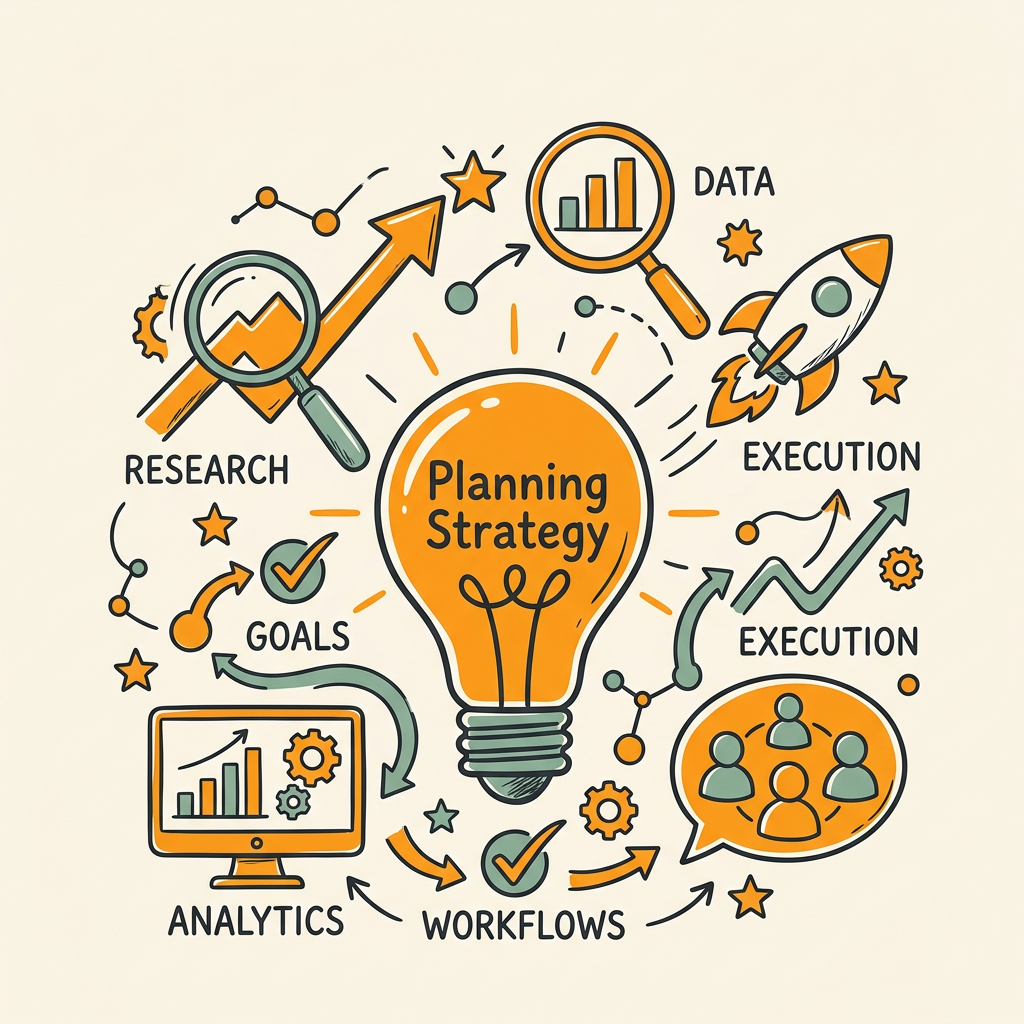
Planning is where most implementations succeed or fail. A comprehensive plan takes 2-3 weeks and prevents months of rework downstream. The plan should document your customer journey, list the workflows you'll build, specify your data requirements, and define team ownership. Without it, you'll end up with misaligned automation that marketing loves but sales hates, or workflows that require data you don't have.
Map Your Customer Journey End-to-End
Start by documenting every customer touchpoint from first awareness through expansion. For a B2B SaaS company, this might look like: paid ad → landing page → email nurture → sales call → trial signup → onboarding email sequences → product adoption → upsell. For each stage, ask: Where is automation most valuable? Where is manual intervention necessary? A common mistake is automating the entire journey; in reality, the high-trust moments (first sales call, contract negotiation, onboarding) often need human touch. The efficient moments (repetitive follow-ups, content delivery, routine check-ins) are where automation shines. Document which workflows you'll build, in what order, and what data each one needs. This becomes your implementation roadmap.
Audit Your Current Data and CRM Readiness
Before selecting a platform, honestly assess your data foundation. Do you have clean contact records with email addresses and company domains? Are your lead sources tracked consistently? Do you have historical conversion data that lets you define "sales-ready" criteria? Most teams skip this and regret itautomation amplifies bad data. If 30% of your contacts have missing email addresses or duplicate records, your automation will fail at scale. Spend a week cleaning your CRM data before moving forward. Delete duplicates, standardize fields, and establish naming conventions for custom fields you'll use in workflows. If your data is too broken, hire a data consultant for 2-3 weeks; the cost is far less than a failed implementation.
Choose Between Point Solutions and All-in-One Platforms
You'll face a decision: build a best-of-breed stack (HubSpot for CRM, Klaviyo for email, Segment for data integration), or go all-in-one (Salesforce, Marketo, Adobe). This choice depends on your team size and integration tolerance. Small teams (5-15 people) typically succeed faster with a single platform because integrations are simpler and there's less context-switching. Larger teams can handle point solutions once they've built operational discipline. Pick based on what your sales team is already using for CRMforcing marketing onto a different platform than sales guarantees misalignment. If you're a growing SaaS company looking to scale content production alongside automation, consider how you'll feed fresh, SEO-optimized content into your nurture sequences; many teams underestimate this need and end up with stale content in their automated workflows. SEO automation platforms like Jottler can handle daily content generation, ensuring your nurture email sequences always have fresh, relevant material to reference.
What Are the Critical Execution Steps?
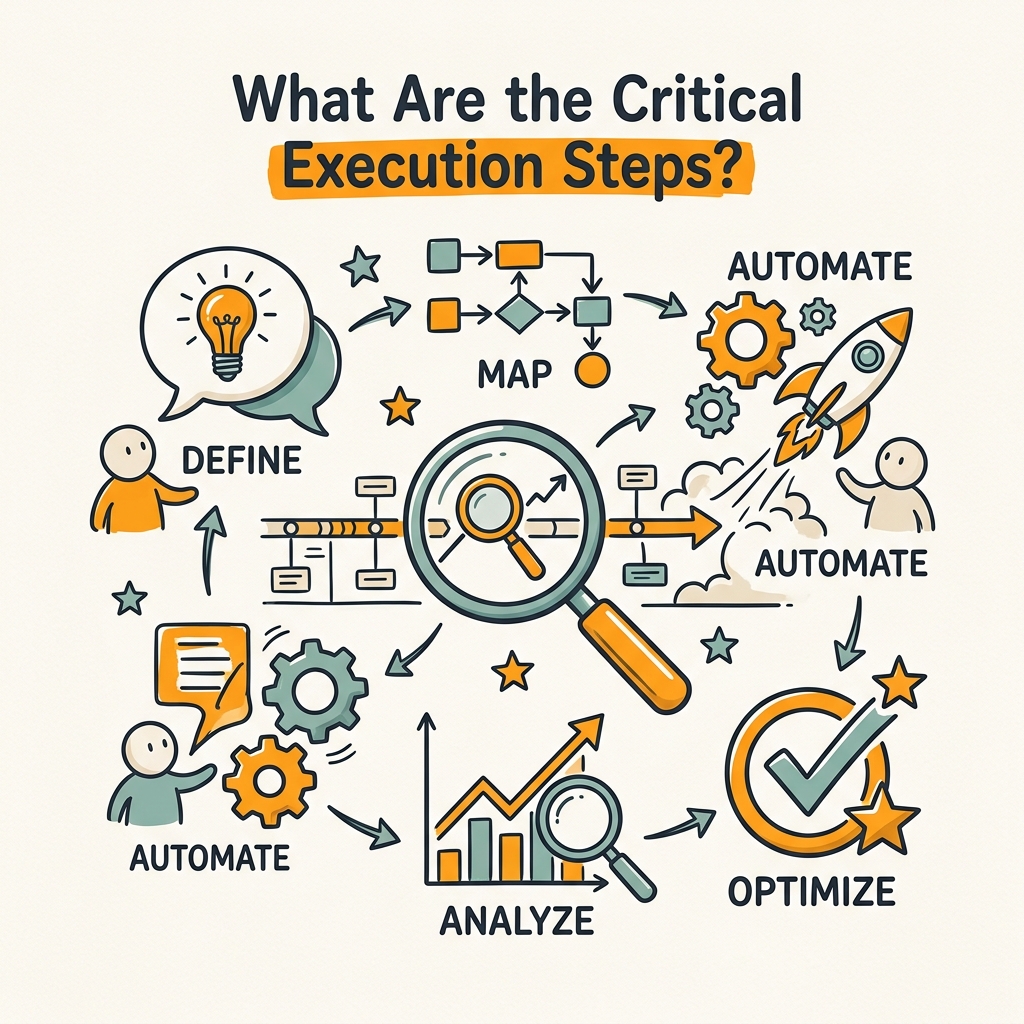
Execution is where planning meets reality. This is the 6-12 week phase where you build workflows, test them with pilot audiences, measure results, and iterate. Done right, a basic implementation (email nurture + lead scoring + sales handoff) can launch in 6-8 weeks.
Step 1: Establish Data Governance and Field Mapping
Before building a single workflow, define exactly what data you need and where it lives. Create a spreadsheet that maps your CRM fields to your marketing automation platform. For example: "CRM field 'Company Size' maps to MA platform field 'Firmographic_Size'." Define who owns each field (are your sales reps updating lead source manually, or is it auto-captured?). Decide on lead scoring criteria: what actions or attributes mark someone as "sales-ready"? This conversation often surfaces blind spots. Many teams realize they've been tracking wrong metrics (activity count instead of buyer signals), or they discover that sales and marketing disagree on what "ready" means. Have this conversation now, in writing. It prevents workflow failures later.
Step 2: Build Your First Pilot Workflow (Email Nurture)
Don't build your entire automation architecture at once. Start with a single, high-impact workflow: an email nurture sequence for your most common buyer persona. This is typically a 5-7 email sequence that runs over 3-4 weeks, triggered when someone fills out a form or downloads a resource. Write the copy, set the cadence, and define the success metric: reply rate, link clicks, or conversion to sales-qualified lead. Test this with 500-1000 contacts first. You'll learn more from one well-executed workflow than from attempting to launch five mediocre ones. After 3-4 weeks, measure the results: did it move the needle? Did people unsubscribe? Did reply rate match your industry benchmark? Use these insights to refine the sequence, then expand to your full audience.
Step 3: Integrate Sales and Marketing Data Signals
After email nurture is working, layer in lead scoring. Define which actions indicate buying intent: demo request, pricing page visit, whitepaper download, career pages (sometimes indicate competitor researchers, not buyers). Assign point values: discovery actions might be worth 5 points, demo requests 50 points. Set a threshold: anyone scoring 100+ points gets handed to sales. This simple workflow is powerfulit prevents good leads from falling through the cracks and stops sales from chasing unqualified prospects. The result? Faster sales cycles and more closed deals. Most teams see a 20-30% improvement in sales cycle length within 90 days of adding lead scoring.
Step 4: Document All Workflows and Create Decision Trees
As your automation grows, workflows become complex. Someone needs to own each one and understand the logic: if contact does X, they go into sequence A; if they do Y, they go into sequence B. Document this as a decision tree or flowchart. Include edge cases: what happens if someone is already in another sequence? What's the unsubscribe rule? This documentation prevents the "only Sarah knows how this works" problem that haunts many teams. It also makes it easier to test, refine, and troubleshoot when something breaks. A simple tool like content planning frameworks can help structure these decisions before building them in the platform.
Step 5: Establish Measurement and Reporting Cadence
After 30-60 days of running your first workflows, establish a weekly or monthly measurement routine. Track: leads generated, leads scored, leads handed to sales, conversion rate, and revenue attributed to automation. Compare to your baseline (what was happening before automation). Most teams see a 10%+ revenue lift within 6-9 months once automation stabilizes. Document this progress and share it with stakeholdersit builds momentum for the next wave of workflows. Create a simple dashboard showing: leads in, leads out, cost per lead, and conversion rate. Review it every Friday. This discipline separates high-performing teams from those that build automation and then ignore it.
How Should You Scale Automation Across Channels and Segments?

Once your core email nurture and lead scoring workflows are running smoothly and producing measurable ROI, you have momentum to expand. 40% of marketing teams now run mostly or fully automated customer journeys across multiple channels according to industry benchmarks. Scaling is where automation becomes a true growth engine.
Expand from Email to SMS, Chat, and Webinars
Email is powerful, but most B2B buying journeys involve multiple touchpoints. Once your email workflows are mature (at least 3 months of data), add SMS to your nurture sequence for higher-intent segments. SMS has 98% open ratesfar higher than emailbut should be used sparingly (1-2 messages during critical decision moments). If you sell to technical audiences, add Slack integration so prospects see workflow reminders inside their daily workspace. For longer sales cycles, add automated webinar invitations triggered by behavior signals. Each channel layer increases complexity, but done sequentially (email, then SMS, then chat), it compounds results without overwhelming your team.
Create Segment-Specific Workflows
Different buyer personas need different nurture paths. A prospect from a startup has different pain points than a prospect from a Fortune 500 company. Build 2-3 distinct nurture sequences for your key personas, triggered by firmographic data. Use company size, industry, and role to route prospects into the right sequence. This personalization increases conversion rates by 20-30% because messaging matches the buyer's actual situation. The upside is worth the effort: instead of one generic 7-email sequence, you'll run three tightly targeted sequences. Start with your two biggest buyer personas and expand from there.
Integrate Content Production Into Your Automation Framework
Here's a gap most teams miss: your automation sequences need fresh, authoritative content to reference. If your nurture emails link to outdated blog posts or competitor case studies, you undermine trust. Instead of manually writing new content weekly, many fast-growing teams now use autonomous SEO content systems that produce dozens of high-quality articles monthly. This ensures your nurture sequences always have recent, relevant material to pull from. A prospect asking "how do I measure marketing automation ROI?" can be sent to an updated, fact-checked guide instead of a 2-year-old blog post. This compounds your automation results because nurture emails become more valuable as your content library grows.
What Common Implementation Mistakes Should You Avoid?
Knowing what not to do is as valuable as knowing what to do. Most implementation failures fit into predictable patterns.
Mistake 1: Choosing Platform Before Defining Workflows
Teams often reverse the order: they buy Marketo or HubSpot, then figure out what to automate. This leads to bloated, unused platform features and wasted budget. Instead, define your workflows on paper first. Only then evaluate platforms against those specific requirements. A B2B SaaS company's workflow needs differ drastically from an e-commerce company's; the platform that's perfect for one might be terrible for the other. Document your top 5 must-haves (CRM integration, email capability, lead scoring, reporting, custom fields) and evaluate platforms against those before signing a contract.
Mistake 2: Automating Before Your Data Is Clean
Garbage in, garbage out. If your contact list is 30% duplicates and missing email addresses, your automation will fail at scale. Audit and clean your CRM before launching any workflow. This takes 2-4 weeks but saves months of troubleshooting later. Remove duplicates, standardize fields, and validate email addresses. It feels tedious but it's the foundation everything else rests on.
Mistake 3: Over-Engineering Workflows Too Early
A common pattern: teams design a 20-step automation workflow with 15 conditional branches and custom scoring logic. They spend weeks building it, launch it, and realize it's too complex to manage or iterate on. Workflows should start simple (3-5 steps, 1-2 conditions) and grow in complexity only after you have 2-3 months of data proving it works. Simplicity is scalability.
Mistake 4: Ignoring Sales Feedback
Marketing builds automations in a vacuum, sales doesn't like the leads it produces, and the whole system stalls. Sales feedback is critical. Before launching lead scoring, ask: "What attributes do your best-fit customers have?" Before sending sales-qualified leads, check: "Is the timing and context helpful?" Have a weekly sync between marketing and sales during the first 90 days. It prevents misalignment and improves results.
Conclusion
Marketing automation implementation is a journey, not a sprint. The difference between 76% of companies that use some form of automation and the smaller percentage seeing consistent ROI isn't toolingit's intentional planning and disciplined execution. Start with clear revenue goals, map your customer journey, build one high-impact workflow (email nurture), measure results obsessively, and expand methodically. Most teams see 10%+ revenue growth within 6-9 months of a well-executed implementation. The real leverage comes when you combine automation with continuous content supplymaking sure your nurture sequences always reference fresh, research-backed material. Systems like Jottler's autonomous SEO engine handle daily content generation so your automation has high-quality assets to reference, compounding the return on your marketing automation investment. Begin with the core workflows covered here: email nurture, lead scoring, and sales handoff. Prove ROI in 90 days. Then scale to other channels and segments. That's the path most successful teams follow. Start your SEO agent to ensure your automation strategy is supported by a steady flow of research-backed content.
FAQs
How long does it take to implement marketing automation?
A basic implementation with one core workflow (email nurture plus lead scoring) typically takes 6-8 weeks from planning through initial launch. Data cleanup is 1-2 weeks, platform setup is another 1-2 weeks, workflow design and build is 2-3 weeks, and testing and refinement is 1-2 weeks. More complex implementations with multiple workflows, CRM integrations, and custom logic can extend to 12-16 weeks. The key variable is data quality: if your CRM is clean and your team is aligned on workflow definitions, you'll move fast. If you have to pause for data cleanup and stakeholder alignment, timelines stretch. Most teams see measurable results within 30-60 days of launch, even during a longer overall implementation.
What's the most important workflow to automate first?
Email nurture sequences deliver the fastest, most consistent ROI. Start here. A nurture sequence targets prospects who have shown interest (downloaded content, requested a demo, attended a webinar) but aren't yet sales-ready. Send them 5-7 emails over 3-4 weeks with educational content, customer stories, and soft calls to action. This workflow reliably produces a 20-40% increase in conversion rates because it maintains contact with prospects during their research phase. After email nurture is working well, layer in lead scoring to identify the most sales-ready prospects, then add re-engagement workflows for inactive leads. This phased approach prevents overwhelming your team and lets you learn from each workflow before adding the next.
How do I measure the ROI of marketing automation?
Track three core metrics: leads generated (volume flowing into automation), lead quality (conversion rate from lead to sales-qualified prospect), and revenue impact (deals closed and attributed to automation). Calculate ROI by dividing revenue generated by total automation costs (platform, labor, content). The average marketing automation investment returns $5.44 for every $1 spent, but you need clean data to prove your specific return. Set a baseline before launch (revenue last quarter, cost per lead) and measure again 60-90 days after launch. Expect to see lead volume increase first, then quality improve as your scoring matures, then revenue growth accelerate as workflows compound. Document these numbers weeklythey build internal support for continued investment.