Meta Tags That Convert: Writing Titles and Descriptions That Win
Your meta title and description are the only real estate you own in Google's search results. Every single day, billions of users scan SERPs in microseconds, and your tags are the only text fighting for their click. Yet most websites squander this prime real estate with vague, auto-generated, or poorly structured tags. The cost? Well-optimized meta descriptions can boost CTR by 5–10% compared to auto-generated snippets, while proper title tags can lift clicks by up to 20%. The good news: this isn't guesswork. The formulas work. Here's how to write tags that actually convert.
Key Takeaways
- Optimized meta descriptions increase CTR by 5–10%; high-end gains reach 43% (position-dependent) (Search Engine Journal, 2025)
- Title tags should be 50–60 characters (~580 pixels) with the primary keyword front-loaded in the first 1–5 characters
- Action-oriented phrases like "Discover," "Learn," and "Get Started" boost CTR by 20% on average
- Title Tag Length and Positioning: 50–60 characters, front-loaded keywords, and pixel-width awareness drive measurable CTR lifts of up to 20%.
- Meta Description Structure: 150–160 characters following a benefit + proof + CTA formula consistently outperforms auto-generated alternatives.
- Power Words and Emotional Hooks: Verbs, numbers, and urgency-driven language increase CTR by 17–20% across all positions.
- Mobile Optimization: Truncation awareness and front-loaded keywords are critical, as mobile displays only ~120 characters.
- A/B Testing and Measurement: Systematic testing over 2–4 weeks in Google Search Console identifies top performers and compounds organic gains.
How Do Title Tags Impact SERP Click-Through Rates?
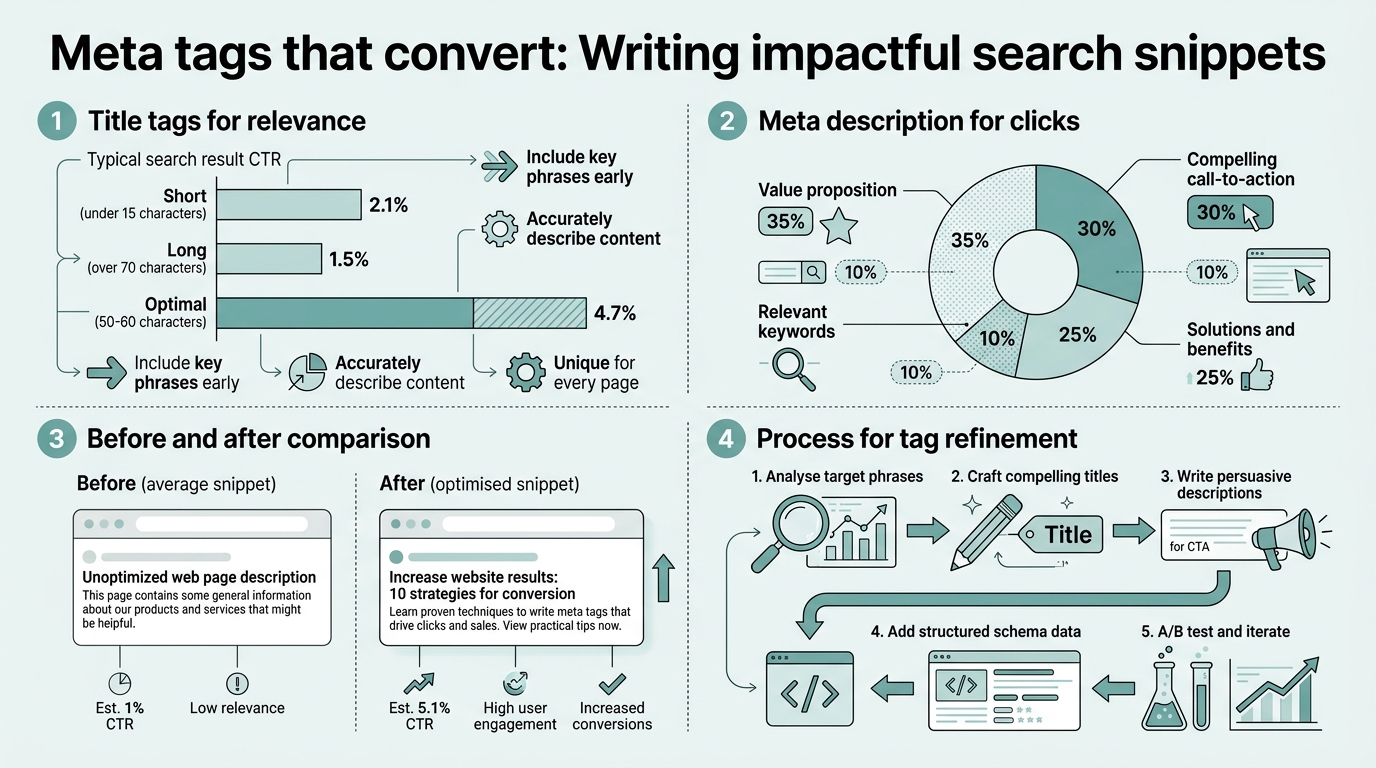
Title tags are your headline in the SERP. They're the first (and sometimes only) promise you make to a searcher. Properly optimized title tags can improve CTR by up to 20%, which translates directly into more qualified traffic without spending a penny on ads. The impact is so direct that SEO teams who systemize title optimization see average CTR improvements of 17–24% within 60 days. Position matters, audience intent matters, but structure matters most.
The 50–60 Character Formula
Google displays roughly 50–60 characters on desktop before truncation. More precisely, Google prioritizes pixel width (around 580 pixels) over character count. Titles longer than this are cut off, losing critical information that might have driven the click. The real estate constraint is tight, but every character can count.
The winning formula isn't complicated: Primary Keyword + Specific Modifier/Number + Brand. Place your target keyword in the first 1–5 characters whenever possible. Follow it with a concrete differentiator (a number, a year, a specific benefit), then anchor with your brand if it fits your strategy. Examples:
- Good: "SEO Title Optimization 2026: 7 Proven Tips | Jottler"
- Better: "Meta Tags That Convert: Write Titles for CTR in Minutes"
- Avoid: "Welcome to Our Blog About Title Tags and SEO Best Practices"
Front-Loading Keywords for Maximum Visibility
Searchers scan the leftmost part of a title first. They decide whether to click in under 2 seconds. If your keyword isn't in the first few words, you've already lost mindshare. Placing primary keywords early in the title increases clicks by 20%. This isn't just theory; it's measurable in Google Search Console data. The tactic is simple but underused: flip the order of your title to lead with the keyword, not your brand.
"Write for the human click, not just the search bot. The more readable by human beings, the better."
Unknown, CXL Institute
Power Words and Emotional Triggers
Numbers work. Action verbs work. Urgency works. Descriptions starting with verbs generate 17% higher CTRs than those starting with nouns. The reason is psychological: verbs promise action and change. Words like "Discover," "Learn," "Master," and "Uncover" trigger curiosity. Time qualifiers like "2026," "Now," and "Today" create urgency. Modifier words like "Complete," "Proven," and "Step-by-Step" signal depth and reliability.
The five power word categories that work in 2026 are:
- Urgency: Now, Today, Fast, Instantly
- Specificity: Exact, Complete, Step-by-Step, Proven
- Value: Free, Boost, Double, Save
- Authority: Expert, Masterclass, Guide, Science-Backed
- Year Qualifiers: 2026, Updated, Latest
What Makes Meta Descriptions Convert Searchers Into Clickers?
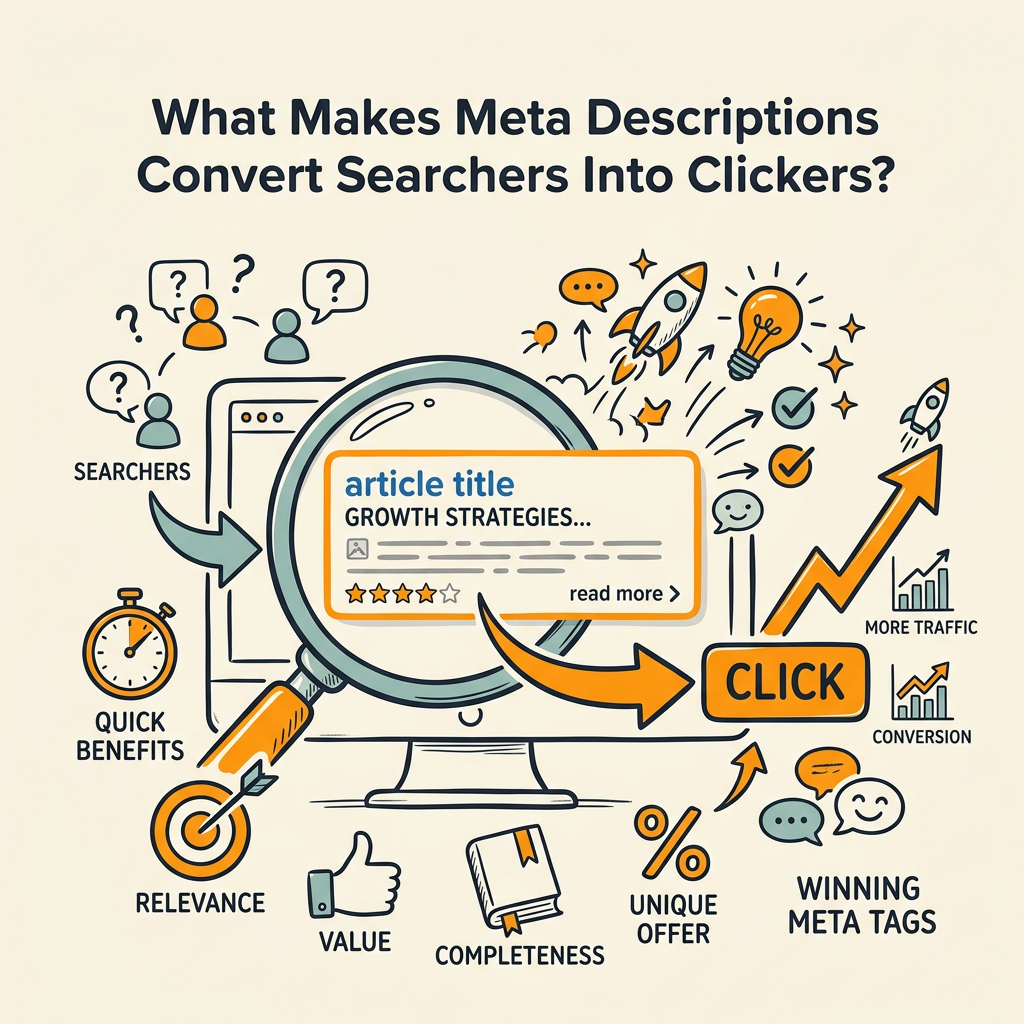
Your meta description is your sales pitch. Google doesn't rank pages based on the description, but it does use click-through rate as a ranking signal. A well-written description can increase CTR by 5–10% baseline, with position-dependent gains reaching 43%. The description's job is to answer a micro-question: "Is this page worth my time?" Do it right, and you get the click. Do it wrong, and you get skipped.
The 150–160 Character Sweet Spot
Meta descriptions have a higher character ceiling than titles, but space is still limited. Desktop displays 150–160 characters before truncation; mobile cuts off around 120. The strategy is to front-load your most compelling information (the benefit, the proof, the outcome) in the first 60 characters. This ensures mobile readers see the most important content even if the description is clipped.
Google's official guidance aligns: keep descriptions to roughly 150–155 characters, or about one to three active sentences. This is the window where information is complete, scannable, and persuasive.
The Benefit + Proof + CTA Framework
The highest-performing meta descriptions follow a simple three-part structure. Open with a benefit or promise that directly addresses the searcher's intent. Follow with proof: a number, a qualification, a timeframe, or a specific deliverable. Close with a micro-call-to-action that creates urgency or clarity.
Example breakdown:
- Benefit: "Learn to write meta tags that actually drive clicks."
- Proof: "7 proven formulas used by 10,000+ marketers."
- CTA: "Get the templates inside. Free."
Combined: "Learn to write meta tags that drive clicks. 7 proven formulas used by 10,000+ marketers. Get the templates inside. Free."
Unique Descriptions Drive Engagement
Duplicate descriptions across similar pages confuse both search engines and users. Pages with unique meta elements show 25% higher engagement than those with templated or duplicated text. The effort to customize each descriptioneven slightlycompounds traffic gains over time. Every page is different; your description should reflect that uniqueness.
How Do You Optimize Meta Tags for Both Google and Users?
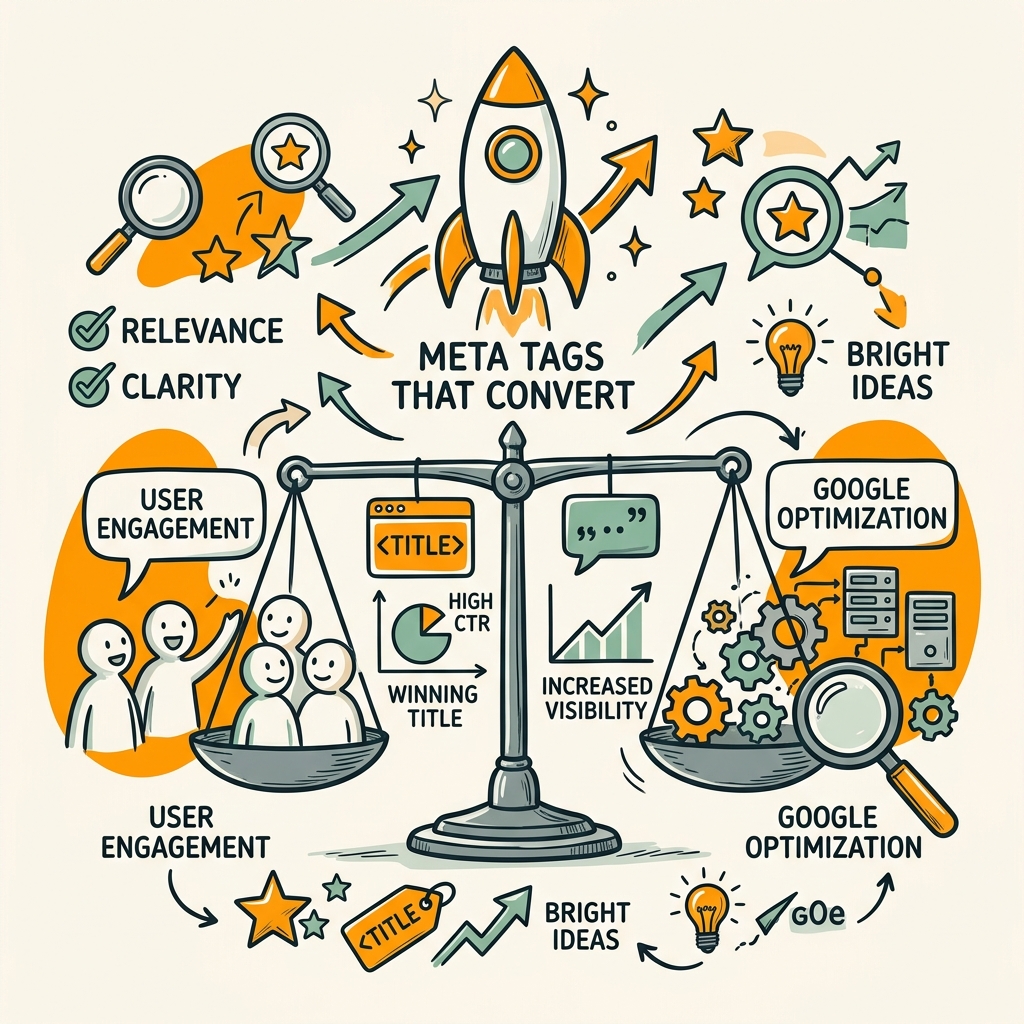
Optimization means balancing two audiences: search engines and humans. Google has made clear that it won't rank pages higher because of a better meta tag, but searchers will click on pages with better meta tags. This paradox is actually freeing. You don't optimize for Google's algorithm; you optimize for human behavior, which Google rewards with higher CTR and better rankings. This is a core principle of AI-powered SEO, where understanding user intent drives every piece of content and meta optimization.
Keyword Placement and Relevance Alignment
Your meta tags must match the query your page targets. If your title promises "7 SEO Tips" but your page has 12 tips, users bounce. If your description mentions "free templates" but your page offers only guides, you damage trust. The alignment between meta tags and page content is foundational to CTR and ranking durability.
Include your primary keyword naturally in both the title and description. Avoid keyword stuffing. The goal is relevance, not density. If you're targeting "meta tags that convert," that phrase should appear naturally in at least one of your tags. But don't sacrifice clarity or readability to force a keyword in.
A/B Testing Your Titles and Descriptions
The only way to know if your tags work is to test them. Create two to three variations of your title or description, change one element at a time (swap a power word, add a number, reorder the benefit), and measure the change in Google Search Console over 2–4 weeks. The testing window matters: 2–4 weeks provides statistically significant CTR data while accounting for natural SERP volatility.
Track in GSC by filtering for the specific page, then compare CTR before and after the change. The winner becomes your permanent tag. Repeat this process for your top 50 pages, and you'll see compounding CTR gains of 10–20% over a quarter. When you apply this at scale across hundreds of pages, the gains compound dramatically. This is where an SEO content plan that compounds organic growth becomes invaluableit ensures your meta optimizations reach every page systematically rather than staying ad-hoc.
Mobile-First Truncation Awareness
Mobile screens are smaller. Descriptions truncate at ~120 characters on mobile. Front-load your core benefit and keyword into the first 60 characters so that even if truncation happens, the reader still gets the essential promise. Test your tags on actual mobile devices (or use a mobile preview tool) to see exactly where the truncation point lands for your brand name and description length combination.
Comparison: Common Meta Tag Mistakes vs. Best Practices
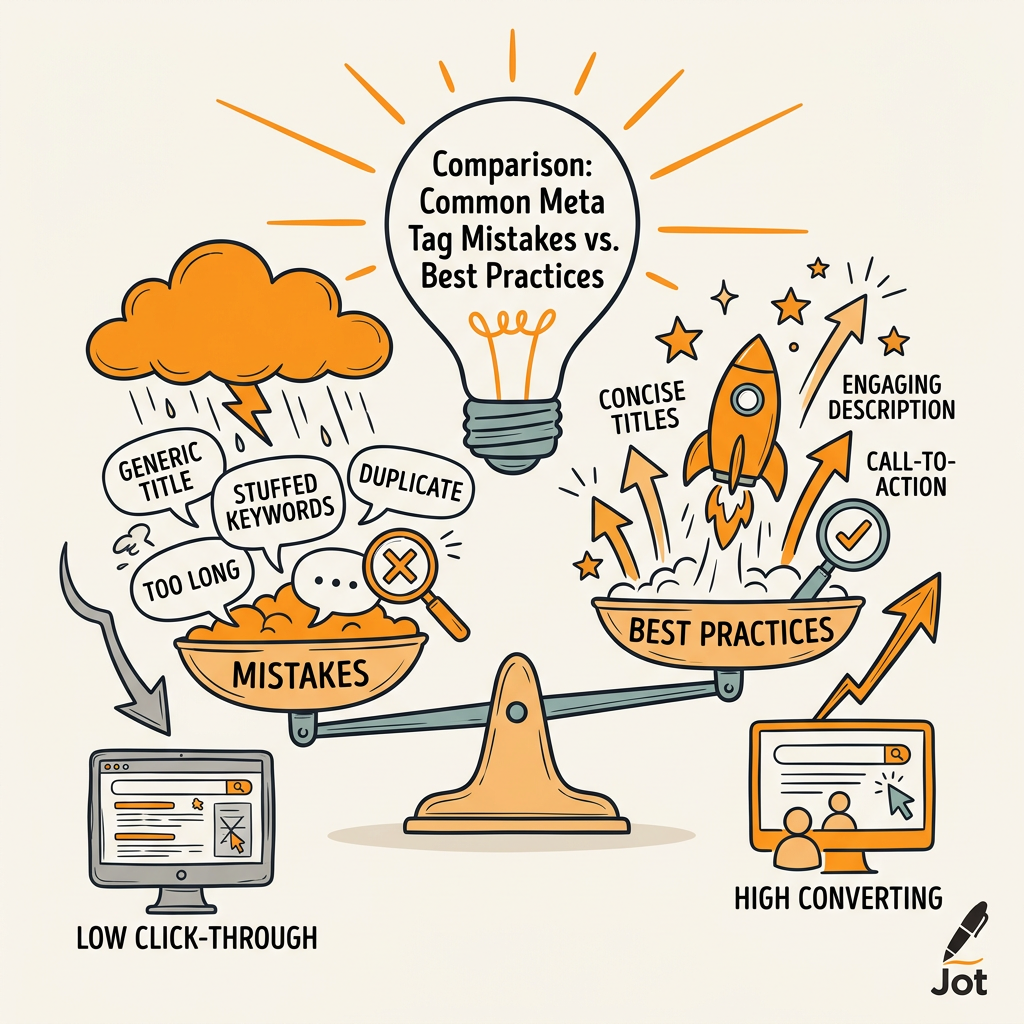
Most websites fail at meta tags because they don't think strategically about them. They auto-generate descriptions from the first 155 characters of body text. They repeat the same title structure across category pages. They skip keywords entirely or stuff them awkwardly. Here's what winning teams do differently:
| Element | Common Mistake | Best Practice (2026) | CTR Impact |
|---|---|---|---|
| Title Length | Too long (80+ chars), truncated in SERP | 50–60 chars, ~580 pixels max | +20% CTR if optimized |
| Keyword Position | Buried in middle or end | First 1–5 characters | +20% CTR if front-loaded |
| Description Format | Auto-generated from page text | Benefit + Proof + CTA (manual) | +5–10% baseline; +43% max |
| Uniqueness | Templated across similar pages | Custom per page, even if subtle | +25% engagement lift |
| Power Words | Passive voice ("Learn about...") | Action verbs ("Master...", "Discover...") | +17% CTR with verbs |
| Mobile Optimization | Ignores truncation; 160+ chars | Front-load benefit in first 60 chars | Mobile CTR +15–20% |
| Testing | Set once, never revisit | A/B test over 2–4 weeks; iterate | +10–20% over a quarter |
| Jottler Approach | Manual optimization per page | Automated research, writing, and testing at scale | Compounds to +30%+ over 12 months |
How to Build a Meta Tag Optimization System That Scales
One-off optimization of your top 10 pages is a start, but it doesn't scale. You need a system. That system has four phases: audit, prioritize, create, test, and measure.
Phase 1: Audit Your Current Meta Tags
Pull a spreadsheet of all your pages with their current titles, descriptions, and GSC data (impressions, CTR, average position). Identify patterns: pages with high impressions but low CTR are your biggest opportunities. Pages with high CTR already are your benchmarks. Tools like meta tag checkers and SEO audits highlight structural issues across your site in minutes.
Look for common issues: duplicate descriptions, missing keywords, titles under 30 characters or over 70, descriptions under 120 or over 170 characters, passive voice, missing power words.
Phase 2: Prioritize by CTR Opportunity
Not all pages are created equal. Prioritize pages with high search volume (high impressions in GSC) but low CTR (below your site average). These are your low-hanging fruit. A page with 1,000 monthly impressions at 2% CTR (20 clicks) can be optimized to 3–4% CTR (30–40 clicks) with better tags. A page with 100 impressions won't move the needle as much.
Focus on your top 50 pages first. If you can lift CTR by 15% across your top 50 pages, that's hundreds of additional clicks per month.
Phase 3: Write Tags Using the Framework
For each page, write a new title using the formula: [Primary Keyword] + [Modifier/Number] + [Brand]. Write a description using: [Benefit] + [Proof] + [Micro-CTA]. Keep the character counts tight. Ensure the tag matches the page content.
When done manually, this is laborious. Jottler's AI research engine automates meta tag creation by analyzing your page content, understanding search intent, and generating optimized titles and descriptions that follow CTR-proven formulas. Instead of hours per page, you get tested, compliant tags in seconds.
Phase 4: Test and Measure Over 2–4 Weeks
Deploy your new tags and monitor CTR in Google Search Console. Run each change for 2–4 weeks to collect statistically significant data. Compare CTR before and after. Document the winners. Repeat with your next batch of pages.
This cycleaudit, write, test, measurecompounds. Your site's average CTR climbs month over month. Over a year, a 15% average CTR improvement translates into tens of thousands of additional organic clicks without a single backlink or ranking shift.
Conclusion
Meta tags are the gateway between your rankings and your traffic. A 5–10% CTR improvement from optimized descriptions and a 20% lift from better titles might sound modest until you do the math: across a site with 50,000 monthly impressions at a 2% baseline CTR, that's the difference between 1,000 and 1,200 monthly clicksfree traffic, no ads, no new rankings required. The formula works. The wins are measurable. The only variable is execution. Whether you optimize manually or use a system like Jottler to scale the process across hundreds of pages, the results speak for themselves. Start with your top 50 pages, test one new element at a time, measure in Search Console, and compound the gains. Start your SEO agent to automate the research and writingthen let testing do the rest.
FAQs
What's the ideal length for meta titles and descriptions?
Meta titles should be 50–60 characters (approximately 580 pixels in width). Meta descriptions should be 150–160 characters on desktop to avoid truncation. Mobile displays roughly 120 characters, so front-load your most important information (keyword and benefit) into the first 60 characters. This ensures that even when truncated on smaller screens, your core promise remains visible.
How much does optimizing meta tags actually improve organic traffic?
Well-optimized meta descriptions boost CTR by 5–10% on average, with position-dependent gains reaching up to 43% in some cases. Properly optimized title tags improve clicks by up to 20%. When applied systematically to your top 50–100 pages, these improvements compound. A site with 50,000 monthly impressions at a 2% baseline CTR can gain 100–200 additional monthly clicks just from meta tag optimization, translating into increased organic leads and revenue.
Should I include my brand name in the title tag?
Only if it fits your strategy and character limit. Brand names are valuable for recognition, but they consume characters that could communicate search intent or benefits. If your brand is recognized in your target market, include it at the end (e.g., "SEO Title Optimization 2026: 7 Tips | BrandName"). If your brand is unknown or the keyword is more important, drop the brand name to maximize keyword and benefit clarity.