Rolling Out Marketing Automation Without Team Chaos
Most marketing teams adopt automation tools with enthusiasm and virtually no onboarding strategy. The result? 42–54% of marketing automation initiatives fail within their first year, derailing campaigns and frustrating teams. The problem isn't the tools—it's the rollout. When teams don't understand workflows, can't track results, or lack clear responsibility structures, even the best platform becomes a liability. But a methodical implementation strategy solves this. Here's how to roll out marketing automation in ways that actually stick.
Key Takeaways
- 42–54% of marketing automation initiatives fail due to poor implementation and inadequate team training (2026, Flowlyn). The adoption gap is real: 76% of businesses use automation, but only 55% use it daily.
- Teams that audit bottlenecks before selecting tools reduce implementation friction by up to 60%, cutting time-to-value from 6 months to 8–12 weeks.
- Phased rollouts prevent team chaos. Start with high-impact, low-complexity automation (email nurture sequences), then expand to AI-driven personalization and multi-channel workflows.
- Audit Your Workflows First: Map repetitive tasks consuming the most time and causing the most lead loss—this becomes your automation roadmap.
- Choose the Right Platform: Prioritize ease of use, native integrations with your CRM, and automation capabilities that match your team's current skill level.
- Train by Role, Not Department: Marketers, sales reps, and ops teams need different workflows and different skill paths—one training session fails for everyone.
- Start Small, Expand Fast: Launch with one high-impact automation (e.g., lead nurture), measure results, then build on success incrementally.
- Automate Content Distribution Alongside Workflows: Don't just automate campaigns—automate your content production and publishing to fuel those campaigns at scale.
Why Marketing Automation Implementations Fail (And How to Prevent It)
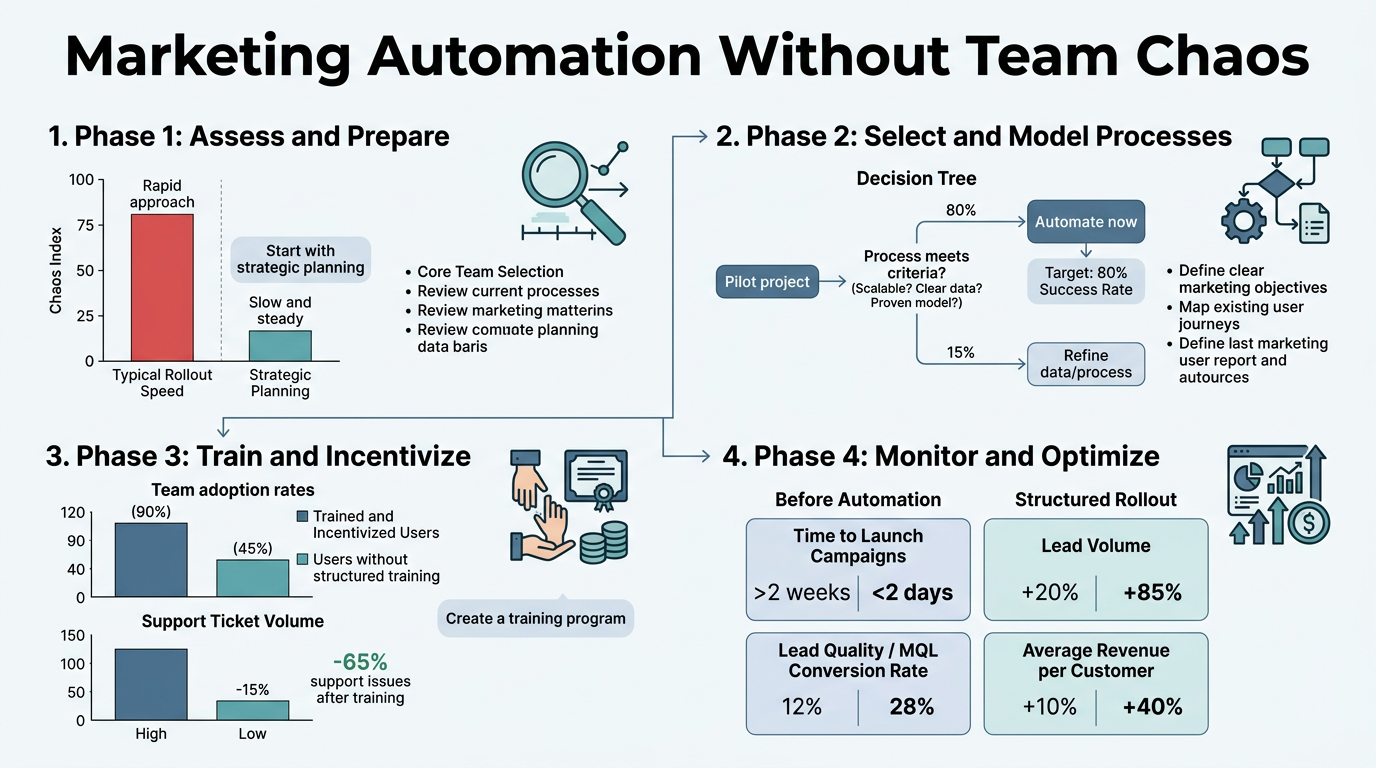
The gap between tool adoption and tool effectiveness is massive. 76% of businesses use marketing automation today, but only 55% of B2B marketers actively use it daily—a 38% usage drop from adoption. This gap isn't accidental; it's the direct result of poor rollout planning.
"When a marketer logs into an unfamiliar platform with 47 features and no clear direction, they revert to manual work. When sales doesn't know how leads are being scored or nurtured, friction emerges. When leadership can't see ROI, the project loses sponsorship." — Marketing Operations Best Practices, 2026
Automation failures typically stem from three root causes: teams don't understand the workflows, responsibility structures are unclear, and results aren't tracked or celebrated. When a marketer logs into an unfamiliar platform with 47 features and no clear direction, they revert to manual work. When sales doesn't know how leads are being scored or nurtured, friction emerges. When leadership can't see ROI, the project loses sponsorship.
The solution begins before you select a tool.
Identifying the Real Problem: Workflow Audits, Not Feature Checklists
Most teams pick a tool first, then try to fit their workflows into it. Reverse this. Start by auditing your current state with brutal honesty. Companies that audit bottlenecks before platform selection reduce implementation friction by up to 60%, cutting time-to-value from 6+ months to 8–12 weeks.
Your workflow audit should identify:
- Time Sinks: Which repetitive tasks consume the most hours? Data entry, list pulls, CRM updates, email sequence setup, lead research.
- Lead Leakage: At what stages do leads fall through? How many are contacted within 1 hour vs. 24+ hours? Where do deals stall in the pipeline?
- Inconsistency Costs: Which tasks are done differently by different team members? Where does the lack of standardization hurt results?
- Integration Gaps: What tools do your teams use today? Where do data silos exist between email, CRM, analytics, and content platforms?
Document each bottleneck with: current process, time or leads lost, and the automation opportunity. This becomes your implementation roadmap and, critically, your justification for tools and training spend.
The Implementation Gap: Why Adoption ≠ Effectiveness
Having a tool and using a tool are different. The marketing automation market saw a 544% ROI on average in 2026, with companies generating $5.44 in revenue for every $1 spent on automation. Yet 42–54% of AI-driven marketing initiatives were scrapped in 2025 due to integration failures, data issues, and training gaps.
"The real cost isn't the platform fee—it's the lost opportunity of underdeveloped teams. If your team doesn't understand segmentation logic, they can't build effective nurture sequences. If they don't know how to interpret automation reports, they can't optimize workflows." — Automation ROI Analysis, Gartner 2026
The real cost isn't the platform fee—it's the lost opportunity of underdeveloped teams. If your team doesn't understand segmentation logic, they can't build effective nurture sequences. If they don't know how to interpret automation reports, they can't optimize workflows. If they're not empowered with clear processes, they'll fragment into silos. This is why structured marketing statistics from HubSpot consistently show that adoption without training fails at massive scale.
This is why phased rollouts matter. They prevent chaos by building competency incrementally, celebrating early wins, and creating buy-in through visibility.
Build a Phased Implementation Roadmap: From Email to AI-Driven Personalization
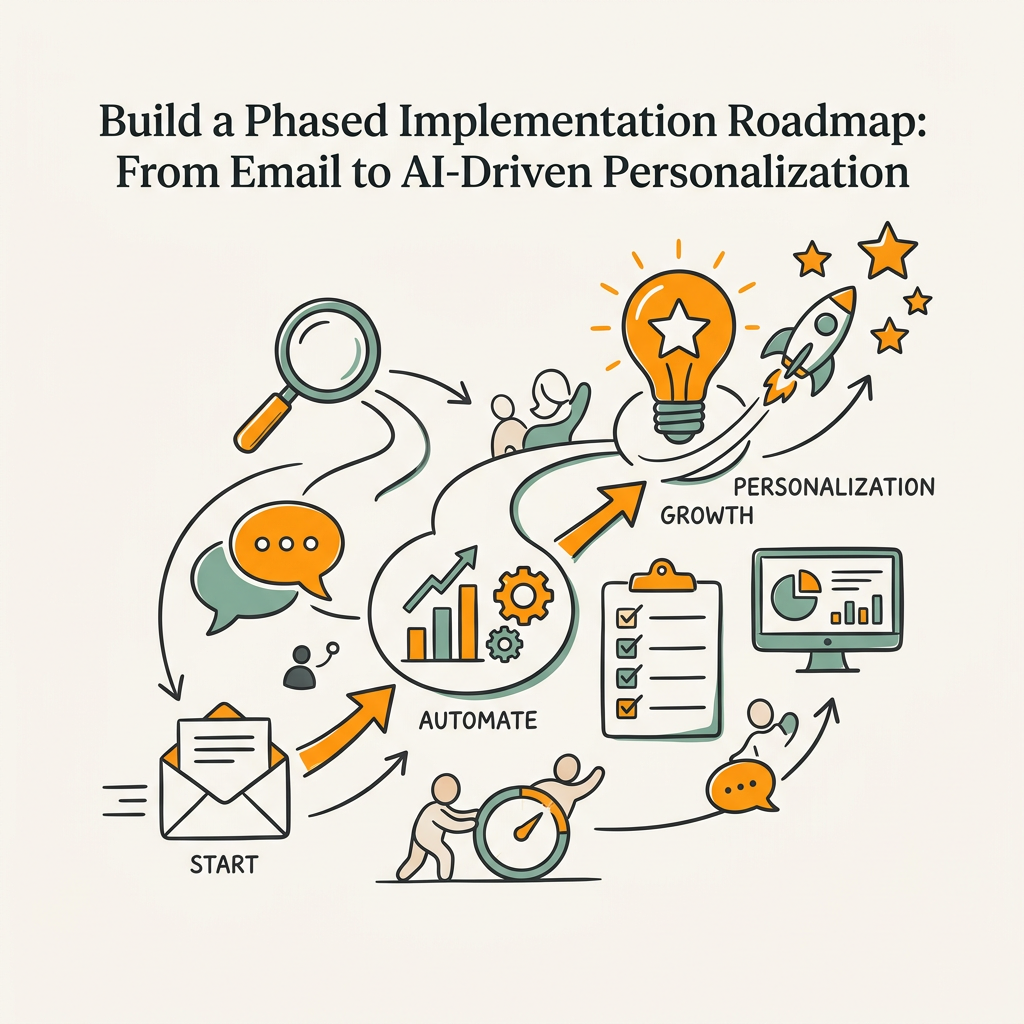
The best rollout strategy divides automation into waves, starting with high-impact, low-complexity tasks and expanding once your team proves competency. This reduces training overload, allows for process refinement, and builds organizational confidence.
Phase 1: Core Lead Nurture (Weeks 1–6)
Launch with email-based lead nurturing. It's high-impact (automated emails generate 320% more revenue than manual campaigns), straightforward to execute, and produces measurable results fast. Your goal here is to demonstrate value and build team confidence.
In this phase, automate:
- Welcome sequences: Every new lead or customer receives a triggered welcome email immediately, plus a 3–5 email nurture series over 2 weeks.
- Behavioral triggers: Website visits, email opens, link clicks, form submissions—each triggers a follow-up action.
- Lead scoring rules: Define what makes a lead sales-ready (e.g., 3+ site visits + email open + attended webinar = hot lead).
Success metrics: email open rates (track against benchmarks), click-through rates, leads scored vs. total inbound, and time-to-follow-up (this should drop dramatically). Share results weekly with the team to build momentum.
This phase typically takes 4–6 weeks with a skilled team. If it's taking longer, your team needs training or your tool is poorly chosen.
Phase 2: Multi-Channel Workflows (Weeks 7–14)
Once email automation is running smoothly, expand to other channels. 49% of companies now automate social media, and 32% automate paid ads. This is where your marketing machine starts compounding.
In this phase, extend your automation to:
- Retargeting ads: Leads who visited your site but didn't convert see relevant ads on social, display networks, and YouTube.
- Social media posting: Content calendar syncs with automation rules. Blog posts auto-publish to LinkedIn and Twitter on a cadence.
- Ad personalization: Dynamic audience segments receive different ad creative based on their behavior and lifecycle stage.
This phase is where content automation systems show their strength. Rather than manually writing and scheduling content for each channel, automation agents handle research, writing, fact-checking, and publishing across platforms—all while maintaining your internal linking strategy and topical authority structure. Your team goes from days of work per week to hours of oversight per week.
Phase 3: AI-Driven Personalization and Content Automation (Weeks 15+)
This is the frontier. 92% of marketers now use AI tools as part of their marketing workflows, but adoption of AI agents for complex decision-making still sits at 19.7%. This is where you gain competitive advantage.
In this phase:
- Personalized content recommendations: AI analyzes user behavior and recommends specific blog posts, whitepapers, or case studies based on industry, company size, and engagement history.
- Predictive lead scoring: ML models identify which leads are most likely to convert, not just which ones match your ICP profile.
- Autonomous content production: Instead of writing 1–2 articles per week manually, your team produces 5+ daily through AI agents that research, write, fact-check, and publish at scale.
- Intelligent routing: Leads are routed to sales based on readiness signals, not arbitrary rules, reducing sales friction and accelerating deal velocity.
This phase requires the most training and the most careful monitoring, but it's where companies using automation report a 451% increase in qualified leads and dramatically higher conversion rates. When paired with autonomous SEO agents, your content production and distribution compound, creating exponential growth in both organic traffic and lead volume.
Organize Your Team for Automation Success
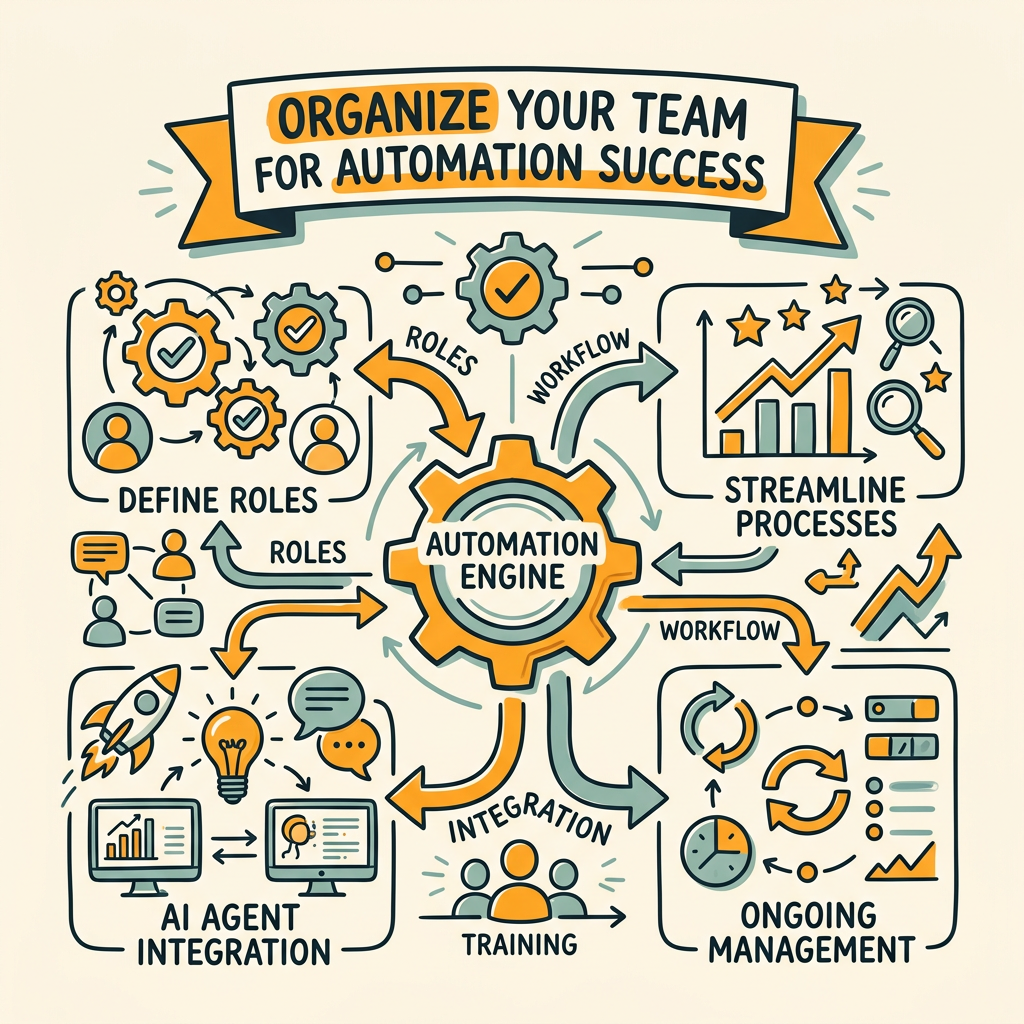
Tools don't fail—teams do. Even the best platform requires clear roles, responsibilities, and governance structures. Without these, chaos emerges in weeks.
Define Roles and Responsibilities by Function
Every automation platform has the same core functions: workflow design, campaign execution, reporting, and optimization. But the people performing these tasks differ by team size and organizational structure.
In a lean team (1–3 marketers), one person owns all four functions. They design workflows, build campaigns, check reports, and optimize based on data. This person needs training across the full platform and access to templates and playbooks to move fast.
In a growth team (4–8 marketers), split the load: one person owns workflow architecture (ensuring consistency and preventing platform sprawl), another owns daily campaign execution, a third manages reporting and dashboards, and the group collectively optimizes. This requires clear handoff points and documented processes.
In a mature marketing department (9+ people), add a dedicated automation strategist or ops role. This person maintains the system, ensures integrations work, trains new hires, and identifies optimization opportunities. They're the connective tissue between marketing, sales, and the platform.
The key rule: assign ownership, not just access. If everyone can modify a workflow, nobody manages it. Chaos follows.
Build a Knowledge Base and Runbook System
Your team will forget how to do things. Build a simple knowledge base (Google Docs, Notion, or wiki) that documents:
- Common workflows (lead nurture, customer onboarding, re-engagement) with screenshots and decision points.
- Playbooks for common scenarios (webinar follow-up, demo request, cart abandonment).
- FAQ: "How do I add someone to a workflow?" "How do I see lead scores?" "Where do I check campaign performance?"
- Integration documentation: what syncs between your CRM, email platform, analytics, and automation tool, and on what schedule.
This living document saves hours of repetitive questions and ensures consistency across campaigns. Structured content marketing frameworks help teams move faster during onboarding by establishing repeatable processes upfront.
Establish Governance: Approvals, Testing, and Quality Gates
Automation moves fast, which is great—until a broken workflow sends 10,000 duplicate emails. Establish lightweight governance:
- New workflow testing: All new automations run on a test segment (10–20 leads) for 48 hours before full deployment.
- Campaign approvals: High-visibility campaigns (customer emails, paid ads) require approval from a peer or manager before launch.
- Data quality checks: Someone audits segments weekly. Are the right people in the right workflows? Are segments overlapping?
- Monthly reviews: Each team member reviews their automations monthly, checks performance, and suggests optimizations or retirements.
These aren't bureaucratic—they're safety rails that prevent the small mistakes that turn into big problems.
Select a Platform That Matches Your Team's Skill Level
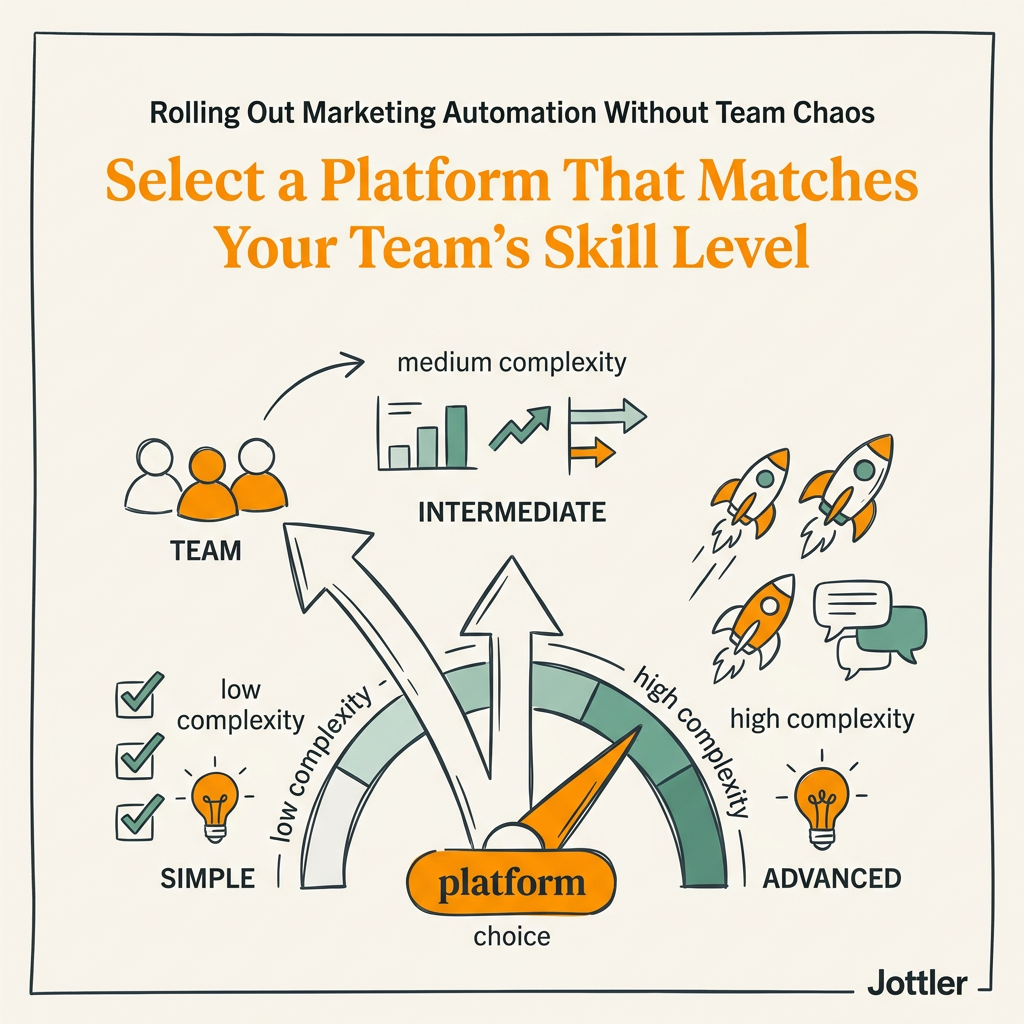
Not all automation platforms are created equal. Your choice should match your team's current capability and ambition level, not just your feature checklist.
Platform Selection Criteria
Evaluate on these dimensions:
| Capability | Low-Complexity Preference | Mid-Scale Preference | Enterprise/AI-Driven Preference |
|---|---|---|---|
| Ease of Use | Drag-and-drop, visual workflows, minimal code | Visual builder + some APIs, learning curve acceptable | Complex but powerful, team has technical depth |
| Integration | CRM + email only, out-of-the-box connectors | CRM, email, analytics, ads, custom integrations available | Full ecosystem, webhooks, API, custom data syncing |
| AI Capabilities | Basic segmentation, manual personalization | Predictive lead scoring, behavioral segmentation | AI agents for research, writing, content distribution, complex workflows |
| Reporting | Pre-built dashboards, drag-and-drop | Custom dashboards, custom metrics, trend analysis | Predictive analytics, attribution modeling, revenue influence |
| Support & Training | Self-service, templates, community forums | Email/chat support, documented best practices, webinars | Dedicated success manager, custom training, on-demand consultation |
| Cost | $29–$99/mo, pay-as-you-grow | $300–$1,000/mo, feature-based pricing | $1,000+/mo, custom pricing based on volume and features |
The trap most teams fall into: they pick an enterprise platform when they're a scrappy team. Then they spend 6 months configuring features they'll never use, their team gets frustrated, and the project stalls. Pick for your current state, not your fantasy state. You can always upgrade later. Start with a platform designed for growing teams and scale as your process matures.
Why Automation + Content Scale Together
A critical gap many teams miss: automation platforms handle lead workflows brilliantly, but they don't solve the problem of creating the content those workflows distribute. If you're automating lead nurture sequences but writing content manually, you'll run out of material. If you're automating content distribution but have limited publishing frequency, you're not feeding the machine.
This is why pairing workflow automation with AI content strategies becomes critical. Rather than manually writing articles for each campaign phase, autonomous systems generate research-backed, fact-checked content at scale—ensuring your automation workflows never starve for material. Your team shifts from creating individual assets to designing systems that scale.
Measure Progress and Iterate: The Feedback Loop That Prevents Stagnation
A rollout without measurement is just chaos with a roadmap. Build a feedback loop that tracks adoption, impact, and team health monthly.
Adoption Metrics (How Much of the Platform Is in Use?)
Track these weekly:
- Active users: Who logged in this week? Who built or modified a workflow? (Healthy: 80%+ of marketing team active.)
- Workflows deployed: How many active workflows are running? Are new ones being created or are you running the same 5 workflows month after month?
- Features in use: Are teams using 20% of platform features (bad) or 60%+ (good)? If they're stuck on email, expand to behavioral triggers, segmentation, and multi-channel.
- Integration health: Are all data syncs working? Are CRM records updating correctly? Are leads appearing in campaigns on time?
Impact Metrics (Is Automation Actually Driving Results?)
Track these monthly:
- Lead quality: Are automated workflows generating the same lead quality as manual outreach? (Healthy: similar or higher quality, 2–3x volume.)
- Conversion funnel: What % of leads move through each stage? Where do they stall? Are workflows helping or just creating noise?
- Time saved: How many manual hours is your team no longer spending on repetitive tasks? Multiply by hourly cost to show ROI.
- Campaign performance: Email open rates, click rates, SQL conversion rates, revenue attributed to automated campaigns.
Team Health Metrics (Are People Happy or Burned Out?)
At least quarterly, ask:
- Do you understand how our automation workflows work?
- Do you have the training and resources you need?
- What's confusing or broken about our setup?
- What manual work are you still doing that should be automated?
These aren't just nice-to-have feedback sessions. Teams that feel heard and supported adopt tools faster and optimize them more aggressively.
Common Rollout Mistakes and How to Avoid Them
Learning from others' errors is faster than making them yourself.
Mistake 1: Automating Before You Have Clear Processes
The problem: You automate the current (messy) workflow instead of designing the ideal workflow first. Now your chaos is faster.
The fix: Do your workflow audit. Design the ideal state (without automation). Then automate that state. This takes 2–4 weeks but saves months of rework.
Mistake 2: Training Everyone on the Entire Platform
The problem: Sales doesn't need to know how to build workflows. Ops doesn't need to know how to launch campaigns. But you train the entire company on every feature, they forget 80% of it, and then ask for help.
The fix: Role-based training. Marketers learn campaign building, workflow design, and reporting. Sales learns how to interpret lead scores and move people through workflows. Ops learns system health, data syncing, and troubleshooting. Each role gets 2–3 hours of focused training, not 8 hours of everything.
Mistake 3: Ignoring the Content Feeding the Automation
The problem: Your email nurture sequence is great, but you're sending the same 5 emails month after month because you don't have new content. Engagement drops. Automation starts to feel like spam.
The fix: Before you launch your first automation campaign, ensure you have a content production engine that feeds it. This could be manual content creation, AI-powered writing, or both. Without this, your automation machine starves.
Mistake 4: Not Celebrating Early Wins
The problem: Your team builds automations, but they don't see results or understand the impact. They think automation is busy work, not high-leverage work.
The fix: Celebrate the wins publicly. "This lead nurture workflow converted 15 new customers this month—great work." Send results weekly to the full marketing team. Tie individual contributions to business outcomes. Momentum comes from visibility.
Conclusion
Rolling out marketing automation without team chaos requires a methodical approach: audit your workflows first, choose a platform that matches your skill level, train by role not department, start small with high-impact automations, and measure both adoption and impact monthly. Companies that execute this playbook reduce implementation friction by 60% and cut time-to-value from 6 months to 8–12 weeks. The difference between a successful rollout and a failed one isn't the tool—it's the structure around the tool.
The bigger unlock comes when you pair workflow automation with content production automation. 92% of marketers now use AI in their workflows, but most still produce content manually, creating a bottleneck. Autonomous systems eliminate this constraint by automating everything from keyword research and article writing to fact-checking and publishing, so your marketing teams spend time optimizing campaigns, not writing copy. Start rolling out your marketing automation strategy today, and compound it with systems that never stop generating the content your campaigns need to succeed.
FAQs
How long does a typical marketing automation rollout take?
A phased rollout typically spans 3–4 months: 4–6 weeks for Phase 1 (email nurture), 6–8 weeks for Phase 2 (multi-channel workflows), and ongoing optimization in Phase 3 (AI-driven personalization). Teams that audit workflows upfront and invest in training move faster—8–12 weeks to full adoption. Teams that skip preparation face 6–9 month rollouts with high failure risk. The timeline depends on team size, platform complexity, and starting skill level.
What percentage of leads should you automate first?
Start by automating 100% of a high-volume, simple workflow—like all new leads entering a welcome email sequence. This ensures the automation runs at meaningful scale and generates measurable results fast. Then expand from there. Many teams make the mistake of starting with a small pilot (10% of leads), see weak results due to low volume, and never scale. Bold pilots work better than timid ones.
How do you get buy-in from sales when implementing marketing automation?
Sales resists automation when they think it replaces them or sends them garbage leads. Address this directly: (1) show them that automation increases lead volume while maintaining quality, (2) demonstrate how lead scoring saves them time chasing cold leads, and (3) involve them in the design process—ask them what workflows would help them close deals faster. When sales feels heard and sees the benefit, they become your biggest advocates.