Improving Core Web Vitals for Better Rankings
Google's algorithm now treats performance as a ranking signal, and only 47% of websites currently pass all three Core Web Vitals metrics. If your site is among the 53% that fall short, you're competing with one hand tied behind your back. Poor Core Web Vitals don't just frustrate usersthey actively suppress your search visibility. Meanwhile, sites that meet Google's performance thresholds are seeing up to 24% ranking boosts and 20% conversion rate increases. The gap between fast and slow sites has become a competitive moat.
Key Takeaways
- Only 47% of websites pass Core Web Vitals across all three metricsLCP, INP, and CLS (Magnet, 2025)
- Sites optimizing CWV see 5-24 position gains in rankings and form submission increases of 35% (Magnet, 2025)
- 72% of leading companies now use AI-powered tools to automate CWV optimization and monitoring (Magnet, 2025)
- Largest Contentful Paint (LCP): Measures page load speed by tracking when the largest element becomes visiblemust be under 2.5 seconds for "Good" ranking performance.
- Interaction to Next Paint (INP): Evaluates responsiveness by measuring the time between user input and visual responsetargets under 200ms for optimal interactivity.
- Cumulative Layout Shift (CLS): Tracks visual stability by quantifying unexpected layout changes during page loadshould stay under 0.1 to avoid ranking penalties.
- Mobile-First Indexing Impact: Google weights mobile Core Web Vitals more heavily in its algorithm, making mobile optimization non-negotiable for rankings.
- Monitoring and Automation: Real-time tracking via Google Search Console and automated optimization tools are now essential for maintaining competitive Core Web Vitals scores.
What Are Core Web Vitals and Why Do They Matter for SEO?
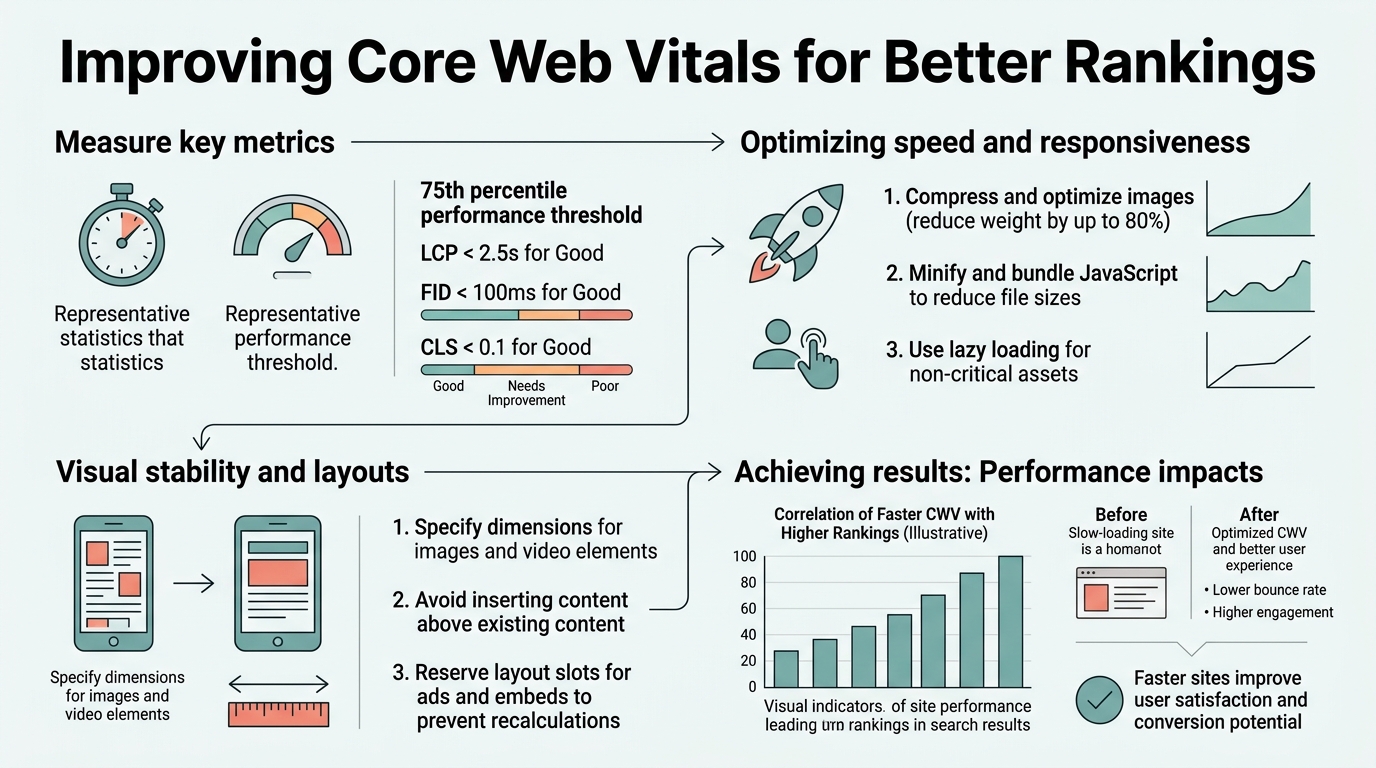
Core Web Vitals are three specific metrics Google officially designated as ranking signals. 47% of websites currently fail to meet "Good" thresholds across all three metrics, meaning your site is likely losing rankings to competitors who have optimized them. They measure real-world user experience directly from actual visitorsnot synthetic lab data. This distinction is critical: Google cares about how your site performs for your actual audience, not theoretical benchmarks.
The three metrics work together as a ranking tiebreaker. When two sites have similar content quality and backlink authority, Google favors the one with better Core Web Vitals. This isn't a minor bonussites meeting all three thresholds report 5-10 position gains in competitive rankings within months. For e-commerce and SaaS companies, the impact compounds: faster pages reduce bounce rates from 68% to 41%, boost conversions by 20-35%, and increase average session duration by 2 minutes. Understanding these metrics is essential to any serious SEO strategy for scaling organic traffic.
The key insight: Core Web Vitals are no longer a "nice-to-have" optimization. They're a fundamental ranking factor woven into Google's algorithm. Ignoring them while investing heavily in content and backlinks is like building a house on a weak foundation.
How Does Largest Contentful Paint (LCP) Affect Your Rankings?

Largest Contentful Paint measures how quickly the largest element on your page becomes visible to users. Google's threshold is under 2.5 seconds for "Good" ranking treatment. Most websites struggle here because they underestimate how many render-blocking resources slow down initial page loads. When LCP drags above 4 seconds, Google penalizes your visibility.
The optimization pathway is straightforward: prioritize images, defer non-critical JavaScript, and use a Content Delivery Network (CDN) to optimize Time to First Byte (TTFB). Tools that automate LCP detection and fix recommendations have become standard practice72% of leading companies now rely on AI-powered optimization tools to manage this at scale. Rather than manually auditing each page, automation handles the continuous monitoring and quick fixes that LCP demands, allowing teams to focus on content strategy instead of performance debugging.
- Image Optimization: Compress images, serve WebP formats, and use lazy loading for below-the-fold content to prevent heavy images from blocking initial renders.
- Reduce Render-Blocking Resources: Defer JavaScript and inline critical CSS onlymove non-essential scripts to the end of the page or load asynchronously.
- Server Response Time: Target Time to First Byte under 600ms by upgrading hosting, enabling caching, or migrating to a CDN edge network.
- Font Optimization: Use font-display: swap and preload critical fonts to prevent layout thrashing during font load.
Why Interaction to Next Paint (INP) Now Replaces First Input Delay
Google replaced First Input Delay (FID) with Interaction to Next Paint (INP) in 2024 because FID only measured the first interactionoften an unrepresentative data point. INP evaluates responsiveness across all user interactions on a page, capturing the true performance ceiling. This shift matters because it's stricter: INP's target is under 200ms, down from FID's 100ms threshold, yet far more reflective of how users actually experience your site.
INP failures stem from excessive main-thread JavaScript work. When your page loads third-party scripts (tracking, ads, analytics, chat widgets), each one competes for processing time. The browser can only do one thing at a time on the main thread, so long-running JavaScript blocks all user interactions. A single 500ms script execution kills INP. For teams publishing content at scale, this becomes a critical AI-powered SEO consideration because every new article must be designed to avoid these bottlenecks from day one.
The solution combines two approaches: audit which scripts are essential (many aren't), and break remaining JavaScript into smaller chunks that yield to the browser between executions. A single 500ms script execution kills INP. For content-heavy sites, this typically means deferring ads, async-loading analytics, and isolating chat widgets in Web Workers. Tools that profile JavaScript execution and recommend which scripts to defer or remove have become criticalthis is not a manual process at scale.
- Profile JavaScript Execution: Use Chrome DevTools Performance tab to identify which scripts consume the most main-thread time.
- Defer Third-Party Scripts: Load analytics, ads, and chat widgets asynchronously or in Web Workers to prevent blocking user interactions.
- Break Long Tasks: JavaScript tasks over 50ms degrade INP; refactor long operations into 50ms chunks that allow browser interleaving.
- Optimize Event Handlers: Reduce event handler complexity; avoid DOM queries and style recalculations inside click/scroll handlers.
How to Fix Cumulative Layout Shift (CLS) and Prevent Ranking Loss
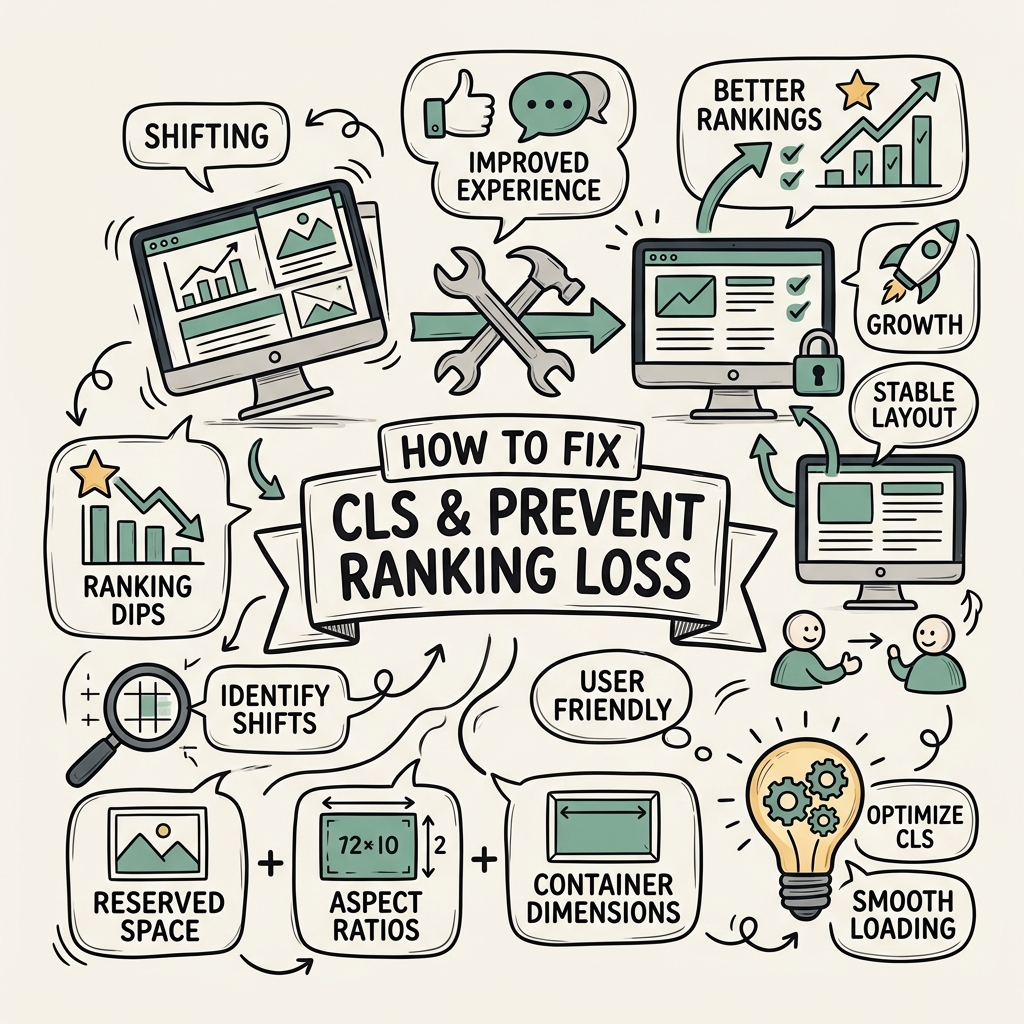
Cumulative Layout Shift quantifies how much the page layout shifts unexpectedly during load and interaction. A CLS score of 0.1 or below is "Good"; anything above 0.25 is "Poor" and invites ranking penalties. This metric directly correlates with user frustrationimagine clicking a button, only to have it move as an ad loads above it. CLS captures that friction.
The root causes are predictable: unloaded images pushing content down, ads or embeds without reserved space, dynamically injected content, and unsized iframes. The fixes are equally predictable: reserve space for every image and dynamic element before it loads, set explicit width/height on all media, and defer layout-inducing CSS animations until after page load. Marketers focused on CWV best practices often work closely with developers to implement these structural fixes early, preventing technical debt that compounds over time.
One underestimated factor is late-loading fonts. When a web font loads after text renders in a fallback font, the swap can trigger a layout shift. Using font-display: swap and preloading critical fonts prevents this. Mobile browsers are more sensitive to CLS than desktop because viewport width is tightera 100px shift on mobile feels larger than on desktop. This is why mobile CWV optimization has become non-negotiable.
- Reserve Space for Dynamic Content: Set explicit width/height on every image, iframe, embed, and ad space using HTML attributes or CSS aspect-ratio.
- Defer Above-the-Fold Animations: Animations using transform and opacity don't trigger layout shifts; avoid animating position, width, height, or margin.
- Stabilize Font Loading: Use font-display: swap, preload critical fonts, and avoid invisible text during font loading (FOIT).
- Test on Actual Devices: Mobile CLS is 20-30% higher than desktop on average; prioritize mobile testing in real conditions, not just desktop.
Core Web Vitals Optimization Tools and Automated Monitoring
Manual optimization was viable when Core Web Vitals first launched in 2021. Today, 72% of leading companies use AI-powered tools for automated CWV optimization, because the alternativemonthly manual auditsis unsustainable. Every code deployment, every new plugin, every third-party script addition can degrade CWV. Only continuous automated monitoring catches these regressions before rankings suffer.
The optimization stack includes real-time monitoring via Google Search Console and Chrome User Experience Report (CrUX), automated performance testing in CI/CD pipelines, and actionable recommendation engines. Most enterprise teams use multiple tools in parallel: one for monitoring, one for recommendations, one for testing, and increasingly, one for automated fixes. This fragmentation creates friction, especially for lean teams looking to scale content production.
That's where integrated automation platforms shine. Rather than jumping between five tools, a consolidated platform handles keyword research, content creation, performance monitoring, and internal linking for topical authority in one workflow. For content-heavy sites, this integration matters because publishing fast-loading pages without internal link structure wastes ranking potential. Platforms that eliminate this disconnect by ensuring every article is written for Core Web Vitals compliance from the startlightweight HTML, optimized images, minimal JavaScriptwhile simultaneously building the internal link architecture that compounds ranking gains over time deliver tangible advantages in competitive markets.
| Tool/Approach | Primary Function | Best For |
|---|---|---|
| Google Search Console | Real-world Core Web Vitals data reporting | Monthly trend monitoring, identifying affected pages |
| Chrome DevTools | Lab-based performance profiling and debugging | Deep-dive troubleshooting during development |
| PageSpeed Insights | Google's official performance audit with recommendations | Quick health checks, getting unstuck on specific issues |
| WebPageTest | Detailed waterfall analysis and filmstrip captures | Complex optimization, diagnosing load order problems |
| Lighthouse CI | Automated performance testing in deployment pipelines | Catching regressions before pages go live |
| Jottler (SEO Automation) | End-to-end content automation with built-in CWV optimization | Scaling content production without sacrificing performance, teams needing integrated keyword + performance workflow |
Google Search Console is non-negotiableit shows how real users experience your site, not synthetic lab data. Check it monthly at minimum; weekly during optimization work. The goal is identifying which pages are struggling and which optimizations move the needle fastest. Desktop optimizations often take weeks; mobile gains come faster because the baseline is lower. Prioritize mobile unless your audience is heavily desktop-bound.
Mobile-First Indexing and Core Web Vitals Rankings
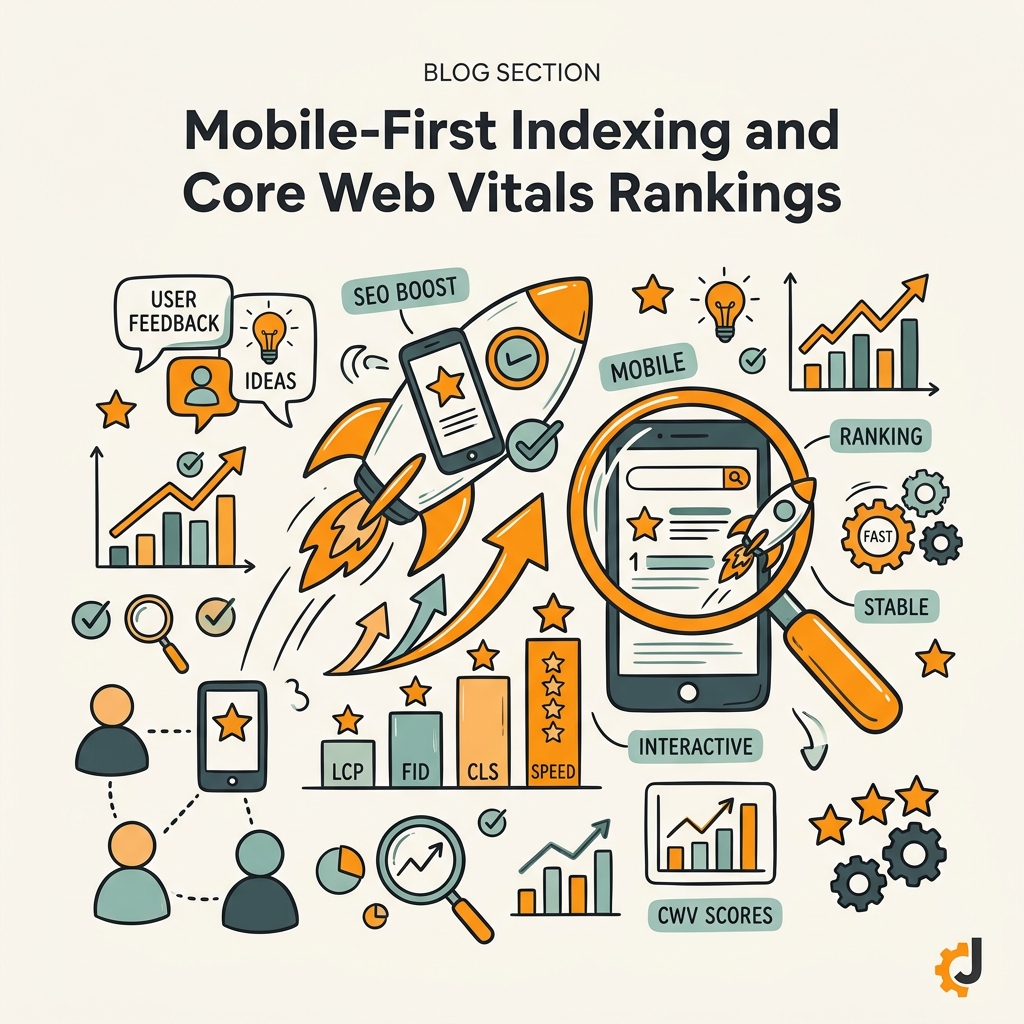
Google's mobile-first indexing means it crawls and ranks your mobile site as the primary versiondesktop is secondary. Core Web Vitals follow the same hierarchy: mobile CWV scores directly influence your mobile rankings, while desktop CWV influences desktop search results. For most sites, mobile scores lag 20-30% behind desktop because smaller screens, slower processors, and network conditions amplify performance issues.
This creates an asymmetric optimization challenge. Your desktop site might pass CWV easily while mobile fails. Google's algorithm reflects this reality by weighing mobile performance more heavily. A site with "Good" mobile CWV and "Needs Improvement" desktop CWV will rank better than the reverse. This is why mobile CWV optimization has become the primary lever for search ranking gains, making it critical to include in any comprehensive content marketing automation strategy.
The testing matrix gets complex fast. You need real-world mobile data (from Search Console's real user metrics), lab testing on actual devices (not Chrome emulation), and testing across network conditions (4G, slow 3G). Each environment reveals different bottlenecks. Emulated mobile in DevTools often runs faster than real phones because it doesn't account for OS-level processes, background apps, and thermal throttling that real devices experience.
For lean teams, this is where automated monitoring becomes critical. Manual mobile testing on 10 devices for 50 pages each is unsustainable. Tools that continuously test pages on real devices in cloud environments and alert when mobile CWV drops below thresholds are no longer luxuriesthey're operational necessities for any team publishing content at scale.
From CWV Optimization to Ranking and Conversion Gains
The compounding effect of Core Web Vitals optimization extends beyond rankings. Sites that achieve "Good" CWV across all three metrics report immediate improvements in user engagement and conversions. Form submission rates increase by 35%, bounce rates drop from 68% to 41%, and average session duration rises by 2 minutes. These metrics then feed back into SEO: lower bounce rates signal quality to Google, longer sessions allow more pages to be crawled per visit, and conversion improvements fund further optimization work.
This virtuous cycle explains why sites optimizing CWV see both ranking gains of 5-24 positions AND conversion rate increases of 20-35%. It's not that optimizing for a single metric delivers both outcomesit's that performance improvements benefit users, which Google rewards with visibility, which drives more traffic, which converts at higher rates because the experience is faster. The entire funnel improves together.
The converse is equally true: ignoring CWV while investing in content and links leaves massive ranking potential on the table. A 3,000-word article that loads in 6 seconds will rank below a 2,000-word competitor that loads in 2 seconds, all else equal. Google's algorithm doesn't care about word count; it cares about whether real users can access your content quickly. This is the fundamental mindset shift Core Web Vitals demand: performance is a content strategy, not a technical afterthought.
For teams publishing frequently, this means every new piece of content must be built with CWV in mind from the first draft. Overly complex HTML, auto-playing videos, multiple ads, tracking scripts without optimizationall of these are choices that degrade performance. Content automation platforms that handle this constraint upfront (generating lightweight, semantic HTML with optimized images and minimal third-party code) deliver consistently fast pages without requiring manual performance review on each article.
Conclusion
Core Web Vitals are no longer optional optimizations for companies serious about organic search growth. With only 47% of websites meeting all three thresholds, CWV optimization represents an immediate competitive opportunity. Sites that achieve "Good" scores see 5-24 ranking position gains while simultaneously improving user experience and conversion rates by 20-35%. The gap between optimized and neglected sites has become a major ranking differentiator.
The three-metric framework is straightforward: LCP under 2.5 seconds (load speed), INP under 200ms (responsiveness), CLS under 0.1 (visual stability). Hitting these targets requires discipline across images, JavaScript, layout stability, and third-party scripts. For teams publishing content regularly, integrating CWV compliance into the content creation workflow eliminates the friction of post-publication performance debugging. Tools that automate this by publishing lightweight, fast-loading content daily while building internal link structureensuring every article compounds both performance and authority gainsrepresent the future of competitive SEO.
The time to optimize is now. Every week your site underperforms on Core Web Vitals is a week your competitors are winning rankings, traffic, and revenue. Start your SEO agent and begin building the performance advantage that compounds over months and years.
FAQs
How much do Core Web Vitals improve SEO rankings?
Sites that improve from "Needs Improvement" to "Good" across all Core Web Vitals typically see 5-10 ranking position gains within 3-6 months. In competitive niches, position gains can reach 24 positions. The impact compounds further when combined with fresh content and internal linking. Core Web Vitals act as a tiebreakerwhen two sites have similar authority and content quality, Google favors the faster site. This is why performance improvements often deliver disproportionate ranking payoff in crowded verticals.
What's the fastest way to improve all three Core Web Vitals at once?
The fastest approach combines image optimization, JavaScript deferral, and CDN deployment. Compress and serve images in modern formats (WebP), move non-critical scripts to asynchronous loading, and use a CDN to reduce Time to First Byte. For immediate wins, auditing and removing unnecessary third-party scripts can improve both INP and CLS within days. Most sites can achieve 30-50% performance gains in 2-4 weeks using these tactics. Ongoing monitoring via Google Search Console and automated testing ensures gains stick.
Do I need a developer to fix Core Web Vitals?
Some fixes require no developer involvement: using WordPress performance plugins, enabling caching, and optimizing images are often one-click settings. More complex issuesrefactoring JavaScript, optimizing CSS, or modifying server configurationtypically require engineering work. The good news is 80% of CWV gains come from straightforward optimizations that non-technical users can implement. Start with Google Search Console recommendations, try WordPress plugins for your platform, and escalate to engineering only for stubborn issues that persist after basic optimization.