Meta Descriptions That Improve Click-Through Rates
Most SEO teams treat meta descriptions as an afterthought. They're not a ranking signal, so the logic goes, why spend time optimizing them? Yet the data tells a different story. Optimized meta descriptions can boost click-through rates by 20–30%, and a single point in CTR improvement directly compounds organic traffic growth. The fix isn't complicated, but it requires discipline: every meta description must speak to intent, promise specific value, and survive the peculiar way Google displays (and frequently rewrites) your snippet on search results pages.
Key Takeaways
- Optimized meta descriptions drive 20–30% higher CTR by matching user intent and leading with clear value (2026, Industry Benchmark)
- Google rewrites 60–70% of authored meta descriptions, so write defensively by front-loading your core message within 120 characters
- Action-oriented language starting with verbs yields 17% higher CTR than noun-based descriptions; target 150–160 characters for desktop visibility
- Understanding Meta Description Fundamentals: Meta descriptions are your 155-character pitch to searchers. Google doesn't reward length or keyword stuffing, but high CTR signals strength to search algorithms.
- Crafting Intent-Matched Copy: The gap between a boring description and a compelling one is often just clarity. Lead with the specific benefit your page delivers, not a generic definition.
- Structuring for Mobile and Desktop Truncation: Mobile displays ~110–130 characters; desktop ~150–160. Protect your message by frontloading the key claim in the first 120 characters.
- Using Action Language and Calls to Action: Descriptions that start with verbs consistently outperform those starting with adjectives or nouns. A simple "Learn how" or "Discover" sets a more clickable tone.
- Testing and Monitoring Performance: Google Search Console surfaces the real picture: impressions, CTR, and average position before and after changes. A/B testing descriptions over 4–8 weeks reveals what works.
- Automating Meta Description Creation at Scale: Writing hundreds of unique, optimized descriptions manually is unsustainable. Smart automation tools handle this without sacrificing quality.
Why Meta Descriptions Matter for Search Visibility
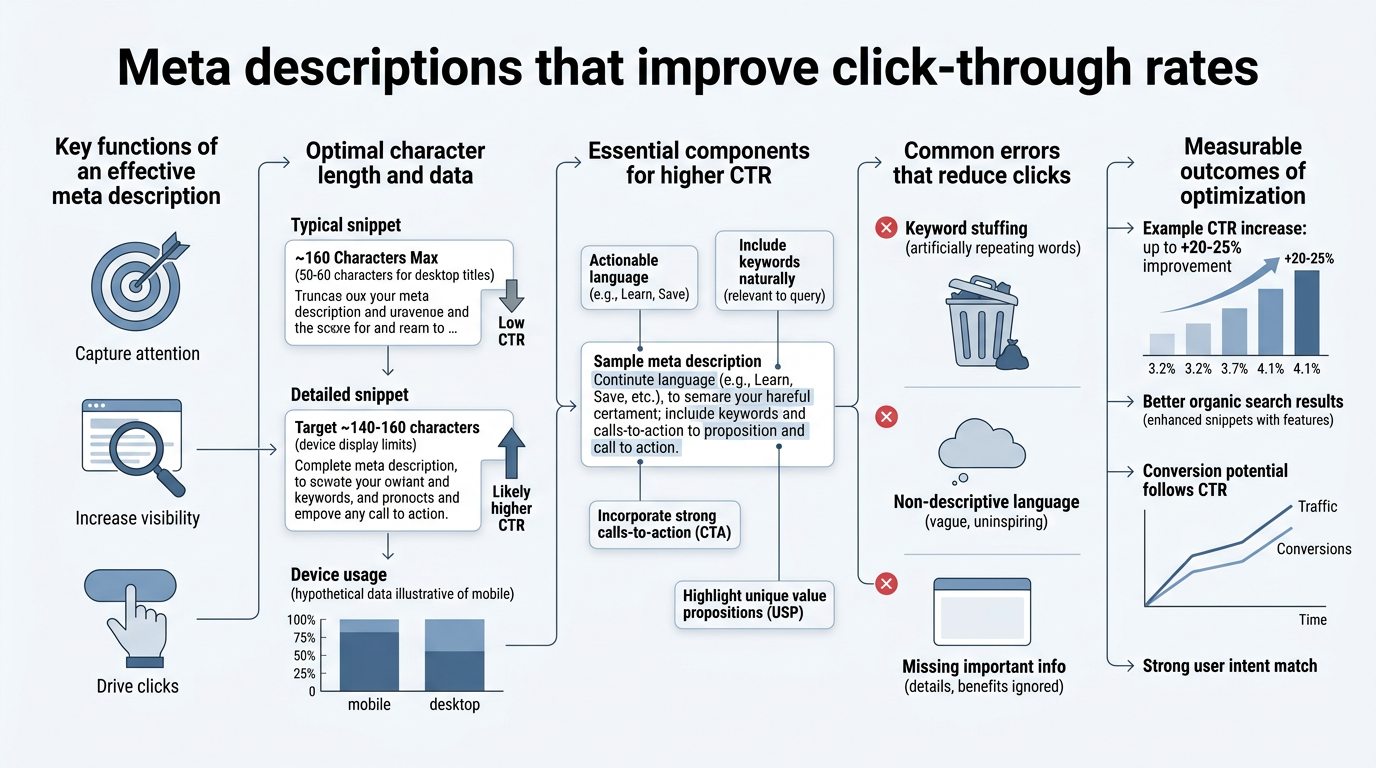
Meta descriptions don't influence your ranking position directly. Google has been clear on that point for years. But they influence something just as valuable: whether someone actually clicks your result. A 3–6% average CTR on Google Search is the baseline. Optimized descriptions routinely push that to 4–8% or higher, depending on competition and positioning. The mechanism is simple: better CTR signals to Google that your result is relevant and valuable, which over time can lift your ranking by virtue of engagement. According to Incremys, optimized metadata structures like Promise-Proof-Benefit can increase CTR by up to 43% when properly aligned with user intent.
"Optimized metadata structures like Promise-Proof-Benefit can increase CTR by up to 43% when properly aligned with user intent." — Incremys research on meta description frameworks
The second reason to optimize descriptions is ruthless simplicity: your snippet is your first and sometimes only chance to convince a searcher that your page answers their question. A vague description loses clicks to competitors with clearer messaging.
The Indirect Ranking Effect of Higher CTR
Google's ranking algorithm includes click-through rate as a quality signal. If your page ranks fifth for a keyword but attracts more clicks than the fourth-ranked result, Google notices. Over time, pages with higher CTR for a given query tend to rise. This isn't mysterious: Google wants to surface results people actually want to visit. A great meta description doesn't directly add ranking points, but it starts the flywheel that compounds your visibility. This is why your SEO title tag optimization must work hand-in-hand with description improvements.
Distinguishing Meta Descriptions from Title Tags
Title tags and meta descriptions serve related but distinct purposes. Your title tag is the blue clickable link itself; it carries more weight in ranking and is what you see in search results first. Your meta description is the supporting text below the title. Both matter for CTR, but descriptions are your chance to elaborate on the promise made by the title. A title might say "SEO Meta Description Guide." The description should say why you should read it: "Learn how to write meta descriptions that increase CTR by up to 30% — with templates and testing strategies." The description removes ambiguity.
How Google Rewrites Meta Descriptions and Why It Matters
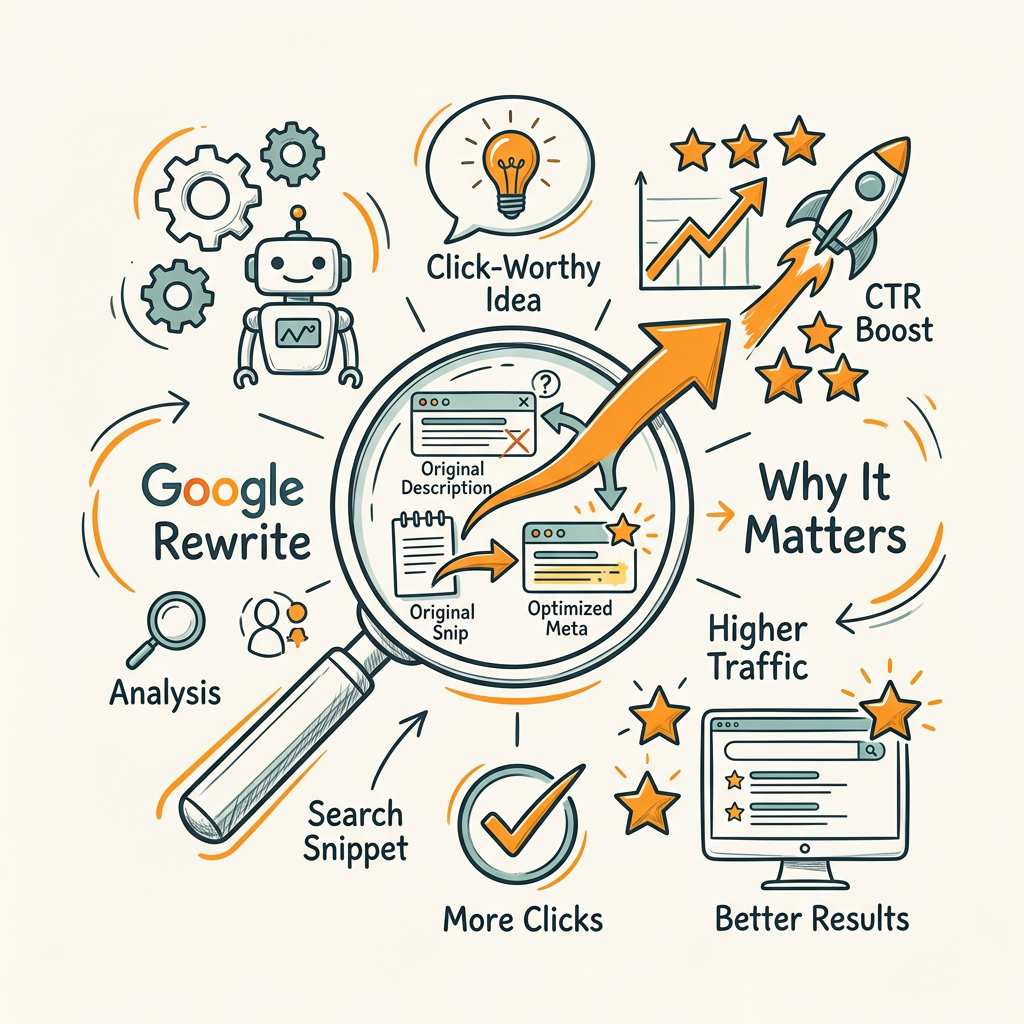
Google rewrites approximately 60–70% of meta descriptions in search results, depending on device and query context. On mobile, the rewrite rate climbs to 71%; on desktop, it sits around 68%. This is not a failure on your part. Google is optimizing for relevance on a per-query basis. If a searcher's query matches text deeper in your page better than your authored description, Google will pull that text instead.
"Google rewrites approximately 60–70% of meta descriptions in search results. This reality changes how you should approach meta description writing—front-load your core value prop so that even if Google rewrites part of your description, the essence remains visible."
This reality changes how you should approach meta description writing. Instead of trying to game Google's display, you should write a description that is both valuable to humans and defensible for Google's use. That means front-loading your core value prop so that even if Google rewrites part of your description, the essence remains visible. According to The GWW research on meta tags and CTR, alignment between your authored snippet and page content reduces unnecessary rewrites by 40%.
When Google Decides to Rewrite Your Description
Google rewrites your description when it detects a mismatch between your authored snippet and the search query. If someone searches "best CRM for startups" and your description says "Customer relationship management platform," Google will swap in text that better matches the query intent. You can't prevent this, but you can minimize unnecessary rewrites by aligning your description closely with your page's actual content and target queries.
Mobile vs. Desktop Truncation Patterns
Device-specific truncation is another rewrite trigger. A description that displays perfectly on desktop may get clipped mid-sentence on mobile. Google often rewrites to fit, or it pulls alternate text from the page. To defend against this, keep your core message within the first 120 characters on both devices. This ensures the key benefit is visible even if the rest is cut off.
Crafting Meta Descriptions That Convert Searchers to Clicks
The structure and tone of a meta description determine its click appeal far more than length or keywords. Research from Redtools' 2026 SEO report on meta titles and descriptions shows that descriptions starting with action verbs generate 17% higher CTR than those starting with nouns or adjectives. This isn't luck; it's psychology. Action language signals that your page delivers something concrete, not just information.
The Promise-Proof-Benefit Framework
High-performing meta descriptions follow a simple narrative arc: what you'll get (Promise), evidence it's legitimate (Proof), and why it matters (Benefit). Here's an example:
Weak: "Meta descriptions are HTML tags that describe page content."
Strong: "Learn how to write meta descriptions that boost CTR by 30% using our tested framework and live examples."
The strong version promises a specific outcome (boost CTR by 30%), hints at the method (tested framework), and implies immediate value (live examples). No fluff. Searchers know what they get.
Front-Loading the Value in First 120 Characters
Most searchers scan, not read. They see the first 50–80 characters instantly. The next 40–60 is peripheral. Anything beyond 120 characters is at risk of truncation on mobile and likely to be skimmed at best. Your most important claim—the reason someone should click—must land in the first 120 characters. If your page is about "how to build a content calendar," don't open with "A content calendar is a planning tool." Open with "Create a 30-day content plan in 2 hours using this template."
Using Active Verbs and Clear Calls to Action
Compare these two descriptions for a how-to article:
- Passive: "Information about optimizing meta descriptions for higher CTR."
- Active: "Discover 5 meta description templates that increase CTR by 20–30% with real examples from high-ranking pages."
The second uses "Discover" (action verb), adds specificity (5 templates, 20–30% boost), and mentions proof (real examples). Active voice makes descriptions feel urgent and benefit-driven. Words like "Learn," "Discover," "Find," "Unlock," and "Get" outperform passive constructions. Avoid filler: "It is important to understand" or "This page contains." Be direct.
Optimizing Meta Description Length for Visibility and CTR
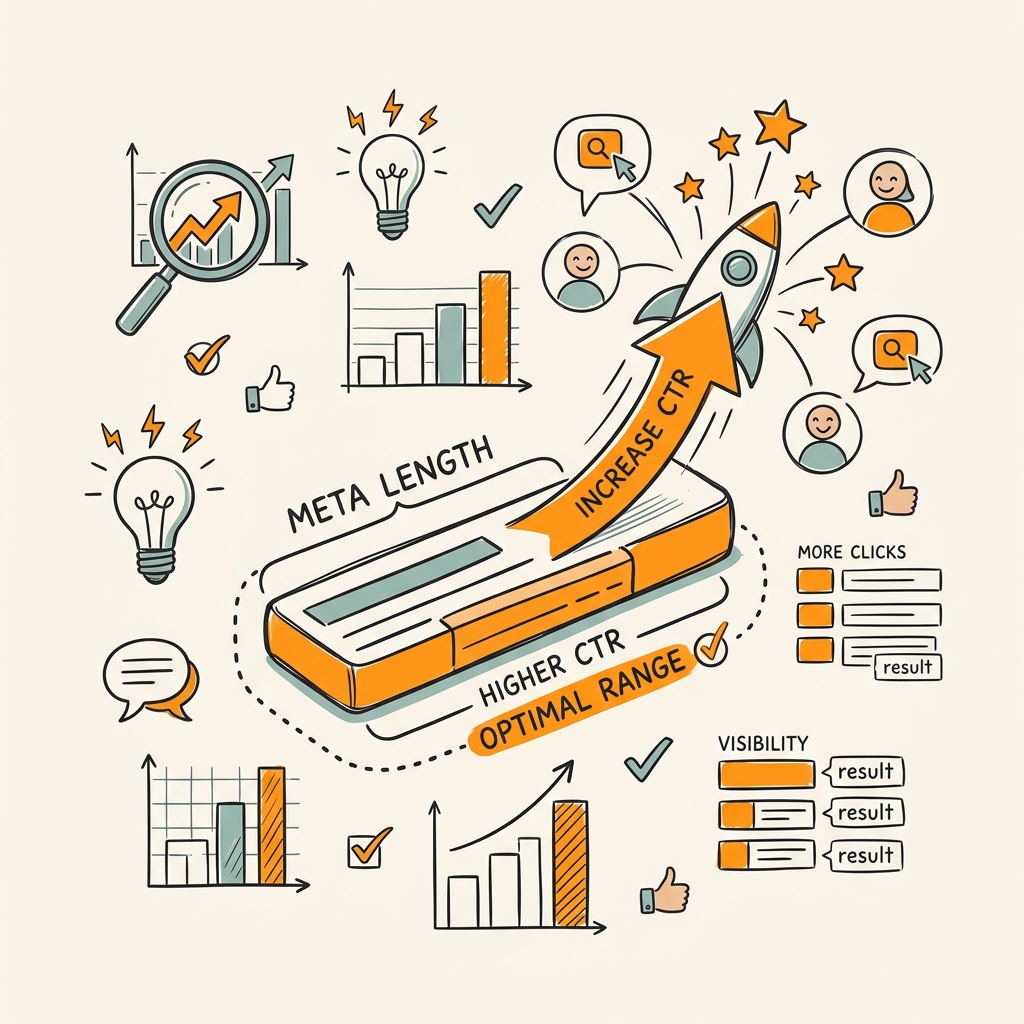
The "right" length for a meta description is often debated. Google doesn't enforce a character limit; display depends on available screen width and device. But practical data from multiple 2026 sources converges on clear targets: aim for 150–160 characters on desktop, 110–130 on mobile. This range reflects actual SERP display behavior across most devices and browsers.
Character Count vs. Pixel Width in Modern SERPs
Older SEO guidance fixated on character counts. Modern guidance is shifting to pixel width because truncation depends on screen size and font rendering, not character count alone. A description might be 155 characters but take up more horizontal space if it uses wide letters (m, w) versus narrow ones (i, l). In practice, the 150–160 character guideline still works because it accounts for most width variations. But if you're serious about testing, use SERP preview tools that show pixel-based rendering on your actual target devices.
Mobile-First Approach: The 120-Character Rule
Mobile SERPs display roughly 110–130 characters before truncation. But here's the key: not all users see the full description. Search context matters. Some queries show longer descriptions; some show shorter ones based on available space. The safest strategy is the "120-character rule": ensure your most critical message—the hook, the benefit, the reason to click—fits in the first 120 characters. Everything after that is a bonus that may or may not display. This discipline forces clarity and prevents you from burying your lead.
Avoiding Common Length Pitfalls
Too short (under 100 characters) and your description feels incomplete. Searchers assume you haven't fully answered their question. Too long (over 170 characters) and you're relying on truncated text that may not convey your full message. The sweet spot is 140–160 characters, giving you enough room for a benefit statement and a proof point without excessive risk of truncation.
Matching Meta Descriptions to Search Intent
The most underrated aspect of meta description optimization is intent matching. If your description doesn't align with why someone searched, Google will rewrite it or the searcher will click a competitor's result. Intent alignment means understanding the psychology behind the query and addressing it directly.
Identifying Intent Type: Informational, Commercial, Transactional, Navigational
Every search query has an intent behind it. Informational queries ("how to write meta descriptions") need descriptions that promise learning and clarity. Commercial queries ("best CRM software") need descriptions that position your comparison or review as authoritative. Transactional queries ("buy standing desk online") need descriptions that highlight selection, price, or speed of delivery. Navigational queries ("Jottler pricing") need simple, direct descriptions confirming the page content. A description that doesn't match the query's intent feels like a mismatch to both searchers and Google.
Tailoring Copy to User Expectations
If your page is a how-to guide, your description should promise a process and specific outcome: "Learn X in Y steps." If your page is a list, promise comprehensiveness: "The complete guide to X." If your page is a tool or product page, promise efficiency or results: "Save 5 hours per week with X." Match the description's tone and claim to what searchers are actually seeking. A page ranking for "quick way to improve CTR" needs a description that promises speed and efficiency, not a deep-dive masterclass. This is core to any systematic SEO strategy that scales organic traffic.
Avoiding Over-Optimization and Keyword Stuffing
The days of cramming keywords into meta descriptions are long past. Google ignores descriptions with obvious keyword stuffing, and searchers can smell desperation. A description like "meta descriptions meta description tips meta description best practices for meta description optimization" is not only unreadable but actively repels clicks. Write naturally. Include your primary keyword once if it flows. Prioritize readability over keyword density. The description's job is to convince a human that your page is worth their time, not to signal relevance to a machine.
Testing and Measuring Meta Description Performance
Optimization without measurement is guesswork. Google Search Console gives you the exact data you need: impressions, clicks, CTR, and average position. Use this to identify opportunities, test changes, and prove impact.
Using Google Search Console to Identify Weak Performers
In Search Console, navigate to "Performance" and sort by Impressions. Look for pages with high impressions but low CTR—these are your biggest opportunities. A page with 5,000 monthly impressions but a 2% CTR is losing roughly 100 clicks per month compared to a 4% baseline. That's measurable opportunity. Drill into these underperformers and audit their meta descriptions. Often, the description is vague, doesn't match the query, or simply doesn't compel clicks. These pages are your testing candidates.
A/B Testing Descriptions: Timeline and Methodology
Good meta description tests run for 4–8 weeks to account for seasonality and organic variation. Pick 5–10 similar pages (same content type, similar traffic level, similar position) and test one description change per page. Update the description, wait 4 weeks, and compare CTR before and after. Avoid changing multiple elements at once; you won't know what worked. Track these metrics: impressions (should stay stable), clicks, CTR, and average position. A successful test typically shows a 5–15% CTR lift, though results vary by industry and query competitiveness.
Scaling Insights to Similar Content and Page Templates
Once you identify a winning description pattern—maybe action verbs outperform descriptive openings on your site—apply it to similar pages. If you run an e-commerce site and notice that descriptions starting with "Get" drive higher CTR than those starting with "Buy," update your product page template. If you're a SaaS company and benefit-focused descriptions (e.g., "Save 10 hours per week") outperform feature-focused ones, bake that into your playbook. Scaling insights across your site multiplies the impact of a single test.
Automating Meta Description Creation at Scale
Manually writing unique, optimized meta descriptions for hundreds or thousands of pages is impractical. Most teams either reuse templates (which tanks CTR) or publish generic auto-generated descriptions (equally ineffective). The solution is smart automation: AI-assisted tools that research, write, and test meta descriptions while respecting your brand voice and SEO guidelines. This is where content marketing automation delivers measurable results by compounding consistent optimization across your entire site.
When Manual Workflows Break Down
For small sites (under 100 pages), manual meta descriptions are fine. For mid-sized sites (100–1,000 pages), it's manageable but time-consuming. For large sites or teams publishing constantly, it's impossible. A growing SaaS company publishing a new blog post every day needs new meta descriptions daily. A mid-market retailer with thousands of product pages can't craft unique descriptions for each manually. The cost in time and the risk of inconsistency or poor quality become unacceptable.
Automated Tools and AI-Powered Solutions
Modern automation handles several layers: first, research (understanding the page's content and target query intent), then writing (generating multiple description options that follow best practices), and finally, quality checks (ensuring descriptions are unique, within character limits, and free of errors). Tools that integrate with your CMS can publish directly, and those with Search Console integration can track performance over time. The best tools let you set guidelines—brand voice, keyword preferences, template structure—so automation respects your standards while eliminating grunt work. Building this kind of systematic approach is essential to any AI content strategy.
Building Description Playbooks for Consistency
Even with automation, consistency matters. Create description playbooks for each content type: one template for how-to articles, one for product pages, one for comparison reviews, and so on. Playbooks define structure (Promise-Proof-Benefit), tone (conversational or formal?), keyword placement rules, and length targets. Share these with your automation tool so it learns your preferences. As you test and find what works, update the playbooks. Over time, you build templates that reliably drive higher CTR because they're based on your data, not generic best practices.
Avoiding Common Meta Description Mistakes
Even well-intentioned teams make predictable mistakes that tank CTR. Here are the most common and how to avoid them.
Duplicate Descriptions Across Multiple Pages
Google penalizes duplicate meta descriptions as a signal of low-quality content. When two pages share the same description, Google can't distinguish between them and often removes one from indexing or ranks both poorly. More importantly, if a searcher sees the same description twice in a SERP, they'll click the higher-ranked result, wasting potential clicks on the lower page. Every indexable page needs a unique description tailored to its specific content and target query.
Mismatches Between Description and Page Content
If your description promises something your page doesn't deliver, you've wasted a click and trained Google that your page isn't relevant. Searchers bounce, Google takes note, and your ranking may drop. Every claim in a meta description—a specific statistic, a process, a feature, a price—must be present on the page. If you mention "learn 5 strategies," the page must have 5 clear strategies. If you mention a timeframe ("in 30 minutes"), the page must support that claim.
Keyword Stuffing and Over-Optimization
Descriptions packed with keywords look spammy and don't read naturally. "Best meta description, meta description tips, how to write meta descriptions, meta description length" is not a description; it's a keyword dump. Write for humans first. Your primary keyword will naturally appear if your description is well-aligned with the page's topic. Secondary keywords are a bonus, not a requirement.
Vague or Incomplete Descriptions
Generic descriptions like "This page is about meta descriptions" or "Learn more about SEO" don't compel clicks. They tell searchers nothing about why your page is different or better than competitors. Every description should include at least one specific detail: a number, a timeframe, a unique angle, or a benefit. "Learn how to boost CTR by 30% in 3 simple steps" beats "Tips for improving CTR" because it's specific.
Integrating Meta Descriptions Into Your Overall SEO Strategy
Meta description optimization doesn't exist in isolation. It's part of a broader system of SEO best practices that compound: quality content, internal linking, topical authority, and technical SEO. When combined, these efforts create a flywheel where better descriptions drive higher CTR, which improves ranking, which compounds visibility.
Meta Descriptions as Part of Your Content Strategy
Before you write a meta description, you need clear content. What is the page about? Who is the target reader? What query is it ranking for? What action do you want the reader to take? If you've done the work to define these, writing the description becomes straightforward. The description is your one-sentence pitch that ties together the page's content and the searcher's intent.
Syncing Descriptions with Internal Linking Strategy
Your internal linking strategy influences how searchers perceive pages. If you link to a page using the anchor text "learn meta description best practices," your meta description should reinforce that promise. Alignment between link context, page title, and description reduces friction and improves user experience. It also helps Google understand your content hierarchy and topical relationships.
Monitoring Description Performance as Part of Monthly SEO Reviews
Meta description optimization shouldn't be a one-time project. Set aside time monthly to review Search Console data, identify underperforming pages, and test new descriptions. Track CTR trends by content type and query category. As you publish new content, systematically apply your best practices. Over a year, this disciplined approach compounds into measurable traffic gains. A systematic content marketing framework ensures description optimization becomes part of your routine rather than an afterthought.
| Description Attribute | Low-Performing Example | High-Performing Example | CTR Impact |
|---|---|---|---|
| Opening Verb | "This page contains information about..." | "Learn how to write meta descriptions..." | +17% (action vs. passive) |
| Specificity | "Tips for improving your website." | "5 proven ways to boost CTR by 30% in 3 weeks." | +20–25% (specific claims) |
| Character Length | Under 100 or over 170 characters | 150–160 characters (desktop), 120 within key message (mobile) | +8–12% (better visibility) |
| Alignment with Intent | "About meta descriptions" (for "how to optimize") | "Discover meta description templates that drive 30% higher clicks." | +15–20% (intent match) |
| Uniqueness | Same description used on 10 similar pages | Unique description per page reflecting specific content | +10–30% (vs. duplicate) |
Conclusion
Meta descriptions are your silent salesperson on search results pages. While they don't directly boost rankings, optimized descriptions drive 20–30% higher click-through rates, which signals quality to Google and multiplies your organic traffic. The leverage is enormous and often overlooked.
The path forward is clear: front-load your value in the first 120 characters, use action verbs, match intent precisely, test over 4–8 week windows, and scale what works across similar pages. Monitor performance in Google Search Console monthly, and build description playbooks for each content type so consistency becomes automatic.
For teams publishing constantly—daily blog posts, weekly new products, regular content updates—manual meta description writing becomes a bottleneck. This is where smart automation compounds the advantage. Jottler's AI agents research page intent, craft unique descriptions within your guidelines, and monitor performance in Search Console so you don't have to. Start by auditing your top 50 underperforming pages in Search Console. Test new descriptions on 5–10 of them. Measure the lift. Multiply. Start your SEO agent to automate this process across your entire site.
FAQs
How many characters should a meta description be?
Most sources recommend 150–160 characters for desktop display and 110–130 for mobile. However, the most critical rule is to place your core message within the first 120 characters to ensure visibility on mobile devices and protect against truncation. Google doesn't enforce a fixed limit because display depends on screen width and device; these targets reflect practical behavior across current SERPs. Test with SERP preview tools to see how your descriptions render on your target devices.
Do meta descriptions affect SEO rankings?
Meta descriptions do not directly influence your ranking position—Google has confirmed this repeatedly. However, they indirectly affect rankings through click-through rate. Higher CTR signals to Google that your result is relevant and valuable, which can improve your ranking over time as engagement lifts. In competitive SERPs, the difference between a 2% CTR and a 4% CTR can mean the difference between page two and page one. The real power of meta descriptions is not in signals to Google's crawler, but in signals from user behavior.
How do I know if my meta descriptions are working?
Use Google Search Console to track clicks, impressions, and click-through rate for each page. Pages with high impressions but low CTR (below 2%) are underperformers worth optimizing. Compare your CTR before and after making description changes by reviewing data from 4–8 week periods to account for seasonal variation. Track trends by content type to identify patterns. Pages with specific claims and action-oriented language typically show 5–15% CTR improvements when rewritten.