Workflow Automation for Content Distribution
Most content teams spend 10–15 hours per week on distribution tasks alone—researching channels, scheduling posts, monitoring analytics, and manually promoting across platforms. The problem compounds when teams manage multiple content pillars, social networks, email lists, and syndication partnerships simultaneously. 72% of marketing teams struggle with multi-channel content distribution, and without a centralized workflow, quality and consistency suffer. The fix? Workflow automation that orchestrates every step of distribution from a single hub, multiplying your output without multiplying your headcount.
Key Takeaways
- Workflow automation saves marketing teams 10–15 hours per week per person on distribution tasks (2026, InfluenceFlow)
- Automation ROI averages $5.44 returned per $1 invested across platform and integration costs, with payback in 3–6 months (2026, DigitalApplied)
- Social automation drives 20–30% engagement lift per post and reduces content-creation time by 30% (2026, Templated)
- Multi-Channel Orchestration: Distribute content to email, social, owned media, and paid channels from a single workflow without manual republishing.
- AI-Powered Scheduling & Optimization: Let algorithms determine best posting times, content variations, and channel prioritization based on real performance data.
- Reduced Distribution Friction: Eliminate repetitive tasks like resizing, formatting, and cross-posting so your team focuses on strategy, not logistics.
- Built-In Tracking & Analytics: Monitor distribution performance across every channel and automatically adjust workflows based on what's working.
- Scalable Content Repurposing: Turn one piece of cornerstone content into multiple channel-optimized assets without rebuilding from scratch.
What Is Workflow Automation for Content Distribution?
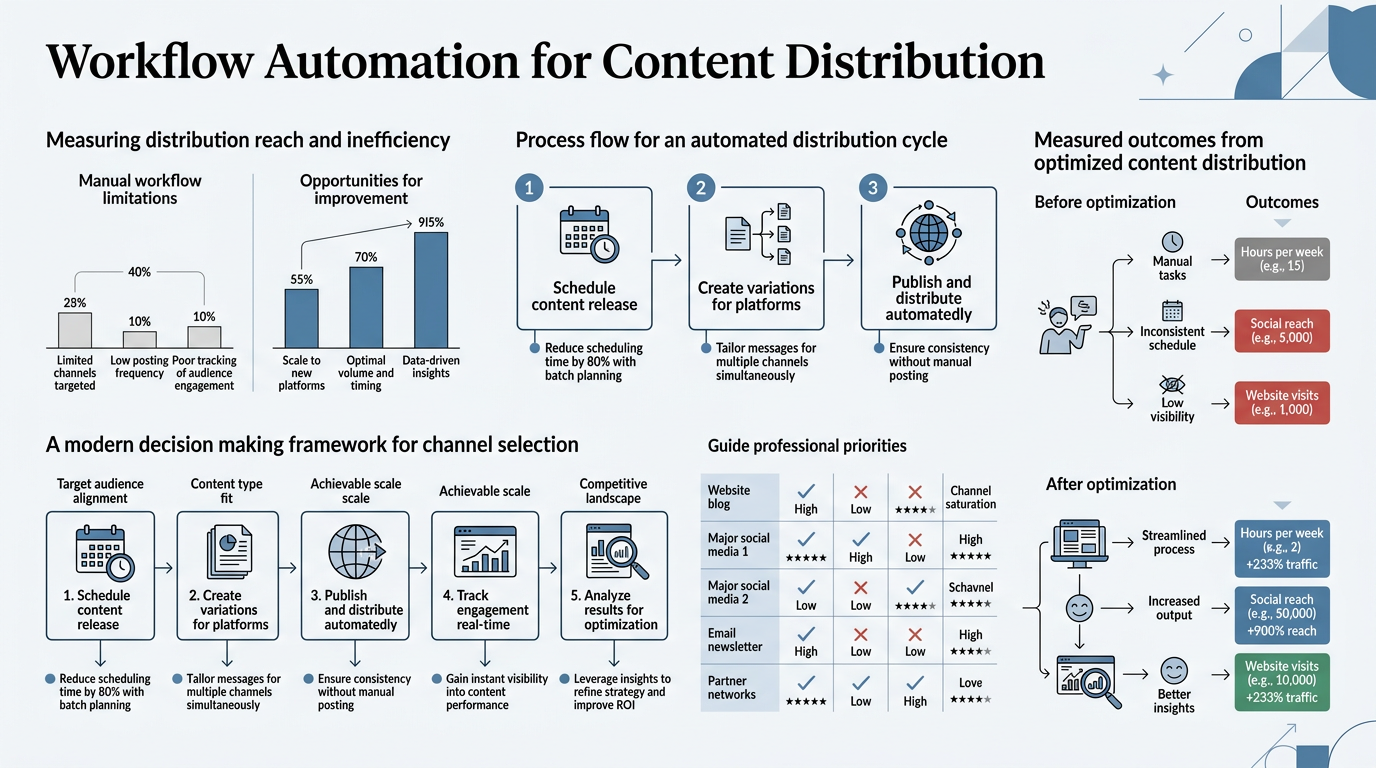
Workflow automation for content distribution means using software and AI to orchestrate how content moves from creation through publishing to promotion across multiple channels in a coordinated, rules-driven system. Instead of manually uploading a blog post to your website, scheduling it on social media, drafting an email, and then monitoring engagement separately, automation handles all of those steps in sequence—triggered by a single event or command.
The goal is to compress weeks of distribution effort into a repeatable, hands-off process. Workflow automation platforms connect apps, trigger actions, and manage progress from start to finish without constant supervision, feeding content through email lists, social channels, and syndication networks while maintaining brand consistency and tracking every touchpoint.
Why Distribution Has Become a Bottleneck
Content creation is only half the battle. Once a blog post, video, or guide is finished, it sits idle unless someone actively distributes it. Most teams publish to their website, maybe share once on LinkedIn, and call it done. But 72% of marketing teams report that managing distribution across multiple channels is their biggest operational pain. The friction comes from process fragmentation: your blog publisher doesn't talk to your email platform, which doesn't talk to your social scheduler, which doesn't feed into your CRM or analytics dashboard.
"Every manual handoff introduces delays and errors. A founder or content manager has to remember to format assets for each platform, write different copy variations, schedule posts at optimal times, and then manually check engagement metrics across six different dashboards."
Over a year, that's hundreds of lost hours and dozens of content pieces that never reach their full distribution potential. Marketing automation statistics for 2026 confirm that teams without automated workflows lose significant efficiency gains compared to those using orchestrated platforms.
How Automation Compresses the Distribution Timeline
Automation collapses the distribution process into a unified pipeline. When a new content asset is published—whether a blog article, case study, or long-form guide—a well-designed workflow triggers a sequence of automatic actions: email goes to your subscriber list, social posts are scheduled across LinkedIn, Twitter, and Facebook with platform-optimized formatting, notification goes to your team in Slack, and relevant internal links are queued for future updates. The entire sequence happens in minutes, not hours.
For growing teams especially, this matters. A founder or marketer typically has three hours a week maximum for content distribution. Automation lets that same person distribute 3–5 pieces of content instead of half of one, because the repetitive work is now handled by rules and triggers. Content automation tools that include research, writing, and publishing in one pipeline compress this even further—removing the fragmentation that usually exists between content creation and distribution systems.
How Does Workflow Automation Improve Content Reach?
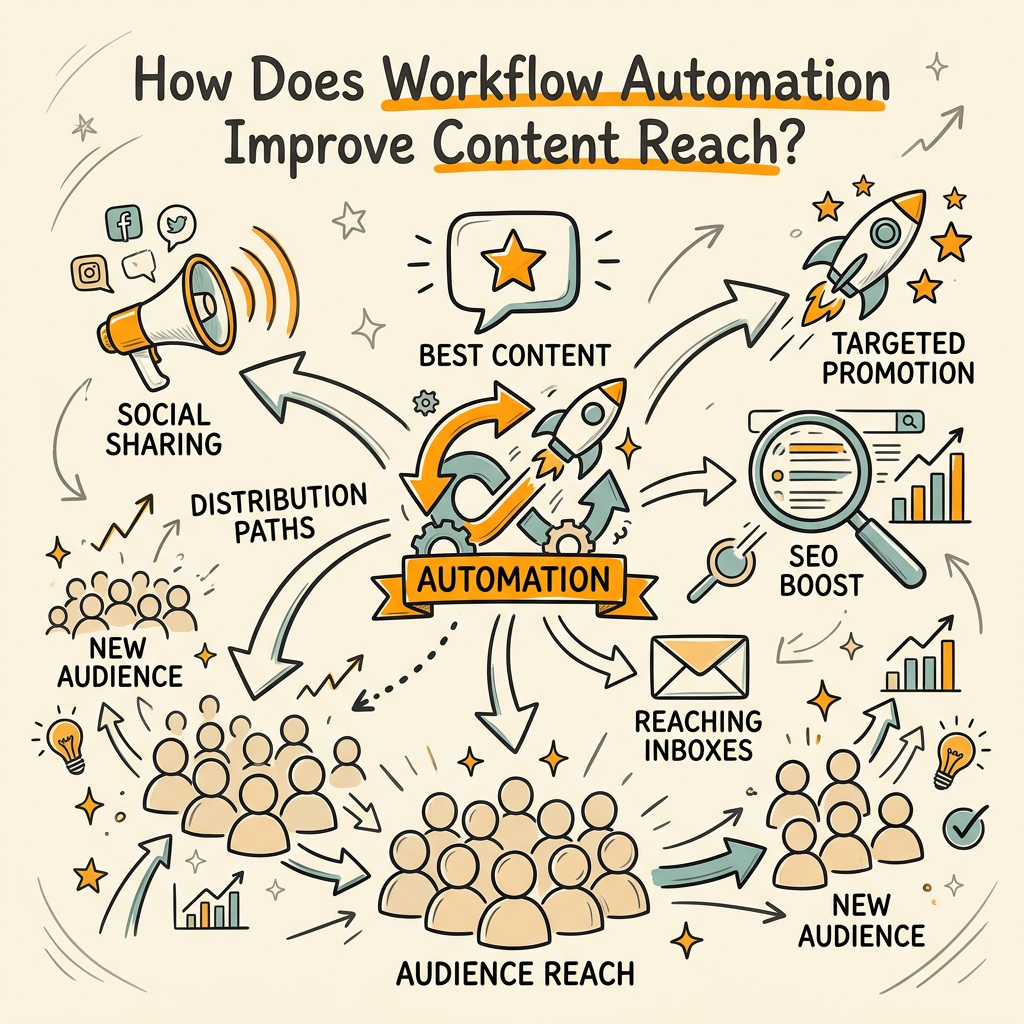
Better reach comes from two levers: consistency and optimization. Teams that automate posting report 20–30% engagement lift per post and reduce distribution time by 30%, according to 2026 data. But those numbers hide the real mechanism.
"Automation forces discipline. When distribution is manual, it's sporadic—posts happen when someone remembers, often at odd hours when your audience isn't watching. Automation ensures posts go out at the statistically optimal time for each platform, every single day."
It also ensures that high-performing content gets distributed to every channel where it's relevant, not just the channels that your team gets around to.
Channel-Specific Optimization and Personalization
Effective automation doesn't treat all channels the same. A LinkedIn article needs a formal summary and a link back to the original post. A Twitter/X thread needs to break down the same idea into 280-character bites. An email needs urgency and a call-to-action. Manual content cross-posting usually means copy-pasting the same text everywhere and hoping it sticks. Workflow automation lets you define channel-specific templates and transformations so each post is tailored to its audience without manual intervention.
SEO automation platforms that handle research, writing, and publishing in one coordinated pipeline position your content for multi-channel distribution from the start. Instead of writing once and distributing manually, these systems research topics, optimize for search intent, and structure content with built-in pull quotes and section breaks designed for repurposing across email, social, and syndication channels.
Behavioral Triggers and Dynamic Distribution
Advanced workflows use behavioral data to decide where and when to amplify content. If a blog post is getting high engagement in your analytics, automated promotion systems can detect that signal and increase its visibility on social or through paid amplification. If an email campaign is underperforming, a rule might automatically reduce send volume or shift the next message to a different audience segment. Automation turns distribution from a static, one-and-done event into a responsive system that adapts in real time.
What Tools and Platforms Enable Distribution Automation?
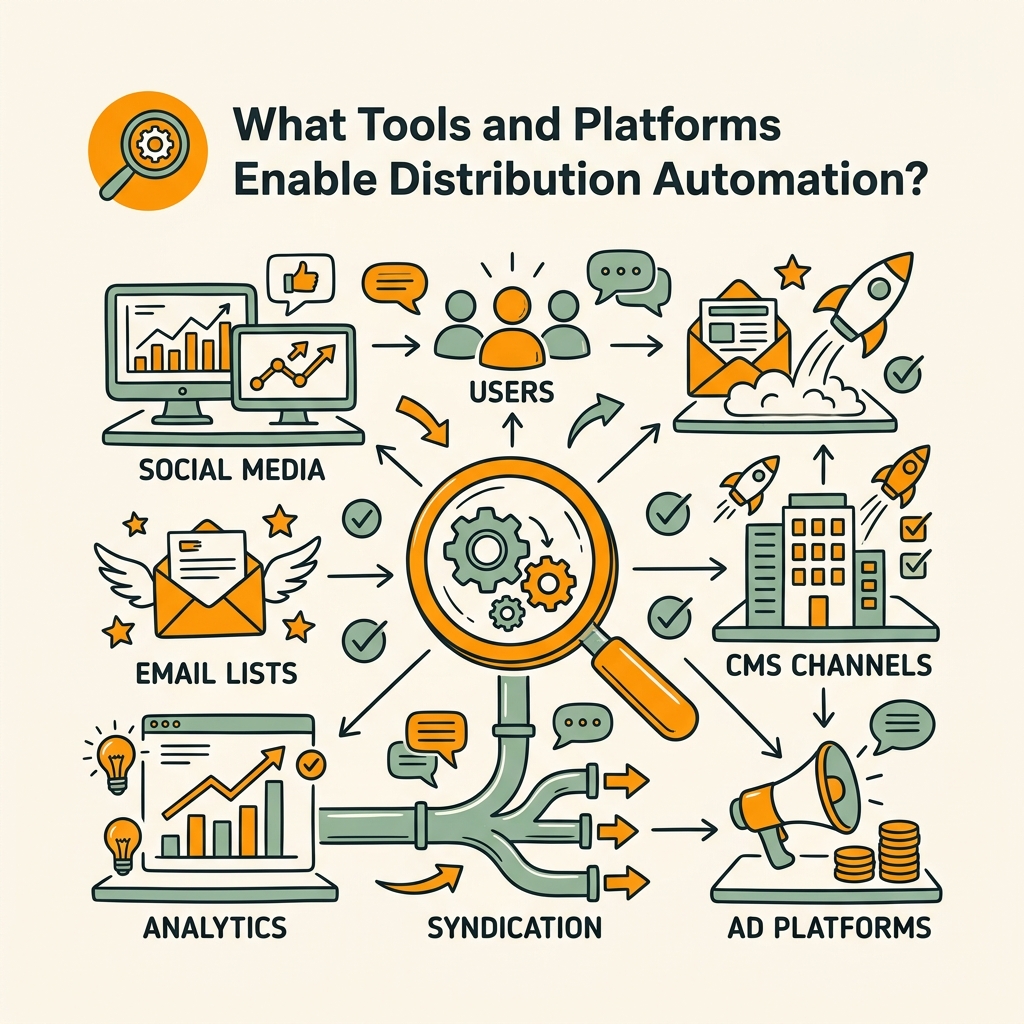
The workflow automation stack typically includes four categories of tools: content management and CMS platforms, email and list management systems, social media schedulers, and analytics and performance tracking tools. The best workflows integrate all four.
Core Platform Categories
Most teams start with a marketing automation platform that acts as the orchestration hub—tools like HubSpot, Marketo, or Activepieces that connect your CMS, email provider, social accounts, and analytics into a single interface. These platforms define the workflow rules, triggers, and actions so that when one event happens (like publishing a new blog post), everything downstream fires automatically.
- CMS and Publishing: Your website's content management system (WordPress, HubSpot CMS, Ghost, etc.) is the source. Modern platforms include APIs that fire webhooks when new content is published, triggering distribution workflows downstream.
- Email Platforms: Tools like ConvertKit, Mailchimp, or ActiveCampaign handle list segmentation, sending, and tracking. Workflows integrate here to auto-send emails to subscribers when content matches certain topics or tiers.
- Social Schedulers: Buffer, Later, or built-in scheduler APIs handle posting to Facebook, Instagram, LinkedIn, Twitter, TikTok, and YouTube on a schedule while tracking engagement.
- Analytics and Data: Platforms like Google Analytics, Segment, or Mixpanel aggregate performance data and feed it back into your workflows to inform real-time optimization decisions.
The missing piece for most teams is the automation layer itself—the system that orchestrates all four categories and defines what happens when. That's where solutions like Jottler differentiate themselves. Rather than requiring teams to manually build Zapier automations or write custom code, autonomous SEO agents orchestrate the full content pipeline from research through publishing, with internal linking and CMS publishing built into the workflow by default.
Comparison: Manual vs. Automated Distribution Workflows
| Workflow Element | Manual Process | Automated Workflow |
|---|---|---|
| Time to distribute one piece | 1–2 hours per asset | 5–10 minutes (system-driven) |
| Channel coverage | 2–3 channels typically | 5–8 channels consistently |
| Posting schedule consistency | Sporadic, weekday business hours only | Optimal times 24/7, data-driven |
| Content repurposing | Manual variant creation, high error | Automatic templating per channel |
| Performance tracking | Manual dashboard checking, delayed insights | Real-time data aggregation and alerts |
| Setup friction | None (but ongoing cost) | Initial integration (one-time) |
| Monthly hours invested | 40–60 hours for one person | 5–10 hours for workflow maintenance |
How to Implement Workflow Automation for Content Distribution
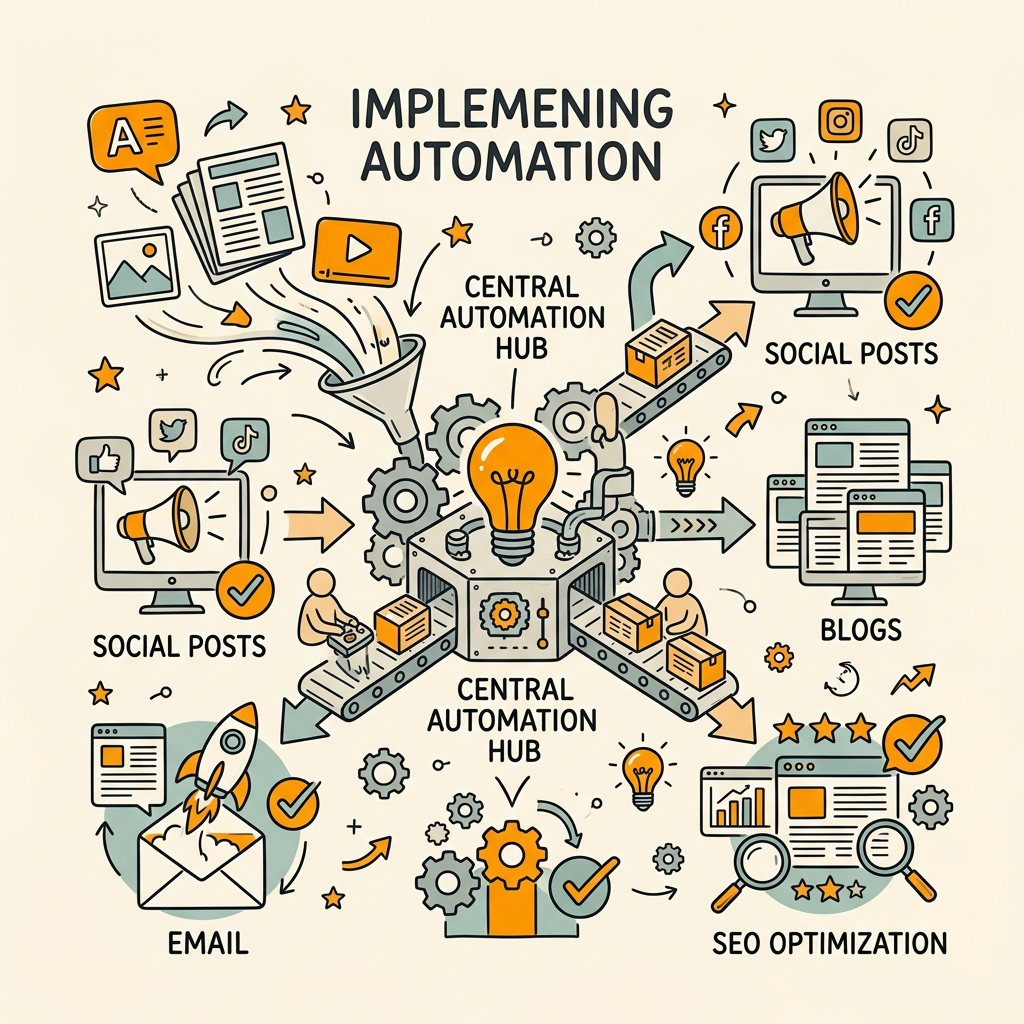
Implementing distribution automation doesn't require a complete rebuild. Most teams can start small and iterate toward full multi-channel orchestration over 6–8 weeks. The key is starting with one high-value workflow, measuring results, and expanding from there.
Step 1: Map Your Current Distribution Process
Before automating, document exactly what you're doing now. Create a simple flowchart: Does a blog post trigger an email to your list? Does it go to social immediately or after a delay? Are there manual review steps before publishing? Who is doing each task, and how long does it take? This map reveals which tasks waste the most time and which, if automated, would have the biggest impact.
Most teams find that 60–70% of their distribution effort is pure logistics: resizing images, formatting text for different platforms, scheduling posts, and sending follow-up emails. These are the first targets for automation. Tools designed for marketing teams should handle distribution logistics automatically, freeing your attention for strategy.
Step 2: Choose Your First Workflow (Start Narrow)
Don't automate all distribution at once. Pick one high-volume content type and one distribution channel. For example: "When a new blog post is published, automatically send an email to our subscriber list and schedule a LinkedIn post." This gives you a quick win and proves the model before expanding.
The best first workflows are those that happen repeatedly (so automation compounds savings over time) and involve multiple manual steps (so automation saves the most time). Email distribution on blog publication is ideal because it touches 3–4 manual tasks (drafting, sending, tracking) and happens every week or more.
Step 3: Configure Your Automation Platform
Connect your CMS to your email platform and social scheduler. Most platforms offer native integrations or can be connected via Zapier or Make. Define a trigger (new blog post published), conditions (if post has certain tags or is in certain categories), and actions (send email, schedule social post, notify team in Slack). Test with one piece of content first before going live.
This is where platforms like Jottler accelerate the process. Instead of configuring separate integrations across email, social, and CMS, Jottler handles the entire research-to-publishing workflow as a unified pipeline. Your distribution automation starts with better content—fully researched, fact-checked, and formatted—and includes automatic internal linking and CMS publishing, eliminating the fragmentation most teams experience.
Step 4: Measure and Iterate
Run the first workflow for 2–4 weeks and track three metrics: (1) time saved per piece of content, (2) increase in total distribution volume, and (3) engagement and traffic lift from channels that were previously receiving less attention. If metrics improve (and they usually do), expand to a second workflow. If not, debug the trigger conditions or channel selection.
After 4 weeks of email automation, add social media scheduling. After 6 weeks, scale your SEO content strategy by adding organic traffic channels that compound over time, moving beyond social into owned media and paid amplification. The compound effect is significant: teams that move from manual to 80% automated distribution often see 30–50% more page views per month within the first quarter, simply because more content reaches more people more consistently.
Step 5: Build Feedback Loops
The best workflows adapt over time. Add rules like: "If email click-through rate drops below 10%, automatically reduce send frequency" or "If social engagement rate exceeds 5%, amplify that post with paid promotion." Feedback loops turn static automation into a self-optimizing system that improves month over month without additional manual input.
This is where AI-powered platforms shine. The best AI SEO tools include performance monitoring and automated optimization, so your distribution compound effect grows as the system learns which topics, formats, and distribution channels drive the most traffic back to your site.
Key Challenges and How to Overcome Them
Workflow automation isn't plug-and-play. Teams often hit four common friction points when implementing distribution automation.
Integration Complexity and Data Silos
Most platforms don't talk to each other natively. Your CMS publishes to a URL, but your email platform doesn't automatically pull that URL. Your social scheduler posts on a schedule, but your analytics tool doesn't know which post came from which source. This fragmentation means teams either stay manual or spend weeks writing Zapier automations.
The fix is to choose a unified platform from the start rather than trying to stitch together five different tools. Platforms designed for end-to-end automation—from content creation through distribution and analytics—avoid this penalty. Jottler, for instance, integrates research, writing, publishing, and linking into one pipeline so data flows naturally without manual handoffs or integration config hell.
Brand Voice Consistency Across Channels
Automation can feel robotic if not tuned correctly. Automated social posts that are too short or too formal, emails that don't match your existing voice, and templated content that looks obviously generated all undermine trust. The solution is to invest time in brand guidelines and channel-specific templates upfront. Once those are defined, automation becomes an asset instead of a liability.
Write a template for how blog posts become LinkedIn posts (formal tone, long-form), how they become Twitter threads (punchy, shorter), and how they become emails (urgency, clear CTA). Then let automation apply those templates consistently. This takes 2–3 hours to set up once and saves hundreds of hours forever.
Debugging Failed Workflows
When a workflow breaks (and it will), the cost is high. An automation rule fires incorrectly and suddenly your email platform sends 5,000 duplicate emails, or your social scheduler posts the same content twice in an hour. Debugging requires access to logs, understanding the trigger-action chain, and the ability to pause workflows in real time.
Platforms with good observability—clear logs, error alerts, and one-click pause/resume buttons—reduce this risk substantially. Set up notifications so your team is alerted when a workflow executes, and especially when it fails. This gives you a control mechanism even in a mostly automated system.
Over-Optimization and Alert Fatigue
It's tempting to add 20 rules and conditions to a workflow to optimize for every edge case. "If it's a Tuesday and temperature is above 70 degrees, send at 9 AM" type thinking. This usually backfires. Workflows become brittle and hard to maintain. Team members get alert fatigue when they're pinged for every variation.
Keep workflows simple. Define 3–5 core rules and test them for 2–3 months. Then iterate. Simplicity wins because it's maintainable, debuggable, and more likely to actually run without breaking.
Best Practices for Scaling Distribution Automation
As your automation matures, these practices help distribute more content with less overhead.
Build Content Assets for Distribution from Day One
Don't write blog posts and then try to retrofit them for social media. Design content with distribution in mind. A 3,000-word blog post should be written with built-in pull quotes, statistics, and section headers that can be auto-extracted and repurposed as social snippets. Include internal links and related topic references so automation can recommend sister content to promote alongside the main piece.
Platforms like AI article generators that actually rank automatically structure content for SEO and multi-channel distribution can generate material with built-in distribution friendliness from the start—every article is researched across multiple sources, formatted for featured snippets, and linked to related content so distribution automation has high-quality material to work with from the beginning.
Standardize Channel Categories
Not all content fits all channels. A deep technical guide is perfect for LinkedIn and your blog, but probably not Twitter/X. A quick statistical insight might be great for Twitter but needs more context for email. Define content categories (thought leadership, product update, customer story, industry data, etc.) and map each to the channels that work best for it. Then let automation only send to relevant channels.
This prevents channel dilution and keeps your audience from seeing content that feels out of place on their platform.
Create Frequency Guidelines Per Channel
Automation can turn quantity into a liability if you're posting too frequently. Define how often each channel should get content: LinkedIn might be 2–3 times per week, Twitter/X might be daily, email might be weekly. Build these guardrails into your workflows so automation respects frequency even as content volume increases.
Monitor Automation Performance Monthly
Set a monthly review cadence where you check: Are workflows executing as intended? Are you hitting your distribution targets? Are engagement rates stable or improving? Are there new failure modes? A 30-minute monthly audit prevents small issues from becoming big problems and gives you data to justify additional automation investment.
Conclusion
Workflow automation for content distribution is no longer a competitive advantage—it's table stakes. Teams that move distribution from manual processes to orchestrated, rules-driven workflows compress months of work into weeks and multiply their reach without adding headcount. Automation saves 10–15 hours per week per team member, returns $5.44 for every dollar invested, and drives 20–30% engagement lift per post when implemented correctly.
The path forward is clear: map your current process, start with one high-value workflow, measure the impact, and expand. Within 6–8 weeks, you'll go from spending half your time on logistics to spending it on strategy. That's where the real competitive advantage lives.
If you're managing content distribution manually across multiple channels right now, the math is simple: every hour you spend on scheduling, formatting, and posting is an hour not spent on content strategy, audience building, or revenue-generating work. Automation compounds—not just in time saved, but in reach, consistency, and ultimately, in the organic traffic and leads your content generates. Start your SEO agent to automate research, writing, publishing, and distribution at scale. Visit https://jottler.co/auth/signup to begin.
FAQs
How much time can workflow automation actually save?
Teams typically save 10–15 hours per week per person after implementing distribution automation. This comes from eliminating manual scheduling, cross-posting, format conversion, and channel-specific editing. For example, if your team currently spends 8 hours per week uploading content to different platforms, automating that task alone saves 30+ hours per month. Early months often show even higher savings because you're removing backlog and duplicate work. ROI typically hits within 3–6 months when you factor in platform costs and setup time.
What's the easiest way to start automating content distribution?
Start with email distribution on blog publication. This single workflow is high-impact, easy to set up, and repeatable weekly. Connect your CMS (WordPress, HubSpot, Ghost, etc.) to your email platform (Mailchimp, ConvertKit, ActiveCampaign) via a native integration or Zapier. Define a trigger: when a new blog post is published, automatically send an email to your subscriber list with a link. Test with one piece of content. Track open and click rates for two weeks. If metrics improve, add social posting to the workflow. This phased approach lets you prove value before investing in more complex multi-channel automation.
Do I need a developer to set up workflow automation?
No. Most modern automation platforms are designed for non-technical teams and offer drag-and-drop workflow builders with no code required. Tools like Jottler, Zapier, and Activepieces let you define triggers and actions visually without writing code. The setup typically takes 30–60 minutes for a simple workflow. Where developers add value is in debugging complex integrations or building custom logic—but for standard distribution workflows (email on publish, social scheduling, CRM updates), marketer-level technical literacy is enough.